
Best Wishpond Integrations: 6 Apps by Workflow and Fit
Find the best Wishpond integrations for campaign exports, landing-page chat, CRM handoffs, and recurring email verification. Compare six apps by workflow.

Which Wishpond integrations should I choose?
Choose Wishpond integrations by the handoff: LiveChat for landing-page conversations, Insightly or OnePageCRM for campaign exports, and Zapier for list-based routing. Clio suits legal-contact workflows. Add mailfloss for recurring Wishpond cleaning and Instafloss signup checks, with a first-class real-time API for developers and AI agents.
Choose Wishpond integrations by the handoff: LiveChat for landing-page conversations, Insightly or OnePageCRM for campaign exports, and Zapier for list-based routing. Clio suits legal-contact workflows. Add mailfloss for recurring Wishpond cleaning and Instafloss signup checks, with a first-class real-time API for developers and AI agents.
By mailfloss
Which Wishpond integration fits the job you need done?
The best-fit Wishpond integration is the one that moves the right information to the right destination. Start by writing the handoff you need: a visitor needs an answer, a campaign entrant needs a sales owner, or an existing contact needs a place in a specific follow-up list. Those are different jobs, even when an integration directory gives each one the same small square logo.
This shortlist uses four editorial criteria: the documented Wishpond connection point, the direction of movement, the destination object, and the evidence you should collect before enabling automation. We have not assigned performance scores or conducted a comparative product test. Entry numbers organize the guide; they do not declare an overall winner.
App | Best-fit job | Documented connection | Acceptance question |
|---|---|---|---|
LiveChat | Help visitors on a campaign page | Script installed in Wishpond's landing-page editor | Does chat work on the published campaign? |
Insightly | Hand campaign entries to an existing CRM team | Wishpond campaign export; separate import route | Did the intended records travel in the intended direction? |
OnePageCRM | Send campaign leads to a sales follow-up system | Campaign export with list and export-mode selection | Does the destination provide enough context to act? |
Zapier | Route a selected Wishpond list into another workflow | Wishpond lead and list triggers and actions | Did only the intended list activate the handoff? |
Clio | Connect a law firm's contact workflow with Wishpond | Zapier-mediated contact-to-list recipe | Does the Wishpond lead exist before list assignment? |
mailfloss | Maintain email quality around Wishpond campaigns | Connected cleaning plus a separate verification API | What happens after a verification result? |
The linked setup guides below are the basis for these connection descriptions. Documentation reviewed September 23, 2026. Some Wishpond-hosted walkthroughs use older interface labels; confirm the connector in your account before committing to a migration or purchase. A surviving guide is useful evidence of a documented route, but it is not an authenticated test of your account.
1. LiveChat: best for conversations on Wishpond landing pages
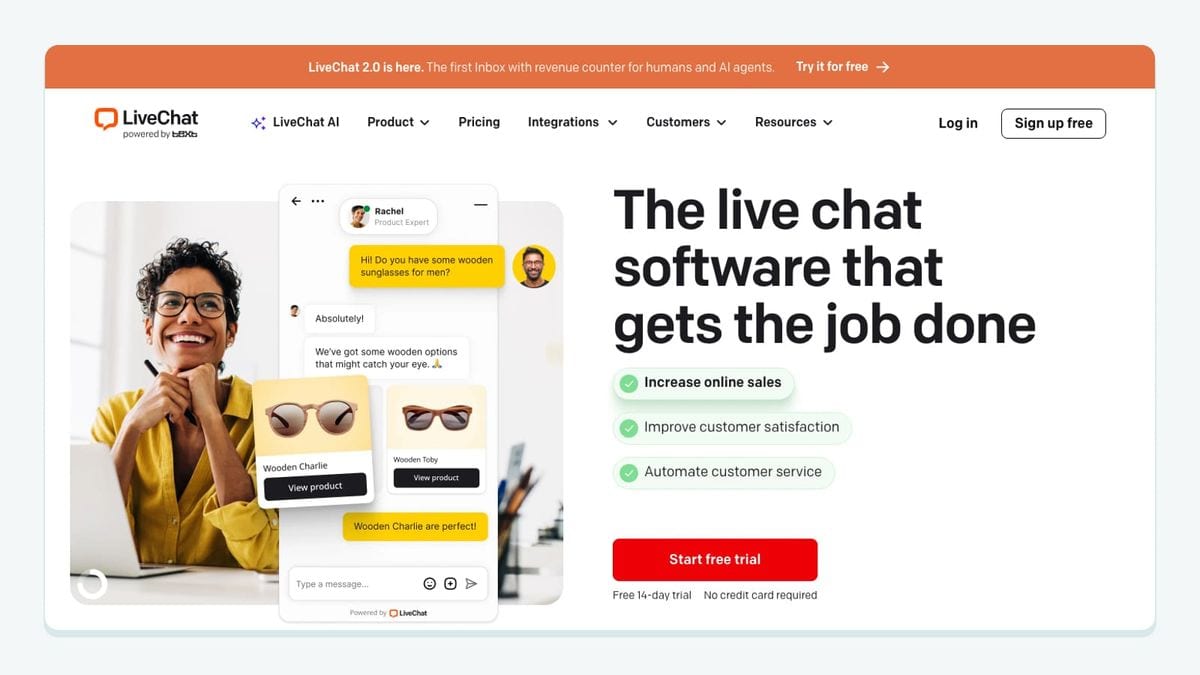
LiveChat fits a Wishpond campaign where visitors need help before deciding whether to submit a form. Its documented installation is specific: open the campaign, enter Landing Page Design, add the tracking code under Custom Javascript, save, and publish. LiveChat's Wishpond installation guide explains that sequence and was updated November 4, 2024.
Our recommendation is to use this connection when the unanswered question is close to the conversion. For example, a prospect considering a consultation may need to clarify who the service is for. A campaign owner should give the chat operator the same offer wording used on the landing page, including any conditions that might otherwise require a second conversation.
Test the public campaign URL after publishing. Open it as a visitor would, send a test question, and have the intended operator answer it. Record whether the visitor can still reach the form and whether the conversation gives the operator enough campaign context. Repeat that check on a phone if mobile visitors matter to the campaign.
Treat any requirement to save the conversation against a Wishpond lead as a separate project. The installation guide documents page chat; it does not establish lead creation, transcript mapping, or list assignment. Define those requirements explicitly before assuming they come with the widget.
2. Insightly: best for campaign exports into an existing CRM workflow
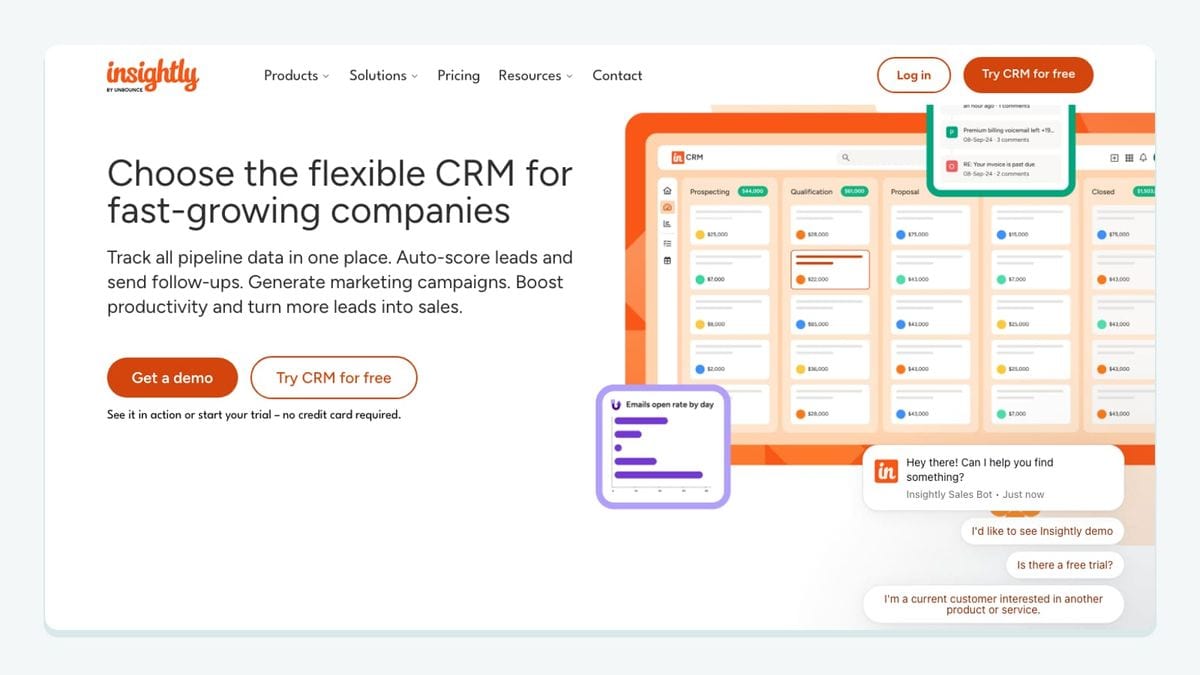
Insightly is a sensible candidate when your sales team already works there and needs Wishpond campaign entries. Wishpond's guide starts in the campaign dashboard, uses Export Entries – Integrated Apps, and connects Insightly with an API key from its User settings. It then describes list selection and a choice between automatic and one-time export. Importing contacts back starts separately in Leads Database → Import Leads. Wishpond's Insightly walkthrough documents these routes.
Choose the direction before choosing the schedule. For an initial evaluation, we recommend a small one-time handoff with recognizable test records. Write down which campaign the records came from and what the sales team should do with them. Ask the receiving person to explain the next action using only the destination record. If they need to reopen the campaign and guess, the handoff is missing context.
The separate import route deserves its own acceptance case. Do not use a successful export as proof that edits, removals, or email permissions travel back automatically. Decide which application owns each important field, then check those fields in both places after your test.
Keep the first rollout narrow: one campaign, one receiving team, and one owner responsible for correcting mismatches. That makes it easier to distinguish a mapping problem from a sales-process problem. Broaden the rollout after the receiving team can consistently recognize and act on the transferred records.
3. OnePageCRM: best for campaign leads that need a clear sales follow-up
OnePageCRM belongs on the shortlist when a Wishpond campaign is meant to start a sales conversation. Its Wishpond-hosted walkthrough uses the campaign's Export Leads – Integrated Apps menu, followed by account connection, list selection, and an automatic or one-time export choice. It also documents a separate Leads Database → Import Leads route. Wishpond's OnePageCRM guide provides the setup outline.
Our selection rule is practical: prefer the CRM the receiving salespeople will actually use, then verify that the transferred record tells them why the person raised their hand. Avoid buying a second CRM solely because its name appears in an integration directory.
Prepare two example campaign entrants with different reasons for contacting you. Give the receiving salesperson a simple task: identify which offer each person responded to and state the appropriate next step. This is an acceptance exercise, not a claim that the connector transfers every field you want. If essential context is missing, investigate the available mapping before enabling ongoing exports.
Also test what your team intends to do when a previous lead responds again. Should that produce another task, enrich an existing record, or simply alert the owner? Document the desired outcome first. The linked walkthrough does not settle duplicate matching, field precedence, or follow-up task creation, so those behaviors need direct confirmation.
4. Zapier: best for routing a specific Wishpond list
Zapier is useful when the handoff needs a Wishpond event as its starting point. Its Wishpond connector distinguishes New Lead from New Lead on List. It also exposes separate Create Lead and Add Lead to List actions; the latter is described as adding an existing lead. Zapier's Wishpond action directory lists the available operations.
That distinction gives you a concrete design choice. If your campaign process deliberately places ready contacts in a particular list, consider using that list as the boundary for downstream work. First explain what membership means in plain English. A name such as “Ready for consultation follow-up” is useful only if your team agrees on what makes a contact ready.
Our recommended test uses two controlled leads: one belonging to the chosen list and one outside it. Write down the expected downstream behavior for each, then observe the result. This makes a routing error visible before a broad audience receives unintended follow-up.
Keep a record of the trigger, destination action, and fields used for matching. Test a repeated event as well as a new event. Do not assume a connector's existence establishes exactly-once processing, immediate delivery, or successful recovery after every interruption. Decide how the workflow owner will find and resolve a failed handoff.
5. Clio: best for a law firm's contact-to-Wishpond workflow
Clio is relevant when the contact workflow begins in a law firm's practice system. Zapier publishes a Clio New Contact → Wishpond Add Lead to List recipe. However, the displayed Wishpond action explicitly targets an existing lead. The recipe title promises more broadly to create leads, so inspect the actual steps instead of relying on the title. Zapier's Clio-to-Wishpond recipe exposes that distinction.
This is the most important acceptance question for this entry: what happens when the incoming contact has never existed in Wishpond? Use a controlled address to test that case. If the workflow cannot locate the lead, configure and verify the necessary creation step before attempting list assignment. Do not describe the recipe as a complete import until that sequence works in your account.
Keep the initial scope small. Choose the particular contact group intended for the campaign and the minimum information needed for that communication. A contact's presence in a practice-management system should not be your editorial reason for placing them into every marketing sequence.
We recommend documenting two separate decisions: whether the contact belongs in the proposed communication, and whether the technical handoff succeeds. An integration can pass the second test while your audience-selection rule still needs work. Have the campaign owner review both before enabling a wider flow.
6. mailfloss: best for recurring Wishpond email hygiene
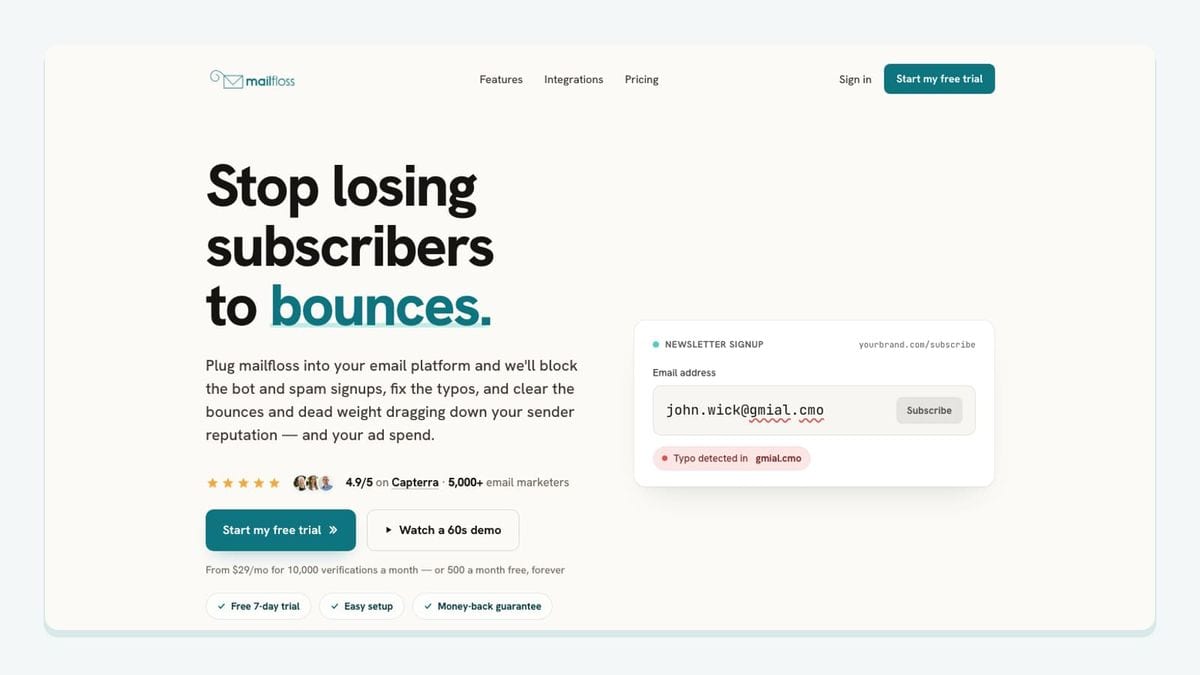
mailfloss is an email verification and automated list-cleaning tool for marketers, with a first-class real-time API for developers and AI agents. In the connected workflow, choose the Wishpond connections and lists to watch. Typo Fixer handles recognized mistakes, Instafloss supports signup checks, Autofloss checks new contacts daily, and Decay Protection revisits older contacts. Configured cleanup writes back to Wishpond. Wishpond email verification setup.
For custom applications, the email verification API for developers and AI agents returns JSON verification results. Your application decides how to act on them. Keep API credentials on your server; a custom form can request a server-side check before your code submits the lead onward.
Our recommendation is to define the cleanup outcome before adding more acquisition routes. Record who reviews uncertain results and what downstream follow-up should wait for that review. Then test the complete sequence. Do not assume that a scheduled check necessarily finishes before an independently configured campaign export or message.
How should you test the Wishpond handoff before launch?
Use this worksheet to evaluate the connection you actually need. It separates four things that are easy to blur together: an application receiving data, a Wishpond lead existing, a lead belonging to the intended list, and a follow-up action becoming appropriate. The worksheet is our editorial method, not a report of tests we have performed.
Test case | Prepare | Evidence to record | Acceptance rule |
|---|---|---|---|
Published-page chat | One Wishpond campaign with LiveChat installed | Public URL, test conversation, operator response | The visitor reaches the intended support team |
Campaign export | Two recognizable entries from one campaign | Source records and destination records | Each transferred person retains the context your team requires |
Reverse import | A small, separately authorized CRM sample | Imported records and intended Wishpond destination | The import matches its own scope; export success is insufficient |
Selected-list routing | One lead in the chosen list and one outside it | Downstream result for both leads | Only the intended audience starts the proposed follow-up |
New Clio contact | A controlled contact absent from Wishpond | Lead existence, then list membership | Both required states are confirmed in order |
Existing contact | A controlled contact already present | Before-and-after fields and matching result | Existing information changes only as your team intended |
Repeated event | Repeat one previously successful test | Destination record count and follow-up count | The observed repeat behavior matches the written policy |
Verification handoff | A controlled case needing review | Verification outcome and downstream action | The intended review decision is reflected before follow-up |
Before running a case, fill in the expected outcome. “It synced” is too vague to resolve a disagreement later. Write the destination, the fields that matter, and the person responsible for acting. Afterward, record what happened and whether another step was necessary.
Use a simple decision rule: proceed when the observed result matches the written expectation; revise the workflow when it does not. If an important behavior remains unknown, keep the rollout limited to the controlled test. An empty worksheet cell is useful information. It tells you what you still need to learn before adding real campaign volume.
After launch, repeat the relevant cases when you change a destination list, mapping, campaign, or connecting account. Keep the record short enough that someone else can run it. The goal is a handoff your team can explain and maintain, not an impressive diagram that only its creator understands.
Which app should you connect first?
Start with the missing handoff closest to the campaign's goal. For a consultation campaign, that may be the transfer to the existing CRM. For a page with visitors asking the same pre-sale question, it may be LiveChat. For a practice already using Clio, establish the lead-creation and list-assignment sequence before expanding the contact flow.
Choose one acquisition or routing improvement, define its acceptance case, and give it an owner. Evaluate email hygiene alongside that flow so contact quality has an explicit place in the process. Add another app when you can name the next missing job and show how its result will be used.
Where can you find setup and pricing details?
Use the email verification integrations hub to check supported connections, read about Decay Protection for ongoing hygiene, and consult mailfloss pricing for current options. If you are comparing verification providers, continue with ZeroBounce alternatives.
If bots or fake addresses are getting through your forms, here is how to reduce spam signups in Wishpond before they reach your list.
Frequently asked questions
How do I add LiveChat to a Wishpond landing page?
Open the Wishpond campaign, select Landing Page Design, and paste the LiveChat tracking code into Custom Javascript. Save and publish the page, then check the public page. Installing chat does not establish a contact-sync workflow.
What should I test before enabling a Wishpond integration?
Test a new contact, an existing contact, and a repeated event. Record the expected Wishpond list, destination record, and follow-up action before running each case. Enable the workflow only when the observed results match your written expectations.
We write from the practical side of email list cleaning: what helps marketers keep real subscribers, reduce bounces, and avoid turning hygiene into another recurring chore.