
Best Mautic Integrations: 6 Picks by Workflow and Fit
Compare six best Mautic integrations for forms, CRM, SMS, push notifications, automation, and email verification. Find your fit and plan your first connection.

Which Mautic integrations fit your workflow?
Choose Mautic integrations by the handoff: WordPress for forms, Salesforce for sales, Twilio for SMS, OneSignal for mobile push, and n8n for contact, segment, and campaign routing. Add mailfloss for recurring email verification and a first-class real-time API for developers and AI agents. Test routing before enabling messages.
Choose Mautic integrations by the handoff: WordPress for forms, Salesforce for sales, Twilio for SMS, OneSignal for mobile push, and n8n for contact, segment, and campaign routing. Add mailfloss for recurring email verification and a first-class real-time API for developers and AI agents. Test routing before enabling messages.
By mailfloss
Which connection solves your Mautic bottleneck?
The best-fit Mautic integration depends on what should happen to a contact next. A website form, a sales handoff, and a mobile notification have different destinations and different definitions of success. Choosing the app is only half the decision. You also need to choose the event, the destination object, and the person responsible when the handoff fails.
Our selection framework uses three questions: What starts the work? What should change in Mautic or the connected application? What evidence will show that the change happened correctly? The table below applies that framework to six complementary tools. Entry numbers organize the guide; they are not performance rankings.
Integration | Best-fit job | Mautic connection mechanic | First acceptance check |
|---|---|---|---|
WordPress | Bring website leads into Mautic | Indedmedia's Integrations for Mautic plugin connects Elementor Pro forms through the Mautic REST API | Contact data and intended routing match the submitted form |
Salesforce | Hand qualified contacts to sales | Mautic plugin field mapping and a triggered push | The correct Salesforce object receives the required fields |
Twilio | Add SMS to a Mautic journey | SMS transport plus a callback to the Mautic instance | Sending and reply handling both work |
OneSignal | Reach mobile app users | Mobile notification plugin and app-side identity callback | The intended contact maps to the permitted device |
n8n | Coordinate custom contact routing | Separate Mautic node operations for contacts, segments, and campaigns | Each operation produces its intended change |
mailfloss | Maintain email address quality | Direct recurring cleanup plus a programmable verification API | Cleanup choices match the team's review policy |
These are documentation-based recommendations, not results from a hands-on benchmark. Check the installed Mautic version and connector requirements before implementing a route. A familiar app name does not establish that every edition or historical plugin behaves the same way.
1. WordPress: best for Elementor form leads entering Mautic
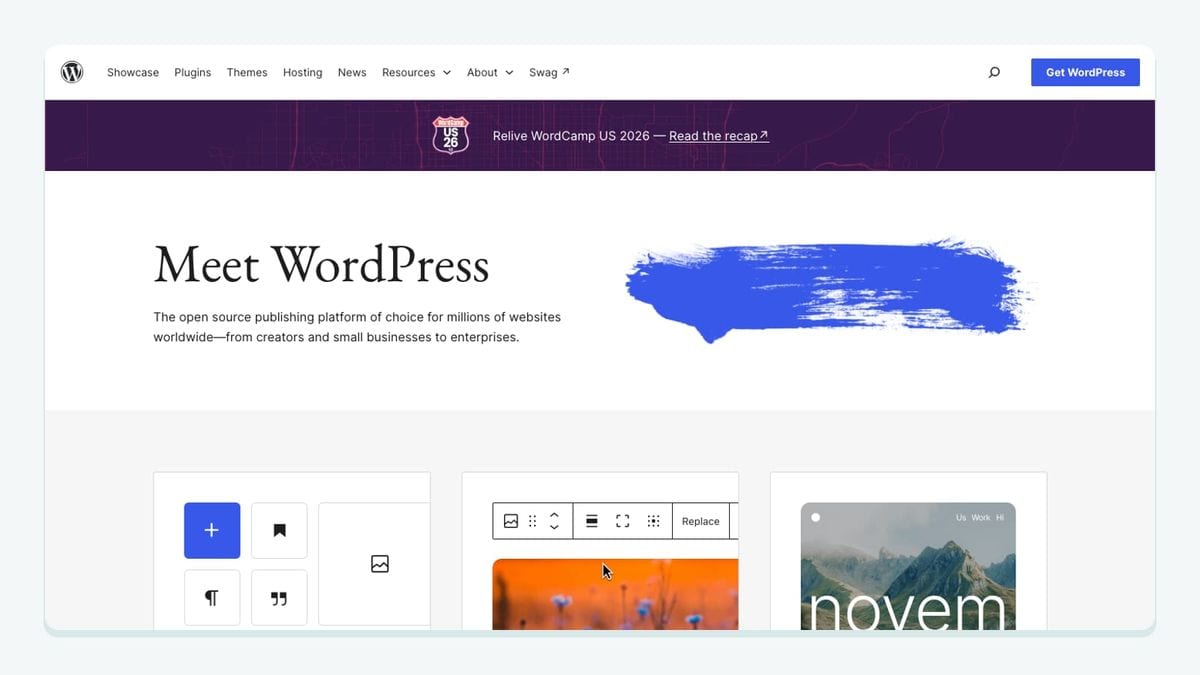
WordPress is a useful starting point when your Mautic contacts originate on an Elementor Pro website. The specific connector considered here is Indedmedia's Integrations for Mautic, not an unspecified promise that every WordPress form automatically synchronizes.
The plugin uses OAuth2 and Mautic's REST API. Its documented setup starts at INTMAU Mautic → Connection Settings, where you provide the Mautic URL and client credentials, authorize the connection, and enable the required module. In Elementor Pro, open the form's Actions After Submit, select Mautic, and configure the tag. The listing places direct segment and campaign assignment in the PRO version. That distinction matters when budgeting for the route. Plugin setup and edition details.
Our recommendation is to write down two separate expected results before submitting a test form: the contact data that should arrive and the routing that should follow. If your intended outcome is membership in a particular campaign, seeing the email address in Mautic is only the first checkpoint.
Use a form-specific test label, then inspect the resulting record before turning on welcome messages. Ask the website owner and marketing owner to review the same result. Otherwise, each can reasonably think the other person's part is complete while the handoff remains unfinished.
2. Salesforce: best for a controlled sales handoff
Salesforce fits teams that already manage sales there and want a deliberate Mautic-to-sales transfer. Mautic's setup guide describes plugin authorization, field mapping, and triggered contact pushes. Its recommended initial test enables the triggered push for a limited group before broader synchronization. Mautic's Salesforce integration guide.
Start by agreeing which Salesforce object should receive the person and which system owns each shared field. Map required fields before testing. The guide also distinguishes sending Mautic activity into a custom Salesforce object from providing a link to the Mautic contact timeline. Those are different sales experiences: a navigable history link should not be described as a reportable activity dataset.
For your first acceptance test, choose one owned test contact and one trigger. Record the expected destination object, values, and history access. Then ask a sales user to inspect the result using their own permissions. An administrator's successful connection is useful evidence, but it does not prove that the intended recipient can use the information.
Choose Salesforce here because your sales process needs this handoff. Adding a CRM merely because it appears in an integration directory creates another place to reconcile records. Resolve API access and current account requirements with Salesforce before implementation; the linked Mautic guide is dated October 2022.
3. Twilio: best for SMS journeys with a working reply path
Twilio connects to Mautic as an SMS transport. The documented route includes activating its plugin, adding the account credentials, configuring a Messaging Service, and supplying the Mautic callback URL. That URL uses your own Mautic domain followed by /sms/twilio/callback. Mautic's Twilio setup.
Mautic distinguishes template text messages used in automated journeys from segment text messages sent to selected segments. The latter require the scheduled broadcast job. Reply processing also depends on the webhook: Mautic documents SMS unsubscribe replies updating the contact's SMS Do Not Contact state. Mautic SMS behavior.
Our recommended test has two directions. First, send a test message to a phone you control and confirm the expected recipient and content. Second, test the reply path and inspect the resulting channel state. Do not approve the route solely because the outbound message arrived.
Keep the acceptance record specific: sender, recipient, Mautic contact, callback destination, and observed reply outcome. This is especially useful when one person administers Twilio and another builds Mautic campaigns. Both teams need to agree on what a completed integration means.
Twilio is the best fit in this shortlist when SMS is an intentional part of the journey. An email address problem alone is not a reason to begin messaging somebody through another channel.
4. OneSignal: best for mobile push tied to Mautic contacts
OneSignal belongs on the shortlist when you have a mobile app and want Mautic-driven mobile notifications. Mautic documents enabling the plugin to expose Mobile Notifications under Channels. Its example app callback sends an email address, push identifier, and enabled state to /notification/appcallback on the Mautic instance. Mautic mobile push documentation.
There is a practical limitation: the documentation includes an older Swift example. Treat it as an explanation of the identity handoff, and have an app developer reconcile the implementation with the current OneSignal SDK. It is not a current copy-and-paste implementation recipe.
Our acceptance test focuses on identity and permission. Use a controlled account on a test device, establish the intended contact mapping, and inspect the outcome before trying a broader audience. Include a permission-disabled case in the test plan. The team should know what it expects to happen when the device is not eligible for a push.
This connection is better suited to a team with an app developer available to own the device relationship. If the marketing team cannot identify who maintains the callback, resolve that ownership before designing the campaign. The campaign builder is only one part of this route; the app must supply the identity information that makes the message meaningful.
5. n8n: best for explicit contact, segment, and campaign routing
n8n is useful when your Mautic workflow needs separate decisions between receiving data and enrolling a contact. Its Mautic node documents contact creation and updates, segment membership changes, campaign membership changes, and Do Not Contact operations as distinct actions. n8n Mautic node operations.
Our recommended design makes those distinctions visible. First resolve the intended contact record. Next apply the necessary data update. Then decide whether the person should enter a segment or campaign. This sequence is an implementation recommendation, not a prebuilt workflow supplied with Mautic.
For example, a customer event might justify updating a profile without enrolling the person in a promotional campaign. Write that decision as a separate branch so somebody reviewing the workflow can understand it without guessing why a contact suddenly started receiving messages.
Test the same input twice. Record whether the second run creates another record, repeats an enrollment, or leaves the intended state unchanged. Also test an incomplete input and a failed downstream request. Decide which cases should be retried and which need review.
Choose n8n when someone on the team can own these decisions and their failure handling. Its value here is precise control over Mautic objects. A workflow with many nodes is not automatically more useful than a small one with clear acceptance criteria.
6. mailfloss: best for recurring email verification
mailfloss connects directly to Mautic. Autofloss checks new contacts daily; Typo Fixer handles recognized typo patterns; Instafloss supports real-time signup checks; and Decay Protection revisits older addresses. Configure the connection's cleanup outcome before enabling automatic changes. Mautic email verification.
Developers and AI agents can also use the first-class email verification API. It returns structured results for custom admission decisions. Ongoing connected cleaning and programmable verification address different points in the contact lifecycle.
Our recommendation is to begin with a documented review policy. Decide who investigates uncertain cases, what evidence they need, and when an address can enter the intended email journey. Test that policy using contacts your team controls. Keep address quality, marketing permission, and campaign eligibility as separate decisions in the acceptance record.
Choose this layer when recurring address maintenance is the job you need handled. Pair it with the form, sales, or orchestration connection that fits your workflow; there is no need to make those tools compete for the same role.
How should you test a Mautic integration before enabling messages?
Use the following worksheet to evaluate the complete Mautic handoff. This is our proposed acceptance method, not a report of tests already performed. Its purpose is to turn a vague statement such as “the integration works” into a result another teammate can inspect.
For each route, create a record with the source event, test contact identifier, expected destination, expected field values, intended audience membership, allowed channel, and person responsible for exceptions. Add the observed outcome only after checking it. Leave unknowns visibly unresolved instead of marking the whole route successful.
Route | Expected evidence | Failure worth catching |
|---|---|---|
Elementor Pro → Mautic | The submitted data and intended tag arrive; any required routing is checked separately | Contact creation mistaken for campaign enrollment |
Mautic → Salesforce | The correct object contains the agreed fields and usable history access | A sales user cannot use an administrator's apparently successful handoff |
Mautic → Twilio → Mautic | Outbound delivery and the reply's channel-state outcome are both inspected | Outbound success hides a broken callback |
Mobile app → OneSignal/Mautic | The controlled device and contact match the expected permission state | A device identifier is accepted without checking the intended person |
Event → n8n → Mautic | Contact update, segment change, and campaign change are checked individually | One successful node hides a later routing failure |
Mautic ↔ mailfloss | The observed cleanup outcome matches the chosen review policy | A policy is enabled before the team agrees on its consequences |
Run a normal case first. Then repeat the event and run a case that should not become eligible for messaging. For the SMS and mobile routes, include a channel-specific permission case. For the website route, check the form configuration actually used on the published page, not merely a draft form in the editor.
Finally, assign a maintenance owner. Write down when the route should be retested: after a connector upgrade, a credential change, a form change, or a campaign redesign that changes the intended outcome. This keeps the worksheet useful after launch rather than turning it into a one-time signoff nobody reads again.
Which Mautic integration should you choose?
Choose the smallest connection that closes your current handoff. A website team may start with the WordPress connector and its form mapping. A sales team may start with a controlled Salesforce push. SMS and mobile app teams should prioritize Twilio's reply path and OneSignal's identity mapping respectively. Teams with custom routing requirements should consider n8n and make each Mautic object change explicit.
Add recurring email verification where address quality needs ongoing attention. Keep a real-time API route available when a developer or AI agent needs a programmatic decision. Then prove the entire handoff with the worksheet before expanding the audience. Six connected tools are not the goal; one dependable workflow is a useful place to start.
If bots or fake addresses are getting through your forms, here is how to reduce spam signups in Mautic before they reach your list.
Frequently asked questions
Which Mautic integration should I connect first?
Start with the handoff that needs fixing: WordPress for form intake, Salesforce for sales handoffs, Twilio for SMS, OneSignal for mobile push, or n8n for custom routing. Choose mailfloss for recurring email verification, with a first-class real-time API for developers and AI agents.
Is creating a Mautic contact enough to prove an integration works?
No. Check the intended field values, segment or campaign membership, channel permissions, and repeat-event behavior separately. Our acceptance worksheet treats each as a separate result, so a successful contact import cannot hide incorrect routing or an unwanted message.
We write from the practical side of email list cleaning: what helps marketers keep real subscribers, reduce bounces, and avoid turning hygiene into another recurring chore.