
Best MailUp Integrations: 6 Apps for Connected Marketing
Compare six best-fit MailUp integrations for store data, CRM, signup forms, email design, ads, and recurring list cleaning. Find your next connection here.


Which MailUp integrations should you choose?
Choose MailUp integrations by the handoff you need: Magento 2 for store-view routing, Zoho CRM for leads, Convertful for signup widgets, LeadsBridge for ad audiences, and Beefree for design exports. Add mailfloss for recurring email verification or its real-time API for developer and AI-agent workflows. Check the destination MailUp list before launch.
Choose MailUp integrations by the handoff you need: Magento 2 for store-view routing, Zoho CRM for leads, Convertful for signup widgets, LeadsBridge for ad audiences, and Beefree for design exports. Add mailfloss for recurring email verification or its real-time API for developer and AI-agent workflows. Check the destination MailUp list before launch.
By mailfloss
Which MailUp integration solves your next bottleneck?
The best-fit MailUp integration is the one that moves the right information into the right place with a clear owner. A store order, a newsletter subscription, and an approved email design need different handoffs. Buying another connector before identifying that handoff makes troubleshooting harder.
This shortlist uses three editorial criteria: a documented MailUp connection, a distinct operational job, and a practical acceptance check. The numbers organize the article; they are not performance rankings. We publish mailfloss, which appears here as the email verification layer. The other apps handle different jobs and can be useful alongside it.
Our selection framework asks you to write down the source, destination, and launch check before connecting anything. For MailUp, pay particular attention to lists and groups: Magento's connector exposes routing by store view, while Convertful exposes widget defaults and overrides. Those are concrete configuration decisions, not interchangeable labels. Magento connector details, Convertful setup guide.
Integration | Best-fit job | MailUp handoff | First acceptance check |
|---|---|---|---|
Magento 2 | Store data and newsletter subscribers | Store view to selected list and group | Compare the destination for two store views |
Zoho CRM | Sales and marketing coordination | CRM leads and targeted lists or groups | Trace one eligible lead into the intended audience |
Convertful | Website signup offers | Widget action to MailUp list | Compare a default widget with an overridden widget |
LeadsBridge | Advertising audience coordination | Lead intake and list/group audience connections | Test intake and audience use separately |
Beefree | Email design production | Export into a selected MailUp list | Locate the exported version before scheduling |
mailfloss | Recurring email verification | Connected newsletter cleanup | Confirm the intended cleanup scope |
The checks are our recommended evaluation method, not results from a hands-on benchmark. Confirm current connector availability and account requirements before purchasing. A directory listing establishes a documented route; it does not establish compatibility with every version of your stack.
1. Magento 2: best for routing store data by store view
Magento 2 is a useful fit when your MailUp audience needs to reflect how your storefronts are organized. MailUp lists a Pluma Studio connector with store-view-specific list and group mapping, an optional double-opt-in setting for new newsletter subscribers, and a choice of order statuses to export. Its stated transfer scope covers new newsletter subscribers and orders associated with newsletter subscribers. MailUp's Magento 2 listing.
Start with a routing sheet. Give every store view a row and record its intended destination before changing connector settings. For a multilingual store, for example, your test should demonstrate that someone entering through one language storefront does not accidentally receive another storefront's welcome message. That is an acceptance criterion, not a promise that the connector configures your campaign language for you.
Next, decide which order event is useful to marketing. Write the business meaning beside the selected status: payment accepted, fulfillment completed, or another milestone your store actually uses. Then test an order before and after that transition. Do not treat an export checkbox as a complete campaign strategy.
Use this connector when the storefront is the authoritative source for the information you need. If sales staff own the relevant lead qualification, the CRM route below deserves attention first. The choice is about data ownership, not which app has the longer feature list.
Before rollout, retain a small test log with the store view, source event, expected destination, observed destination, and reviewer. It gives the next person a way to distinguish a mapping error from an audience-selection error without rebuilding the whole integration.
2. Zoho CRM: best for bringing sales leads into MailUp audiences
Zoho CRM fits teams that want a documented connection between CRM leads and MailUp marketing activity. MailUp's CRM Partners listing describes lead synchronization, targeted lists or groups, and campaign engagement information available in Zoho. The listing also identifies the integration as a third-party product and directs support questions to its developer. MailUp's Zoho CRM listing.
Choose a narrow first use case: one lead category, one audience destination, and one person responsible for accepting the result. Avoid starting with every contact in the CRM simply because the connection can reach them. Write down which business event makes a lead eligible for your proposed campaign.
Your first test should answer three questions. Did the intended record arrive? Is it in the intended audience? Can the sales team interpret the campaign information it receives? A successful technical connection is only one part of that handoff.
Also agree on how corrections should be handled. If a salesperson changes an address after marketing has reviewed it, which system should own the next decision? Do not assume conflict resolution, unsubscribe propagation, or historical backfill from a short feature description. Request confirmation for those behaviors and test the ones your workflow depends on.
This is the best-fit choice when the team already works in Zoho and needs marketing activity closer to its sales records. It is a less compelling first purchase if your real problem is an unassigned website signup form. Fix that intake route before adding another system of record.
3. Convertful: best for routing signup widgets into MailUp
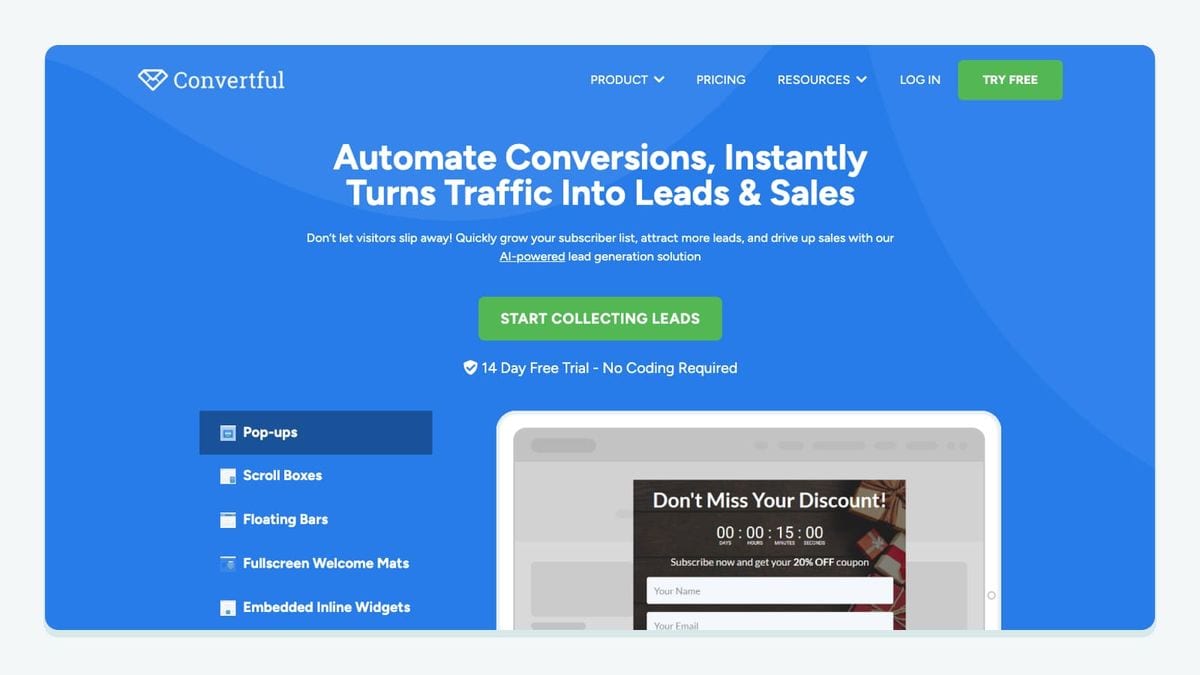
Convertful is useful when different website offers need deliberate MailUp destinations. Its MailUp documentation describes account authorization, a default list and group, an optional double-opt-in setting, and custom list choices in individual widget button actions. Convertful's MailUp connection guide.
A practical setup sequence is:
- Open the site's Integrations tab in Convertful and select MailUp.
- Connect and authorize access through the MailUp login flow.
- Choose the default list and group and review the confirmation setting.
- Inspect each widget's On Submit Actions or On Click Actions for its actual destination.
- Submit a controlled test from each widget you intend to publish.
The important decision is whether an offer should inherit the default or deliberately use a different destination. Create a simple worksheet with the widget name, page location, offer, expected destination, and test result. Two visually similar widgets can serve different audiences; your test should follow what the visitor actually clicks.
For example, compare a general newsletter form with a product-specific guide request. Define the intended welcome experience for each before checking the records in MailUp. If both should enter the same audience, document that choice. If they should not, fix the action instead of relying on someone to separate the contacts later.
Test both the ordinary submission and an existing subscriber submitting again. Observe the result rather than assuming a duplicate submission always behaves like a new one. Your acceptance condition should include the expected subscription state and messaging outcome, not just the presence of an email address.
4. LeadsBridge: best for connecting MailUp audiences with advertising
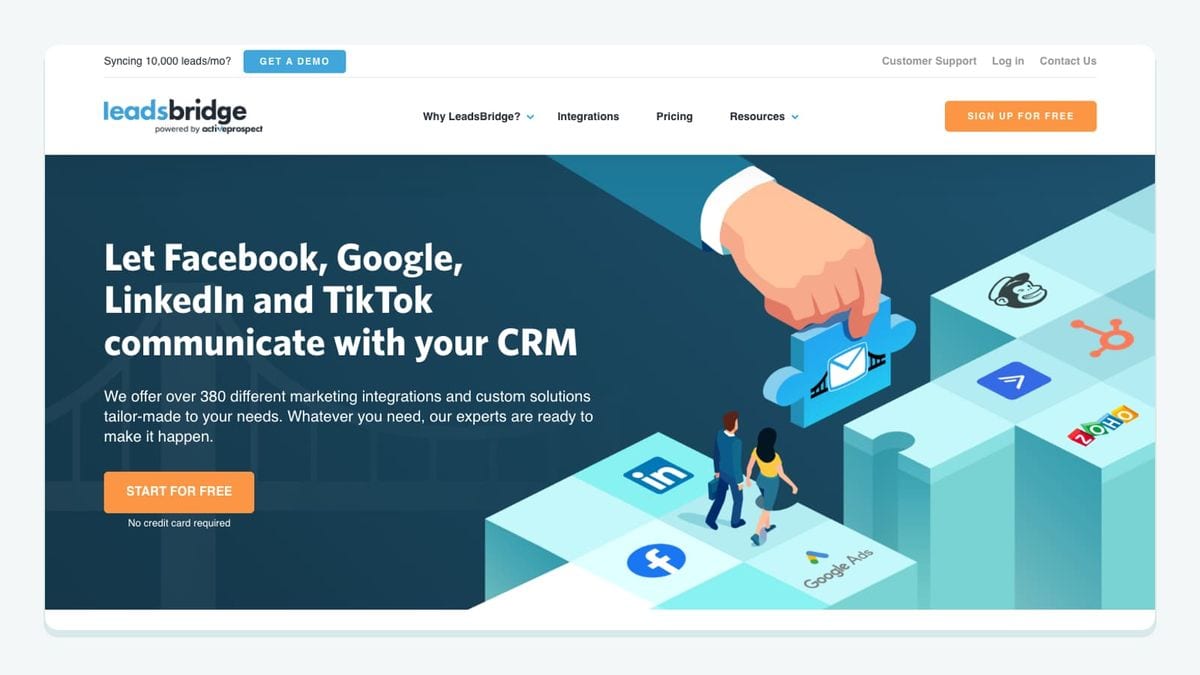
LeadsBridge fits a different handoff: moving advertising leads toward MailUp and using MailUp audiences in advertising workflows. MailUp's listing describes Facebook lead intake and the use of MailUp lists or groups with Facebook custom audiences for targeting or exclusions. MailUp's LeadsBridge listing.
Treat intake and audience activation as separate projects. For intake, record which lead source should feed which marketing audience. For audience activation, record whether the audience is intended for inclusion, an upsell campaign, or exclusion from a particular offer. A vague instruction to connect everything does not give the operator enough information to verify the result.
Begin with one campaign and an audience whose purpose is easy to explain. If the goal is to stop advertising an introductory offer to existing customers, your acceptance test should focus on that exclusion decision. If the goal is faster follow-up for new leads, test the intake destination and the message that follows.
Do not equate a connector's successful transfer with an advertising platform's final audience membership. Check the result in the system where the campaign runs. Likewise, determine how updates and removals behave before depending on them for ongoing audience maintenance.
The editorial recommendation here is simple: add LeadsBridge when you can name the advertising handoff it will improve. If you only need a website form to reach MailUp, evaluate the form route first. Extra integration layers are worthwhile when they perform a needed job and have a clear owner.
5. Beefree: best for exporting approved designs into the right MailUp list
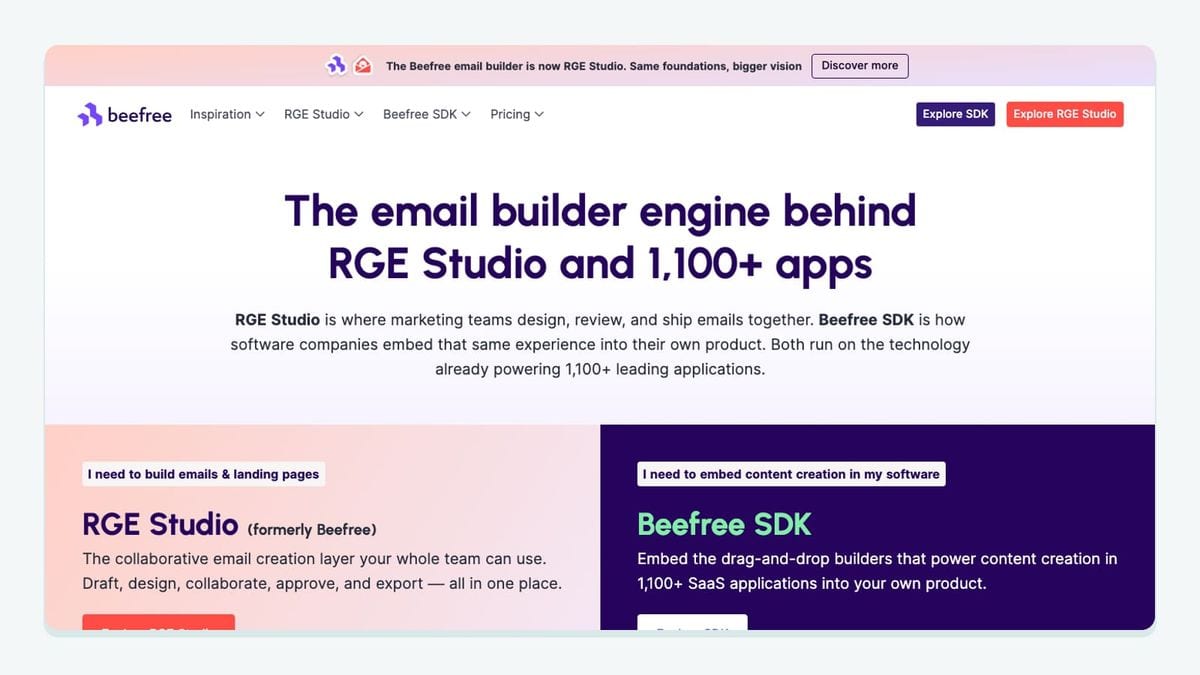
Beefree is the design-production choice. Its MailUp connector exports an email into a selected accessible list, where the message appears under Messages > Email > Saved. Crucially, an export is not a continuously synchronized design: later edits require another export, which creates a new design in the destination. Beefree's MailUp export guide.
That limitation should shape your approval process. Give the approved email a recognizable version name, record the intended destination, and have the person scheduling the campaign inspect the exported version. The file someone approved yesterday and the message someone schedules today should be demonstrably the same revision.
Use a deliberately small test before moving a full campaign. Export a sample, locate it in MailUp, and inspect its links and personalization using your normal sending checks. Then revise the source design and repeat the export so the operator understands how versions appear in the destination.
A useful handoff record has four fields: source design, approval owner, export destination, and scheduled version. Keep that record with the campaign brief. It prevents a design correction from being mistaken for an automatic update to a previously exported message.
Beefree is a strong fit when design collaboration is the bottleneck. It does not address which contacts belong in the campaign. Pair the design handoff with the audience checks elsewhere in this guide, so a polished email reaches the audience you intended.
6. mailfloss: best for recurring email verification alongside MailUp
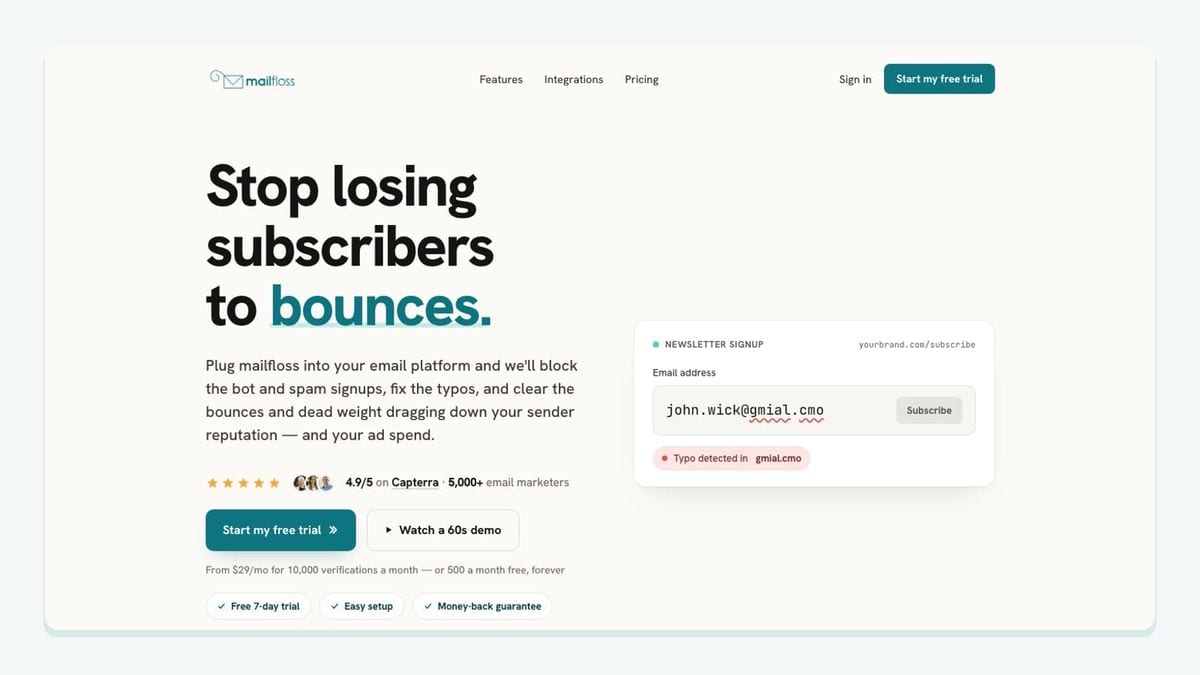
mailfloss is an email verification and automated list-cleaning tool for marketers, with a first-class real-time API for developers and AI agents. For MailUp, authorize the connection, choose the newsletters to monitor, and configure cleanup. Scheduled checks can write configured fixes and removals back. See the MailUp email verification setup.
Keep the feature jobs distinct: Typo Fixer addresses recognizable mistakes, Autofloss checks new contacts daily, and Decay Protection revisits older contacts. For custom intake, use the email verification API as part of an application-controlled workflow. These routes support ongoing hygiene rather than a recurring manual CSV chore.
Our recommendation is to document cleanup ownership beside import ownership. Use a controlled record to inspect what happens after the next source update. If an upstream system restores a contact your team intended to exclude, investigate the integration's update rules before scaling.
For a custom API implementation, decide what your application should do with each verification outcome before connecting it to campaign enrollment. Verification, subscription permission, and message timing are separate decisions. A verification result should not silently replace the other two.
How should you test a MailUp integration before launch?
Use this acceptance worksheet for the specific connection you select. The worksheet is our original evaluation framework; the pass conditions are recommendations for your team to implement and observe.
Test | Record before running it | Evidence to keep |
|---|---|---|
Store-view routing | Expected list/group for each storefront | Destination observed for each controlled signup |
Widget routing | Default versus widget-specific destination | Result from each published signup path |
CRM handoff | Eligible lead category and intended audience | Source record and destination record |
Advertising handoff | Intake, targeting, or exclusion purpose | Result in the relevant campaign system |
Design handoff | Approved revision and intended list | Exact message selected for scheduling |
Cleanup handoff | Intended treatment and upstream owner | Outcome after a subsequent source update |
Run one route at a time. A small, traceable test is more useful than a large import that leaves several people guessing which connector produced the result. Include an existing record as well as a new one, and keep production sends out of the test until the responsible person accepts the outcome.
Record failures in plain language: wrong destination, unexpected status, stale design, or unhandled update. Those descriptions are actionable. A green connection badge is not enough evidence to close the test.
Choose your first integration by the unresolved handoff in this worksheet. Once that route is reliable, add the next connection only when its purpose and owner are equally clear.
Frequently asked questions
What should I check before connecting an app to MailUp?
Record the destination MailUp list, any group assignment, and the event that moves data. Then test the actual route: a Magento store view, a Convertful widget, or a CRM lead. Check subscription status separately from successful data transfer.
Where does mailfloss fit in a MailUp integration stack?
mailfloss adds recurring email verification to connected MailUp newsletters. It also offers a first-class real-time email verification API for developers and AI agents building custom intake workflows. Choose the connection that matches where your team needs the check.
We write from the practical side of email list cleaning: what helps marketers keep real subscribers, reduce bounces, and avoid turning hygiene into another recurring chore.