
Best Mailchimp Integrations: 6 Apps by Workflow Fit
Compare the best Mailchimp integrations for forms, sales data, design, and list hygiene. See connection details, limits, and practical checks before you connect.

What are the best Mailchimp integrations?
The best Mailchimp integrations depend on what must reach your account: Typeform for form answers, Square or BigCommerce for purchases, QuickBooks Online for customer data, and Canva for designs. Choose by destination and sync behavior. Add mailfloss for recurring audience hygiene or its real-time API for developers and AI agents.
The best Mailchimp integrations depend on what must reach your account: Typeform for form answers, Square or BigCommerce for purchases, QuickBooks Online for customer data, and Canva for designs. Choose by destination and sync behavior. Add mailfloss for recurring audience hygiene or its real-time API for developers and AI agents.
By mailfloss
A useful Mailchimp integration should earn its place in your workflow. Before connecting another app, finish this sentence: “When this changes in the source system, I need this specific information or asset in Mailchimp so I can do this next.” If that sentence is difficult to complete, installing the integration probably is not the next step.
This guide compares six different jobs, rather than declaring one app the winner of all six. The recommendations use vendor documentation and an editorial acceptance framework: destination, permission, timing, and recovery. They are not results from a hands-on benchmark. mailfloss publishes this guide and appears as the email verification option.
Which Mailchimp integration fits the job you need done?
Choose the connection by its destination inside Mailchimp. A contact arriving in an audience, a purchase appearing on a customer record, and an image arriving in Content Studio are different outcomes. A successful authorization does not tell you which outcome you have achieved.
App | Best fit in this selection | Mailchimp connection mechanic | First check we recommend |
|---|---|---|---|
Typeform | Collecting answers you can use for targeting | Maps form responses to audience fields and tags | Submit a sample answer and inspect the resulting record |
Square | Bringing point-of-sale purchases into marketing | Syncs customers, orders, and products to a selected audience | Check the destination and location coverage |
BigCommerce | Connecting store customers and purchase history | Maps store data to Mailchimp merge tags | Compare checkout opt-in choices with contact status |
QuickBooks Online | Connecting accounting customer data | Sends customer information to a chosen audience | Inspect the signup source and imported data |
Canva | Moving creative work into campaign production | Sends assets to Content Studio or an HTML design to a draft campaign | Confirm which of the two connections you selected |
mailfloss | Maintaining audience quality over time | Connects Mailchimp directly for recurring email verification | Confirm audience scope and cleanup settings |
The numbers below identify entries; they are not a performance ranking. Start with the system you already use for the relevant job. A retailer does not need to change its checkout platform just to gain an email integration, and a newsletter team does not need commerce software to move a design into a campaign.
For each candidate, write down the smallest useful result. “More automation” is difficult to evaluate. “The answer to our product-interest question appears on the right contact before we prepare the next campaign” gives you something observable.
1. Typeform: best fit for mapping form answers into Mailchimp
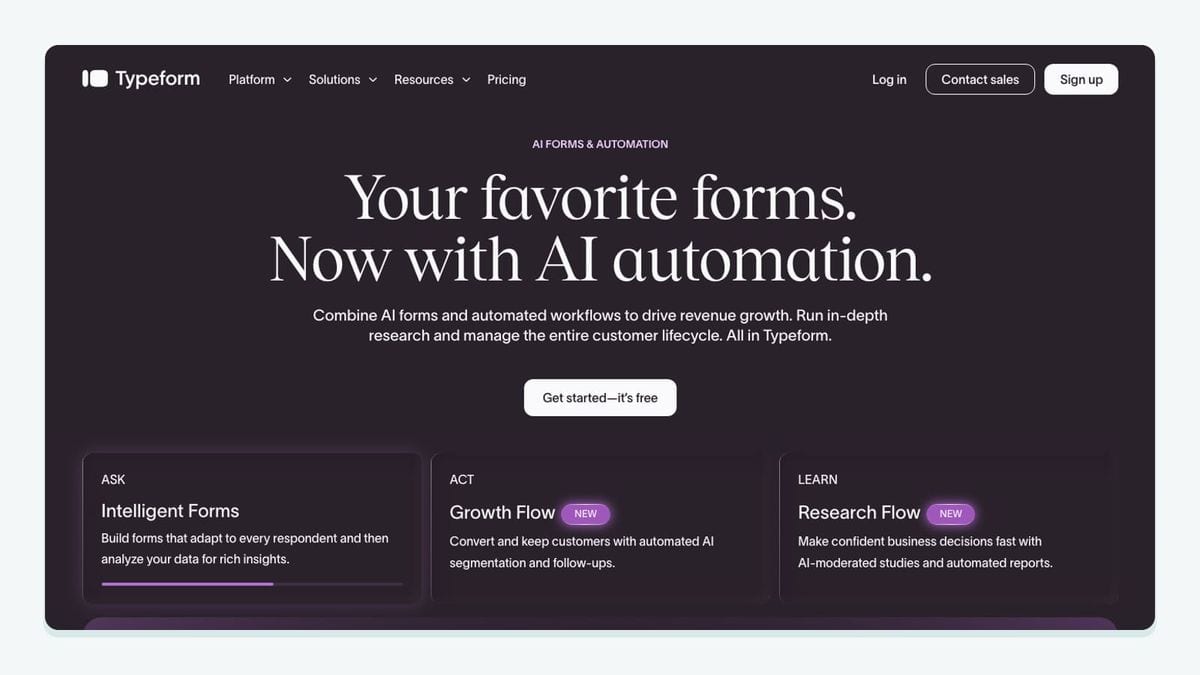
Typeform fits a Mailchimp workflow when a form needs to collect more than an email address. In its Connect panel, authorize Mailchimp, select the destination audience, map the email question, and connect other answers to audience fields. Supported choice answers can also map to Mailchimp tags. New-contact forms need a required email question; updating existing contacts can use a mapped email URL parameter. Typeform setup documentation.
Our recommendation is to start with one question that changes what you will send. For example, ask whether someone wants beginner guidance or advanced product information. Decide how that answer should appear in Mailchimp before you build the form. Then submit a controlled response and inspect the actual destination record.
Keep the acceptance test small enough that a teammate can repeat it. Record the form name, audience name, question, expected field or tag, and observed result. If the answer arrives correctly but nobody uses it in campaign preparation, the integration is technically connected but has not yet earned its place.
For an existing-contact workflow, also decide which information the form is allowed to replace. A preference questionnaire and a first-time signup have different purposes. Test them separately rather than assuming that the same mapping is appropriate for both.
2. Square: best fit for connecting point-of-sale activity
Square by Mailchimp sends customer, order, and product information to a selected Mailchimp audience. Setup includes a field-mapping step; email is required and selected automatically. Mailchimp documents that the connection covers all Square locations. If you use the older Square: Shoppable Landing Pages connection, follow the documented switching process before adding this integration. Square connection documentation.
That location scope is the detail to resolve before launch. A shop with several branches should not treat the connection as a single-location feed without checking what arrives. Pick a controlled customer record associated with the location you want to inspect, and trace it through to Mailchimp.
Our suggested business test is a simple one: can the person preparing the campaign explain why this customer belongs in the intended audience? Keep a record of the purchase context they expect to use and where they found it. Do not settle for a total contact count that merely increased after connection.
Choose Square here because it is already the source of your sales activity. If another system owns your purchase records, connecting Square adds a new dependency without necessarily solving the underlying data problem. The useful integration is the one that carries the records your team actually relies on.
3. BigCommerce: best fit for store data with explicit sync boundaries
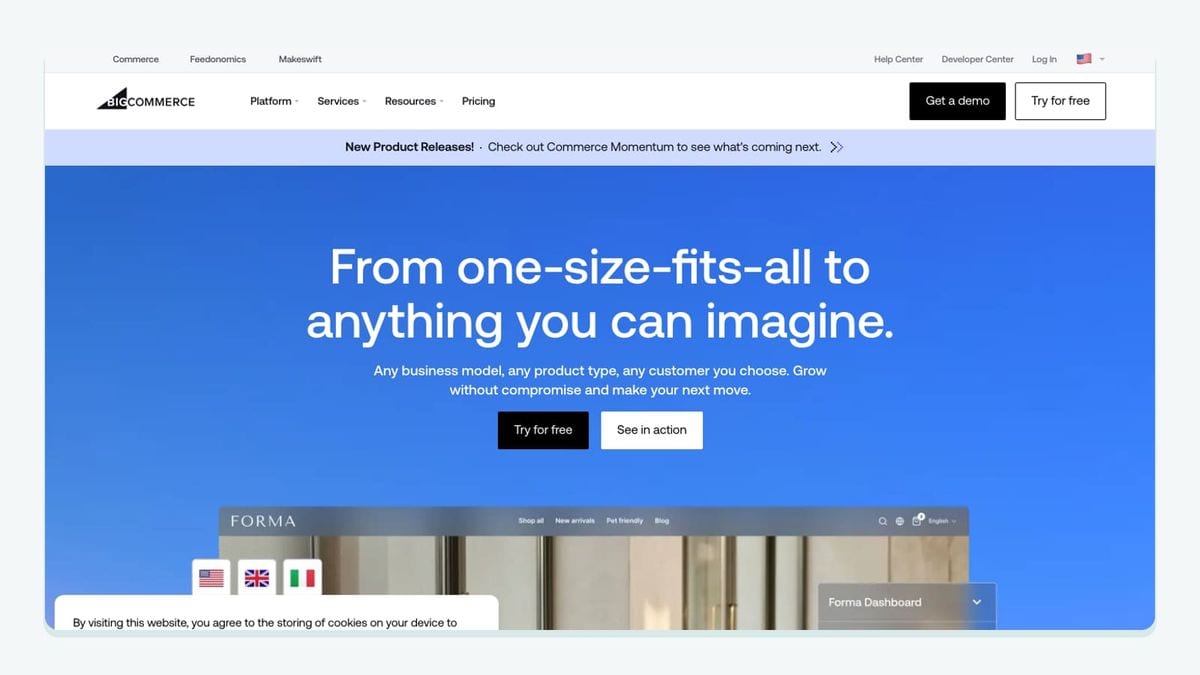
Mailchimp for BigCommerce connects a store to an audience and maps store data to Mailchimp merge tags. Its documentation distinguishes newsletter subscribers from customers who decline marketing, and describes contact synchronization as one-way: editing a Mailchimp contact does not update that person's BigCommerce profile. It also states that the connector cannot unsubscribe contacts. BigCommerce connection documentation.
Those boundaries make ownership the important selection criterion. Decide where your team should correct customer information and where it should inspect marketing status. Do not build a process around an assumed round trip between systems.
For your acceptance test, use controlled checkout scenarios with different newsletter choices. Write the expected Mailchimp status before running them, then compare the result. Include the checkout route your customers actually use; a test of a different route is weaker evidence.
Also document the response to a mismatch. Who pauses the affected campaign? Who checks the store settings? Which record is used to diagnose the problem? Answering these questions while the test is small is easier than answering them during a scheduled send.
BigCommerce is a strong fit for this job when it already owns the store workflow and your team can work within the documented synchronization direction. The integration should support a clear operating process, not become a second place where customer information is edited without a plan.
4. QuickBooks Online: best fit for accounting customer context
The Mailchimp connection sends QuickBooks Online customer information to an audience you choose. Imported contacts identify QuickBooks Online as their signup source. The setup documentation lists customer details and accounting information such as invoices, receipts, and purchased items. It also describes a one-to-one account connection limit. QuickBooks Online connection documentation.
This is useful when your campaign planning starts with a customer relationship recorded in accounting. Before enabling a broad sync, have the person responsible for the accounting system and the person responsible for email agree on the destination and intended use.
Our recommendation is to inspect a small, recognizable set of records before preparing a campaign. Choose examples with enough context to detect a mismatch: a recently created customer, an established customer, and a record whose details were corrected. These are proposed test cases, not claims about how the connector handles each event.
Keep the business relationship and the marketing decision separate in your worksheet. Knowing that someone is a customer answers one question; deciding whether that person should receive a particular campaign answers another. Record both decisions explicitly instead of using “synced successfully” as the final acceptance condition.
Skip this connection if accounting data would not change your targeting or message. Moving more data into Mailchimp is only useful when somebody has a clear reason to use it.
5. Canva: best fit for a defined Mailchimp design handoff

Canva has two distinct Mailchimp routes. The library-sync connection makes designs available through Content Studio as static images; embedded HTML links do not transfer with those images. Publish to Mailchimp can instead send an HTML email design into a new draft campaign, or send individual graphics to Content Studio. Its HTML publishing requirements include an unsubscribe link and physical address. Canva library-sync documentation and Publish to Mailchimp documentation.
Choose the route by the deliverable. If a designer is handing over a banner, write “banner asset in Content Studio” in the acceptance worksheet. If the handoff is a complete email layout, write “draft campaign” and review the publishing requirements before work begins.
This prevents a familiar production problem: both teammates believe they have finished, but they are looking for different things. One expects an editable campaign; the other has delivered a graphic. The integration name alone does not resolve that mismatch.
Our recommended review happens inside the destination. Inspect the imported asset or draft, check the links in the assembled email, and confirm the person sending the campaign can make the necessary final changes. Treat design approval and campaign approval as separate checkpoints.
Canva earns its place when it makes that handoff clearer. If the current bottleneck is deciding what to say, connecting another design route will not make that editorial decision for you.
6. mailfloss: best fit for recurring Mailchimp audience hygiene
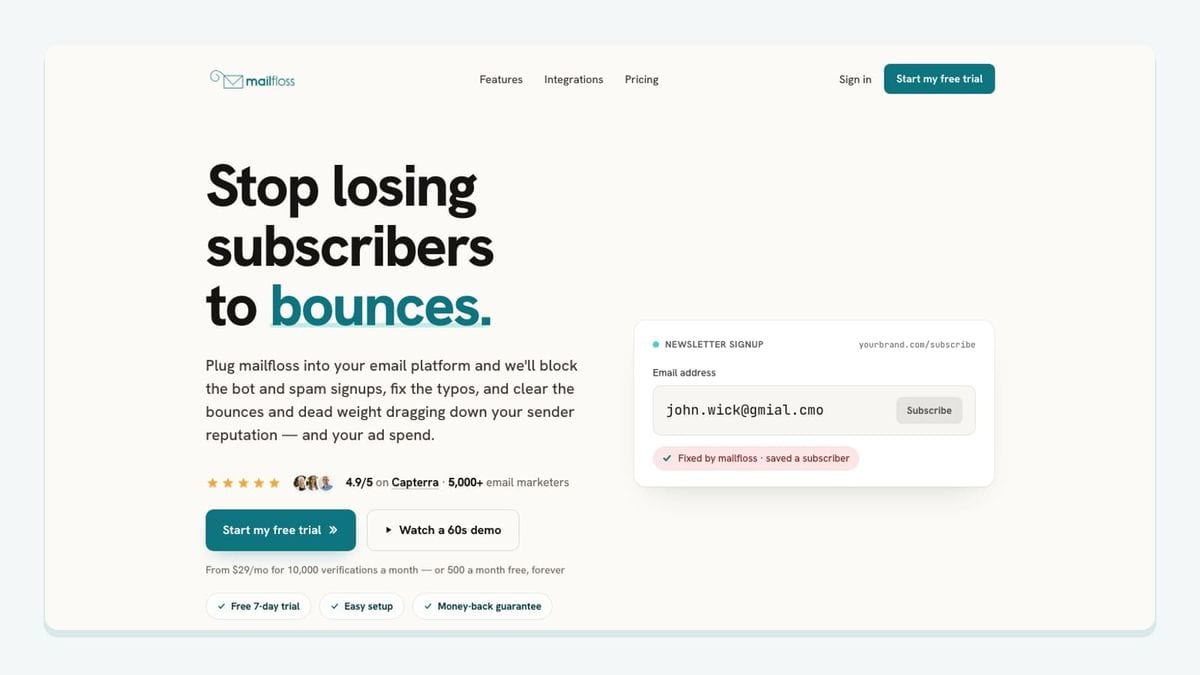
mailfloss is an email verification and automated list-cleaning tool for marketers, with a first-class real-time API for developers and AI agents. The Mailchimp connection uses OAuth. Its setup includes feature selection, while audience-specific rules control cleanup. Autofloss checks new subscribers daily; Decay Protection supports scheduled rechecks. Mailchimp email verification setup.
For application-controlled checks, use the email verification API. Treat the result as an input to your own workflow, then verify when the next step occurs.
Our recommendation is to begin by naming the audience you intend to maintain and the action you expect after a failed check. Have the campaign owner review that choice. A setting that makes sense for one audience should not be assumed appropriate for another merely because both live in the same account.
Keep recurring maintenance and first-send timing as separate acceptance questions. Record when a test contact arrives, when the check completes, and when your automation becomes eligible to send. Do not infer that every connected app waits for verification.
The reason to include this layer is ongoing list quality. It complements the apps that bring contacts, purchases, or creative assets into Mailchimp; it does not replace their jobs. Verification also should not be treated as permission to market to a person or a promise of inbox placement.
How should you check a Mailchimp integration before rollout?
Use this destination, permission, timing, and recovery worksheet for the exact connection you plan to enable. It is an editorial acceptance method, not a vendor certification. Its purpose is to turn a vague “connected” status into evidence that the workflow you need is ready.
Mailchimp recommends maintaining one primary audience and organizing contacts with tags, groups, or segments. Its documentation also explains that separate audiences do not share contact data. Make your destination choice deliberately rather than creating another audience for every app. Mailchimp audience guidance.
Check | What to write before testing | Evidence to retain |
|---|---|---|
Destination | Exact audience, field, tag, Content Studio asset, or draft campaign expected | A record or asset you can locate again |
Permission | Expected marketing status for each contact scenario | The observed status, not just a source label |
Timing | The event that must happen before the next action | Arrival, processing, and send timestamps where available |
Recovery | Who handles incorrect data and what is paused | A short correction procedure and named owner |
Run one ordinary case first. Then test an existing record and an exception. For a form, an exception might be a respondent declining marketing. For a store connection, it might be a checkout route with different newsletter choices. For Canva, it might be a design handoff that requires multiple working links.
Keep expected and observed results in separate columns. If you write the expectation after seeing the result, it is too easy to accept whatever happened. A useful test can fail: a missing field, an unexpected status, or an asset arriving in the wrong place gives you a concrete repair to make.
Finally, assign an owner for the connection. That person should know what business outcome it supports, where to inspect it, and whom to involve when it changes. A small, understood integration is easier to operate than a collection of connections nobody owns.
Which integration should you choose first?
Choose the app that solves your current bottleneck and produces an observable result. Typeform suits a form-answer workflow; Square and BigCommerce suit different sales systems; QuickBooks Online brings accounting context; Canva supports a design handoff. The right choice depends on which source already owns the work.
Then complete the worksheet before adding another dependency. For each connection, ask the campaign owner to locate the result and explain how it changes the next email. If that explanation is missing, refine the workflow before expanding it.
When recurring list quality is the gap, review the mailfloss entry and test its settings against the audience you intend to maintain.
If bots or fake addresses are getting through your forms, here is how to reduce spam signups in Mailchimp before they reach your list.
Frequently asked questions
Which Mailchimp integration should I connect first?
Start with the workflow you can describe precisely: the source record, its Mailchimp destination, and the action it should enable. Connect one app, trace a sample record, and check the resulting audience fields or campaign assets before adding another connection.
How should I test a Mailchimp integration before sending?
Use controlled records to inspect the destination audience, mapped fields, subscription status, and first-send timing. Include an existing contact and a person who declines marketing. For a design integration, inspect the draft and its links instead. Record what happened before enabling a wider rollout.
Can developers use mailfloss alongside a Mailchimp integration?
Yes. mailfloss provides a first-class real-time email verification API for developers and AI agents, alongside recurring cleaning for connected Mailchimp audiences. Use the API when your application needs a verification result at a specific step; test the ordering between that step and your Mailchimp send.
We write from the practical side of email list cleaning: what helps marketers keep real subscribers, reduce bounces, and avoid turning hygiene into another recurring chore.