
8 Best GetResponse Integrations for Better Workflows
Compare 8 GetResponse integrations for list hygiene, ecommerce, webinars, WordPress, surveys, automation, and timed offers. Build your best-fit stack.


What are the best GetResponse integrations?
The best GetResponse integrations solve a specific contact or data handoff: mailfloss for recurring list hygiene and real-time API checks, PrestaShop for ecommerce data, WebinarJam and ClickMeeting for webinar contacts, Uncanny Automator for WordPress actions, Responsly for survey data, Make for custom workflows, and Apresly for list-triggered offer timers. Choose by workflow, not app count.
The best GetResponse integrations solve a specific contact or data handoff: mailfloss for recurring list hygiene and real-time API checks, PrestaShop for ecommerce data, WebinarJam and ClickMeeting for webinar contacts, Uncanny Automator for WordPress actions, Responsly for survey data, Make for custom workflows, and Apresly for list-triggered offer timers. Choose by workflow, not app count.
GetResponse integrations are most useful when they improve what happens to a contact, list, form, custom field, tag, campaign, or automation. A famous app that merely copies an email address into the wrong list is less useful than a quieter connector that preserves the source and starts the right follow-up.
This guide uses a GetResponse-specific connection contract: trigger → destination list → data written → follow-up → failure check. Every app below has a distinct job in that contract. You probably need two or three of them, not all eight.
How were these GetResponse integrations selected?
We used four questions to separate useful connections from directory decoration:
- What triggers the connection? Examples include a new PrestaShop registration, a WebinarJam signup, a WordPress course completion, or a contact joining a designated GetResponse list.
- Which GetResponse object receives the result? The answer should identify a list, contact, custom field, tag, campaign, newsletter, or form—not simply promise that two tools “work together.”
- What can GetResponse do next? A connection earns its keep when it supports a relevant autoresponder, campaign, segmentation rule, or automation workflow.
- How will the team detect a bad handoff? Test contacts, field checks, list checks, duplicate handling, and connector error logs all count. Hope does not.
This framework is intentionally operational. It also exposes overlap. Make and Uncanny Automator can both orchestrate workflows, but one is a broad automation platform and the other starts from WordPress events. WebinarJam and ClickMeeting both serve webinar teams, but they use different GetResponse connection mechanics. Pick the path that matches the system where the event originates.
GetResponse integrations at a glance

Integration | Best-fit job | GetResponse-specific connection mechanic |
|---|---|---|
mailfloss | Recurring list hygiene | Watches selected GetResponse connections and lists, then applies per-connection cleanup rules |
PrestaShop | Ecommerce lifecycle data | Sends store registrations, customer data, custom fields, products, orders, and behavior into chosen GetResponse structures |
WebinarJam | Webinar registration | Uses GetResponse web-form code to add webinar registrants to a mailing list |
ClickMeeting | Webinar attendee export | Uses a GetResponse API key, a selected campaign/list, and an automatically assigned |
Uncanny Automator | WordPress event automation | Creates, updates, or removes GetResponse contacts after WordPress form, purchase, course, membership, or webhook events |
Responsly | Survey follow-up | Connects a published survey through Zapier and maps response data into GetResponse custom fields |
Make | Custom orchestration | Watches and changes GetResponse contacts, tags, campaigns, and newsletters through scenario modules or API calls |
Apresly | Subscriber-specific deadlines | Starts a unique offer timer when a subscriber joins a designated GetResponse list |
The table is a best-fit map, not a universal ranking. Confirm plan requirements and current connector behavior before rollout because integration capabilities can change.
1. App: mailfloss — best for recurring GetResponse list hygiene
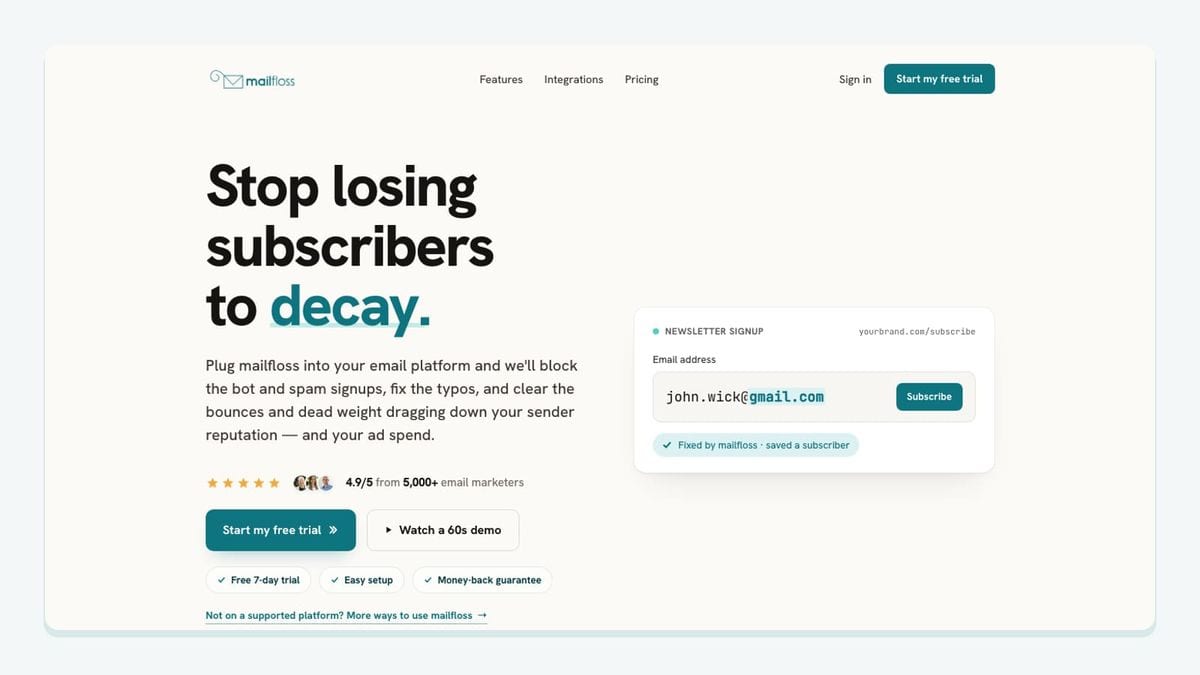
mailfloss is the hygiene layer in this roster. The live GetResponse email verification integration lets a team choose which GetResponse connections and lists mailfloss watches. Each connection can carry its own cleanup rules, so a sales list does not have to follow the same handling policy as a newsletter or event list.
The workflow runs from the mailfloss dashboard rather than appearing as a panel inside GetResponse. Once connected, mailfloss manages the selected GetResponse contacts in the background. Depending on the configured workflow, flagged addresses can be kept for review, cleaned automatically, reflected through field updates, or passed to another tool through a notification action. Common typos can also be corrected as part of the list-cleaning process.
That connected workflow matters because list quality is not frozen on import day. New contacts keep arriving and old addresses can become risky. Automated email decay protection is therefore a different job from uploading a CSV to a verifier once and forgetting about it.
mailfloss also has a first-class developer path. Product teams and AI agents can use the email verification API for developers and AI agents to check an address in real time before their application sends the contact to GetResponse. The REST endpoint uses JSON and supports webhook and batch workflows, allowing the same verification policy to cover a custom signup surface and the connected GetResponse lists.
Choose mailfloss when: you want recurring, ESP-connected hygiene, configurable rules by GetResponse connection, and an API path for custom products or agent-driven workflows.
2. App: PrestaShop — best for ecommerce data and purchase workflows

PrestaShop is the most data-rich connection in this list. GetResponse’s official plugin can add new store registrants to a specific GetResponse contact list, export the existing client database, carry custom fields and ecommerce data, and collect subscriptions through GetResponse forms and exit popups placed on the store.
The integration can also send product, order, and customer information to GetResponse. That gives GetResponse automation something more useful than a bare email address: workflows can react to purchases, abandoned carts, or customer spending. GetResponse’s documentation recommends creating a dedicated list for the PrestaShop integration rather than reusing it for unrelated sources, specifically to reduce synchronization problems.
A concrete setup looks like this:
- Install the GetResponse extension in PrestaShop.
- Generate the PrestaShop access key.
- Open Integrations and API → PrestaShop in GetResponse and connect the store.
- Choose whether to import full ecommerce data, contacts only, or products only.
- Select which customers qualify for the contact import, including the relevant marketing-consent choice.
- Decide whether the plugin uses live sync or the basic scheduled import.
- Test registration, purchase, cart, unsubscribe, and consent-withdrawal paths before relying on the automation.
A real limitation deserves attention: GetResponse documents different unsubscribe behavior depending on where the action starts. A GetResponse unsubscribe does not delete the PrestaShop customer, while a qualifying consent withdrawal in PrestaShop can remove the contact from GetResponse. That is precisely why this connection needs a written ownership rule for consent and contact state.
Source: GetResponse’s official PrestaShop integration documentation.
Choose PrestaShop when: store registrations, products, orders, carts, and browsing activity should drive GetResponse ecommerce campaigns.
3. App: WebinarJam — best for adding webinar registrants through a GetResponse form
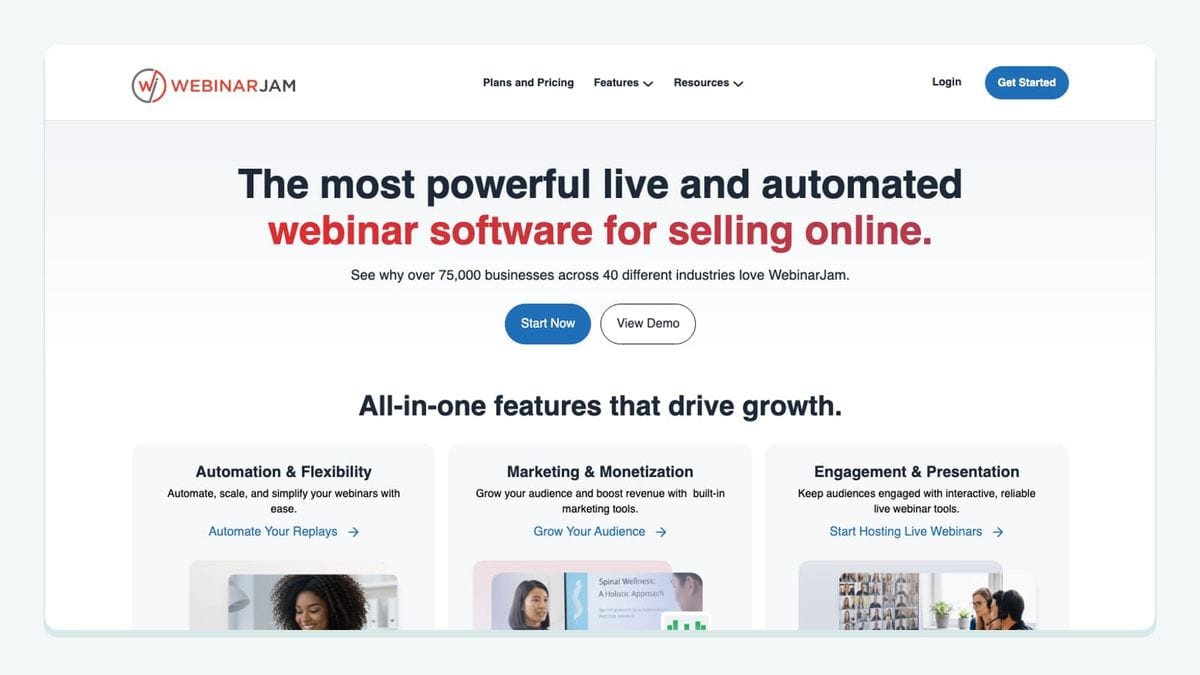
WebinarJam uses an unusually concrete GetResponse mechanic: the webinar accepts GetResponse subscription-form code. In WebinarJam, edit the webinar, open Integrations, enable Add registrants to my mailing list, and select GetResponse. Then retrieve the chosen GetResponse web form’s source code and paste it into WebinarJam.
This is not a generic “send leads to your ESP” connection. The GetResponse form is the bridge. If the registration also collects a phone number, GetResponse’s integration instructions tell the user to identify the corresponding custom-field name in the form code and supply that name in WebinarJam. The example uses a field shaped like custom_Phone.
That mechanic creates two useful checks. First, use a GetResponse form connected to the intended webinar list rather than whichever form code happens to be easiest to find. Second, submit a test registration with every optional field you expect to use. Confirm that the contact reaches the correct list and that the phone or other custom data lands in the right field before publishing the webinar.
Once registrants and attendees are in GetResponse, the team can run autoresponders and follow-up campaigns based on the webinar workflow. Keep registration consent distinct from permission for unrelated promotional mail.
Source: GetResponse’s official WebinarJam integration page.
Choose WebinarJam when: its webinar registration flow is already central and you want GetResponse follow-up to begin from a specific embedded subscription form.
4. App: ClickMeeting — best for attendee export with a GetResponse reference field
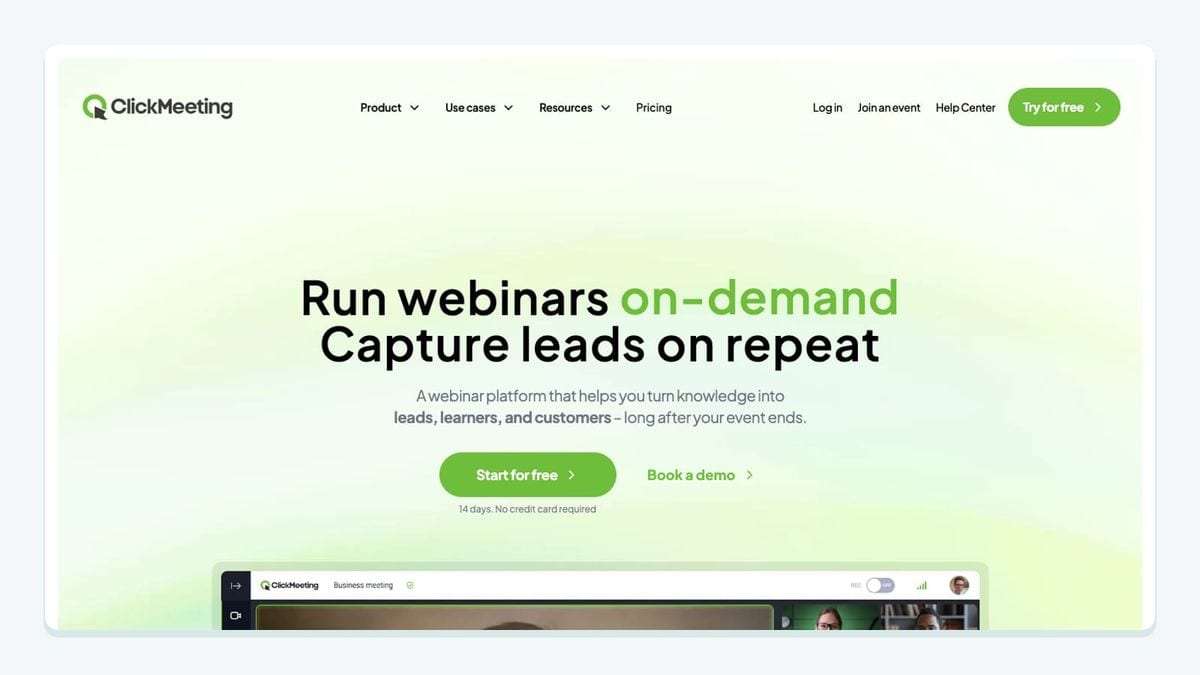
ClickMeeting is another webinar option, but its connection is mechanically different from WebinarJam. The setup starts with a GetResponse API key. In ClickMeeting, enable the GetResponse integration, then choose the GetResponse campaign associated with the meeting or webinar. GetResponse notes that older integration language may call a contact list a campaign.
When the integration adds contacts, ClickMeeting assigns a GetResponse custom field named ref. That field gives the team a concrete way to find and segment contacts created through the integration. The integrated registration form also includes a default opt-in checkbox.
Those details make the verification plan simple:
- Register an internal test attendee.
- Confirm the selected GetResponse list received the contact.
- Inspect the
refcustom field. - Verify the opt-in presentation on the actual registration form.
- Test more than one webinar before assuming the reference data distinguishes them as expected.
Do not choose ClickMeeting merely because it appears beside WebinarJam in a directory. Choose it when ClickMeeting is the event system and the API-key, selected-list, and ref-field workflow fits how the team wants to segment attendees.
Source: GetResponse’s official ClickMeeting integration page.
Choose ClickMeeting when: meeting or webinar attendees should be exported into a selected GetResponse list with a searchable source field.
5. App: Uncanny Automator — best for WordPress-triggered GetResponse actions
Uncanny Automator is for WordPress sites where the meaningful event happens inside a plugin. Its GetResponse connection can create, update, or remove contacts after form submissions, purchases, course completions, membership events, or webhooks. GetResponse names integrations including WooCommerce, LearnDash, WPForms, Gravity Forms, Contact Form 7, and Elementor among the possible WordPress sources.
The useful design pattern is a narrow recipe. For example: when a learner completes a LearnDash course, update that existing GetResponse contact and apply the course-completed context required by the next campaign. Another recipe might create a GetResponse contact after a qualifying WPForms submission. Avoid a broad rule that sends every WordPress user event into one list.
Before activation, document whether the recipe creates, updates, or removes a contact. Then test the same email address twice. A workflow that creates a second record or overwrites useful fields on the second event needs adjustment. Test the negative path too: a form submission or membership event that does not meet the recipe’s conditions should not touch GetResponse.
Source: GetResponse’s official Uncanny Automator listing.
Choose Uncanny Automator when: a specific WordPress plugin event should cause a controlled GetResponse contact action.
6. App: Responsly — best for mapping survey responses into GetResponse

Responsly adds surveys, forms, and quizzes to a GetResponse campaign workflow. The official listing describes a connection that requires active Responsly and GetResponse accounts, a published Responsly survey, Zapier, and a GetResponse API key connected through Zapier. GetResponse custom fields are optional but important when response values need to be used later.
The connection contract should name each mapped answer. Do not pour a long survey into vaguely named fields. Pick the few responses that change segmentation or follow-up, create compatible GetResponse custom fields, and map the Responsly answers through the Zap. GetResponse warns in its Zapier documentation that imported custom-field values must match the corresponding GetResponse field type, including formats for date, phone, age, country, currency, and similar predefined fields.
Test one ordinary response, one blank optional answer, and one value near the field-format boundary. Then inspect the GetResponse contact rather than trusting the successful Zap status alone. If a survey answer should start a follow-up, verify that the intended campaign or automation sees the mapped value.
Source: GetResponse’s official Responsly integration page.
Choose Responsly when: survey answers should become structured GetResponse contact data that supports a specific follow-up decision.
7. App: Make — best for custom multi-step GetResponse workflows

Make is the flexible orchestration choice. Its GetResponse modules can create, update, or delete contacts and tags; work with campaigns and newsletters; watch GetResponse events; and make a custom API call when the packaged modules are not enough.
A sound scenario identifies the GetResponse object at every step. For example: receive a qualified application from another system, find the GetResponse contact, add or update the relevant tag, and record a failure if the contact cannot be found. Another scenario could watch a GetResponse contact event and update an operations tool.
GetResponse documents a meaningful edition-specific limitation. Standard self-service accounts can connect through the GetResponse module, but GetResponse MAX accounts with their own login domain require a different Make setup using the HTTP module, an API key, full API endpoints, and MAX-specific headers. A scenario copied from a self-service tutorial may therefore fail for a MAX account.
Test with Make’s run-once mode, then inspect the affected GetResponse contact, tags, campaign, or newsletter. Add an error path before scheduling the scenario. Flexible automation without replay and error handling is simply a quieter form of manual work.
Sources: GetResponse’s Make integration page and GetResponse MAX setup instructions.
Choose Make when: the workflow crosses multiple systems or needs GetResponse actions that a narrower direct connector does not expose.
8. App: Apresly — best for offers timed from GetResponse list entry
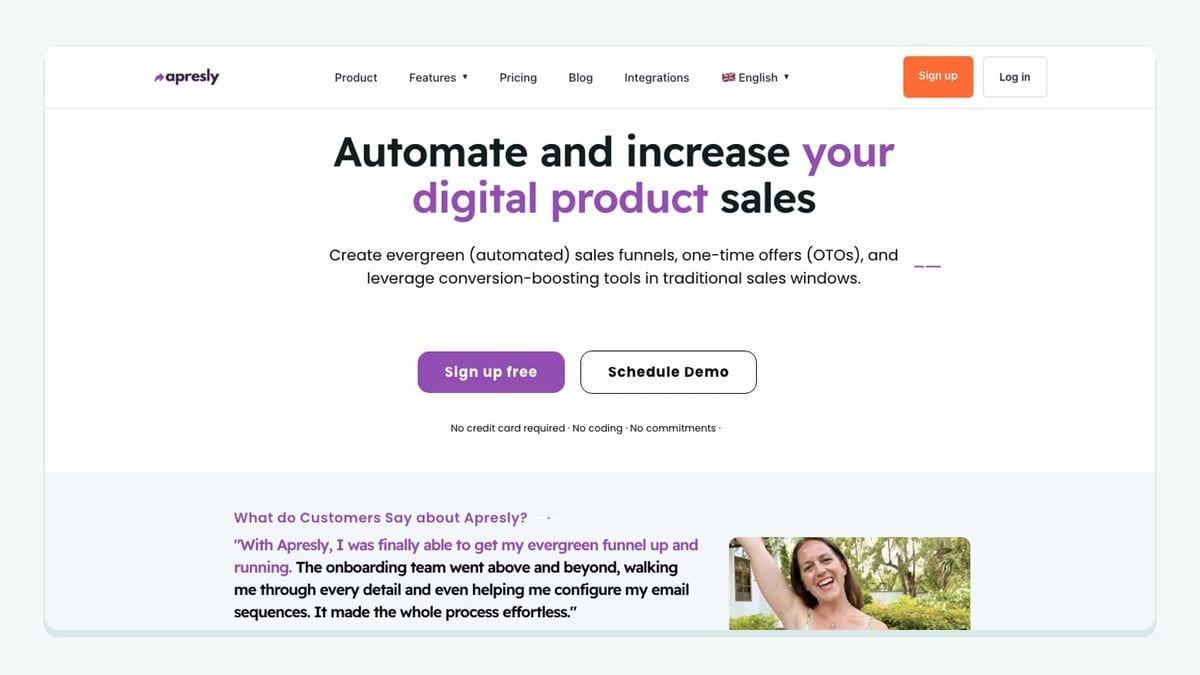
Apresly has the narrowest job in this roundup. It creates an individual offer-expiration timer from the moment a subscriber joins a designated GetResponse list. That makes the list-entry timestamp part of the offer logic rather than using one deadline for every recipient.
The setup decision is therefore mostly about list discipline. Choose the GetResponse list that represents genuine entry into the promotion. Do not reuse a broad newsletter list if old subscribers should not receive a newly started timer. Test with two internal subscribers joining at different times and confirm that each receives an independent deadline.
The follow-up emails and landing-page message must agree about the deadline. An expiring email paired with a page that ignores the timer creates confusion. Keep the promotion’s terms plain, and do not manufacture urgency by resetting an expired timer behind the subscriber’s back.
Source: GetResponse’s official Apresly integration page.
Choose Apresly when: a GetResponse list entry should start a transparent, subscriber-specific offer window.
How should you configure a GetResponse integration stack?
Write one connection contract per app before enabling anything:
- Trigger: What exact event starts the handoff?
- Destination: Which GetResponse list, contact, form, tag, custom field, campaign, or newsletter changes?
- Payload: Which values are written, and which system owns each one?
- Follow-up: Which autoresponder, campaign, segment, or automation uses the result?
- Consent: What permission was collected, where, and for which messages?
- Failure check: Where will an error appear, and who responds?
- Duplicate test: What happens when the same email arrives twice?
- Removal rule: What happens when the integration is disconnected?
Then add one integration at a time. A PrestaShop store may need mailfloss and perhaps Make, but it does not automatically need two webinar connectors, a survey platform, and an offer timer. Smaller stacks are easier to explain, audit, and repair.
Browse supported email-platform integrations if GetResponse is only one platform in the wider system.
Which GetResponse integrations are the best fit?

Choose mailfloss when recurring list quality is the missing layer. Choose PrestaShop when GetResponse should receive store, product, order, and behavior data. Pick WebinarJam or ClickMeeting according to the webinar platform and connection method already in use. Use Uncanny Automator for WordPress-native events, Responsly for survey-field mapping, Make for custom orchestration, and Apresly for list-triggered deadlines.
mailfloss is complementary to every acquisition app in the roster. It watches selected GetResponse lists and applies configurable hygiene rules after contacts arrive, while its API lets developers and AI agents check addresses before their custom application writes to GetResponse.
Review mailfloss pricing or Start my free trial » when that recurring hygiene layer is the gap.
Frequently asked questions
Which GetResponse integrations should I install first?
Start with the broken handoff. Choose mailfloss for recurring list hygiene and real-time API checks, PrestaShop for ecommerce data, WebinarJam or ClickMeeting for webinar contacts, Uncanny Automator for WordPress events, Responsly for surveys, Make for custom workflows, or Apresly for list-triggered offer timers.
Does GetResponse replace email verification?
GetResponse manages contacts and subscription workflows, while email verification evaluates address risk. mailfloss watches selected GetResponse lists and applies configurable cleanup rules in the background. Developers and AI agents can also use the mailfloss real-time REST API before sending a contact to GetResponse.
Should every integration use the same GetResponse list?
Usually not. Use a dedicated GetResponse list when the source has distinct consent, timing, or lifecycle rules, such as a PrestaShop store or webinar. If sources share a list, preserve their origin in a supported custom field or tag and test which automation or autoresponder starts.
Is mailfloss free for GetResponse users?
mailfloss has a permanent free plan: 500 verification credits a month, every month, open to every account. A 7-day trial of the paid plans sits alongside it. Its GetResponse fit is recurring, connected list hygiene rather than a one-time CSV cleanup.
We write from the practical side of email list cleaning: what helps marketers keep real subscribers, reduce bounces, and avoid turning hygiene into another recurring chore.