
Best Constant Contact Integrations: 6 Practical Picks
Compare the best Constant Contact integrations for Wix contacts, Square customers, surveys, creative assets, and recurring list cleaning. Find your best fit.

Which Constant Contact integrations should you choose?
Choose Constant Contact integrations by destination: Wix and Square populate contact lists; Canva and Vimeo supply campaign assets; SurveyMonkey imports contact groups. Check list ownership before cleanup. mailfloss adds recurring hygiene plus a real-time API for developers and AI agents.
Choose Constant Contact integrations by destination: Wix and Square populate contact lists; Canva and Vimeo supply campaign assets; SurveyMonkey imports contact groups. Check list ownership before cleanup. mailfloss adds recurring hygiene plus a real-time API for developers and AI agents.
By mailfloss
The useful question is what should arrive in Constant Contact: a customer, a survey contact group, a graphic, or a video. Those destinations determine which app deserves your attention. For contacts already arriving, Constant Contact email verification adds recurring list hygiene without another export-and-import project.
This is an editorial selection based on documented connection mechanics. We publish mailfloss, which appears alongside five tools serving different jobs. The numbering is for navigation, not a performance ranking. Recommendations and acceptance checks below are our comparison framework, not results from a hands-on connector benchmark.
Jump to the comparison, the setup worksheet, or the FAQs.
Which Constant Contact integration fits your work?
Choose the app that fixes an identifiable handoff in your Constant Contact workflow. A shop owner needs customer records and useful purchase groupings. A newsletter editor may already have the right subscribers and simply need campaign graphics. Installing both types of app does not solve the same problem twice.
Our selection framework asks four questions: what moves, where it lands, who controls later changes, and what the marketer should inspect. This makes a connection easier to evaluate than a feature count. Start with the destination column, then read the corresponding entry before connecting anything.
App | Best fit | Documented Constant Contact destination | Our recommended first check |
|---|---|---|---|
Wix | Businesses collecting subscribers or selling through Wix | Contact lists, including purchase-based groupings for stores | Correct Wix site and imported permission status |
Square | Businesses with customer records in Square | Lists grouped by buying behavior | Whether your intended change survives another sync |
SurveyMonkey | Teams bringing survey contact groups into email marketing | Constant Contact contact lists | Correct group and import destination |
Canva | Editors repeatedly moving campaign graphics | Library and campaign editors | Correct design in the intended campaign |
Vimeo | Teams sharing hosted videos | Library and Video block | Correct video selected and usable by the recipient |
mailfloss | Marketers maintaining contact quality over time | Selected connections and lists, with configured cleanup actions | Correct monitored scope and action; API result for custom software |
The table deliberately separates audience operations from content production. A design connection should be judged by whether the right asset reaches the campaign. A contact connection needs additional scrutiny: the destination list, permission status, and behavior after the next update all matter.
1. Wix: best for website subscribers and store customers
Wix is a useful starting point when your website already collects the people you want to reach through Constant Contact. Its connection brings contacts into Constant Contact lists, with purchase-based grouping when you operate a Wix store.
Connect it from Constant Contact's Integrations area, find Wix, choose Connect, sign in, select the intended Wix site, and complete Agree & Add. Selecting the site deserves attention if you manage more than one business or website.
There is a helpful diagnostic for subscriber-only websites: Constant Contact says that purchase-related lists still appear, but only “All Wix customers” is populated when there are no store sales. It also documents that contacts without email permission who are not Subscribed in Wix arrive as “No Permissions Set.” Constant Contact's Wix setup guide, updated September 4, 2026.
Our recommendation is to inspect a known signup before investigating empty purchase lists. Ask whether the contact arrived from the correct site and whether its permission status matches what happened there. Do not treat a populated destination as proof that the person can receive marketing.
For a website editor, this is a more useful first task than immediately building several campaigns. Establish one dependable route from the website to the intended audience, write down what you observed, and then expand the workflow.
2. Square: best for purchase-based customer lists
Square fits businesses that want customer buying behavior to inform their Constant Contact audience. The connector imports customers into purchase-based lists and syncs contacts daily. You can review those lists in the Square integration dashboard's Lists tab.
The consequential limitation is what happens later. Constant Contact states: “any changes you make to these lists within Constant Contact will be overwritten when the next sync occurs.” Constant Contact's Square setup guide, updated June 24, 2026.
Our recommendation is to treat those generated lists as source-managed. If your plan depends on a manual edit or a verification action remaining effective, inspect the actual contact after a subsequent sync. The documented warning concerns those lists; it does not establish the behavior of every contact field or every cleanup action.
That distinction matters when evaluating mailfloss alongside Square. Do not assume a conflict, but do not promise that none can occur. Record the action you selected, its initial result, and the later state. A screenshot immediately after an edit answers only the first half of the question.
Choose Square when its customer records are the business data you need. Then make ongoing behavior part of acceptance, instead of calling the connection finished as soon as the initial import appears.
3. SurveyMonkey: best for importing survey contact groups
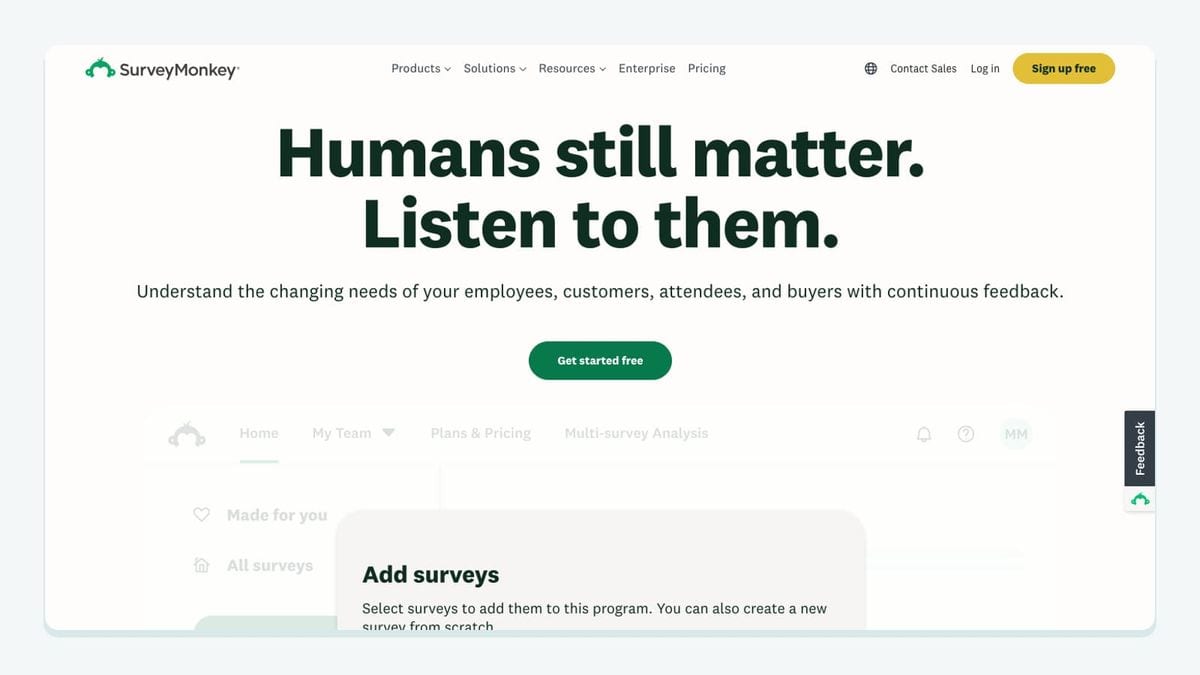
SurveyMonkey is a useful fit when the audience you need already exists in its contact groups. Constant Contact's integration supports importing those groups into contact lists. Its documentation specifies that contacts must be stored in groups and explains that group names become list names.
After connecting the accounts, open the SurveyMonkey integration details in Constant Contact and choose Import contacts. Work through the import options, select or create the destination list, confirm permission to send, and review the summary before importing. Constant Contact's SurveyMonkey import guide, updated October 19, 2025.
Our recommendation is to name the business purpose before choosing the group: for example, an audience that requested research updates. Then check whether that purpose matches the permission you actually hold. A group label helps organize work; it cannot answer that question for you.
Also define what a successful import means. For this documented route, it means the intended contacts reach the intended list. If your project needs individual survey answers written into particular marketing fields, treat that as a separate requirement and verify it explicitly. The contact-group import instructions alone do not establish that mapping.
This makes SurveyMonkey a focused audience handoff. It is most useful when you can identify the group, destination, and reason for follow-up before starting the import.
4. Canva: best for getting graphics into campaigns

Canva fits Constant Contact editors who repeatedly move designs into email or social campaigns. The connection brings designs into the Constant Contact workflow and Library without a separate download-and-upload cycle.
Constant Contact's current setup instructions are straightforward: find Canva under Integrations, connect the accounts, allow access, and use Add from Canva in the email or social editor to select the design. Constant Contact's Canva integration guide, checked September 13, 2026.
Our recommendation is to evaluate Canva with a real campaign task. Pick a graphic your team already needs, place it in a draft, and review the resulting composition. A connection that authenticates correctly has passed an access check. The campaign still needs an editorial check: is this the right version, does the text remain readable, and does the visual support the offer?
Keep your expectations tied to that job. A successful design handoff does not answer whether your audience is correctly grouped or whether its addresses remain usable. Assign those checks to the contact workflow instead of expecting one connector to solve everything.
For a small team, Canva is a sensible first connection when creative production is the recurring bottleneck. You can assess its usefulness on the next campaign without changing how contacts enter Constant Contact.
5. Vimeo: best for sharing hosted videos

Vimeo fits teams that already use video to explain a product, demonstrate a service, or invite people to an event. Constant Contact documents importing Vimeo videos into its Library and sharing them through an email, survey, or landing page.
To connect, find Vimeo under Integrations, choose Connect, sign in, and allow access. You can then drag a Video block into the supported content editor and choose a video from the connected account. Constant Contact's Vimeo connection guide, updated March 4, 2026.
Our recommendation is to judge the entire recipient journey. Select the intended video, preview the campaign, and follow the recipient-facing route yourself. Check that the content is appropriate for the audience and accessible under the video's actual settings. Do not promise universal playback inside inboxes simply because the editor offers a Video block.
The surrounding copy still has a job. Explain what the reader will learn and why opening the video is worth their time. If the video carries essential instructions, provide a useful written summary rather than making the reader depend entirely on playback.
Vimeo belongs beside Canva in the creative part of this shortlist. Choose between them according to the asset your campaign needs; neither should be evaluated as a substitute for a contact-import or verification workflow.
6. mailfloss: best for recurring contact hygiene
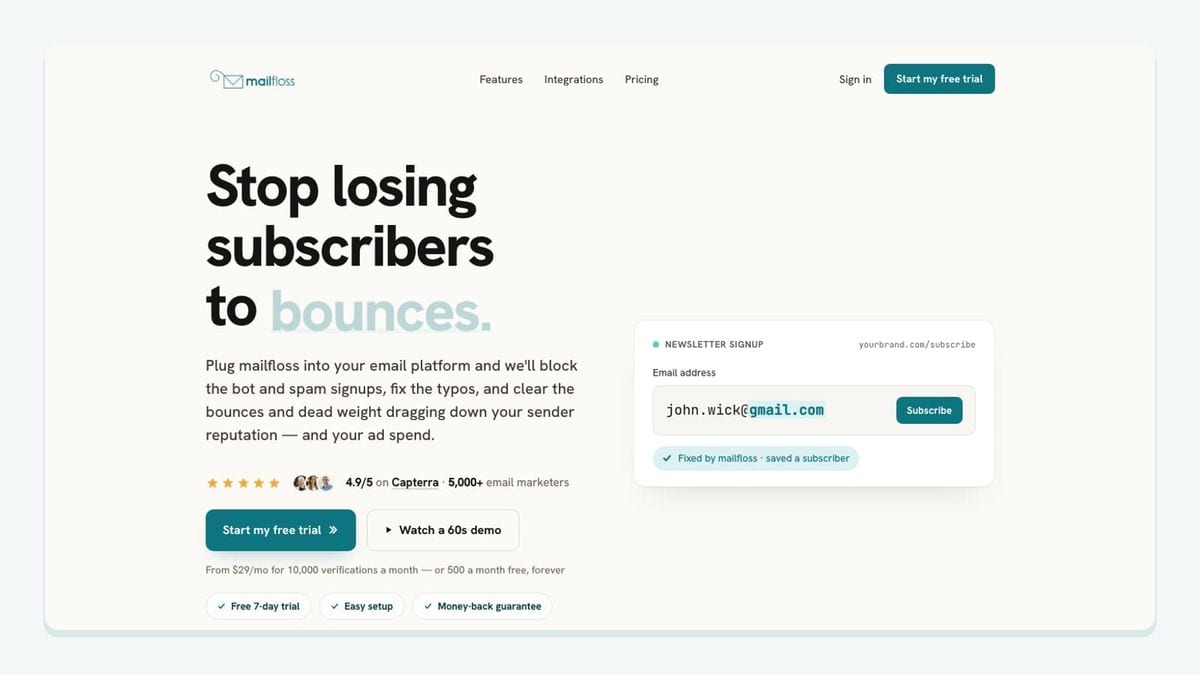
mailfloss is an email verification and automated list-cleaning tool for marketers. Its native Constant Contact connection handles recurring hygiene, while its first-class real-time email verification API serves developers and AI agents that need an immediate result in software.
Start by connecting Constant Contact from mailfloss. In the dashboard, choose the connections and lists to watch, then configure the features and cleanup policy for each connection. List selection and policy scope are separate decisions: the documented rules are configured per connection.
Autofloss checks new Constant Contact contacts daily. Typo Fixer recognizes safe typo patterns. Decay Protection re-verifies older contacts on a schedule. Instafloss provides real-time checks where signups enter the marketing system. These capabilities make verification an ongoing operation rather than a recurring CSV assignment. Constant Contact email verification setup.
Choose the outcome deliberately. The connection supports review, automatic cleaning, field updates, or notifying another workflow. Notification is an alerting capability; it is not evidence that a contact was exported to another tool.
Our recommendation is to start with a scope you can inspect. Confirm which incoming list is watched and what the selected action does before extending the configuration. When a source connector also updates those records, include a later sync in the inspection.
Recurring checks are not a documented guarantee that every address is verified before every campaign. For a custom process that needs a verification decision immediately, use the API at the point where the software makes that decision. Keep email permission and address quality as separate checks, too: a usable address does not prove permission or human intent.
How should you check a Constant Contact integration before relying on it?
Use this destination-and-ownership worksheet before depending on a Constant Contact connector. It combines the app-specific mechanics above with the monitored-list and per-connection policy choices in mailfloss. The checks are recommendations for your own account, not claims that we have run them on your behalf.
Record this | What to write down | What it helps you decide |
|---|---|---|
Origin | Exact website, customer account, contact group, or creative account | Whether you connected the intended business source |
Destination | Actual Constant Contact list, Library asset, or campaign block | Whether the connector solves the missing handoff |
Permission | Observed marketing status for a contact route | Whether arrival and permission agree |
Later changes | What another source update does to the result | Whether the workflow remains dependable |
Hygiene scope | Watched connection and selected lists | Whether incoming contacts are covered |
Cleanup outcome | Review, cleaning, field update, or notification | Whether the action matches your intended operating process |
For a contact route, begin with a record you control and a destination you can identify. Observe its arrival, inspect the available status, and record the time. Configure the relevant mailfloss scope and outcome, then inspect the result of verification. If a connector updates the destination again, inspect that later state as well.
The Square warning makes the last step particularly important. It supports testing persistence; it does not justify guessing which particular cleanup actions will or will not persist. Keep that question open until you observe the configured combination.
For a creative route, replace the contact checks with asset checks. Put the selected graphic or video into the intended campaign, preview it, and follow any recipient-facing link. A useful acceptance record says which asset was checked and where it appeared, rather than merely saying the accounts connected successfully.
Finally, assign an owner. Someone should know which source controls each route and where to look when the outcome changes. That small record is usually more useful than a folder full of screenshots with no explanation of what they prove.
Which integration should you connect first?

Connect the app attached to your current bottleneck. Choose Wix or Square when the missing piece is bringing existing business contacts into Constant Contact. Choose SurveyMonkey when the audience is held in survey contact groups. Choose Canva or Vimeo when the audience is ready but campaign production needs a smoother asset handoff.
Add mailfloss when maintaining those contacts requires recurring email verification and automated cleaning. Developers and AI agents can use its real-time API alongside that scheduled workflow. Check mailfloss pricing for current plan details, then use the integration setup guide to choose the appropriate scope.
You do not need all six apps to make this shortlist useful. One connection with an understood destination and a checked outcome is a practical improvement. Add the next only when you can name the work it will remove.
If bots or fake addresses are getting through your forms, here is how to reduce spam signups in Constant Contact before they reach your list.
Start my free trial →
Frequently asked questions
Do all Constant Contact integrations add subscribers?
No. Wix and Square bring contacts into Constant Contact lists, and SurveyMonkey supports contact-group imports. Canva and Vimeo connect creative assets to campaign-building tools. Choose the destination you need before connecting an app.
Will edits to Square-generated lists survive the next sync?
Constant Contact documents that changes to Square-generated lists are overwritten on the next sync. Treat those lists as source-managed and inspect a controlled contact after another sync before relying on a cleanup workflow.
What does mailfloss add to Constant Contact?
mailfloss connects natively to Constant Contact for recurring email verification and automated list cleaning. Choose the connections and lists to watch, then configure cleanup rules per connection. Developers and AI agents can also use its first-class real-time email verification API when software needs an immediate result.
We write from the practical side of email list cleaning: what helps marketers keep real subscribers, reduce bounces, and avoid turning hygiene into another recurring chore.