
10 Best Campaign Monitor Integrations for Smarter Lists
Compare 10 Campaign Monitor integrations for capture, commerce, CRM, analytics, automation, and email verification. Build a cleaner marketing stack.


What are the best Campaign Monitor integrations?
The best-fit Campaign Monitor integrations cover four jobs: capture subscribers, keep customer data aligned, measure campaign outcomes, and protect email quality. Choose one owner per job. For verification, mailfloss watches selected Campaign Monitor newsletters, applies scheduled or real-time cleanup, and writes actions back; developers and AI agents can use its real-time API.
The best-fit Campaign Monitor integrations cover four jobs: capture subscribers, keep customer data aligned, measure campaign outcomes, and protect email quality. Choose one owner per job. For verification, mailfloss watches selected Campaign Monitor newsletters, applies scheduled or real-time cleanup, and writes actions back; developers and AI agents can use its real-time API.
A useful Campaign Monitor stack is not the one with the most logos. It is the one where every integration has a clear job, every important field has one owner, and a failed automation can be found before it quietly rearranges your subscriber data.
This guide compares ten integrations across capture, commerce, customer records, analytics, workflow automation, events, surveys, and email verification. There is no single winner. The right choice depends on where contacts enter, where customer context lives, and what problem you are trying to remove from the workflow.
How did we choose the best Campaign Monitor integrations?
This list uses a Campaign Monitor-specific decision framework rather than a popularity contest. Each integration is judged by where it sits in the subscriber journey and how clearly it works with Campaign Monitor newsletters.
We use five questions:
- Entry point: Does the integration create a subscriber from a form, purchase, registration, or other meaningful event?
- System of record: Is the app supposed to own customer data, or should Campaign Monitor own the email-marketing copy?
- Write behavior: Which newsletter and fields can the integration change?
- Operational visibility: Can a marketer see failures, retry them, and understand what happened?
- List quality: Does the integration prevent risky data, or merely transport whatever it receives?
The fifth question matters because moving an address into Campaign Monitor is not the same as checking whether that address is usable. A form tool can capture consent beautifully and still collect a typo. A CRM can hold rich customer context and still contain an address that has decayed. Transport, consent, customer context, sending, and verification are separate jobs.
Use the following matrix as a first filter.
Integration | Primary Campaign Monitor job | Best fit | Main preflight check |
|---|---|---|---|
mailfloss | Email verification and recurring list hygiene | Teams that want selected newsletters cleaned automatically | Cleanup action and keep/remove rules |
Shopify | Commerce-triggered subscriber flow | Stores connecting purchase context to email marketing | Consent source and field ownership |
WordPress | Site and form capture | Publishers and businesses collecting subscribers on-site | Form-to-newsletter mapping |
Salesforce | CRM-to-marketing alignment | Sales-led teams with customer records in a CRM | Direction of sync and record ownership |
Zapier | Workflow routing | Teams connecting an app without a simpler direct workflow | Trigger, retry, and duplicate handling |
Typeform | Structured form capture | Surveys, applications, and lead questionnaires | Consent wording and answer mapping |
Unbounce | Landing-page lead capture | Campaign teams running dedicated acquisition pages | Newsletter destination and test submissions |
Google Analytics | Campaign measurement | Teams connecting campaign clicks to site behavior | Tracking conventions and attribution scope |
SurveyMonkey | Post-campaign feedback | Teams collecting structured subscriber responses | Identity matching and survey permissions |
Eventbrite | Registration-driven email workflows | Event teams communicating with registrants | Registration status and marketing consent |
1. mailfloss: best-fit for automated email verification
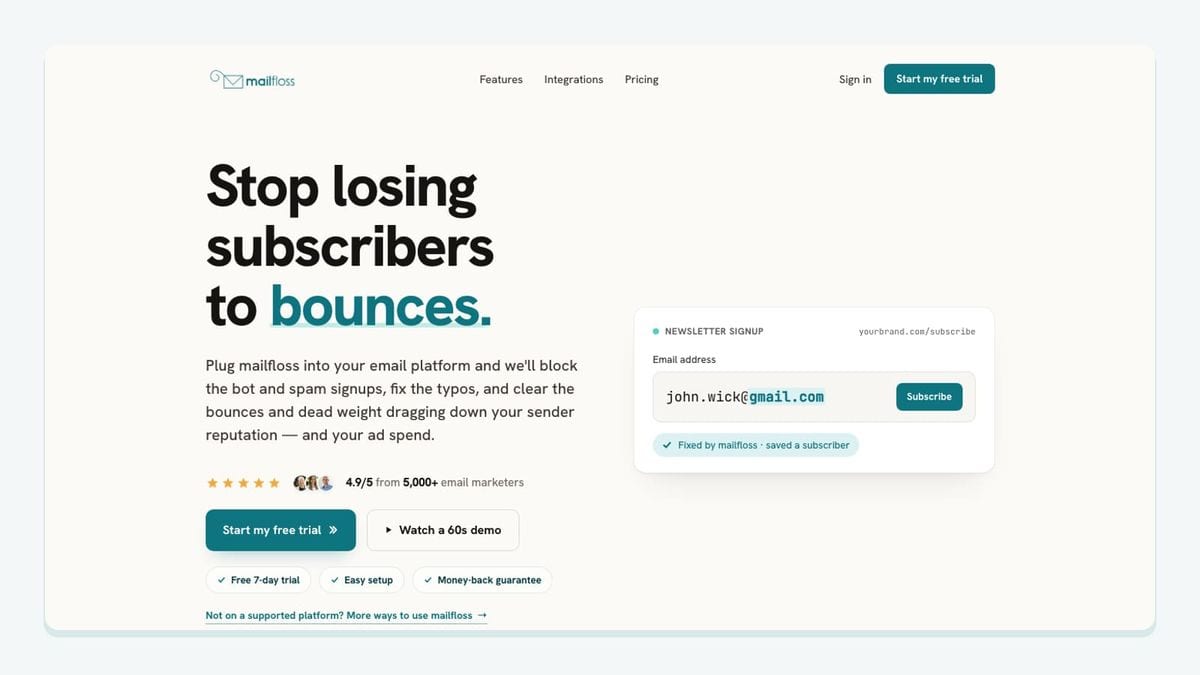
mailfloss is the list-quality layer in this roundup. It connects directly to Campaign Monitor, watches the newsletters you select, verifies contacts, fixes recognized typo patterns, and applies the cleanup action you choose. That makes it different from a connector that only moves a subscriber from one system to another.
The Campaign Monitor workflow is concrete:
- Authorize Campaign Monitor from the mailfloss dashboard.
- Choose the Campaign Monitor newsletters you want watched.
- Start with Typo Fixer and daily Autofloss cleanup, then add Instafloss where new signups enter.
- Set custom keep and remove rules for the connection.
- Choose whether mailfloss should hold contacts for review, clean automatically, update fields, or notify another workflow.
- Let scheduled checks run and write fixes or removals back to Campaign Monitor.
Decay Protection adds a second time horizon. Initial verification checks an address when it enters the workflow; scheduled re-verification catches older Campaign Monitor contacts that became risky later. That distinction is important for an established newsletter because list quality is not frozen on signup day. Read more about email decay protection.
mailfloss also supports developer-led workflows. Product teams and AI agents can use the first-class real-time email verification API while marketers use the direct Campaign Monitor connection for scheduled cleaning and write-back. These are complementary paths: use the direct integration for newsletter operations and the API when verification belongs inside a custom application, agent, or data pipeline.
Best fit: teams that want automated, recurring list hygiene inside their Campaign Monitor workflow rather than repeated CSV exports and imports. See the complete Campaign Monitor email verification setup.
2. Shopify: best-fit for commerce-triggered email journeys

Shopify belongs in a Campaign Monitor stack when purchases, customer status, or store activity should shape email communication. Its value is not simply copying an address. The useful outcome is connecting a commerce event to the right newsletter and customer journey without making Campaign Monitor the master copy of order data.
Before connecting the two systems, decide which events justify a marketing update. A completed purchase, an abandoned checkout, and an account registration are not interchangeable. They may carry different consent, timing, and customer-context requirements. Map each approved event to one Campaign Monitor newsletter or journey, then document which store fields may be written into the subscriber record.
The main risk is ownership drift. If Shopify and another connector can both rewrite the same customer attribute, Campaign Monitor may receive conflicting values. Keep commerce facts in the commerce system, send only the fields needed for segmentation, and test unsubscribe and consent behavior before expanding the workflow.
Best fit: stores that need commerce context to influence Campaign Monitor campaigns while keeping purchase data anchored in Shopify.
3. WordPress: best-fit for website subscriber capture
WordPress is useful when the website is the main place people join a Campaign Monitor newsletter. The integration decision is really a form-routing decision: which form creates which subscriber, in which Campaign Monitor newsletter, with which fields and consent record?
Avoid sending every form to one catch-all destination. A newsletter form, lead-magnet form, contact form, and event-interest form express different intent. Give each approved subscription path an explicit Campaign Monitor destination. Use a small set of stable custom fields rather than copying every WordPress form value into the email platform.
Test the actual public form, not merely the connector’s authentication screen. Submit a controlled address, confirm that it arrives in the expected newsletter, inspect its mapped fields, and verify the intended follow-up. A successful connection can still be a failed workflow if the contact lands in the wrong place.
Best fit: publishers and service businesses whose primary subscription moments happen on a WordPress site.
4. Salesforce: best-fit when the CRM owns customer context
Salesforce is a sensible Campaign Monitor companion when sales and account teams rely on CRM records while marketers send through Campaign Monitor. The architectural question is direction: which Salesforce changes should reach Campaign Monitor, and which Campaign Monitor events, if any, need to return?
Start by naming the system of record for identity, account status, lifecycle stage, consent, and email-campaign membership. Do not label both systems authoritative for the same field. A one-way, well-documented flow is often safer than a broad two-way sync whose conflict rules nobody remembers.
Use a limited test segment before opening the workflow to the full database. Check field formats, blank values, duplicate records, unsubscribe handling, and the behavior of deleted or merged CRM records. The integration should help marketing use relevant customer context without turning Campaign Monitor into a shadow CRM.
Best fit: sales-led organizations where Salesforce owns customer context and Campaign Monitor owns campaign execution.
5. Zapier: best-fit for clear event-to-action workflows
Zapier is useful when a required trigger or destination is not covered by a simpler direct connection. It works best when the workflow can be stated plainly: “When this approved event occurs, add or update this contact in this Campaign Monitor newsletter.”
Middleware becomes brittle when it is asked to infer business policy. Keep each automation narrow, name it after the event and destination, and document the exact field mapping. Add a plan for failed runs and duplicates before the workflow becomes business-critical. If several automations can create the same Campaign Monitor subscriber, define which one wins when their values disagree.
Zapier should solve a routing gap, not become an invisible second database. Campaign Monitor still needs a clear newsletter structure, and the source app should continue to own the event that triggered the automation.
Best fit: operations teams connecting niche lead sources or internal workflows to a specific Campaign Monitor newsletter.
6. Typeform: best-fit for structured lead and survey capture
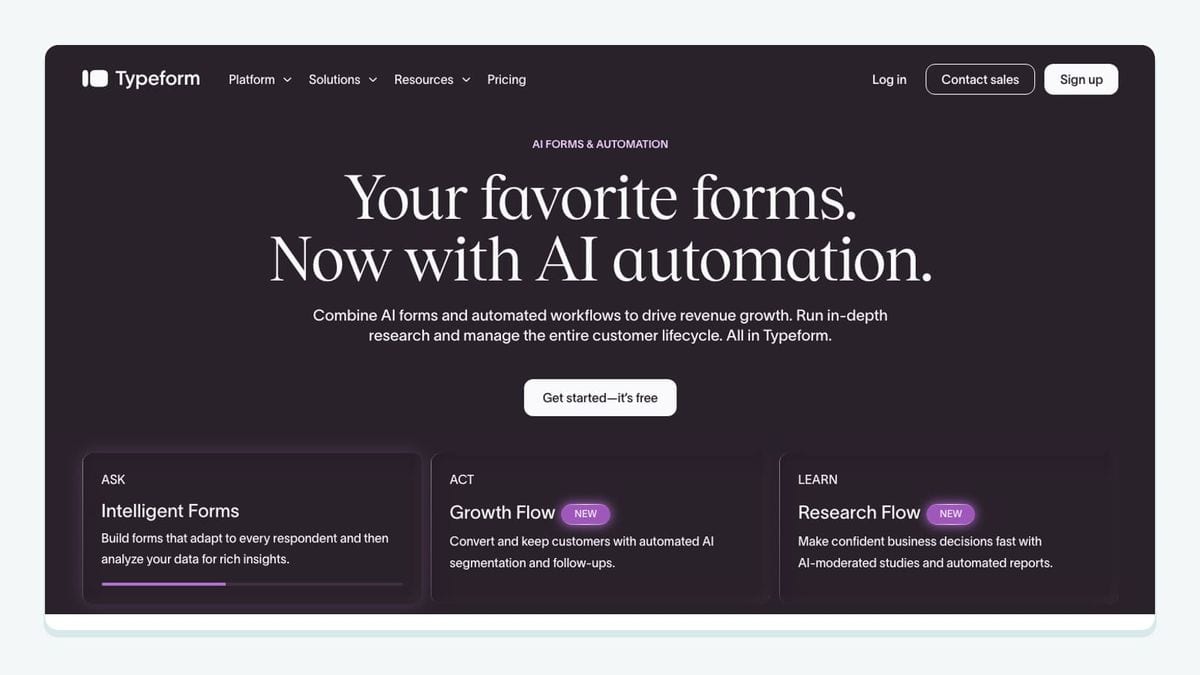
Typeform earns a place in a Campaign Monitor stack when the answers collected with an email address matter to future communication. Applications, qualification forms, quizzes, and research surveys can produce useful segmentation context that a plain newsletter field does not capture.
The configuration work is field discipline. Decide which answers are stable enough to become Campaign Monitor fields and which should remain in the form system. Free-text answers are rarely good segmentation fields. Controlled choices such as role, interest, or requested topic are easier to map and maintain.
Keep marketing consent separate from form completion. Someone can submit an application or survey without necessarily requesting promotional email. Test conditional branches so every valid path sends the intended fields and no path silently subscribes someone to the wrong newsletter.
Best fit: teams that collect structured preferences or qualification data before beginning a Campaign Monitor journey.
7. Unbounce: best-fit for campaign landing pages
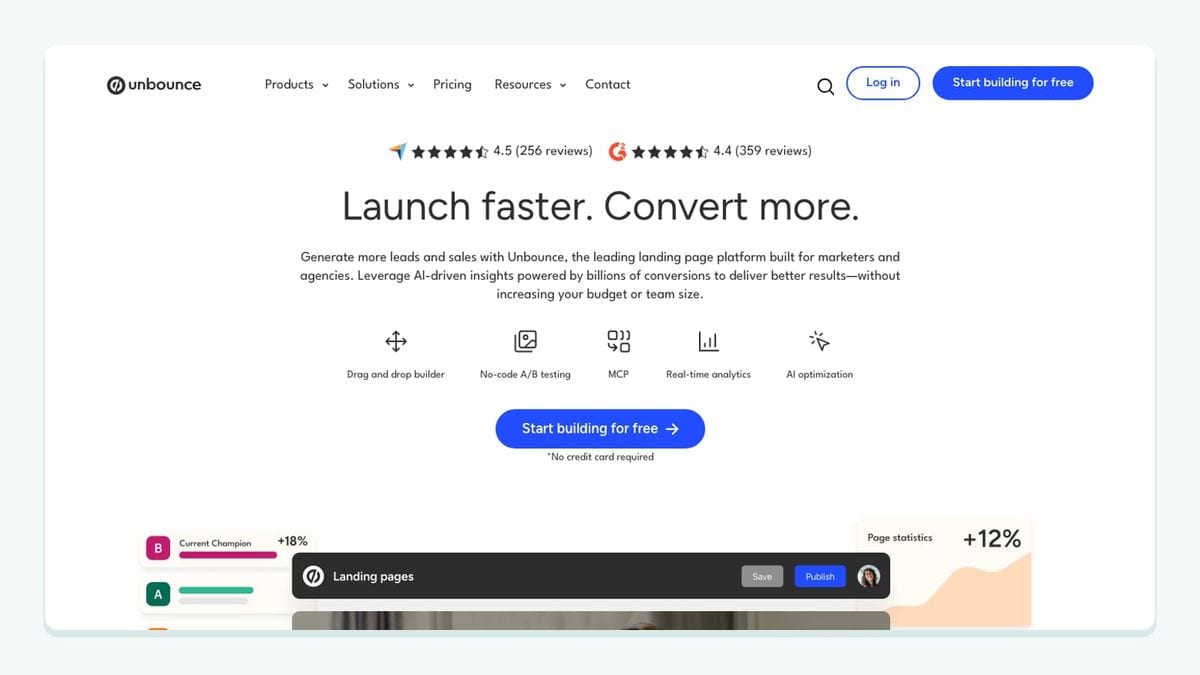
Unbounce is useful when paid or focused acquisition campaigns use dedicated landing pages rather than the main website. The Campaign Monitor mechanic to get right is destination control: each page or offer should feed the intended newsletter and carry only the fields needed for that follow-up.
Create a test submission for every live landing-page variant. Confirm the subscriber lands in the correct Campaign Monitor newsletter, the source or offer value is preserved, and the expected follow-up begins. When pages are duplicated, inspect the connector settings again; copied design does not guarantee copied routing.
Landing pages are also a common point for typoed, disposable, or risky addresses to enter. A capture integration moves the record, while a verification layer evaluates its email quality. Treat those as separate responsibilities.
Best fit: growth teams running multiple offers that need clean source attribution and reliable Campaign Monitor routing.
8. Google Analytics: best-fit for measuring what happens after the click

Google Analytics complements Campaign Monitor by helping teams examine site behavior after a campaign click. It does not own the subscriber record, and it should not be treated as proof that an individual address is valid. Its job is measurement.
Agree on campaign naming before sending. Consistent source, medium, and campaign values make comparisons more useful than a collection of improvised labels. Decide which outcomes matter—such as a completed purchase, registration, or qualified enquiry—and separate those outcomes from vanity traffic.
Analytics also has an attribution boundary. It can help explain observed sessions and conversions, but it cannot repair a broken subscriber mapping or replace Campaign Monitor’s own delivery and engagement reporting. Use both views for the jobs they actually perform.
Best fit: marketers who need to connect Campaign Monitor clicks with on-site outcomes using a consistent measurement convention.
9. SurveyMonkey: best-fit for subscriber feedback
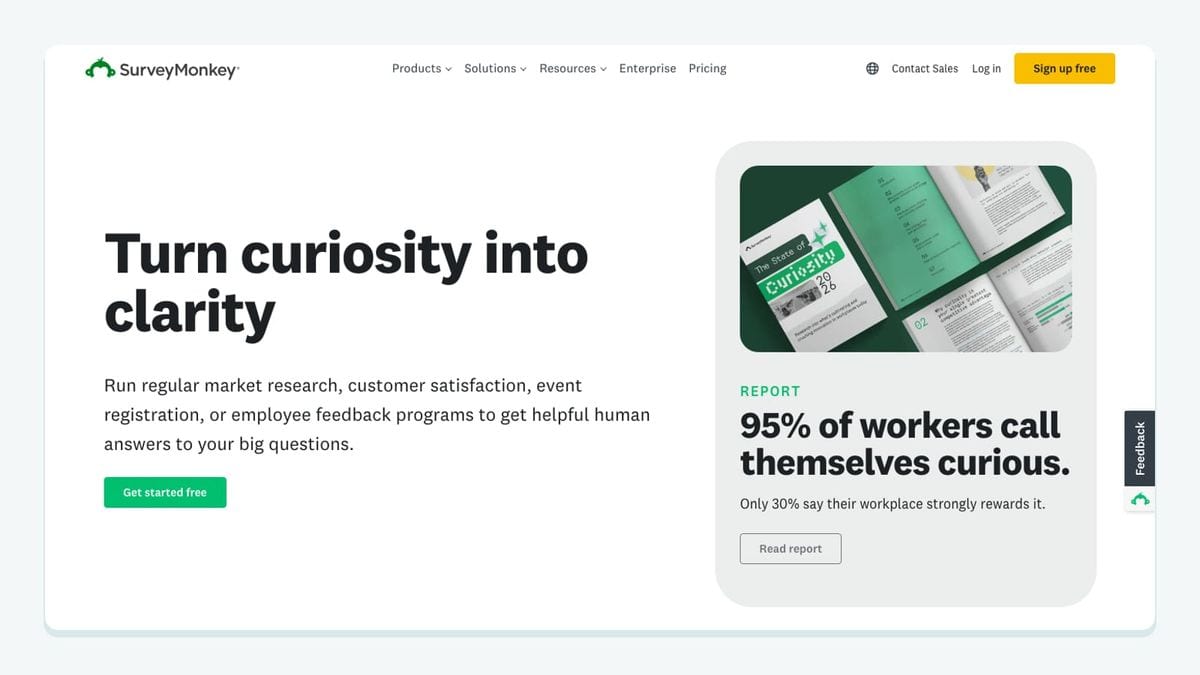
SurveyMonkey is useful when Campaign Monitor campaigns ask subscribers for structured feedback. The pairing can support satisfaction surveys, content preferences, event follow-ups, and customer research without forcing the email platform to become the survey database.
Before mapping responses back, decide whether Campaign Monitor needs the individual answer or only a stable category derived from it. A preference such as “weekly product tips” may help segmentation; a long confidential response probably belongs only in the survey tool.
Identity matching deserves care. Test how the workflow associates a response with a Campaign Monitor contact, what happens for anonymous responses, and whether a later response replaces or supplements an earlier value. Collect only what the email workflow genuinely needs.
Best fit: teams using Campaign Monitor to invite feedback and a dedicated survey tool to store and analyze responses.
10. Eventbrite: best-fit for registration-driven communication
Eventbrite fits Campaign Monitor workflows built around registrations, attendance, and post-event communication. The critical distinction is between transactional event communication and ongoing marketing consent. Registering for an event does not automatically answer every future subscription question.
Map registration states deliberately. A confirmed registrant, waitlisted person, cancelled attendee, and checked-in attendee may require different Campaign Monitor journeys. Test state changes as well as first-time registration so cancellations or updates do not leave people in an inappropriate sequence.
Keep event logistics in the event platform and send Campaign Monitor only the fields needed for the relevant message or segment. After the event, decide whether the temporary event newsletter should remain active, feed a broader consented newsletter, or be retired.
Best fit: event teams that want registration status to trigger appropriate Campaign Monitor communication.
What is the best Campaign Monitor integration stack for your team?
Choose coverage before app count. A practical stack assigns one tool to each required job:
- Publisher stack: WordPress captures the request, Campaign Monitor sends, mailfloss protects address quality, and analytics measures the visit after the click.
- Commerce stack: Shopify owns purchase context, Campaign Monitor runs customer email journeys, mailfloss handles recurring verification, and analytics measures site outcomes.
- Sales-led stack: Salesforce owns customer context, Campaign Monitor owns campaigns, a narrowly scoped automation handles routing gaps, and mailfloss manages list hygiene.
- Event stack: Eventbrite owns registration state, Campaign Monitor sends approved event journeys, SurveyMonkey gathers feedback, and mailfloss checks email quality.
For every stack, draw the flow before connecting it: source event → consent decision → Campaign Monitor newsletter → verification rule → campaign → measurement. Write the owning system above each step. If two apps claim the same step, simplify the design or document a conflict rule.
Then pilot with a small Campaign Monitor newsletter. Confirm creation, updates, unsubscribes, failures, and cleanup actions before expanding. Authentication proves that two services can talk; a controlled test proves that the workflow says the right thing.
Frequently asked questions
Which Campaign Monitor integration should you add first?
Start with the weakest part of your Campaign Monitor workflow. Fix capture if poor contacts enter through forms, connect the system that owns customer data if records drift, or add automated email verification if bounces and typos are the problem. A smaller stack with clear ownership is usually easier to trust than many overlapping connectors.
How does mailfloss work with Campaign Monitor?
Authorize Campaign Monitor in mailfloss, choose the newsletters to watch, and set the cleanup action once. mailfloss can run scheduled checks, protect new signups in real time, and write fixes or removals back to Campaign Monitor. Developers and AI agents can also use the first-class real-time email verification API for custom workflows.
Can you combine forms, CRM, and commerce integrations with Campaign Monitor?
Yes, but assign one owner to each data job. Let the form or store create the subscriber, let the CRM own customer context, let Campaign Monitor send campaigns, and let a verification layer manage address quality. Avoid two integrations rewriting the same subscriber field or applying conflicting subscription rules.
When is Zapier a good fit for Campaign Monitor?
Use Zapier when a trigger or destination is not covered by a simpler direct connection and the workflow is easy to express as a clear event and action. It is especially useful for routing a new record into a Campaign Monitor newsletter. Document field mappings and failure handling before relying on a multi-step automation.
What should you check before connecting an app to Campaign Monitor?
Check which newsletter receives the contact, whether consent and unsubscribe status remain authoritative, which fields the app can write, how duplicates are handled, and what happens when a run fails. Test with a small newsletter first. An integration is not ready merely because authentication succeeds; its write behavior must match your data policy.
We write from the practical side of email list cleaning: what helps marketers keep real subscribers, reduce bounces, and avoid turning hygiene into another recurring chore.