
7 Best Autopilot Integrations for Cleaner Journeys
Compare seven best-fit Autopilot integrations by contact source, journey trigger, data handoff, and list-hygiene role. Build a cleaner stack with mailfloss.


What are the best Autopilot integrations?
The best Autopilot integrations control a specific contact handoff: capture, CRM sync, journey entry, reporting, or cleanup. Choose by the job, then test what gets written back to Autopilot. mailfloss fills the hygiene layer by verifying contacts on a schedule, checking new signups in real time, and supporting developer and AI-agent workflows through its API.
By mailfloss
The best Autopilot integrations control a specific contact handoff: capture, CRM sync, journey entry, reporting, or cleanup. Choose by the job, then test what gets written back to Autopilot. mailfloss fills the hygiene layer by verifying contacts on a schedule, checking new signups in real time, and supporting developer and AI-agent workflows through its API.
Autopilot integrations are most useful when each one has a clearly defined job. A form should capture a contact. A CRM should establish who owns the relationship. A spreadsheet should support a bounded operations task. An automation connector should bridge a genuine gap. An email-verification layer should stop risky addresses from travelling unchecked into a journey.
That sounds obvious, but integration stacks get muddled quickly. The same contact may arrive from a landing page, be copied into a CRM, enter Autopilot, trigger a journey, and then be exported for cleanup. Every handoff creates another place for stale fields, duplicate records, typoed addresses, or unclear ownership to creep in.
This shortlist uses a simple Autopilot contact-path test: source → trigger → audience → hygiene action → journey. The seven picks cover distinct jobs in that path. There is no single winner for every team, and installing all seven would usually add more moving parts than value.
Which Autopilot integrations made the shortlist?
The table maps each integration to a concrete Autopilot job. Availability for Typeform, Unbounce, Salesforce, Pipedrive, Google Sheets, and Zapier is corroborated by the current Zapier Autopilot Journeys integration directory. The mailfloss workflow is grounded in the live Autopilot email verification integration.
Integration | Best-fit Autopilot job | Contact-path position | Main risk to control |
|---|---|---|---|
mailfloss | Recurring email verification and automated cleanup | Before sends and throughout list life | Invalid, typoed, disposable, risky, or decayed addresses |
Typeform | Structured lead or application capture | Source | Unvalidated email input and inconsistent fields |
Unbounce | Campaign landing-page capture | Source | A high-volume page feeding contacts straight into journeys |
Salesforce | Sales-owned customer and lead records | CRM handoff | Conflicting ownership or fields moving both ways |
Pipedrive | Deal-focused CRM handoff | CRM handoff | Journey status drifting away from deal status |
Google Sheets | Bounded review, reconciliation, or controlled import | Operations checkpoint | A temporary sheet becoming an unmanaged master database |
Zapier | Connecting an app without a direct path | Orchestration | Loops, duplicates, silent failures, and unclear retry behavior |
Our decision rule is deliberately stricter than “can these two tools connect?” An integration earns a place only when it owns one handoff, has an observable success condition, and does not leave list hygiene to someone’s memory.
1. mailfloss: best for recurring Autopilot list hygiene
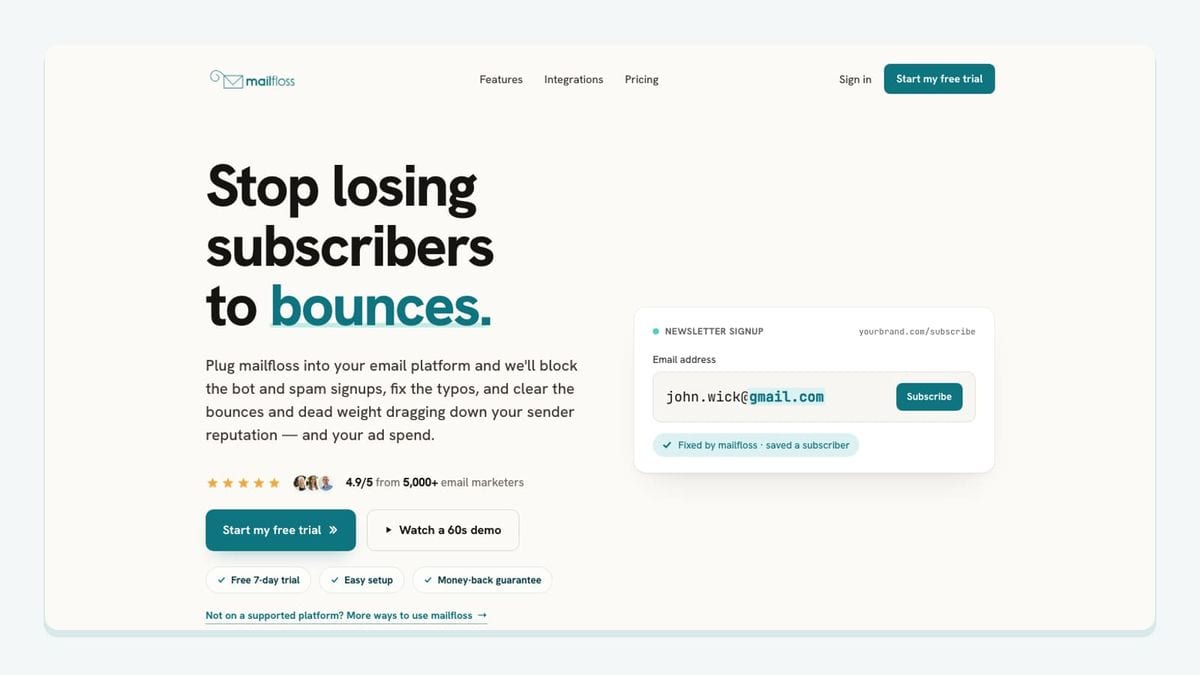
mailfloss is the best-fit addition when contacts already reach Autopilot but their email quality is not checked consistently. It connects directly to Autopilot, verifies contacts in the background, recognizes safe typo patterns, and applies the cleanup outcome selected for the connection. That removes the recurring export-check-import loop from ordinary list maintenance.
The Autopilot workflow is specific. Instafloss can check new signups in real time where they enter the marketing system. Autofloss runs daily against new Autopilot contacts. Decay Protection re-verifies older contacts on a schedule, because an address that was valid when it joined can become risky later. Custom Keep & Remove Rules let the owner protect VIPs, blacklist domains, and tune removal behavior for the Autopilot connection.
The write-back decision matters as much as verification. The live integration page describes options to review first, clean automatically, update fields, or notify another workflow. Its manual-versus-automated comparison also covers actions such as tagging, archiving, deleting, or suppressing. Choose the least destructive outcome that still protects the journey, then inspect the early results before increasing automation.
mailfloss is not limited to a direct, no-code connection. Product teams, developers, and AI agents can use the first-class real-time email verification API when verification belongs inside a custom form, product event, agent, or orchestration flow. Use the direct Autopilot connection for recurring in-platform hygiene; use the API when your verification boundary sits elsewhere.
Best fit: an Autopilot team that wants ongoing protection rather than another one-time CSV cleanup.
2. Typeform: best for structured lead capture

Typeform is a sensible Autopilot pairing when the contact begins with a survey, application, quiz, or qualification form. Its job in the stack is capture: collect the email address and the answers that determine what should happen next. Autopilot can then use the resulting contact data as part of a journey rather than asking the form to behave like a CRM or hygiene system.
Before connecting the flow, write down the exact field contract. Decide which form field becomes the Autopilot email field, which consent response is required, which source label identifies the form, and which answer controls journey entry. Test a valid address, a typo, a missing required answer, and a repeat submission from an existing contact. The desired outcome should be clear for every case.
Do not wait until the first campaign send to think about address quality. If the form is an important acquisition source, put verification at the entry boundary. Instafloss can protect real-time signup flows, while the mailfloss API can support a custom verification step when the form-to-Autopilot path is developer-managed.
Best fit: a team that needs richer form responses to determine which Autopilot journey a new contact should enter.
3. Unbounce: best for campaign landing-page leads
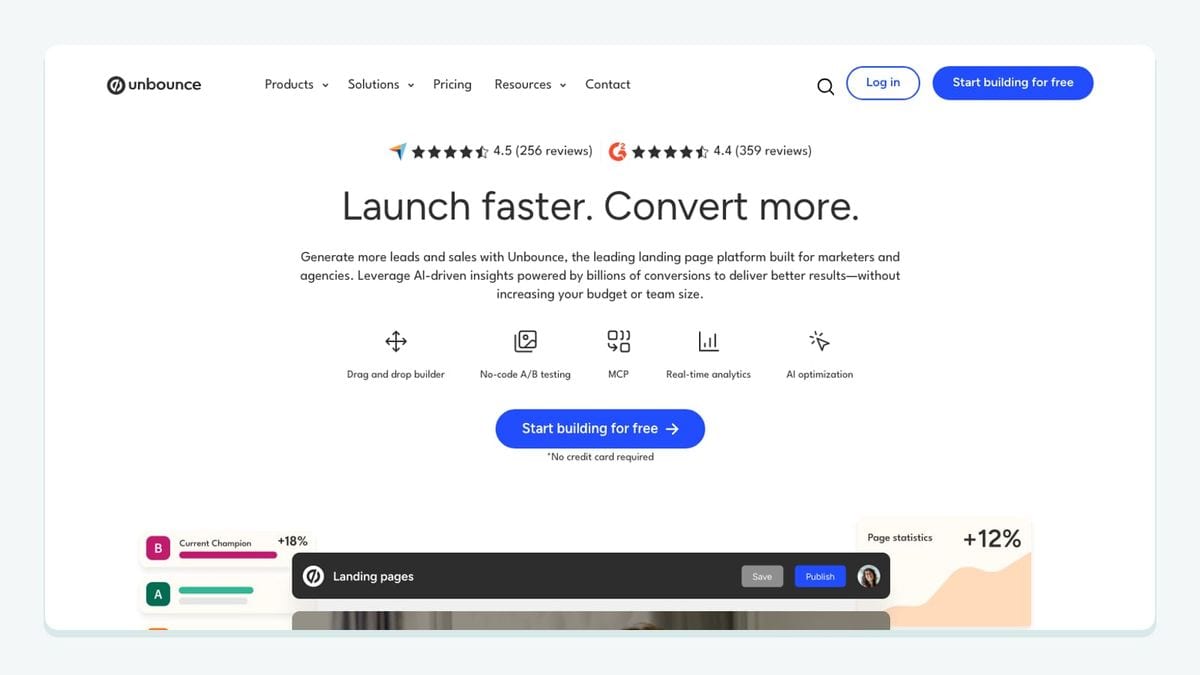
Unbounce belongs near the start of the contact path. Its best-fit role is capturing leads from a dedicated campaign page and handing those records to Autopilot for follow-up. This separation is useful: the landing page owns the conversion experience, while Autopilot owns the journey that follows.
The integration needs more than an “on submission, create contact” rule. Give every landing page a stable source value. Map consent explicitly. Decide whether a returning contact should update an existing record or create another event. Most importantly, name the exact Autopilot journey that may start after the handoff. A test submission should be traceable from the page through the contact record to the journey entry.
Campaign pages can produce sudden bursts of signups, so the hygiene boundary should sit before those contacts receive a campaign message. The live Autopilot integration page says mailfloss can check new signups in real time and write fixes or removals back without CSV round-trips. That makes the capture-to-journey handoff a concrete place to add protection rather than a vague promise to clean the database later.
Best fit: paid, event, or launch campaigns where a dedicated landing page feeds a defined Autopilot journey.
4. Salesforce: best when sales owns the customer record

Salesforce is the best-fit category here when sales needs to own the lead or customer record and Autopilot needs selected data for marketing journeys. The important design question is not simply whether records can sync. It is which system owns each field and what event allows a contact to enter or leave a journey.
Start with a field-ownership table. Sales-owned fields might include account assignment, opportunity stage, or disqualification status. Marketing-owned fields might include campaign source or journey engagement. Shared fields need a conflict rule. Without that contract, a two-way connection can turn a small correction into a recurring overwrite contest.
Email hygiene should be treated as its own layer. A CRM record can be commercially important and still contain a typoed, disposable, or decayed address. Use a conservative cleanup outcome for contacts whose sales history matters: review, update a field, suppress email, or notify a workflow may be safer than immediate deletion. The live mailfloss connection allows the owner to tune keep and removal rules for Autopilot rather than applying one blunt policy to every contact.
Best fit: a business where Salesforce is the commercial source of truth and Autopilot handles marketing journeys.
5. Pipedrive: best for deal-stage journey handoffs
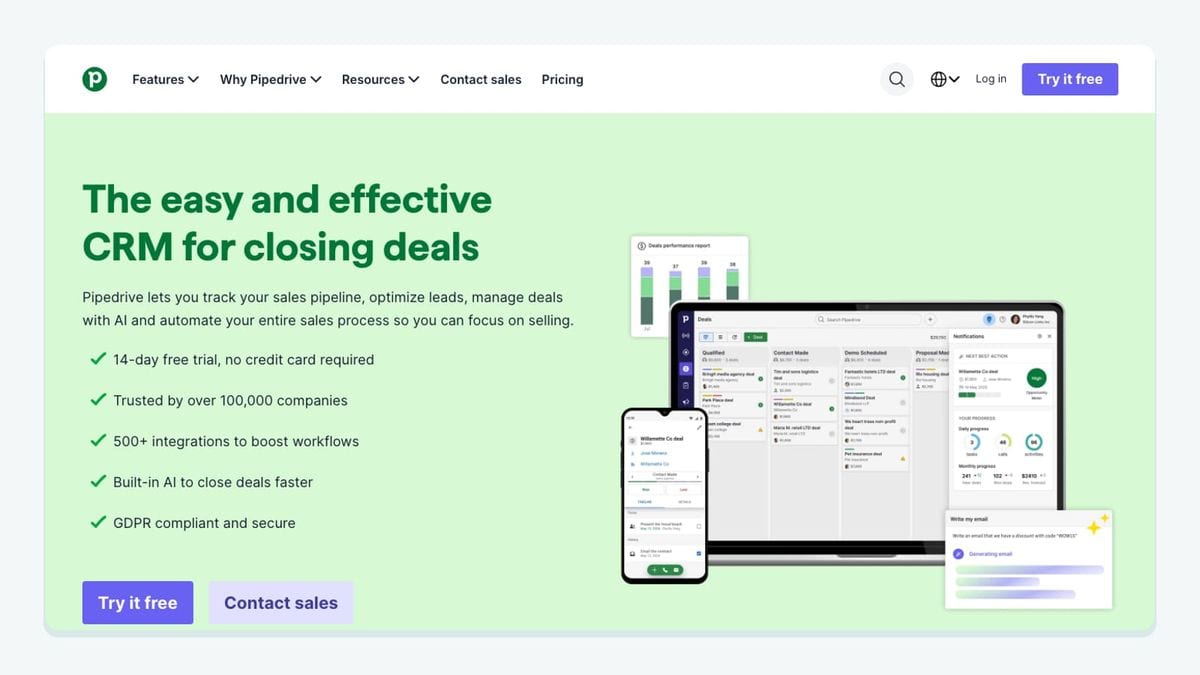
Pipedrive is a practical choice when a smaller sales team organizes work around people, organizations, and deal stages. In an Autopilot stack, its clearest job is to provide sales context that changes the journey: a lead becomes qualified, a deal advances, or a prospect should stop receiving a nurture sequence.
Keep the first version narrow. Choose one stage change, one Autopilot audience or journey action, and one owner for exceptions. Then test forward movement, backward movement, duplicate people, and a missing email address. A connection that behaves well only for the happy path will eventually leave sales and marketing looking at different versions of the same relationship.
Verification belongs before an email-dependent journey action, not before every harmless CRM update. That boundary keeps the workflow focused. New addresses can be checked near entry, daily automation can catch newly added Autopilot contacts, and scheduled re-verification can revisit older records. The result is a CRM handoff plus recurring hygiene, with each system doing a distinct job.
Best fit: a deal-driven team that needs Autopilot journeys to respond to a small number of meaningful pipeline changes.
6. Google Sheets: best for bounded operations work
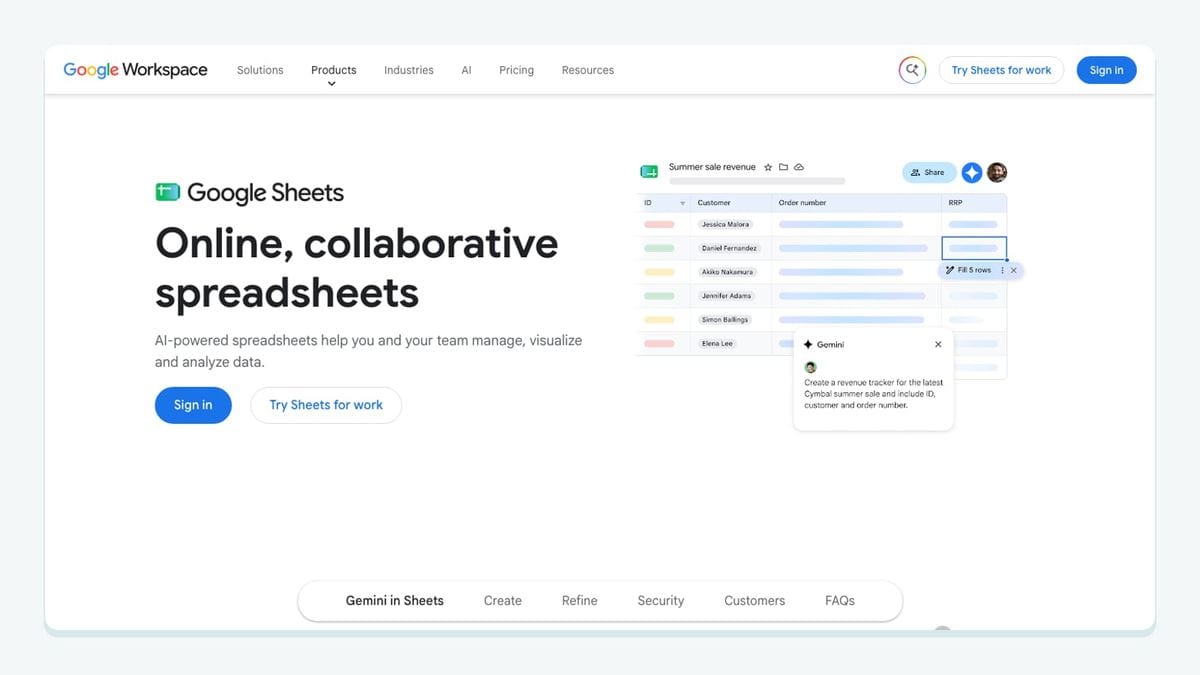
Google Sheets is useful precisely because it is simple. It can provide a visible checkpoint for a controlled import, a temporary review queue, or a reconciliation task. It becomes risky when that temporary checkpoint quietly turns into a second customer database with unclear ownership.
Give every sheet workflow an expiry condition. Define who can add rows, which columns are required, how duplicate emails are handled, and whether Autopilot creates or updates a contact. Include a stable source column so the imported records remain identifiable after they enter the main newsletter audience or another journey population.
A sheet is not a substitute for recurring hygiene. If the job is a one-time file cleanup, use the dedicated path to verify an email list. If contacts will keep entering Autopilot, connect an automated layer instead. The live Autopilot flow removes the need to export, check, and import the same list repeatedly: mailfloss can run scheduled checks and apply the selected result inside Autopilot.
Best fit: a bounded review or migration with an owner, a defined schema, and a clear end date.
7. Zapier: best for a missing connector, not every connector
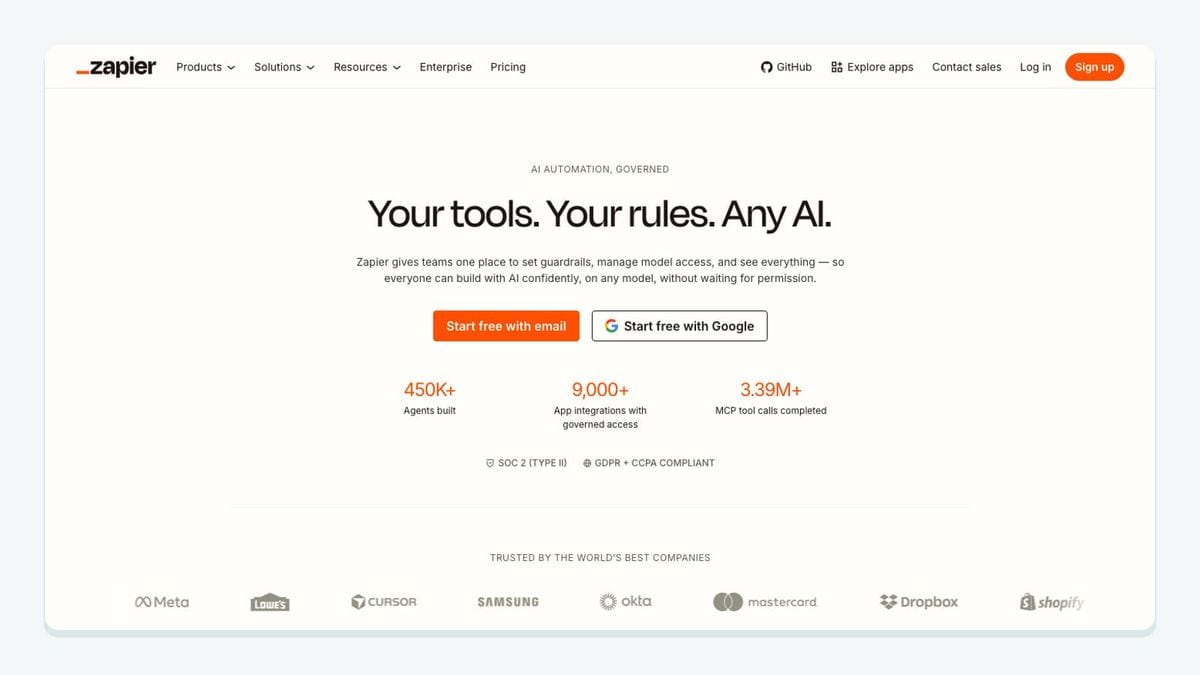
Zapier is the flexible option when an important source or operational tool lacks the direct path your team needs. Its Autopilot Journeys directory lists form, CRM, spreadsheet, scheduling, webinar, and other pairing options, which makes it useful for filling a real gap.
Flexibility is also the reason to use it carefully. Before turning on a workflow, document the trigger, the lookup key, the create-or-update behavior, the retry policy, and the owner of failures. Prevent loops explicitly. If Autopilot updates a contact and that update triggers a workflow that writes the same contact back, a seemingly harmless connection can manufacture duplicates or unnecessary operations.
Use one orchestration flow per business outcome. “When this qualified form is submitted, find or update the Autopilot contact and record this source” is inspectable. “Keep all marketing data synchronized everywhere” is not. Add verification at the point where email quality changes the outcome. Developers and AI agents that need deterministic real-time verification can call the mailfloss API rather than treating a generic automation step as the authority on address quality.
Best fit: a team with one well-defined handoff that is not covered by a simpler direct connection.
How should you configure an Autopilot integration stack?
The safest setup starts with the contact path, not an app directory. Use this walkthrough before enabling a production journey.
1. Name every contact source

List each form, landing page, CRM, spreadsheet, product event, and manual import that can create or update an Autopilot contact. Give each source a stable value that survives the handoff. “Website” is usually too broad; a specific form or campaign name is easier to audit.
2. Define the journey-entry rule

For each source, state what must be true before a contact enters a journey. Include consent, required fields, qualification criteria, and email-verification status where appropriate. A created contact and a journey-ready contact are not always the same thing.
3. Choose the Autopilot audience boundary

The supplied integration page shows a main newsletter audience and describes contacts moving into journey campaigns. Decide which audience or operational grouping receives each source. Do not let a connector default decide this silently.
4. Put hygiene at the correct point

Use Instafloss when a signup should be checked in real time, Autofloss for daily checks against new Autopilot contacts, and email decay protection for older contacts. This three-layer model separates entry protection, routine cleanup, and re-verification over time.
5. Select a write-back outcome

Choose whether results should be reviewed, cleaned automatically, reflected in a field, or sent to another workflow. Protect valuable records with keep rules. Test safe typo correction separately from removal or suppression behavior.
6. Run four traceable tests

Submit a valid address, a recognizable typo, a risky or disposable test case permitted by your verification procedure, and an existing contact. Follow each one from source through the Autopilot record and into—or out of—the intended journey. Record the expected result before running the test.
7. Review the first operating cycle

Check whether contacts entered the right journey, whether corrections were written back as expected, and whether any connector retried or duplicated work. Once the path is stable, routine Autopilot hygiene can run in the background without recurring CSV round-trips.
What is the best Autopilot integration for your team?
Choose the integration that closes the clearest gap:
- Choose mailfloss when risky, typoed, disposable, or decayed email addresses can reach Autopilot journeys without recurring verification.
- Choose Typeform when structured answers should control qualification or journey entry.
- Choose Unbounce when a campaign landing page needs a traceable lead handoff.
- Choose Salesforce when sales owns the customer record and field governance matters most.
- Choose Pipedrive when a small set of deal-stage changes should alter nurture behavior.
- Choose Google Sheets for a bounded review or migration, not a permanent shadow database.
- Choose Zapier when one important handoff lacks a simpler direct route.
The useful stack may contain two or three of these, not seven. A form can capture the contact, a CRM can own the commercial relationship, Autopilot can run the journey, and mailfloss can protect list quality. That is a clearer architecture than asking one connector to own everything.
For recurring Autopilot cleanup, review the Autopilot email verification integration and the broader automated list-cleaning features. For a custom product or agent workflow, use the email verification API.
Frequently asked questions
Which Autopilot integration should I add first?
Start with the point where new contacts enter Autopilot. Use a form integration for capture, a CRM integration when sales owns the record, or mailfloss when list hygiene is the missing layer. mailfloss can verify Autopilot contacts on a schedule, check new signups in real time, write cleanup actions back, and support custom developer or AI-agent workflows through its API.
How does mailfloss work with Autopilot?
mailfloss connects directly to Autopilot, verifies contacts in the background, fixes recognized typos, and applies the selected cleanup outcome without recurring CSV exports. Autofloss checks new contacts daily, Instafloss can protect signup flows in real time, and Decay Protection re-verifies older contacts. Developers and AI agents can use the first-class real-time mailfloss API for custom workflows.
How do I stop integrations from feeding risky contacts into Autopilot?
Map every Autopilot contact source, identify the journey or audience it enters, and put verification before the first campaign send. Use Instafloss where a signup enters in real time, Autofloss for daily checks on new contacts, and Decay Protection for older records. Then choose whether Autopilot should review, update, suppress, archive, or remove each result.
Can developers and AI agents use mailfloss outside the direct Autopilot connection?
Yes. The direct Autopilot connection handles recurring contact verification and cleanup, while the first-class mailfloss API supports real-time JSON workflows for product teams, developers, and AI agents. Use the direct connection for routine Autopilot hygiene and the API when verification must happen inside a custom form, product, agent, or orchestration flow.
We write from the practical side of email list cleaning: what helps marketers keep real subscribers, reduce bounces, and avoid turning hygiene into another recurring chore.