
Email Header Analysis: Detecting Suspicious Activity
Learn how to read email headers to verify the sender, trace a message's route, and check SPF, DKIM, and DMARC results so you can catch phishing and spoofing fast.

What is email header analysis?
Email header analysis is reading an email's hidden metadata — the routing path, SPF, DKIM, and DMARC results, and timestamps — to confirm who really sent a message and spot spoofing or phishing. Start with the authentication results: a DMARC pass with aligned SPF/DKIM signals legitimacy, while failures or mismatched Received hops are red flags.
- Check authentication first: SPF, DKIM, and DMARC results sit in the Authentication-Results header.
- Trace the Received chain bottom-to-top to find where a message truly originated.
- A mismatched Return-Path, Reply-To, or display-name vs From is a common spoofing tell.
- Clean, verified lists keep your own authentication and sender reputation strong — where mailfloss helps.
Email Header Analysis: Detecting Suspicious Activity
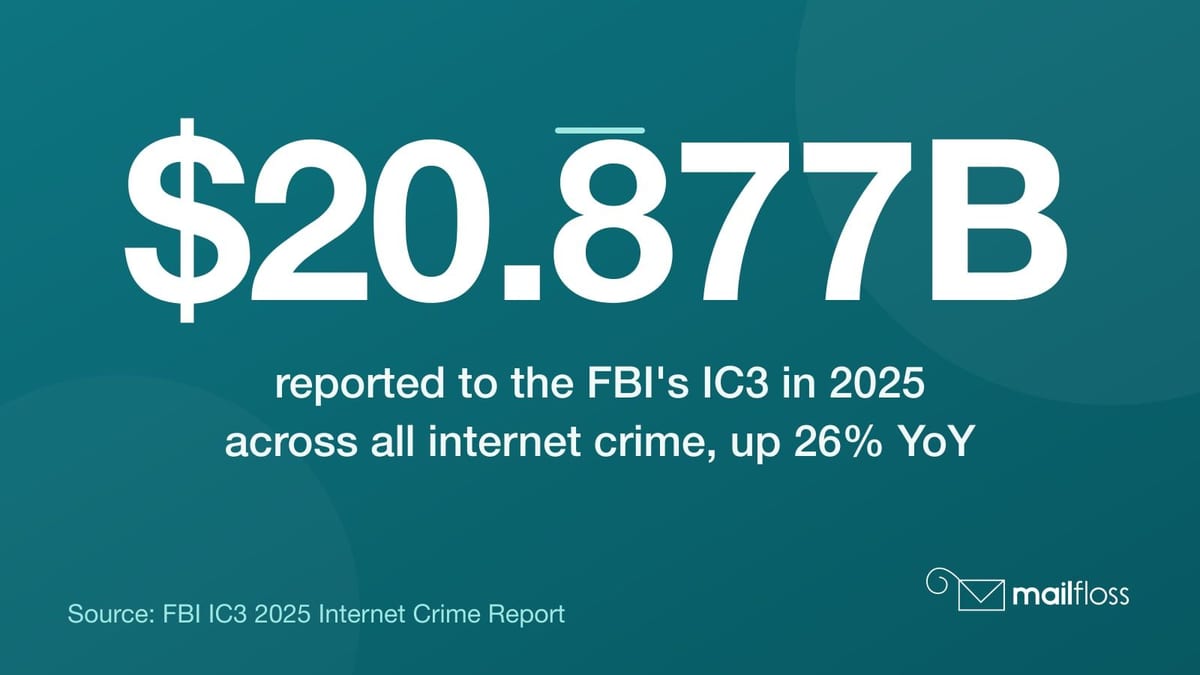
An email header is a block of metadata attached to every email message that records the sender's identity, the routing path through mail servers, authentication results for SPF, DKIM, and DMARC, and timestamps for each delivery hop. Email header analysis is the process of reading that metadata to verify whether a message is legitimate, trace its origin, and detect phishing or spoofing attempts. According to the FBI's IC3 2025 Internet Crime Report, total losses from all internet crime reported to the FBI's IC3 reached $20.877 billion in 2025, a 26% increase from 2024. Business Email Compromise alone accounted for over $3 billion of that total.
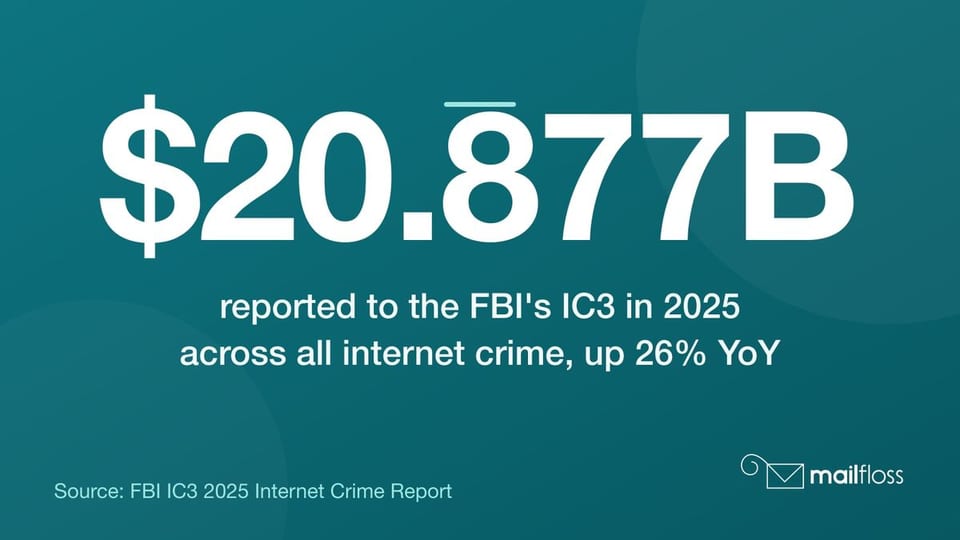 FBI IC3 2025: total reported internet-crime losses reached $20.877B (+26% YoY); BEC alone topped $3B.
We know how unglamorous this topic sounds. "Email headers" doesn't exactly light up a room. But when a spoofed invoice lands in your CFO's inbox and costs six figures, those rows of cryptic text suddenly look a lot more interesting. So let's walk through what's actually in there and what to do with it.
What Is an Email Header?
An email header is a structured block of text that sits above the message body, containing routing data, sender information, and authentication results that most email clients hide from ordinary view.
Every email carries one. The header records where the message came from, which servers handled it, and whether it passed authentication checks. It's the digital paper trail that mail servers use to make delivery decisions and that security teams use to investigate suspicious messages.
The format is standardized under RFC 822 and its successor RFC 5322, which define the syntax rules all email headers must follow. That standardization is what makes email header analysis possible across different systems and clients. A raw email header always follows the same basic structure: a field name, a colon, and a value.
Core Components of an Email Header Explained
An email header contains a defined set of fields, each carrying a specific piece of information about the message's origin, destination, and routing path.
The fields you'll encounter most often in email header analysis are:
- From: The display name and address the sender claims. This is what recipients see and what attackers most commonly forge.
- To: The intended recipient address.
- Subject: The message subject line, included in the header.
- Date: The timestamp when the message was composed, formatted per RFC 822.
- Message-ID: A globally unique identifier assigned to each email, used for threading and forensic tracing. The Message-ID typically takes the form <[email protected]>.
- Return-Path: The address where bounce notifications go. This often differs from the From address in spoofed messages, making Return-Path a key field in domain alignment checks.
- Reply-To: An optional field that redirects replies to a different address, a classic manipulation tactic in phishing campaigns.
- Received: A timestamped hop record added by each mail server that handled the message. Multiple Received headers stack up in reverse chronological order.
The Received headers are particularly valuable for email header analysis. Read them from bottom to top: the bottom entry is the originating server, the top entry is the final delivery server. Any gap, unusual IP, or timestamp anomaly in that chain is worth investigating.
Email Authentication Fields: SPF, DKIM, and DMARC
The Authentication-Results field in an email header records whether the message passed SPF, DKIM, and DMARC checks, and it's the fastest place to start when you suspect a spoofed or malicious email.
Here's a real-world example of what that field looks like in a raw email header:
Authentication-Results: mx.google.com;
spf=pass (google.com: domain of [email protected] designates 203.0.113.1 as permitted sender)
dkim=pass [email protected]
dmarc=pass (p=reject) header.from=example.com
A message showing pass on all three is far more trustworthy than one showing fail or none. But pass results alone don't guarantee safety. They confirm domain alignment, not intent.
SPF: Sender Policy Framework
SPF verifies that the sending mail server's IP address is authorized to send email on behalf of the domain listed in the Return-Path field. A domain's DNS records contain its SPF policy, listing permitted IP ranges. When the receiving server checks SPF, it compares the sending IP against that list and records the result in the Authentication-Results header.
SPF alone has a limitation: it only covers the envelope sender (Return-Path), not the visible From address. That's why SPF never works in isolation.
DKIM: DomainKeys Identified Mail
DKIM adds a cryptographic signature to outgoing messages. The receiving server retrieves the sender's public key from DNS and uses it to verify the signature. A dkim=pass result in the email header confirms the message body and key headers weren't altered in transit. A failed DKIM check is a serious flag: it means either the message was tampered with or the signature was faked.
DMARC: Domain-Based Message Authentication
DMARC ties SPF and DKIM together and adds a policy layer: it tells receiving servers what to do when either check fails. A p=reject policy instructs servers to block unauthenticated messages outright. A p=quarantine policy routes them to spam.
DMARC adoption has grown substantially. According to EasyDMARC's 2025 DMARC Adoption Report, global DMARC adoption among top domains increased from 27.2% in 2023 to 47.7% in 2025. But that still leaves the majority of domains unprotected. Red Sift's December 2025 analysis found that 83.9% of domains had no visible DMARC record at all. That's a lot of open doors for spoofing attacks.
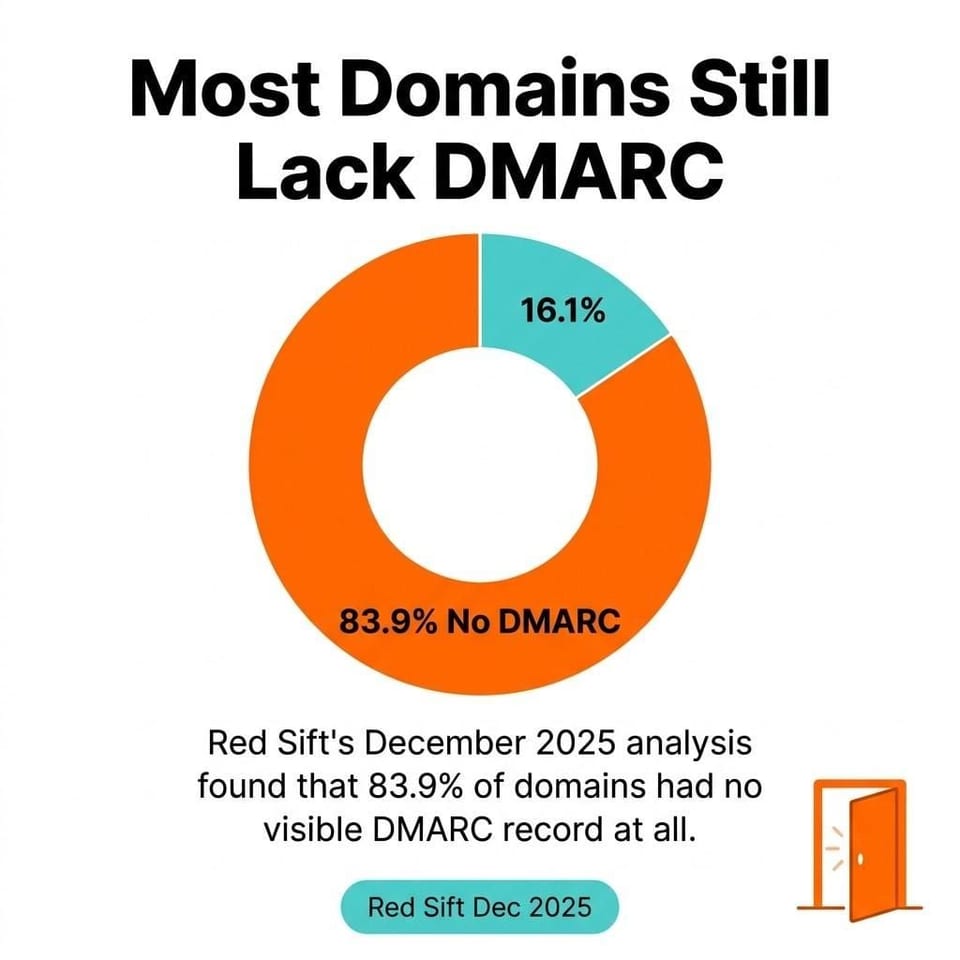 Red Sift (Dec 2025): 83.9% of domains had no visible DMARC record—prime conditions for spoofing.
Google and Yahoo mandated DMARC for bulk senders beginning in February 2024, and PCI DSS v4.0.1 Requirement 5.4.1 began requiring automated anti-phishing controls by March 31, 2025 (DMARC, with SPF and DKIM, is a recommended way to help meet it, though the standard does not mandate DMARC itself). Regulatory pressure is accelerating adoption, but most of the internet still isn't there. For email security best practices around authentication setup, the guidance is clear: implement all three, and enforce DMARC at p=reject.
How to View Email Headers in Gmail, Outlook, Apple Mail, and More
Accessing the raw email header requires a few extra clicks in every major email client, but the process is consistent once you know where to look.
Gmail
Open the message. Click the three-dot menu in the top-right corner of the email. Select "Show original." A new tab opens with the full raw message header at the top.
Outlook (Desktop)
Open the email. Go to File, then Properties. The Internet headers box at the bottom contains the full email header. Copy that text for analysis.
Apple Mail
Open the message. Go to View, then Message, then "All Headers." Apple Mail will expand the header section within the reading pane.
Yahoo Mail
Open the email. Click the three-dot menu next to the reply button. Select "View raw message." The full message header appears at the top of the raw view.
Thunderbird
Open the message. Go to View, then "Message Source" (or press Ctrl+U on Windows). The complete raw header is at the top of the source window.
Once you've copied the raw header text, the next step is pasting it into an email header analyzer tool, which converts that wall of text into something actually readable.
How to Use an Email Header Analyzer Tool
An email header analyzer is a tool that parses raw email header text and presents the routing path, authentication results, and field values in a structured, human-readable format.
The most widely used options are:
- MxToolbox Email Header Analyzer: Paste raw headers and get a color-coded breakdown of each hop, authentication results, and delivery delays. One of the most popular free tools among IT teams.
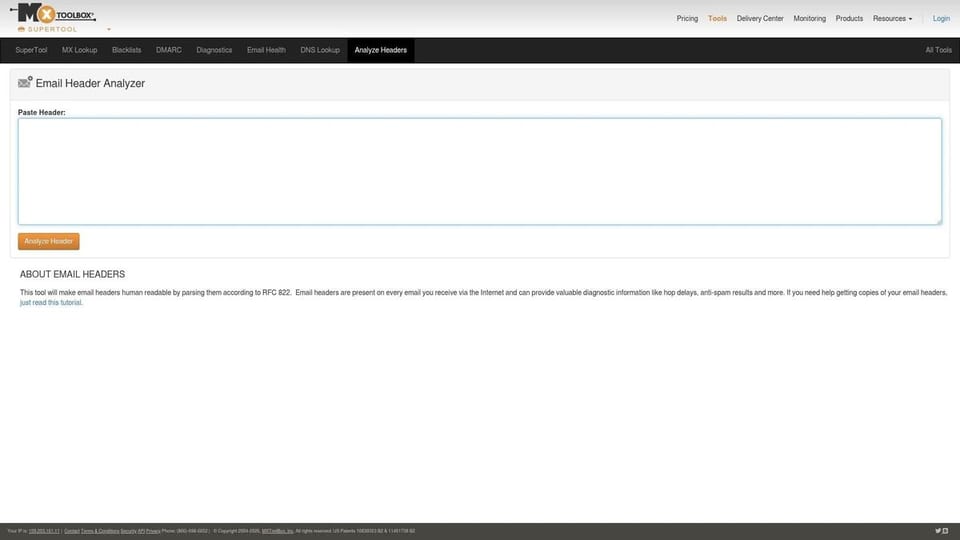 MxToolbox Email Header Analyzer interface
 - Google Admin Toolbox Message Header Analyzer: Google's own tool for parsing email headers. Especially useful for diagnosing Gmail delivery issues and checking authentication results.
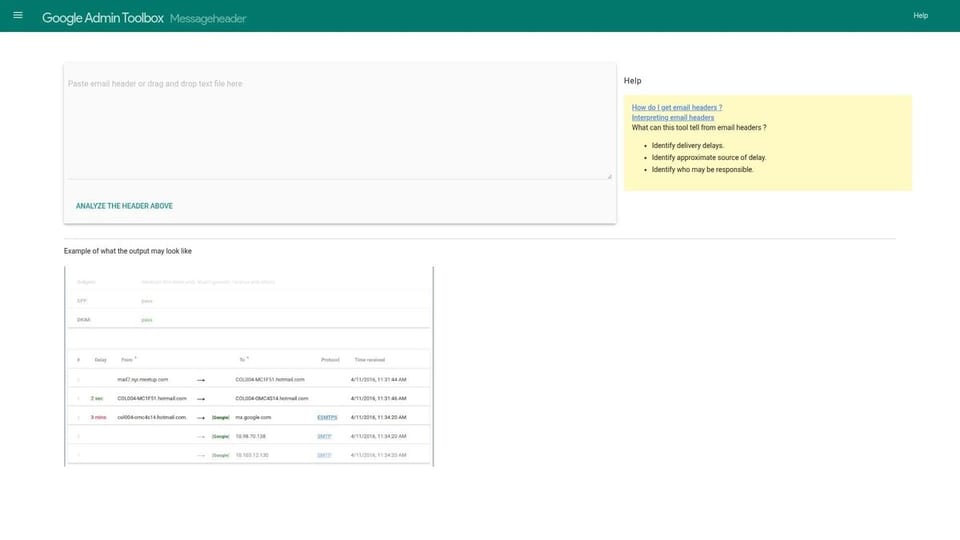 Google Admin Toolbox Message Header Analyzer (screenshot)
 - Microsoft Message Header Analyzer: Available as an Outlook add-in and a standalone web tool. Parses headers from Exchange and Microsoft 365 environments with clean visual output.
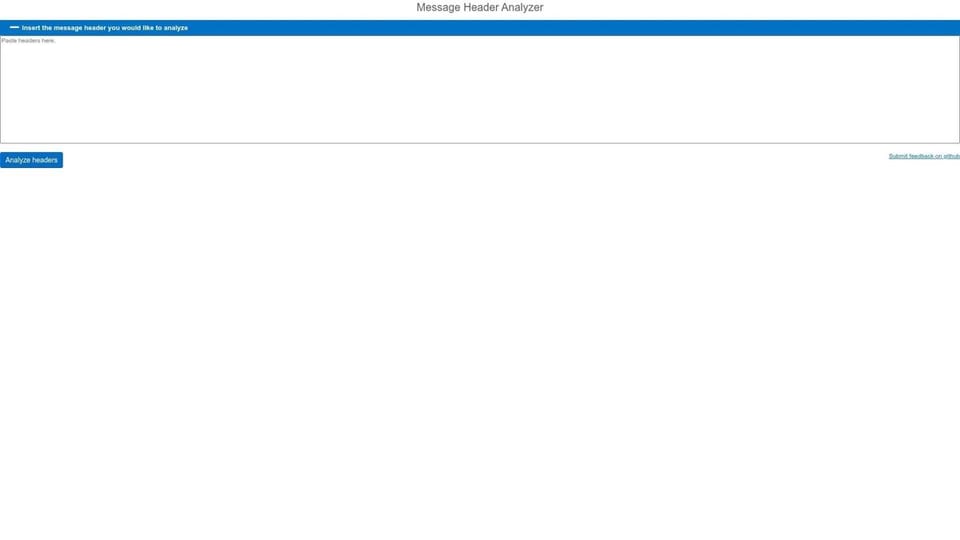 Microsoft Message Header Analyzer (web version)
The workflow is the same across all three: copy the raw header from your email client, paste it into the analyzer tool, and read the output. The analyzer will flag authentication failures, highlight unusual routing hops, and display timestamps that reveal delays. Pay specific attention to the Authentication-Results field and any Received header that shows an IP address inconsistent with the claimed sending domain.
For teams dealing with high volumes of suspicious email, these email header analyzer tools are the starting point for triage, not the full investigation. They surface the flags; your team decides what to do next.
How to Detect Phishing and Spoofing Through Header Analysis
Phishing and spoofing attacks leave specific, identifiable traces in email headers that email header analysis can surface before a user clicks anything.
The numbers here are stark. The FBI's IC3 2025 report recorded phishing and spoofing losses jumping from $70 million in 2024 to $215.8 million in 2025. That's a 208% increase in a single year. And the APWG's 2025 trends report observed approximately 3.8 million unique phishing attacks globally. These aren't edge cases.
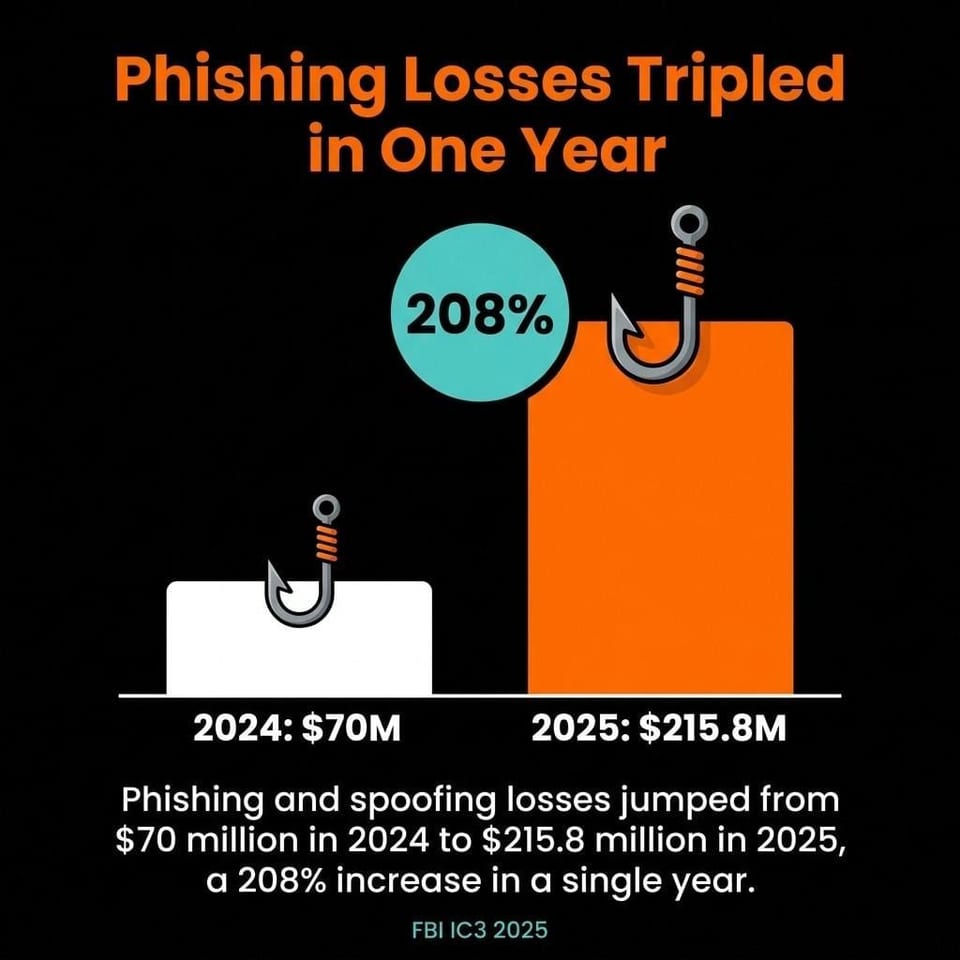 Phishing/spoofing losses surged from $70M (2024) to $215.8M (2025): +208% YoY.
The key red flags to look for during email header analysis:
- From/Return-Path mismatch: The visible From address claims one domain, but the Return-Path field shows a completely different domain. Legitimate senders almost never do this.
- SPF or DKIM failure: A spf=fail or dkim=fail result in the Authentication-Results field means the message didn't originate from an authorized server.
- DMARC failure: A dmarc=fail result combined with a p=none policy means the domain is monitoring but not blocking. The message still gets through.
- Suspicious Received header IPs: If a message claiming to come from a major bank routes through servers in unexpected geographic locations, that's worth investigating.
- Missing or forged Message-ID: Legitimate email systems always generate a properly formatted Message-ID. Absent or malformed Message-IDs are a spoofing indicator.
- Unusual Reply-To manipulation: A Reply-To that redirects to a free webmail address when the From claims a corporate domain is a classic phishing pattern.
One important note: the Verizon 2026 DBIR jokes that, with AI now writing phishing emails, its detection guidance has moved from "does it contain many typos" to "does it contain em dashes." The serious point stands: the message body may look perfect. The email header is where the forgery shows. This makes email header analysis more important, not less, as AI-generated phishing content improves.
Understanding why suspicious headers lead to spam placement is directly connected to why your emails might be going to spam in the first place. Authentication failures in headers are one of the top triggers for spam folder placement.
Email Header Analysis for Security Teams and Forensic Investigation
For security teams, email header analysis is a core investigative technique for tracing attack origins, establishing incident timelines, and identifying compromised accounts.
The Verizon 2026 DBIR found the human element involved in 62% of all confirmed breaches, up from 60% the year before. Many of those entry points start with an email. Header forensics is how you trace what happened after the click.
IP Tracing and Routing Analysis
Each Received header contains the IP address of the server that relayed the message. Working from the bottom Received header upward gives you the originating IP. Cross-reference that IP against threat intelligence feeds, WHOIS records, and geolocation data. Attackers using compromised relay servers often show IP addresses that contradict the claimed sender's geography or organization.
Timestamp Forensics
The timestamps in Received headers record when each server handled the message. Large gaps between hops sometimes indicate the message sat in a queue on a suspicious relay server. Timestamps that run backward (a later hop showing an earlier time) suggest header manipulation, which is itself a spoofing indicator.
SIEM Integration
Security teams running SIEM platforms should feed email header data into their log analysis pipelines. Authentication failures, suspicious IP ranges, and Message-ID anomalies all make useful detection rules. Automating email header analysis at scale catches patterns that manual triage misses.
Email header analysis also connects directly to sender reputation monitoring. If your domain is being spoofed, DMARC aggregate reports will show authentication failures coming from IPs you don't control. That's the signal to tighten your DMARC policy from p=none to p=quarantine or p=reject.
Best Practices for Ongoing Email Header Analysis
Effective email header analysis isn't a one-time investigation; it's a continuous practice that connects authentication hygiene, user awareness, and incident response into a single workflow.
Start with your own domain's authentication setup. If your SPF record isn't current, if your DKIM keys haven't rotated recently, or if your DMARC policy is still sitting at p=none, fix those first. You can't credibly analyze inbound email header data for spoofing if your own outbound authentication is broken. The email verification process and sender authentication are two sides of the same deliverability coin.
Train your team to forward suspicious emails as attachments, not inline, so the email header data is preserved. A forwarded email loses most of its original header information. Security teams need the raw message header to do meaningful analysis.
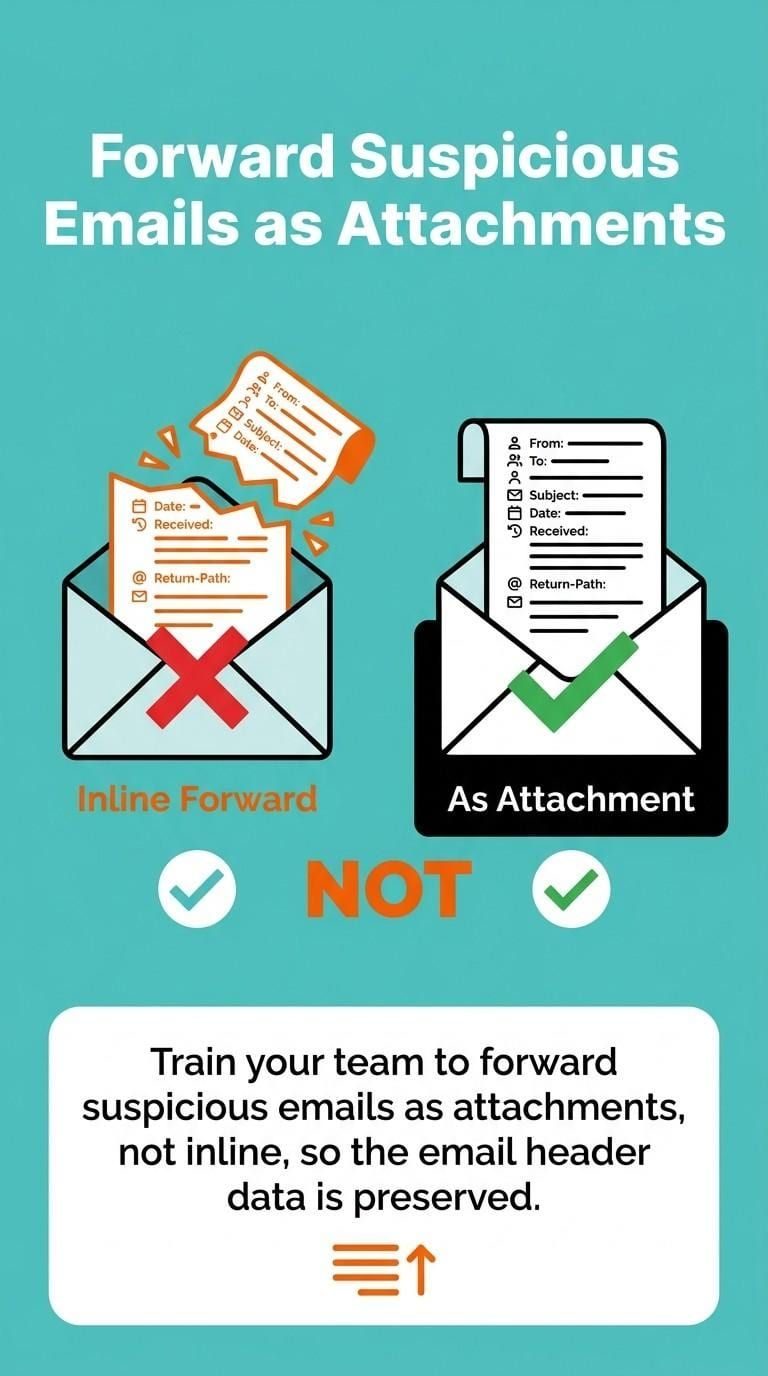 Best practice: Forward suspicious messages as attachments to preserve original headers.
Build a short checklist for anyone reporting suspicious email:
- Forward the message as an attachment to your security team.
- Note the visible From address and what action the email requested.
- Do not click links or open attachments before the email header is reviewed.
At the organizational level, DMARC reporting deserves a dedicated review process. DMARC aggregate reports (delivered as XML to your reporting address) show every source sending email that claims your domain. Any source you don't recognize is either a misconfigured internal system or someone actively spoofing you. Regular review of those reports is the fastest way to catch spoofing campaigns targeting your brand.
The email deliverability factors that affect inbox placement are directly tied to how receiving servers interpret your email header data. Solid SPF, DKIM, and DMARC records don't just protect against phishing; they also improve deliverability for your legitimate sends.
Email header analysis won't stop every attack. But it closes the gaps that attackers count on staying open. Start with proper authentication, use an email header analyzer tool for triage, and build forensic review into your incident response process. That combination is more effective than any single security tool working alone.
We write from the practical side of email list cleaning: what helps marketers keep real subscribers, reduce bounces, and avoid turning hygiene into another recurring chore.