
Email Fraud Prevention: Protecting Your Business
Stop email fraud before it costs you: learn to spot BEC, phishing, and spoofing, harden SPF, DKIM, and DMARC, and train your team to keep your business safe.

How do you prevent email fraud?
Email fraud prevention combines authentication, vigilance, and process. Lock down SPF, DKIM, and DMARC so attackers can't spoof your domain; train staff to verify unexpected payment or credential requests out-of-band; and monitor for lookalike domains. Business Email Compromise is the costliest form, so treat any urgent wire or invoice change as suspect until confirmed.
- Enforce SPF, DKIM, and DMARC (p=reject) to stop domain spoofing.
- Verify payment and credential-change requests through a second channel.
- Watch for lookalike/cousin domains and display-name impersonation.
- Maintain clean, verified contact lists to reduce risky touchpoints — mailfloss automates this.
Email Fraud Prevention: Protecting Your Business
Email fraud is a category of cybercrime that uses deceptive messages to steal money, credentials, or sensitive data, and it operates through tactics including phishing, spoofing, business email compromise, and social engineering.
According to the FBI's IC3 2025 Internet Crime Report, total reported losses from internet crime exceeded $20.8 billion across more than one million complaints, with business email compromise alone accounting for $3.046 billion in losses across 24,768 complaints. Phishing financial losses tripled year-over-year despite fewer overall complaints, which tells you something important: the loss per reported phishing complaint roughly tripled. Multi-factor authentication, email authentication protocols like DMARC, SPF, and DKIM, and verified verification habits at the human level are the core pillars of effective email fraud prevention.
 Phishing losses tripled year-over-year despite fewer overall complaints—attackers are getting more precise.
We work with email every day at mailfloss, and we see firsthand how bad actors exploit the same infrastructure businesses rely on for legitimate communication. It's genuinely uncomfortable territory. But knowing exactly what to look for, and what to do when you spot it, makes all the difference.
What Is Email Fraud? (And Why It's Getting Worse)
Email fraud is any scheme that uses email as the delivery mechanism for deception, typically to extract money, personal information, or access credentials from the recipient.
The numbers explain the urgency. IC3 recorded 24,768 business email compromise complaints in 2025 with reported losses totaling $3.046 billion. That averages out to roughly $123,000 lost per BEC complaint. And BEC is just one slice. BEC, phishing, and spoofing combined accounted for 21% of all complaints IC3 received in 2025, 216,329 in total. That proportion is striking. One in five complaints fell into those three categories.
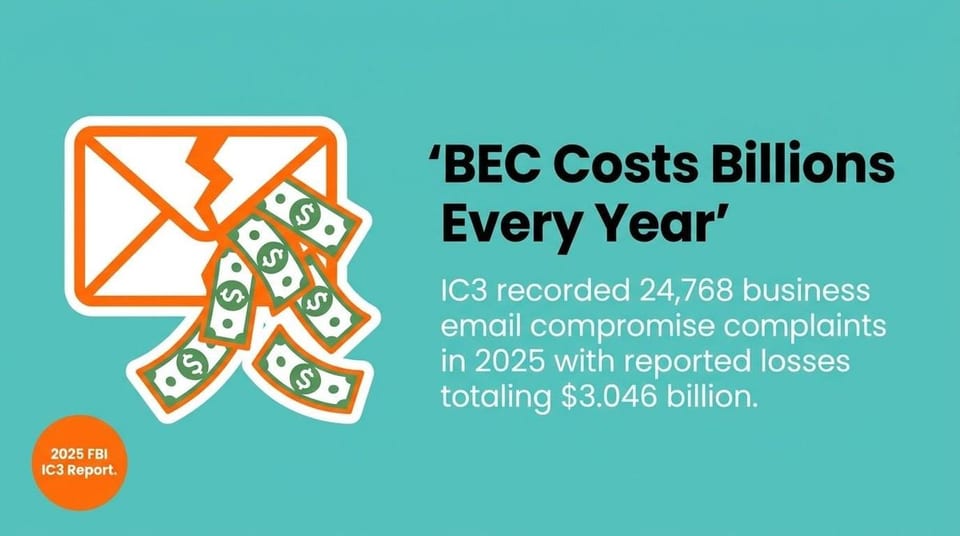 IC3 2025: 24,768 BEC complaints; $3.046B in reported losses.
Why is it getting worse? Partly because AI-generated content makes phishing emails look and sound more legitimate than ever. IC3 logged 22,364 complaints referencing AI in 2025, with $893 million in reported losses. Attackers are using the same automation tools the rest of us use, just pointed in a very different direction.
Email fraud succeeds because it targets people, not just systems. A convincing phishing email doesn't need to break through a firewall. It just needs one person to click.
Common Types of Email Fraud to Know
Email fraud covers several distinct attack types, each with different targets, tactics, and financial consequences.
Phishing is the broadest category. A phishing email impersonates a trusted sender to trick the recipient into clicking a malicious link, opening a dangerous attachment, or entering credentials on a fake login page. Spear phishing is the targeted version: the attacker researches a specific individual or organization first, then crafts a message tailored to them. Generic phishing casts a wide net. Spear phishing hunts specific prey.
Business Email Compromise
Business email compromise, or BEC, is the costliest form of email fraud. In a BEC attack, a criminal either hacks a legitimate business email account or creates a convincing fake of one, then uses it to authorize fraudulent wire transfers, redirect payroll, or manipulate vendors into changing payment details.
Common BEC scenarios include executive impersonation (a fake CEO emailing the finance team), vendor impersonation (a supplier's email address spoofed to send a fraudulent invoice), and payroll diversion (HR receives a fake request to update an employee's direct deposit information). Each of these exploits trust. The email looks real because it comes from someone the recipient already knows.
Spoofing and Domain Spoofing
Email spoofing means faking the "From" address so a message appears to come from a legitimate sender. Domain spoofing is a specific version: the attacker registers a domain that looks almost identical to a real one, for example "paypa1.com" instead of "paypal.com," and sends email from it. Recipients glance at the sender name, not the actual address, and the fraud slips through.
Invoice fraud and gift card scams frequently use domain spoofing. A fake vendor invoice arriving from a convincing-looking domain, with a slightly different bank account number buried in the details, can cost a business tens of thousands before anyone notices.
How to Recognize Email Fraud: Warning Signs and Red Flags
Recognizing email fraud before acting on it is the single most reliable defense available to individuals and businesses alike.
The social engineering behind most phishing emails follows a predictable pattern. Attackers create a false sense of urgency, push the recipient toward a specific action, and discourage careful review. "Your account will be suspended in 24 hours." "Wire this payment immediately, the CEO is traveling and unavailable." Urgency is the tell. Real organizations rarely demand instant action with threats attached.
Red Flags to Check in Every Suspicious Email
- Mismatched sender domain: The display name says "Amazon Support" but the actual email address ends in a random domain. Always click through to see the full address.
- Generic greetings: "Dear Customer" or "Dear User" instead of your actual name signals a mass phishing campaign, not a legitimate contact.
- Urgent calls to action: Pressure to act within hours, threats of account closure, or claims that immediate payment is required are hallmark social engineering tactics.
- Suspicious links: Hover over any link before clicking. The displayed text might say "log in here" while the actual URL points somewhere completely different.
- Unexpected attachments: A malicious attachment doesn't need to look dangerous. PDFs, Word documents, and ZIP files all carry common malware delivery methods.
- Requests for sensitive information: Legitimate banks, government agencies, and vendors never ask for passwords, Social Security numbers, or payment credentials by email.
- Poor grammar and odd formatting: Many phishing emails still contain spelling errors, odd capitalization, or formatting inconsistencies that don't match a professional organization's communications.
The 2026 Verizon Data Breach Investigations Report found the human element present in 62% of breaches, up from 60% the prior year. That figure isn't a criticism of employees. It's a reminder that technical controls alone can't substitute for trained, skeptical humans.
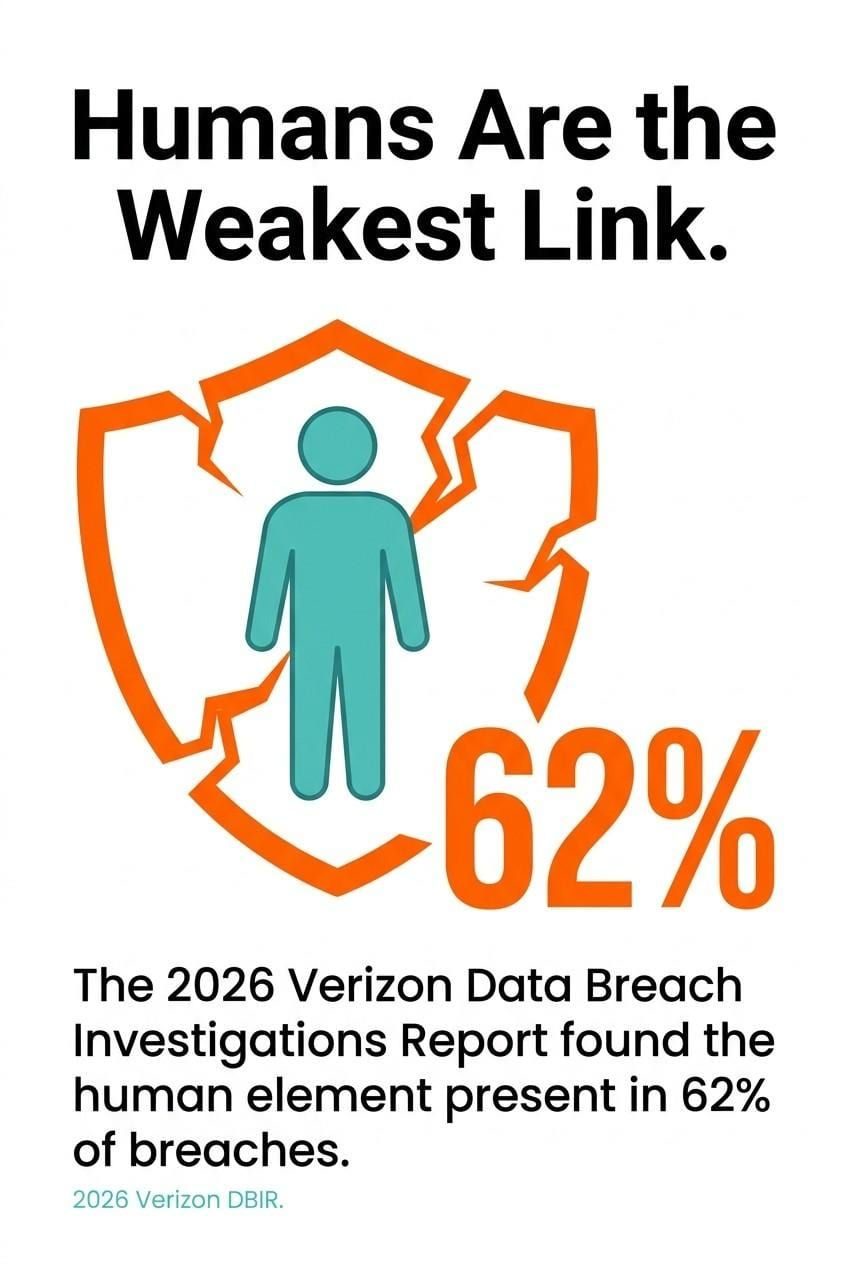 Verizon DBIR 2026: The human element was present in 62% of breaches—training and process matter.
Email Fraud Prevention: Step-by-Step Protection Strategies
Protecting yourself from email fraud requires layered defenses, combining technical controls with consistent personal habits.
Start with multi-factor authentication. MFA requires a second verification step beyond your password, typically a code sent to your phone or generated by an authenticator app. Even if a phishing email captures your password, MFA blocks the attacker from using it. Enable MFA on every email account, financial platform, and business tool you use. This is not optional at this point.
Step-by-Step Prevention Checklist
- Enable multi-factor authentication on all accounts. Use an authenticator app rather than SMS codes where possible, since SMS can be intercepted through SIM-swapping attacks.
- Verify unexpected requests through a separate channel. If an email asks you to wire money or change payment details, call the sender on a number you already have on file, not one provided in the email.
- Check the full sender address on any email requesting action. Not just the display name. The actual domain matters.
- Never click links in emails asking you to log in. Type the URL directly into your browser instead, or use a saved bookmark.
- Keep software and security tools updated. Malicious attachments often exploit unpatched vulnerabilities in PDF readers and office software.
- Use strong, unique passwords for every account. A password manager handles the memory problem, so there's no excuse for reuse.
- Install and maintain spam filters and anti-phishing tools. Most modern email clients include these, but enterprise-grade secure email gateways add another detection layer.
According to IBM's 2025 Cost of a Data Breach Report, phishing caused 16% of breaches at an average cost of $4.8 million per incident. That $4.8 million figure covers detection, containment, notification, and lost business. The cost of prevention, by comparison, is a rounding error.
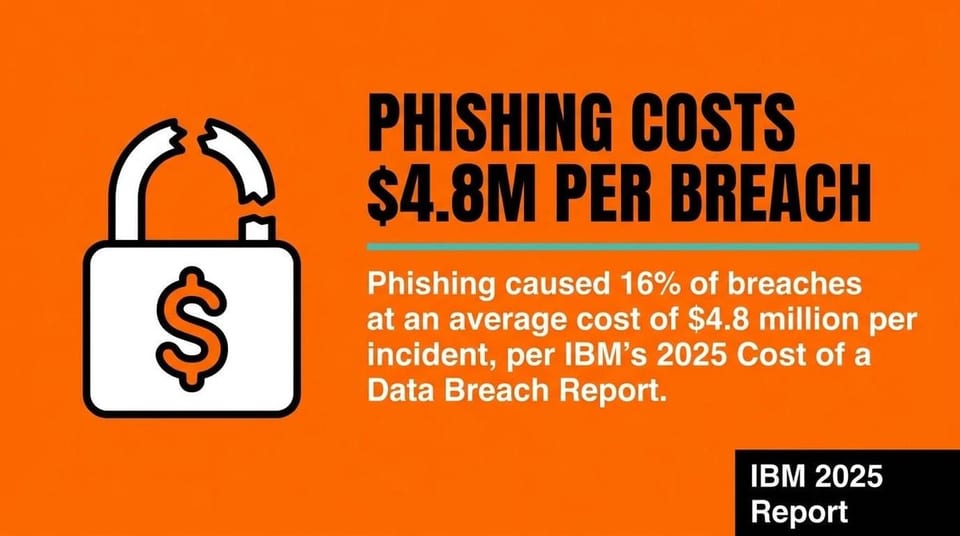 IBM 2025: Phishing caused 16% of breaches at an average $4.8M per incident.
Email Fraud Prevention for Businesses
Business email compromise and invoice fraud expose companies to losses that dwarf the cost of the technical and procedural controls that prevent them.
The most important technical layer is email authentication. Three protocols work together here. SPF (Sender Policy Framework) specifies which mail servers are authorized to send email for your domain. DKIM (DomainKeys Identified Mail) adds a cryptographic signature to outgoing messages so recipients can verify they weren't tampered with in transit. DMARC (Domain-based Message Authentication, Reporting and Conformance) tells receiving servers what to do when an email fails SPF or DKIM checks, and it sends you reports so you can see who is trying to send mail using your domain.
DMARC adoption among the top 1.8 million global domains grew from 27.2% in 2023 to 47.7% in 2025, which is real progress. But that means more than half of high-traffic domains still leave the door open to domain spoofing. Looking at a broader sample of 73.3 million domains, only 14.9% have implemented any DMARC policy as of December 2025. Most domains on the internet are essentially unprotected against spoofing at the authentication layer.
Employee Training and Internal Protocols
Technical controls stop a lot. They don't stop everything. Employee training closes the gap that SPF, DKIM, and DMARC leave open.
Train staff to recognize phishing red flags, especially the urgent calls to action and impersonation patterns common in BEC attacks. Run simulated phishing exercises so people practice spotting fakes in a low-stakes environment. Establish a clear internal protocol for any payment change request, vendor banking update, or wire transfer. Every one of those requests should require verbal confirmation through a verified contact before anyone acts on it.
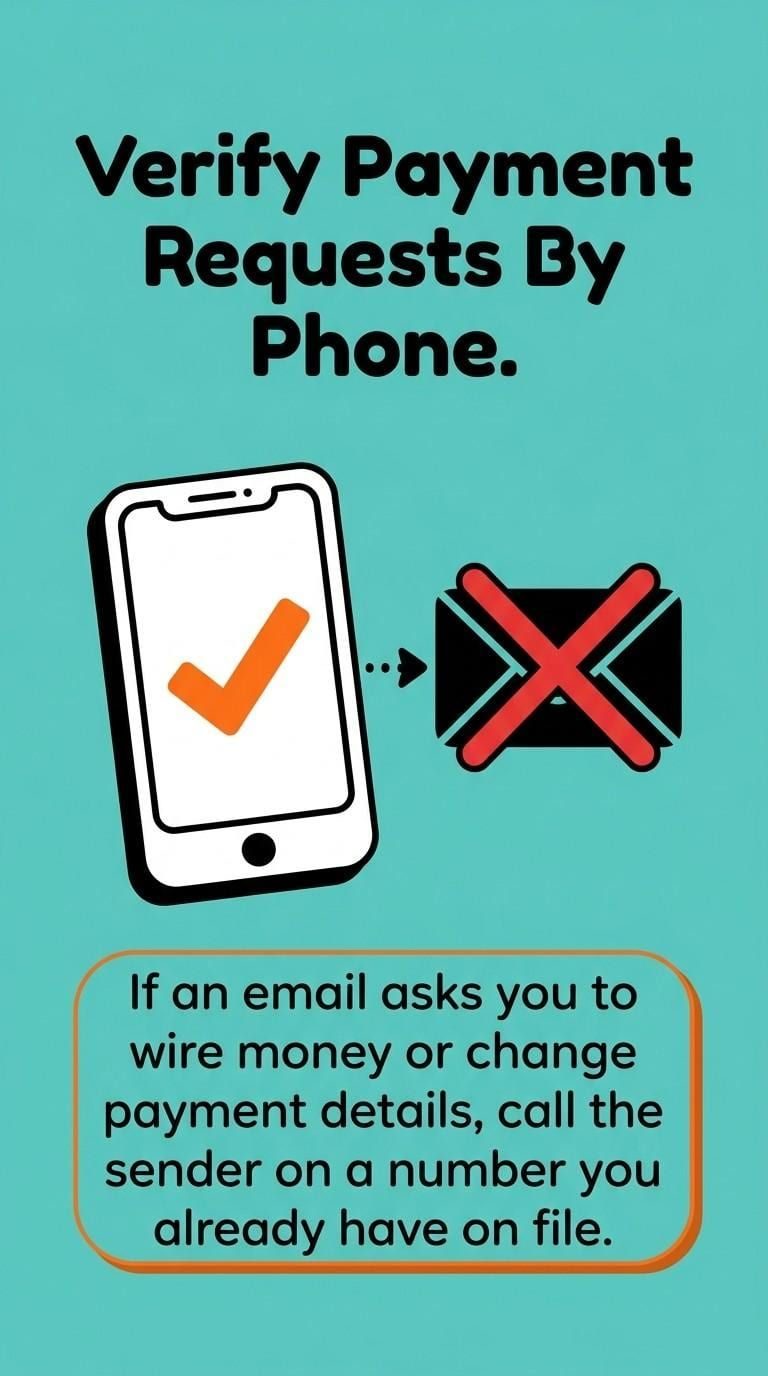 Always verify payment or banking change requests by phone using a known number—never one in the email.
Monitor your domain for lookalike registrations. Attackers often register domains similar to yours weeks before launching a campaign. Services that alert you to new domain registrations matching your name give you a head start. Also consider maintaining a clean, verified email list in your outbound marketing so your own sending reputation stays high. A strong sender reputation means your legitimate emails land, and anomalies get noticed faster.
Access Controls and Response Planning
Limit who in your organization can authorize wire transfers or make changes to vendor payment details. Separation of duties, where two people must independently approve a significant financial action, removes the single point of failure that BEC attacks target.
Build a documented incident response plan before you need one. Know who to call internally, which accounts to lock first, and which external contacts (your bank's fraud team, law enforcement, your cyber insurer) to notify immediately if a breach occurs.
What to Do If You've Been Targeted by Email Fraud
If you suspect you've fallen victim to email fraud, speed matters: the faster you act, the higher the chance of limiting financial and data damage.
Act on these steps in order.
- Do not delete anything. The fraudulent emails and any related communications are evidence. Preserve them.
- Change passwords immediately on any account that may have been compromised, starting with your email account. Use a device you know is clean.
- Enable or confirm MFA on all affected accounts if it wasn't already active.
- Contact your financial institution right away if any payment was made or banking credentials were shared. Banks can sometimes reverse wire transfers if contacted quickly enough.
- Alert your IT or security team so they can check for malware, unauthorized access, or lateral movement within your network.
- Place a fraud alert with the major credit bureaus (Equifax, Experian, TransUnion) if personal identifying information was exposed. Identity theft following email fraud is common, and the alert makes it harder for attackers to open new accounts in your name.
- Notify affected parties. If a vendor, client, or employee was impersonated or had their data exposed, they need to know so they can protect themselves.
Identity theft is a documented downstream consequence of email fraud. Credentials and personal data stolen through phishing don't stay idle. They get used or sold. Acting fast to place fraud alerts and monitor your credit report limits the damage window.
How to Report Email Fraud
Reporting email fraud helps authorities track patterns, disrupt criminal networks, and protect others from the same attacks.
Report phishing and email fraud through these channels:
- FBI's IC3 (Internet Crime Complaint Center): The primary federal reporting hub for internet-enabled crime, including BEC, phishing, spoofing, and identity theft. File a complaint at ic3.gov.
- FTC (Federal Trade Commission): Report phishing and identity theft at reportfraud.ftc.gov. The FTC compiles reports to identify trends and support law enforcement action.
- Your email provider: Gmail, Outlook, and most major providers have a "Report phishing" option directly in the interface. Use it. It helps train spam filters for everyone.
- The Anti-Phishing Working Group (APWG): Forward phishing emails to [email protected]. APWG coordinates with law enforcement and industry to track phishing campaigns.
- Your organization's IT or security team: Internal reporting ensures your colleagues are warned and your systems are checked.
Reporting feels like a small act when you're already dealing with the stress of an attack. But the FBI's IC3 database exists because people report. The pattern data that helps agencies identify and disrupt criminal operations depends on it.
Email Fraud Prevention FAQs
What is the difference between phishing and spear phishing?
Phishing sends deceptive emails to a large, often untargeted list of recipients. Spear phishing targets a specific individual or organization using personalized details gathered through research, such as job titles, colleague names, or recent business transactions. Spear phishing has a much higher success rate because the emails are convincing.
What is business email compromise (BEC)?
Business email compromise is a targeted attack where criminals use a legitimate or convincing fake email account to impersonate a trusted person, typically an executive, vendor, or financial contact, to authorize fraudulent payments or data transfers. BEC attacks rarely use malware. They rely entirely on social engineering and email trust.
How does multi-factor authentication (MFA) prevent email fraud?
MFA adds a second verification step beyond your password. If a phishing email captures your login credentials, MFA blocks the attacker from using them without also having access to your phone or authentication app. It's the single most effective individual control against account compromise.
What are DMARC, SPF, and DKIM, and do I need all three?
SPF tells receiving servers which IP addresses are authorized to send email for your domain. DKIM signs outgoing messages cryptographically so recipients can verify their authenticity. DMARC uses both to instruct receiving servers on what to do when a message fails either check. You need all three working together for meaningful protection against domain spoofing. DMARC without SPF and DKIM has nothing to act on.
What should I do if I clicked a suspicious link in an email?
Disconnect from the internet immediately if you suspect malware was downloaded. Change passwords on any accounts accessible from that device. Run a malware scan. Contact your IT team if you're on a company network. Check for any unauthorized account activity, and report the phishing email to your email provider and to the IC3.
How can I tell if an email is a phishing attempt?
Check the full sender address for domain spoofing or mismatched domains. Look for urgent calls to action, generic greetings, suspicious links, and requests for credentials or payment. When in doubt, contact the apparent sender through a verified phone number before taking any action.
Email fraud prevention isn't a single tool or a one-time configuration. It's a set of habits, technical controls, and response procedures that work together. Nail the basics: deploy DMARC, SPF, and DKIM, enforce multi-factor authentication on every account, and train your team to treat urgent payment requests as automatic red flags. If you want to make sure your own email infrastructure isn't undermining your sender reputation, keeping your email list clean with automated verification is a smart place to start. And if something slips through, act fast, report it, and use our email deliverability and security resources to stay sharp. Fraud evolves. So should your defenses.
We write from the practical side of email list cleaning: what helps marketers keep real subscribers, reduce bounces, and avoid turning hygiene into another recurring chore.