
Best VerticalResponse integrations: 6 practical picks
Compare six VerticalResponse integrations for signup forms, lead routing, and list cleaning. Check account compatibility and list destinations before you connect.


Which VerticalResponse integrations should you choose?
Choose VerticalResponse integrations by destination and account compatibility. Consider OptiMonk for source fields, Wishpond for field mapping, and Picreel for campaign-to-list routing. Check legacy setup requirements first. Add mailfloss for recurring cleaning, Instafloss signup protection, and a first-class verification API for developers and AI agents.
Choose VerticalResponse integrations by destination and account compatibility. Consider OptiMonk for source fields, Wishpond for field mapping, and Picreel for campaign-to-list routing. Check legacy setup requirements first. Add mailfloss for recurring cleaning, Instafloss signup protection, and a first-class verification API for developers and AI agents.
By mailfloss
A useful VerticalResponse integration should leave you knowing where each signup went and what happens next. This shortlist focuses on five acquisition tools and one verification layer. You probably need one acquisition tool, not five competing popups on the same website.
Our selection method follows three questions: Does the documented connection match your account? Can you identify the destination list? Can you inspect the information that arrives there? The recommendations below are editorial judgments based on those questions, not performance scores or completed hands-on tests.
Documentation checked September 22, 2026. Several VerticalResponse marketplace instructions date from December 2020, and Justuno labels its relevant guides as legacy documentation. Treat those entries as candidates to confirm in your account before buying. A surviving help article is useful evidence of a documented workflow; it does not prove that every new account can still authorize it.
Which VerticalResponse integration fits your job?
Start with the handoff you need to improve. This comparison separates source attribution, field mapping, campaign routing, promotion capture, landing-page capture, and address verification. The order is a reading order, not a universal ranking.
Integration | Best-fit job | Documented VerticalResponse handoff | Acceptance check |
|---|---|---|---|
OptiMonk | Identify where popup subscribers originated | Selected list plus a configurable custom-field value | Source value appears on the destination contact |
Wishpond | Carry form answers into mailing-list fields | Campaign export with form-to-list-column mapping | Each selected field reaches the intended column |
Picreel | Route individual popup campaigns | Campaign assignment using a VerticalResponse List ID | Assigned campaign reaches the matching list |
Justuno | Connect an existing promotion workflow | Authorization followed by list selection; separate Classic instructions | Account edition and connector match |
Lander | Connect an existing landing page | Page-level integration with a saved list selection | A submission from that page reaches its chosen list |
mailfloss | Maintain address quality | Connected verification; developer API also available | Review outcomes against your own cleanup policy |
The setup sources are linked in each entry. For older connectors, put compatibility ahead of feature preferences. If authorization or destination selection is missing, pause that candidate rather than building a campaign around an assumed connection.
1. OptiMonk: best for identifying popup signup sources
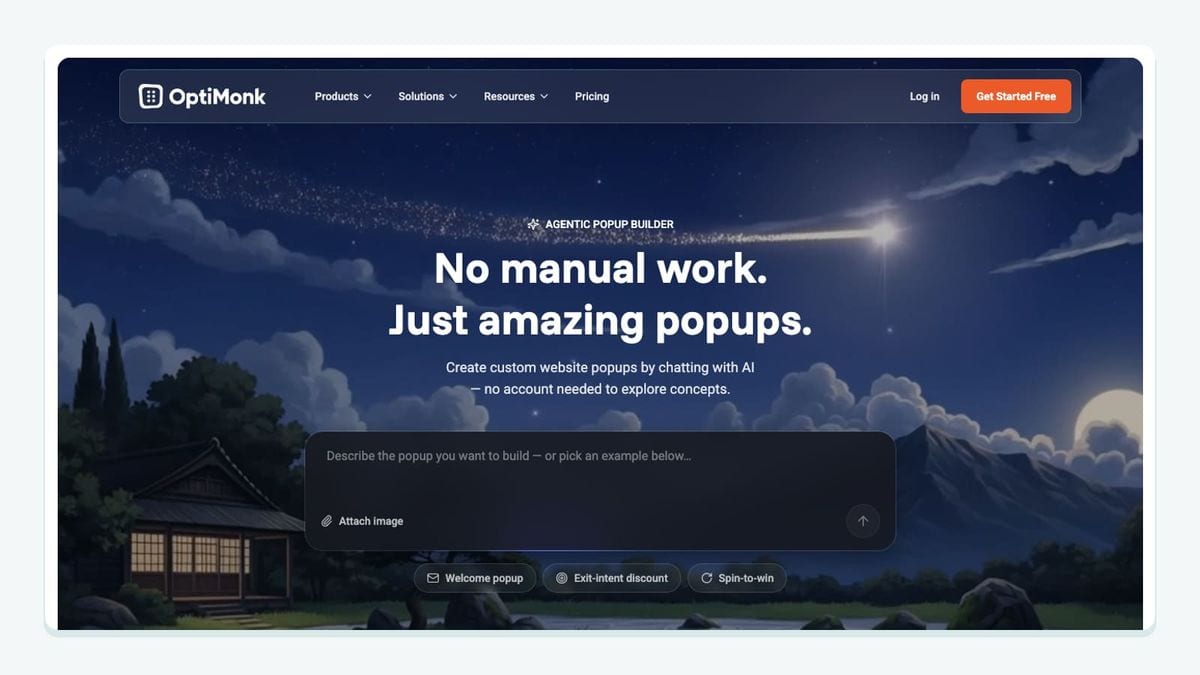
OptiMonk is the strongest starting candidate here when multiple offers feed one VerticalResponse list and you want a recognizable source value. Its January 2026 instructions describe selecting a destination list and passing a custom-field value into VerticalResponse. OptiMonk's VerticalResponse guide
The documented setup is specific: create the field under VerticalResponse's profile menu, then Custom Fields. Return to OptiMonk, refresh the available fields, select yours, enter the value to transmit, and save. If you need a separate destination, the guide describes creating a list from Contacts using the plus button beside E-mail lists, then selecting it in OptiMonk.
Our recommendation is to decide what the source field means before publishing. For example, use an offer identifier that distinguishes a newsletter signup from a downloadable guide. Keep a small record of those values so a colleague can recognize them months later.
For acceptance, submit a controlled address through the actual campaign and inspect both list membership and the source field. Then submit through another offer. Decide whether your intended policy is first source, latest source, or separate campaign records, and investigate the observed behavior before relying on it. The documented ability to transmit a value does not establish how every repeated submission should be interpreted.
Choose OptiMonk when this attribution workflow solves a real problem. If your existing form already gives you reliable source information, another capture tool may add more administration than value.
2. Wishpond: best for mapping campaign form answers

Wishpond fits a different problem: a signup arrives, but the useful answers beside its email address do not. VerticalResponse's December 2020 guide documents campaign export through Advanced Options, account sign-in, destination selection, and mapping form fields to VerticalResponse list columns. Wishpond setup instructions
Use that mapping step as a deliberate design decision. Write down the source question and destination column together. A field called interest in one campaign might mean product category, event topic, or preferred newsletter in another. Matching field names alone is a weak way to decide that the data belongs together.
Before connecting a live campaign, prepare two controlled submissions with different answers. Inspect whether the destination records preserve those differences. Include one optional blank answer so you can see how an incomplete form behaves. These are proposed acceptance cases, not reported Wishpond defects.
The documented flow supports a useful shortlist decision: consider Wishpond when you need campaign-level field mapping, then confirm that the legacy instructions still match your account. Do not buy it on the assumption that a campaign export provides continuous two-way synchronization or historical backfill; the cited instructions do not establish those behaviors.
Keep the first implementation small. Map the fields your next email actually needs, verify them, and expand only after the owner of that campaign can explain what each destination column means.
3. Picreel: best for explicit campaign-to-list routing
Picreel is worth considering when different popup campaigns belong in different VerticalResponse lists. Its documented setup assigns a numeric VerticalResponse List ID beside the campaign being exported. The guide also distinguishes assignment from the setting that enables ongoing export after submission. Picreel setup instructions
The December 2020 workflow starts in Leads, then Export to Mail Apps, then VerticalResponse. It describes authorizing the account, locating the list identifier in the URL of an opened VerticalResponse contact list, assigning that identifier to the chosen campaign, and enabling Live export after submit.
Our recommendation is to record the human-readable list name next to that identifier in your campaign handoff notes. A number is precise, but easy to paste beside the wrong campaign. Give each campaign one clearly documented destination before adding further routing.
Test two campaigns independently. Submit a different controlled address through each, then inspect the intended destination and the other campaign's destination. Success means correct placement, not merely that both addresses appeared somewhere in VerticalResponse.
Because this is an older documented flow, confirm the present authorization and export controls before committing. If your interface differs, ask the vendor which current procedure replaces it. Do not guess at credential formats or assume a saved account connection also enabled live export.
4. Justuno: best for existing promotion workflows with a known account edition

Justuno deserves special attention because its documentation distinguishes VerticalResponse from VerticalResponse Classic. That distinction can matter more than the design of the promotion you are trying to connect.
The standard legacy guide starts from Promotions, then Options, Settings, and Integrations. It describes authorization, selecting the destination list, and saving. It also calls out a specific completion step: use the link in the authorization message to close the window rather than dismissing it with the browser's close control. Justuno's standard VerticalResponse instructions
The separate Classic guide requires API permissions and uses the connector explicitly labeled Vertical Response - Classic. Justuno's Classic instructions
Our recommendation is to record the account edition and exact connector label before troubleshooting. If a team member follows the Classic guide while another follows the standard guide, a discussion about credentials can quickly become a discussion about two different setups.
After the documented authorization completes, verify the saved destination using a signup from the actual promotion. Avoid treating a connected badge as your final acceptance result. You need to observe the contact where your next campaign expects it.
This is a conditional pick for teams whose Justuno account still supports the documented route. The vendor hosts these instructions in its legacy knowledge base, so confirm availability before treating them as instructions for a new deployment. That limitation is part of the recommendation, not a footnote to discover after purchase.
5. Lander: best for an existing landing page with one clear destination
Lander's documented VerticalResponse connection is attached to the landing page. The December 2020 instructions describe opening that page's Integrations section, selecting VerticalResponse, signing in, choosing a list, and clicking Update. Lander setup instructions
That makes Lander a candidate for an existing campaign page whose next step is straightforward: collect a submission and place it in the intended mailing list. Confirm the integration remains available in your account before choosing it for a new project.
Our suggested acceptance record has three entries: published landing-page URL, intended list name, and the controlled address used for the test. Open the published page rather than relying exclusively on an editor preview. Submit the form, inspect the contact in VerticalResponse, and record the result beside the page URL.
When reusing a campaign page, explicitly recheck its destination before traffic arrives. Do not assume a copied page has either inherited or cleared the original connection; the cited guide does not settle that behavior. Make the destination decision visible during campaign preparation.
Choose this route when the page and destination are simple enough that the campaign owner can maintain them confidently. If you need richer field mapping or source attribution, evaluate those requirements before deciding that basic list delivery is sufficient.
6. mailfloss: best for recurring VerticalResponse list hygiene
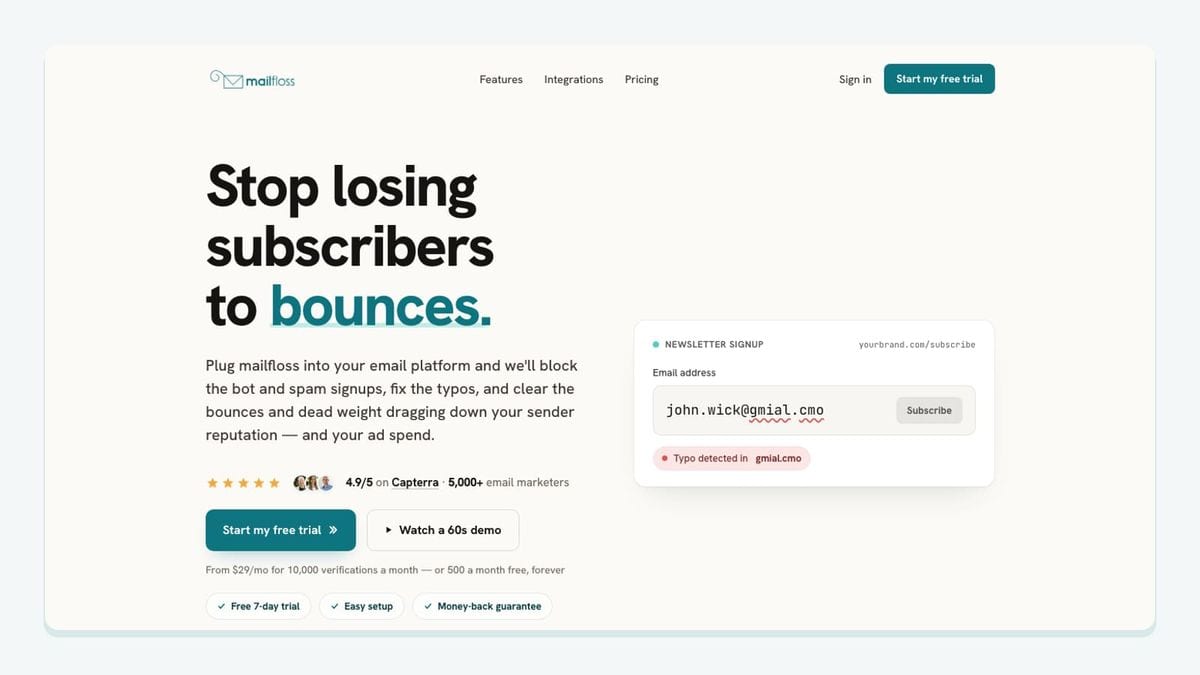
mailfloss connects natively: choose the newsletters to watch, then configure cleanup. Autofloss checks new contacts daily, Typo Fixer handles recognized errors, and Decay Protection revisits older addresses. Review the VerticalResponse cleaning setup.
Developers and AI agents can also use the first-class real-time email verification API in a custom intake workflow. Define how your application handles each result before admitting an address to its destination.
Our recommendation is to make acquisition and cleanup owners agree on the expected outcome before adding traffic. A signup test should answer two separate questions: did the contact reach the intended list, and did the verification workflow handle it according to your policy?
Use controlled records and inspect the resulting state. Do not assume a form submission, connector transfer, and verification check run as one indivisible operation. If your workflow must wait for verification before proceeding, make that dependency explicit and test it. Scheduled cleanup alone is not evidence that a particular first message waited.
Keep a small acceptance record after setup. Include the campaign, destination, expected handling, observed outcome, and person responsible for exceptions. This gives the next operator a practical way to distinguish a routing problem from a verification decision.
How should you test the complete VerticalResponse handoff?
Use this worksheet for the specific route you select. It is our proposed acceptance method, not a set of completed vendor tests. Its purpose is to turn a promising integration listing into an observable campaign workflow.
Route | What to record before testing | What to inspect afterward |
|---|---|---|
OptiMonk | Destination and intended source value | Membership plus the transmitted source field |
Wishpond | Form question and destination-column pairs | Correct values, including an optional blank |
Picreel | Campaign name paired with list name and identifier | Correct placement for each campaign |
Justuno | Account edition, connector label, saved destination | Completed authorization and an arriving signup |
Lander | Published page URL and chosen list | Submission from that exact page |
Verification | Intended handling and responsible operator | Observed outcome before dependent campaign steps |
Begin with a new address you control. Record the time of submission and inspect the destination rather than assuming immediate delivery. If it does not arrive, check the account, campaign, and destination in that order. Changing several settings together makes it harder to identify which correction mattered.
Next, repeat the submission with a changed optional value. Inspect whether the contact's data now matches your intended update policy. This is a question to resolve in your own configuration, not an assertion that all six products share the same duplicate-handling behavior.
Finally, test a campaign change. Select a new destination in a controlled setup and verify that the next submission follows it. Keep the original list out of the test campaign's sending audience until you understand the result. This is particularly useful when someone inherits a saved integration and assumes the destination is obvious from its name.
Your completion rule should be concrete: the correct record, in the correct destination, with the expected fields and handling. A green connection indicator is one checkpoint along that route.
Which integration should you connect first?

Choose the smallest workflow that fixes your current problem. If contacts arrive without usable source information, start with source attribution. If form answers disappear, start with field mapping. If campaigns feed the wrong lists, start with explicit routing and a destination test.
For an existing Justuno or Lander setup, confirm compatibility before replacing something that already works. For any new purchase, require a successful authorization and controlled submission before committing campaign traffic. Historical documentation should guide the test, not substitute for it.
Then add the verification workflow that matches your operating model. Keep the acquisition and cleanup decisions visible to the same campaign owner. That is more useful than accumulating integrations whose individual dashboards look healthy while their shared destination remains unclear.
If bots or fake addresses are getting through your forms, here is how to reduce spam signups in VerticalResponse before they reach your list.
Frequently asked questions
Does VerticalResponse Classic use the same integration setup?
Check the connector's edition before connecting. Justuno documents separate VerticalResponse and VerticalResponse Classic integrations; its Classic instructions require API access. Follow the guide that matches your account.
Can mailfloss support both marketers and developers?
Yes. mailfloss combines recurring VerticalResponse cleaning and Instafloss signup protection with a first-class real-time email verification API for developers and AI agents.
We write from the practical side of email list cleaning: what helps marketers keep real subscribers, reduce bounces, and avoid turning hygiene into another recurring chore.