
Best SendPulse Integrations: 6 Apps by Workflow Fit
Find the best SendPulse integrations for forms, store contacts, CRM campaigns, templates, and email verification. Compare six workflows and choose your next app.

Which SendPulse integrations fit your workflow?
Choose SendPulse integrations by destination: involve.me for forms, OpenCart for store contacts, Creatio for CRM-led campaigns, Postcards for templates, and n8n for custom routing. Add mailfloss for recurring newsletter cleaning, Instafloss signup protection, and a first-class real-time API for developers and AI agents.
Choose SendPulse integrations by destination: involve.me for forms, OpenCart for store contacts, Creatio for CRM-led campaigns, Postcards for templates, and n8n for custom routing. Add mailfloss for recurring newsletter cleaning, Instafloss signup protection, and a first-class real-time API for developers and AI agents.
By mailfloss. Documentation reviewed September 22, 2026.
The useful question is where your next record needs to land. A form submission intended for an email campaign has a different job from a sales enquiry intended for a CRM pipeline. A finished email design has a different destination again. Buying another connector before making that distinction can leave you with a working integration and the wrong result.
This shortlist groups six connections by the work they perform inside a SendPulse stack. The recommendations are editorial judgments based on the linked documentation, not performance rankings or results from a hands-on benchmark. mailfloss publishes this guide and is included for its verification role.
Which SendPulse integration fits each job?
Choose the connection that closes a specific gap in your current workflow. Use the destination column below as the first filter, then use the acceptance check to decide whether your setup is ready for real contacts.
Integration | Best fit | SendPulse handoff | First acceptance check |
|---|---|---|---|
involve.me | Form and funnel submissions | Email list or CRM destination | Did the submission reach the intended entity? |
OpenCart | Existing store customer workflows | Selected email address book | Did the intended customers reach the correct list? |
Creatio | Teams running campaigns from their CRM | SendPulse mailing lists and campaigns | Can the team reconcile the audience and campaign result? |
Postcards by Designmodo | Teams producing email designs externally | Email Templates | Does the imported design work in a test message? |
n8n | Workflows needing explicit routing | Separate SendPulse Email and CRM nodes | Did the chosen action modify the intended object? |
mailfloss | Ongoing newsletter address quality | Connected newsletter cleanup | Is the intended newsletter covered by the configured policy? |
Our comparison rule has three parts: identify the destination, identify the operation, and name the evidence that would prove success. Write those answers before connecting anything. This makes it easier to distinguish a new contact from an updated contact, and a prepared template from a campaign that has actually been sent.
The table deliberately has no overall winner. Someone maintaining an OpenCart store has a different starting point from a marketer who already has usable contacts but needs to reduce email-production work. Add the smallest connection that solves your immediate problem, then test its boundaries.
1. involve.me: best for forms with a deliberate destination
involve.me is a useful fit when your funnel needs a clear choice between SendPulse email lists and CRM. Its integration lets you choose an email list or a CRM destination; the CRM route includes pipeline, step, and team-member selections. The documented tagging capability applies to CRM pipelines, not Email Lists. involve.me setup documentation
Make that destination decision part of the campaign brief. A newsletter signup and a request for a sales conversation might appear in similar forms, but your team should define different acceptance criteria for them. Write down who will act on the submission and what they need to see before you map fields.
For a newsletter workflow, test whether the information needed for the intended email is present. For a sales workflow, ask the person handling the enquiry to inspect the resulting record. A marketing operator can verify that data arrived; the salesperson can tell you whether it is enough to act on.
Avoid building a segmentation plan around a field or tag until you have inspected its actual destination. Include one test with an optional answer left blank. That reveals whether your message or sales process depends on information the form does not require.
Choose involve.me when the form experience is already central to your process. If the main problem is routing records between several existing systems, the n8n entry gives you a different starting point.
2. OpenCart: best for bringing store contacts into an address book
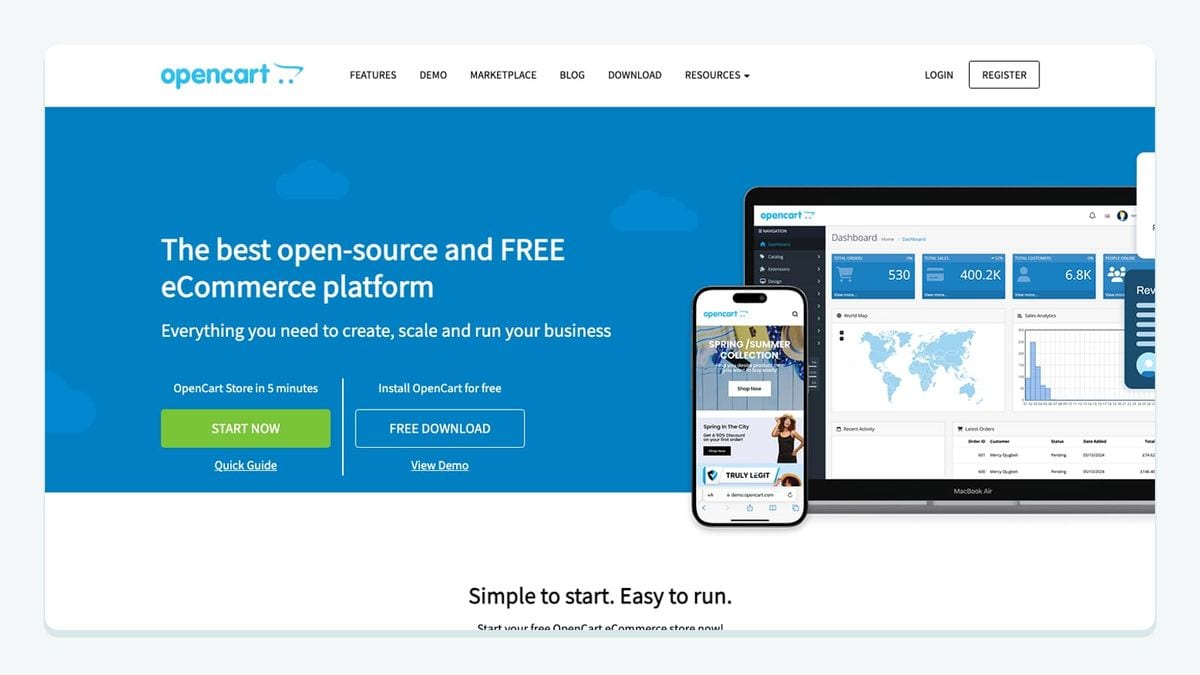
The SendPulse OpenCart module documents automatic and manual customer-data exports, plus automatic order-data export. Its manual flow uses the address book selector to choose the SendPulse email list before you click Export. Email, phone, and name are among the transmitted fields. SendPulse OpenCart module guide
That address-book choice deserves a check before any broad export. Give your test destination an unmistakable name and write down which group of store records you intend to transfer. Compare the expected audience with the resulting records, rather than treating a success notification as a full audit.
A practical acceptance sheet should distinguish registered customers from customers represented by orders. Those are different reasons for a record to exist in your store. Decide which business purpose your campaign serves, and preserve that distinction in your own operating notes.
Inspect a record with a phone number and another without one. Also inspect a repeat customer. These are proposed checks, not claims about how the module resolves duplicates or missing values. The point is to find the behavior before you depend on it.
Confirm that the module fits your installed OpenCart version before adopting the documented setup. The guide establishes the connection and export flow; it does not establish compatibility with every store customization. Keep the first rollout small enough that you can reconcile individual records.
3. Creatio: best for running SendPulse campaigns from your CRM
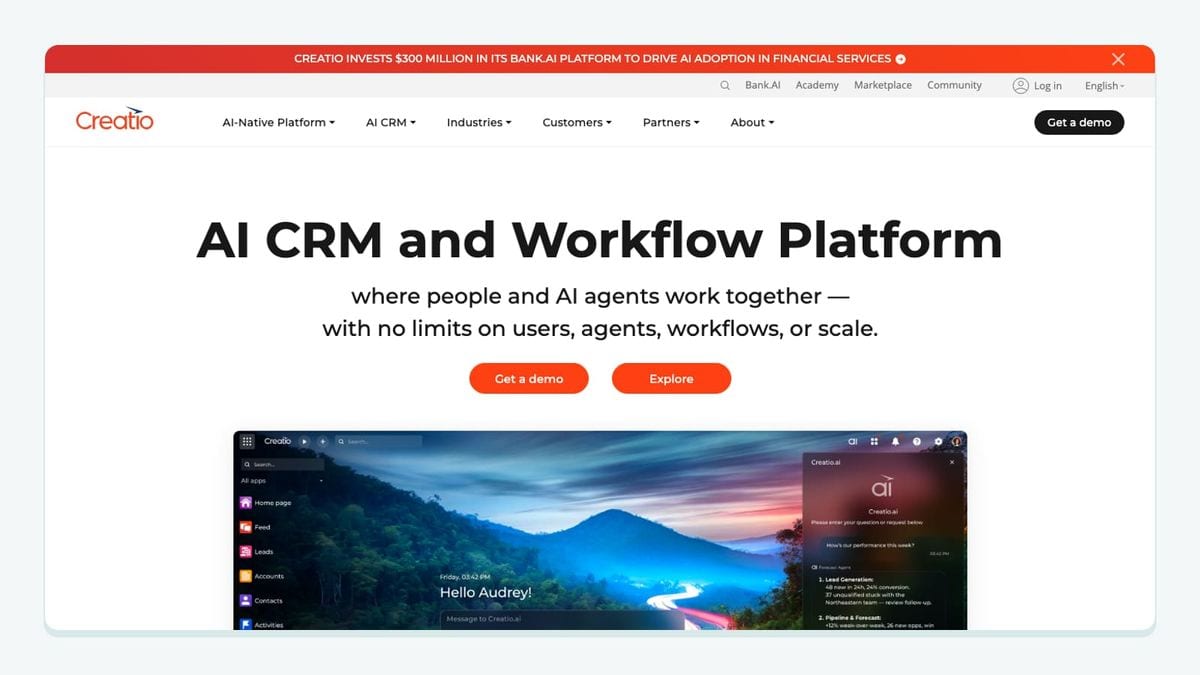
Creatio fits teams that want campaign work to stay close to their CRM. The SendPulse connector supports audience synchronization and campaign results in Creatio. Its setup includes separate SendPulse ID and Secret settings, and the interface adds SendPulse mailing-list and campaign sections. SendPulse Creatio integration guide
The important decision is ownership. Decide who maintains campaign membership, who checks the message, and who interprets the result. A connector can move data without resolving those responsibilities. Your campaign brief should name the audience owner and the person allowed to launch the send.
Start with a small internal audience. Record its members before the handoff, prepare one simple campaign, and compare the observed audience with your expectation. Afterward, ask the operator who normally works in Creatio to locate the campaign result. That confirms the workflow is usable by the intended team, not just by the person who installed it.
Do not assume that any change made by a separate integration will automatically propagate through every connected system. For example, if another process changes an email address, decide which system should own the corrected value and test that path explicitly.
Choose Creatio when your existing CRM process is the reason for integrating. If you only need to move a simple signup into a SendPulse email list, evaluate the narrower form connection first. There is little benefit in adding CRM administration to a newsletter workflow that does not need it.
4. Postcards by Designmodo: best for importing campaign templates
Postcards connects email production to SendPulse's template library. In Postcards, open Export, choose Integrations, select SendPulse, and connect with the SendPulse ID and Secret. The imported design is available in SendPulse's Email Templates area for regular or automated campaigns. SendPulse Postcards integration guide
This is a design handoff. Evaluate it by the time and effort required to prepare a usable message after import, rather than by how many subscribers another integration can transfer.
Use a representative template for the trial: a heading, a main image, a button, a text link, and the footer you intend to use. Send a test message and inspect it on the devices your team actually uses. Check the destination of each link and review what happens when images are unavailable.
Keep a simple naming convention for exported versions. For example, include the campaign purpose and your internal revision identifier. That is an operating recommendation, not a claim that the integration manages versions for you. Someone should be able to tell which design was reviewed before choosing it for a send.
Postcards is a good fit when design production is the bottleneck. If your team already produces effective templates comfortably inside SendPulse, adding an external design step may not be the next useful purchase. Resolve the slowest part of your actual workflow first.
5. n8n: best for explicit routing between SendPulse objects
n8n is the strongest fit here when you need to make routing decisions visible. SendPulse documents separate nodes for its tools. The Email node includes Add emails to list, while the CRM node includes contact and deal actions. Installing the SendPulse package exposes the available tool nodes. SendPulse n8n node guide
That separation is useful during design review. Draw the intended outcome before assembling the flow: does this incoming event need an email-list entry, a CRM contact, or a deal? Choose the action that matches that outcome. Do not let the word “contact” stand in for a destination you have not specified.
For your first flow, use one source event and one destination action. Save the input used for the test and inspect the resulting SendPulse object. Once that handoff behaves as intended, add the next branch. Building everything at once makes it harder to identify which decision produced an unexpected result.
Plan an explicit retry check. Repeat a controlled event and record what changes. The expected behavior should come from your workflow requirements and the chosen action's documentation; this guide does not assume every action is automatically safe to replay.
Choose n8n when someone can own this routing logic over time. A visual workflow still needs an operator who understands its inputs and consequences. If a documented direct connector already meets the requirement, compare its maintenance burden before building a broader automation.
6. mailfloss: best for ongoing newsletter hygiene
mailfloss connects natively to SendPulse. Choose the newsletters to watch, configure protection, and let scheduled checks write fixes and removals back. Instafloss adds real-time signup protection. SendPulse verification setup
Developers and AI agents also have a first-class email verification API for real-time checks in custom workflows. The API returns structured results your application can act on; connected recurring cleanup serves the ongoing list-maintenance job.
Place verification deliberately in your operating plan. Identify the newsletter you want covered, review the configured handling of risky results, and inspect a controlled test before applying a broader policy. Treat CRM-only records as a separate scope question until you have established how they enter the watched newsletter.
Also decide what happens when another system submits an address again after a cleanup action. Test the upstream connection and the resulting SendPulse record together. A useful integration review follows the whole handoff instead of stopping at either dashboard.
Do not assume a scheduled cleanup finishes before an immediate welcome message. If message timing matters, verify the actual sequence in your setup. For custom intake, define how your application handles a verification result before it continues. These are acceptance decisions, not a guarantee of inbox placement or universal cleanup timing.
How should you test the complete SendPulse handoff?
Use this destination-and-replay worksheet before expanding any of the six connections. It combines the specific SendPulse destinations above with questions that an operator can answer from observed behavior. It is a proposed acceptance method, not a report of tests we have run.
Test | What to record | Decision before rollout |
|---|---|---|
Destination | Exact email list, CRM location, or template name | Does it match the campaign brief? |
Required values | The minimum information needed for the next action | Can the recipient or operator use the result? |
Repeat event | What changes when the same controlled input is sent again | Is the repeated outcome acceptable? |
Missing value | Behavior with an optional answer omitted | Does the next step still make sense? |
Cleanup interaction | Whether a later source update changes a cleaned record | Which process owns the final address? |
Timing | Order of arrival, verification, and message preparation | Is that order appropriate for this workflow? |
Keep the record small and readable. One row per test with the expected result, observed result, and operator's initials is enough to start. Leave a test unresolved when you cannot explain the outcome. A green connection indicator is useful evidence of access, but it does not answer these workflow questions.
The SendPulse-specific distinction is the destination: email lists, CRM objects, and Email Templates need different evidence. Do not evaluate a template export with a subscriber-count check, or a sales handoff solely by whether an email address appeared somewhere.
Which connection should you add first?
Start with the bottleneck you can name and measure in your own process. If form submissions reach the wrong team, fix their destination. If the store audience is hard to reconcile, test the address-book export. If design review consumes the time, try the template handoff. If several systems need explicit routing, assign an owner before building the automation.
After the handoff works, review the quality of the addresses it supplies and how that quality will be maintained. Keep a dated acceptance record so the next operator knows what was checked and what still depends on configuration.
If bots or fake addresses are getting through your forms, here is how to reduce spam signups in SendPulse before they reach your list.
Frequently asked questions
How should I choose a SendPulse integration?
Start with the destination: an email mailing list, a CRM pipeline, or an email template. Then test the handoff with a record you control. A successful connection is only the first check; confirm the intended destination, field values, and downstream action before expanding the workflow.
Where does mailfloss fit in a SendPulse stack?
mailfloss adds recurring email verification to connected SendPulse newsletters, with Instafloss for real-time signup protection. Developers and AI agents can also use its first-class real-time REST API to verify addresses in custom workflows.
We write from the practical side of email list cleaning: what helps marketers keep real subscribers, reduce bounces, and avoid turning hygiene into another recurring chore.