
Best Sendlane Integrations: 6 Apps by Workflow and Fit
Compare six best-fit Sendlane integrations for signup forms, loyalty, shipping, SMS support, and automated email verification. Find your next connection today.


What are the best Sendlane integrations?
The best Sendlane integrations fit a specific handoff: Justuno for signup lists, Smile.io for loyalty, Wonderment for shipping events, Gorgias for SMS replies, and Gatsby for influencer data. Choose by the Sendlane record or event you need; add mailfloss for recurring cleaning and a real-time API for developers and AI agents.
The best Sendlane integrations fit a specific handoff: Justuno for signup lists, Smile.io for loyalty, Wonderment for shipping events, Gorgias for SMS replies, and Gatsby for influencer data. Choose by the Sendlane record or event you need; add mailfloss for recurring cleaning and a real-time API for developers and AI agents.
By mailfloss. Documentation reviewed September 21, 2026.
Which Sendlane integration should you connect first?
Choose the connection that fixes a specific customer handoff. A signup that never reaches its intended list needs a different solution from a shipment update that never becomes an email. Installing more apps before identifying that gap gives you more places to look when something goes wrong.
Our comparison uses four questions: What enters Sendlane? Where does it land? What should happen next? What evidence would show that the connection works? The six apps below serve different jobs, so their numbers are reading order, not scores. This is a documentation-based shortlist, not a claim that we tested every connector in a production account.
Integration | Best-fit job | Sendlane connection to inspect | Suggested acceptance check |
|---|---|---|---|
Justuno | Promotional signup capture | API token and destination list | Find a test submission in the intended list |
Smile.io | Loyalty customer synchronization | Authorized integration and customer data | Inspect a known member before using a loyalty audience |
Wonderment | Shipping-event messaging | Custom integration, tokens, and named events | Inspect event sample data before enabling messages |
Gorgias | Support for Sendlane SMS conversations | Authorized Gorgias connection | Follow an ordinary test reply into support |
Gatsby | Influencer data on contact profiles | Sendlane list and connector credentials | Confirm present-day credential compatibility, then inspect a profile |
mailfloss | Recurring email verification | Native Sendlane connection; separate developer API | Review cleanup scope and results before widening it |
These distinctions come from the linked setup guides in each entry. The acceptance checks are our recommendations, not vendor service guarantees.
Sendlane itself distinguishes ordinary API-key connections from custom integrations used for capabilities such as event tracking. Begin with Account → Integrations and open the guide attached to the relevant integration card. A product appearing in a marketplace does not tell you which data it transfers or which credentials it expects. Sendlane integration overview.
Before comparing subscription prices, write a one-sentence requirement: “When this happens, this Sendlane contact or event should change, and this message should follow.” If you cannot finish that sentence, postpone the installation. You have a shopping list, not yet a workflow.
1. Justuno: best for promotional signups reaching Sendlane lists
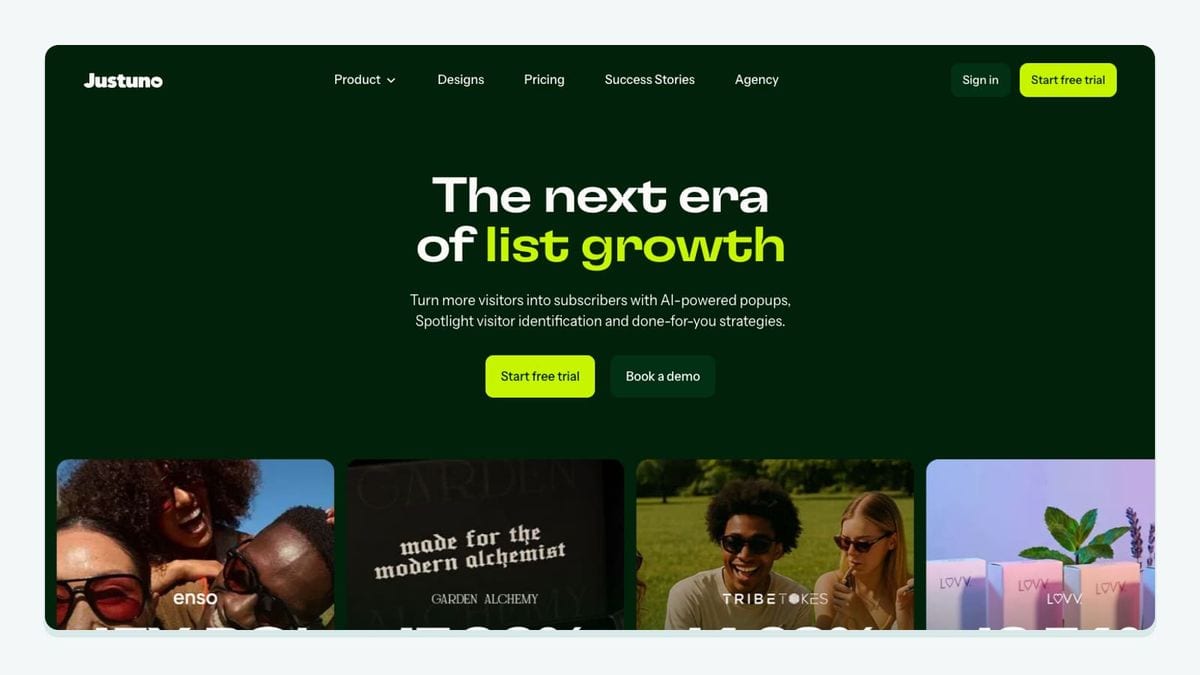
Justuno fits teams using promotions to collect contact information. Sendlane's setup guide calls for a promotion with an email or phone field, relevant Sendlane custom fields, and a Sendlane API token. It also directs teams to request single opt-in and SMS Consent API enablement from Sendlane support. SMS collection requires an active Sendlane SMS plan. Justuno setup guide.
The useful detail is the destination check: after submitting the promotion and finding the lead in Justuno, inspect Sendlane's Audience → Lists. That is the handoff to prove before building a welcome journey around the promotion. The guide also says API tokens expire after one year, making credential replacement an ongoing responsibility. Justuno setup and testing instructions.
Our recommendation: keep a small test record showing the promotion name, destination list, expected custom-field values, and responsible teammate. A successful submission screen is only the beginning of the check. Compare what you entered with what the receiving contact contains.
Choose Justuno when the promotion experience is the missing piece. If your current form already captures the right information and routes it correctly, adding a second capture tool may not be your next useful investment.
2. Smile.io: best for bringing loyalty customers into Sendlane
Smile.io fits a retention team that wants its rewards program connected to email activity. Sendlane documents synchronization of rewards customers and requires a Sendlane list before setup. Its connection starts in Account → Integrations → Smile.io → Configure; create and name the integration, continue to Smile.io, and authorize it. Smile.io integration guide.
Treat synchronization as the foundation for a loyalty workflow, not proof that every campaign idea is already configured. Before writing a points reminder or member-specific offer, inspect which information is actually available in your account. Do not design copy around a field you have only assumed will exist.
A useful acceptance exercise is to choose one consenting member and write down the audience they should belong to before connecting anything. After setup, compare the observed customer record with that expectation. Then preview the intended message as that member. Keep the inspection narrow enough that someone else can repeat it.
Smile.io is the better fit here when a loyalty program already has an owner, a clear offer, and a reason for the next email. An integration cannot decide whether a reward is useful to the customer. Set that commercial rule first, then connect the data needed to carry it out.
3. Wonderment: best for shipping events that trigger Sendlane messages
Wonderment has a more involved Sendlane handoff than a simple subscriber sync. The documented setup creates a Sendlane custom integration, selects a default list, supplies the custom integration token to Wonderment, creates shipping events, and adds a separate Sendlane API token. These are distinct setup steps. Wonderment integration guide.
Event names must match the guide exactly. One example is Wonderment - Shipment Delivered. Sendlane's verification step looks for sample data in the event's Example column. If it is empty, the guide directs you to check spelling and extra spaces, then contact Wonderment if the name is correct. Wonderment event verification.
Our recommendation is to commission one event before creating a full delivery journey. Document the intended message, the customer who should receive it, and what would make the message inappropriate. A delivered notification and a delay notification should have different acceptance criteria, even if both concern the same order.
Also name the teammate responsible for delivery messaging across your stack. Before enabling a new email, inspect what customers already receive. Two individually correct messages can still make a confusing experience when they arrive together. This is an editorial rollout recommendation, not a claim that Wonderment automatically prevents duplicates.
4. Gorgias: best for handling Sendlane SMS replies in support
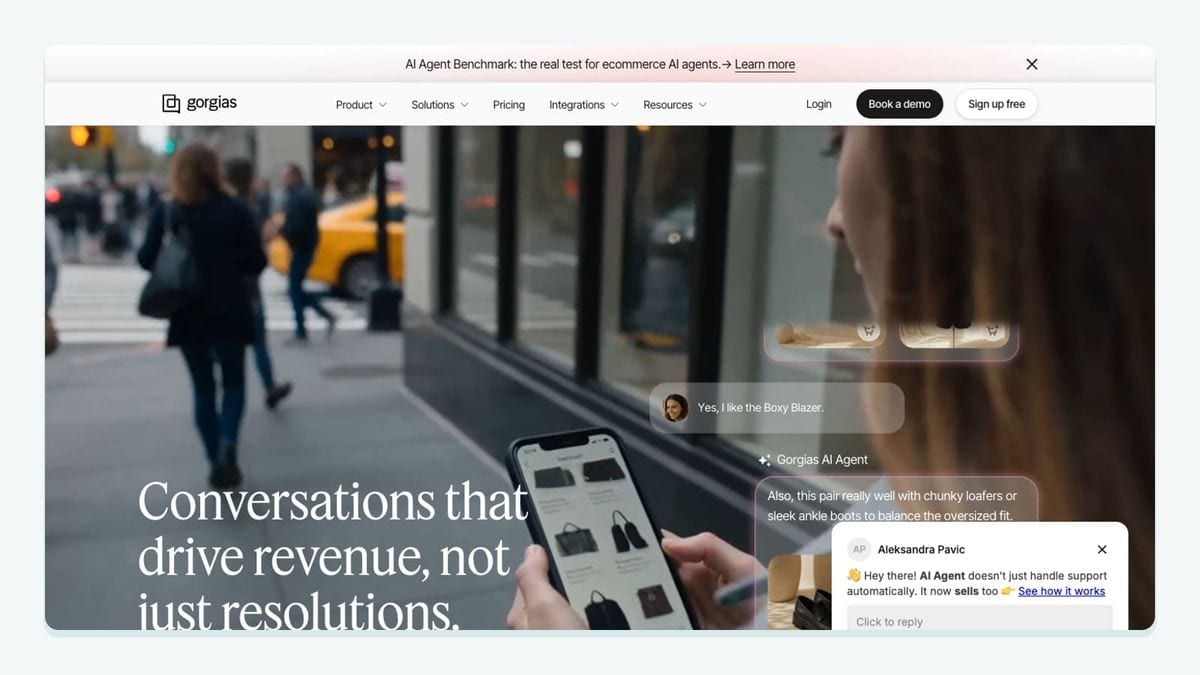
Gorgias fits teams that need support staff to handle responses to Sendlane SMS messages. Setup begins in Sendlane's Account → Integrations → Gorgias → Configure, then redirects to Gorgias for authorization. The guide describes outbound replies from Gorgias as consuming Sendlane SMS credits. Gorgias connection guide.
There is a documentation limitation worth resolving before rollout: the same guide's ticket-creation summary excludes opt-out and functional keywords, while its later table describes circumstances in which those messages create tickets. Do not reduce that guidance to “every reply creates a ticket” or “STOP never creates a ticket.” Confirm current keyword behavior with support. Sendlane's ticket and keyword guidance.
For acceptance, start with an ordinary question from a subscribed test contact. Have a support teammate locate it and follow the response path. Separately check keyword handling with authorized test numbers and support guidance. Keep those checks distinct so an ordinary conversation passing does not conceal an unresolved opt-out case.
Choose this connection when the bottleneck is conversation ownership. Assign the queue, response expectations, and escalation route before launch. A reply arriving in the right tool is useful only if someone knows it is theirs to answer.
5. Gatsby: best for influencer information on Sendlane profiles
Gatsby is the specialist choice for a team that wants influencer information connected to Sendlane contacts. Sendlane's guide describes syncing data to contact profiles and requires a Sendlane list. Its documented Gatsby connection asks for an API key, hash key, Sendlane subdomain, and list identifier. Gatsby integration guide.
That credential model deserves an explicit compatibility check. The guide uses different credential terminology from Sendlane's newer API-token tutorials. Verify the fields in your current Gatsby account and ask the vendors to resolve any mismatch before creating credentials or promising a launch date. A published guide establishes a documented connection, not proof that every account exposes the same setup today.
Our suggested trial is one known, consenting participant. Write down which profile information your campaign needs, inspect the receiving record, and decide whether it is enough to support the message. Avoid filling gaps with assumptions about follower counts, engagement signals, or automatic segmentation.
Gatsby is a conditional shortlist choice: it fits an influencer program with a defined outreach process and confirmed connector compatibility. If you simply need more newsletter subscribers, start by improving the existing signup handoff. Influencer context has value when someone will use it deliberately.
6. mailfloss: best for recurring Sendlane email verification
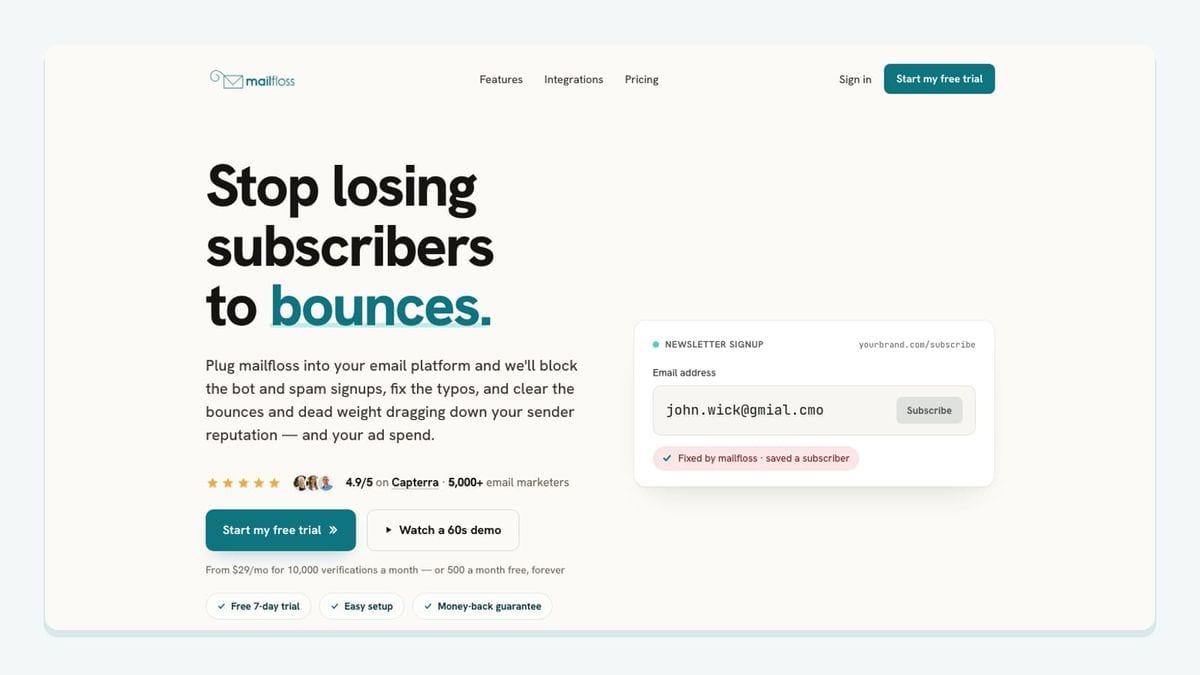
mailfloss is an email verification and automated list-cleaning tool for marketers, with a first-class real-time API for developers and AI agents. The Sendlane connection provides recurring hygiene; the API supports verification inside your own application. Sendlane email verification and email verification API.
For the native workflow, connect Sendlane from mailfloss and choose the connections and lists to watch. Autofloss checks new contacts daily; Decay Protection rechecks older contacts. Review the cleanup rules before expanding their scope. These capabilities address ongoing list quality rather than requiring repeated CSV exports. Sendlane cleaning workflow.
Our recommended first step is to define what should be reviewed and which outcomes may be applied automatically. Have the person responsible for customer data inspect initial results alongside the marketer responsible for sends. Keep a record of the chosen scope so a later teammate can explain why a contact was included.
For custom signup handling, developers and AI agents can use the mailfloss API's structured verification results. Application code must decide how to act on them; a verification request is not itself a Sendlane subscription workflow. Developer verification options.
How should you test a Sendlane integration before rollout?
Use the following worksheet to prove the handoff before expanding it. This is our original evaluation framework: recommended checks, not results from a test we have performed. It combines the connector-specific distinctions above into one acceptance record that marketing, support, and development can share.
Check | What to record | What a useful result looks like |
|---|---|---|
Business job | One sentence describing the customer outcome | Another teammate can explain why the app is needed |
Source | Promotion, member record, shipment event, conversation, or contact | The starting record is identifiable without guessing |
Destination | Intended Sendlane list, profile, event, or support handoff | The observed destination matches the plan |
Credentials | Credential type, owner, and renewal reminder where applicable | Someone owns maintenance; no secret is copied into the worksheet |
Message | Expected next communication and its audience | The preview fits the test customer's situation |
Exceptions | Missing data, repeat input, and consent changes to investigate | Unexpected behavior has a named owner |
Evidence | Private record reference, observation date, and reviewer | A second teammate can repeat the check |
Start by writing the expected result before you submit anything. Otherwise it is too easy to see a contact somewhere in Sendlane and declare success. A record landing in the wrong list can look reassuring while still missing the business requirement.
Next, separate data arrival from message readiness. For a capture workflow, inspect the receiving record before evaluating the welcome message. For a shipping workflow, inspect the event before enabling the customer notification. For support, inspect the conversation route before assuming the team can operate it. These are separate questions with separate evidence.
Then investigate an exception that matters to your business. You might repeat a test submission, leave an optional field blank, or change information on a controlled test record. Record what actually happens. Do not assume every connector handles updates or repeated input the same way, and do not represent an untested behavior as a product feature.
Finally, define the smallest sensible rollout. Decide who can pause the workflow, where unexpected messages will be reported, and when someone will inspect initial activity. The goal is not an elaborate certification exercise. It is a short record that makes a failed handoff diagnosable without rebuilding the history from memory.
When are Sendlane's own forms enough?
Before buying another capture app, compare the requirement with your existing Sendlane form. Sendlane's form builder provides Subscription List and Tags selections, along with email and SMS double opt-in settings. Its getting-started guide also calls for Beacon installation before forms so submissions can identify visitors. Sendlane forms guide.
Our decision rule is simple: add a capture integration when it supplies a specific experience or operational capability you need. Keep the native route when it already meets the requirement. Neither choice removes the need to inspect the destination and the follow-up message.
Write down which system owns capture, which owns customer communication, and which maintains email quality. This avoids assigning every problem to the form. A missing field, an unsuitable offer, and an invalid address call for different fixes. The best-fit stack makes those responsibilities clear enough that the next person can maintain it.
Frequently asked questions
How should I choose a Sendlane integration?
Start with the handoff you need: a signup reaching a list, loyalty information updating a contact, a shipping event starting an automation, or an SMS reply reaching support. Choose the connector with a documented path for that job, then test the destination and message before enabling it for customers.
Can mailfloss support both Sendlane cleaning and custom verification?
Yes. mailfloss offers recurring cleaning through its Sendlane connection and a first-class real-time email verification API for developers and AI agents. Use the connection for ongoing list hygiene and the API when your own application needs a verification result.
We write from the practical side of email list cleaning: what helps marketers keep real subscribers, reduce bounces, and avoid turning hygiene into another recurring chore.