
Best Remarkety Integrations: 6 Apps by Ecommerce Job
Compare six best-fit Remarkety integrations for popups, product reviews, behavioral segments, and recurring email verification. Find your next connection.


Which Remarkety integrations should you choose?
Choose Remarkety integrations by the handoff you need: Nosto for behavioral segments, Yotpo for product reviews, and Poptin, Privy, or Wheelio for capture. Add mailfloss for recurring email verification and a first-class API for developers and AI agents. Check each connection's destination, timing, and permission handling before launch.
Choose Remarkety integrations by the handoff you need: Nosto for behavioral segments, Yotpo for product reviews, and Poptin, Privy, or Wheelio for capture. Add mailfloss for recurring email verification and a first-class API for developers and AI agents. Check each connection's destination, timing, and permission handling before launch.
By mailfloss
A useful Remarkety integration should leave you with something you can act on: an audience, a product review in an email, or a contact whose email quality has been checked. A connected-account badge is only the beginning. The practical question is what arrives on the other side, and whether that result suits the campaign you intend to run.
This shortlist groups six apps by that decision. It is based on vendor documentation, with our own acceptance checks for each handoff. It is not a hands-on speed benchmark or a ranking by promised revenue. Several connector tutorials are older, so confirm their controls in your account before building a launch around them. Primary documentation was reviewed on September 20, 2026.
Which Remarkety integration fits your immediate job?
Start with the missing input to your next Remarkety campaign. Buying another capture tool makes little sense if your existing forms work and the real gap is product evidence in your emails. Equally, a richer audience definition does not tell you whether its email addresses are suitable for sending.
App | Best-fit job | Remarkety handoff | Our suggested acceptance check |
|---|---|---|---|
Nosto | Bring behavioral audiences into campaign planning | Mirrored segments | Check membership and who owns changes |
Yotpo | Include product-review evidence in emails | Product reviews for email content | Preview a reviewed product and one without reviews |
Poptin | Connect a popup to a chosen store | Store ID and API-token connection | Submit the published form and locate the contact |
Privy | Route selected capture campaigns | Campaign-specific email synchronization | Verify each campaign independently |
Wheelio | Separate incentive-led acquisition | Contacts carrying the | Inspect source tagging and campaign eligibility |
mailfloss | Maintain email quality over time | Selected Remarkety stores and cleanup rules | Compare the chosen action with the resulting contact state |
These are alternatives by job, not six mandatory subscriptions. Poptin, Privy, and Wheelio overlap as acquisition choices. Pick the one whose workflow matches your existing offer and operating habits; do not install all three merely to complete a stack.
Our comparison uses three questions. Destination: what object or field should change in Remarkety? Timing: when does the campaign actually need that change? Permission: what evidence makes the contact eligible for marketing? Give every connection a written answer before expanding its traffic or audience.
The table summarizes the documented mechanics explained and linked in the entries below. The acceptance checks are our recommendations, not claims that the vendors perform those checks automatically.
1. Nosto: best for bringing behavioral segments into Remarkety
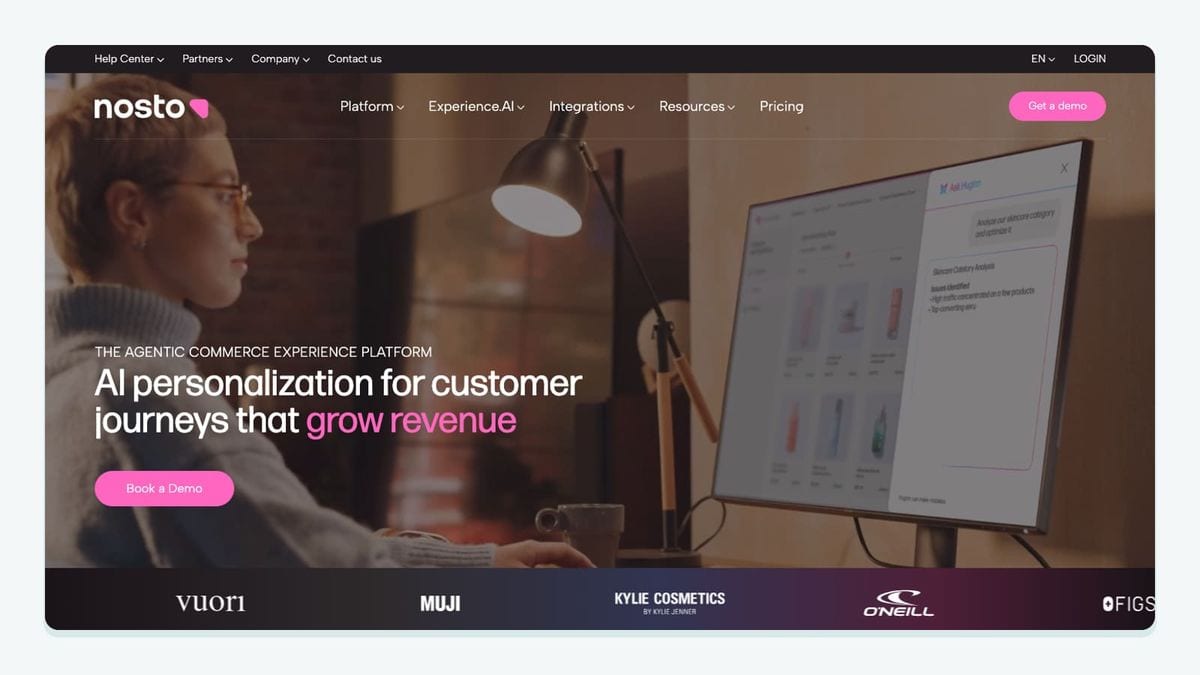
Nosto fits a Remarkety team that already organizes shoppers by onsite behavior. Its connector creates corresponding Remarkety segments, with edits owned in Nosto. Remarkety documents periodic synchronization that can take up to 48 hours, rather than an immediate event stream. It also notes that previously unrecognized email addresses create contacts with marketing status Unknown. Remarkety's Nosto integration guide.
That makes campaign timing a buying criterion. Our recommendation is to use this connection for an audience that can tolerate a refresh window. If your planned message depends on something the shopper did moments ago, write that requirement down before assuming a segment export satisfies it.
For an acceptance check, select a controlled shopper record and record the intended audience membership before enabling the connection. Then inspect the resulting Remarkety record and the campaign's eligibility rules separately. Keep the evidence in two columns: “belongs to the audience” and “may receive this message.” A tick in one column should never silently fill the other.
Assign a named owner to audience changes. Otherwise, a marketer troubleshooting an unexpected recipient can waste time investigating campaign copy when the relevant decision was made upstream. The useful purchase here is a manageable audience handoff, not simply another source of contacts.
2. Yotpo: best for product reviews inside Remarkety emails
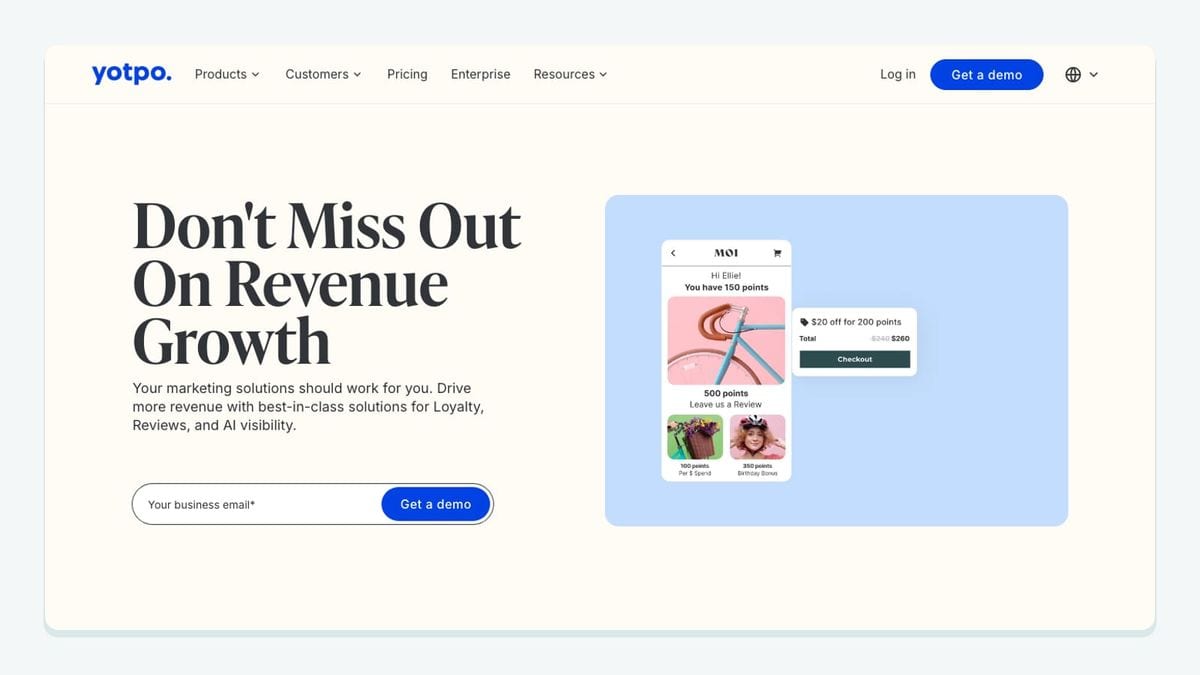
Yotpo fits when your Remarkety campaigns need product-specific customer evidence. In Yotpo Reviews, select the Remarkety integration and complete authorization; Remarkety then retrieves existing and incoming product reviews. Yotpo's Remarkety setup guide.
The connection has a concrete output in the email editor: the Product With Reviews content block. This is a product-content workflow, rather than a new popup-to-contact route. Yotpo's Remarkety integration overview.
Our suggested first check uses two products: one with suitable review content and one with none. Preview the actual email you intend to send. Inspect whether the product, review text, destination link, and surrounding design make sense together. A successful authorization tells you much less than that preview.
Treat the no-review product as a normal merchandising case, not an exceptional failure. Decide what the email should show when evidence is absent before the campaign reaches customers. Never fill that gap with an invented quote or a store-wide rating presented as though it describes a particular item.
Choose Yotpo here when review presentation is the missing capability. If the problem is getting shoppers into Remarkety, begin with one of the capture options instead. They solve a different handoff.
3. Poptin: best for a popup connected to a specific Remarkety store
Poptin offers a direct, documented popup setup using a Remarkety Store ID and API token. In Poptin's popup editor, open Email and integrations, add Remarkety, and supply those credentials from Remarkety's Settings → API Keys. Complete the popup's display rules and publication process. Remarkety's Poptin setup guide.
Our recommendation is to treat store selection as a business decision before touching the form design. Write the intended store name next to the credential source in your internal setup record, without copying the secret itself. This gives the next person checking the connection a clear destination to verify.
Next, submit the published popup using an address you control. Look for that contact in the intended store and inspect the information your campaign needs. Record the submission time and the observation time; use what you observe to plan launch checks without turning one test into a universal delivery-speed promise.
Repeat this check after changing the destination account or replacing the popup. A form that looks correct on the storefront can still be pointed at the wrong operational destination. Choose Poptin when a conventional popup workflow matches your acquisition plan and you want to validate the handoff at the individual form level.
4. Privy: best for existing capture campaigns with explicit sync destinations
Privy is worth considering when your team already works in its capture campaigns. Remarkety's tutorial separates account authorization from each campaign's synchronization setup. Connecting the account is therefore only part of the documented workflow. The tutorial dates from 2015; verify the current controls before following its navigation literally. Remarkety's Privy integration guide.
Our recommendation is a small campaign inventory. For every active form, record its owner, intended Remarkety destination, offer, and last successful test. Include seasonal and mobile-specific campaigns if you use them. Testing the most visible desktop popup does not establish that a less obvious campaign follows the same route.
Choose one campaign to launch first. Confirm the record you expect before enabling the rest. If it fails, keep the investigation narrow: check the campaign's destination and publication state before rebuilding your whole account connection.
This approach also makes handovers easier. The incoming marketer can distinguish “we authorized this account” from “we verified this campaign.” That is a useful operating distinction even when the vendor changes the names of its menus. Privy is a sensible fit when maintaining your existing campaign workflow matters more than introducing another acquisition interface.
5. Wheelio: best for identifying incentive-led subscribers

Wheelio suits a campaign built around a gamified popup offer. Remarkety's connector documentation says imported subscribers receive the wheelio tag, giving the source a concrete identifier for subsequent segmentation and messaging. Remarkety's Wheelio integration guide.
Our recommendation is to build the first acceptance check around that identifier. Submit the offer with a controlled address, find the resulting contact, and inspect the source tag. Then check the message the person would receive. Does it acknowledge the offer they just saw, or drop them into a generic sequence with a conflicting promotion?
Keep an existing customer in your test set as well. The question is whether your campaign rules produce the intended experience when someone who already knows the store encounters the promotion. Do not assume every tagged contact is a new customer or deserves the same introductory message.
Choose Wheelio because the incentive experience fits your merchandising plan. Avoid choosing it on a borrowed acquisition-rate claim. Your useful measures are downstream: eligible contacts, appropriate follow-up, and customers who engage with the offer. Write those measures down before changing the popup so that a larger signup count does not become the only definition of success.
6. mailfloss: best for recurring email verification alongside Remarkety
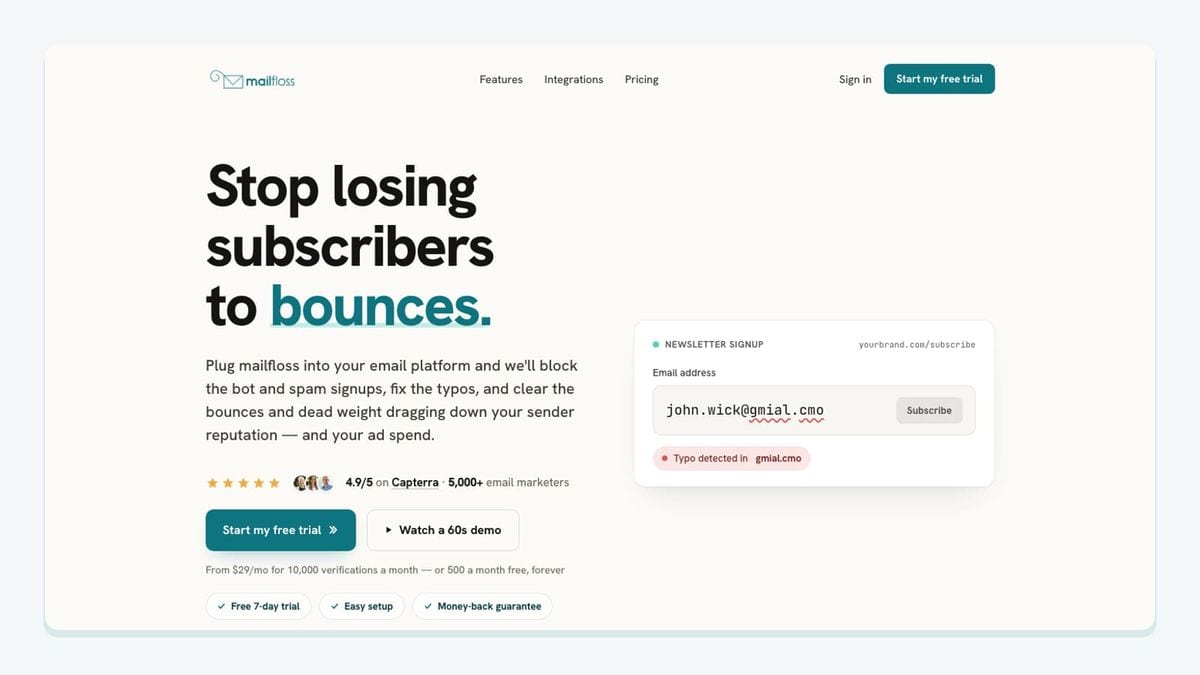
mailfloss is an email verification and automated list-cleaning tool for marketers. Connect Remarkety, select the stores to monitor, and configure cleanup rules. Autofloss checks new contacts daily; Typo Fixer addresses recognizable typo patterns; Decay Protection rechecks older contacts. The connection can write fixes and removals back to Remarkety. Remarkety email verification setup.
Developers and AI agents also have a first-class real-time email verification API, with structured responses for custom applications. If you build your own admission workflow, decide how that application handles each result before passing a contact onward. That is a separate implementation decision from enabling recurring store cleanup.
Our recommended acceptance check starts with the action you intend to apply. Record the expected outcome, inspect the actual contact afterward, and confirm that your campaign-selection rules still behave as intended. If the outcome is unexpected, investigate before broadening the connection's scope.
Email quality, audience membership, and permission deserve separate decisions. A verification result should not serve as evidence that someone requested marketing. Likewise, a source tag should not stand in for an email-quality check. Keeping those decisions explicit makes the combined workflow easier to explain and maintain.
How should you test a Remarkety integration before launch?
Use this acceptance worksheet to follow the handoff, rather than counting connected apps. It is an original review procedure, not a report of tests we have performed. Fill it in with observations from your account before expanding a campaign.
Test | What to record | Decision before launch |
|---|---|---|
Destination | Store, contact, segment, tag, or email block you expect to change | Is the output in the correct place? |
Identity | A controlled new address and an existing contact | Did each follow the intended path? |
Permission | Evidence your campaign uses for eligibility | Is the recipient eligible independently of source membership? |
Timing | Input time, observed output time, and campaign deadline | Can this workflow meet the campaign's actual need? |
Ownership | Person responsible for the upstream configuration | Can someone correct the source of an unexpected result? |
Content | Offer, product, review, and destination link where relevant | Does the resulting message match the shopper's experience? |
Cleanup | Intended email-quality action and observed contact state | Does the final audience reflect your chosen rules? |
Start with the path that matters to the next campaign, not every possible edge case. For a review-based email, inspect the rendered product content. For a popup, follow a submission to its destination. For a behavioral audience, check membership and timing. These checks make the first launch concrete enough to review.
Then deliberately repeat one input. Submit the form again or revisit the existing test record, as appropriate to the connection. Record what happens instead of assuming the connector's duplicate handling. Your aim is to understand the customer experience your configuration creates, not to prove that every vendor behaves identically.
Save the observation date and the relevant configuration notes without storing API secrets. After a destination, campaign, or cleanup-rule change, repeat the affected check. This is more useful than a permanent “integration tested” checkbox attached to an account that keeps changing.
Which connection should you add first?
Choose the smallest addition that closes a documented gap. If capture already works, investigate audience planning or email content before adding another form tool. If the next campaign depends on dependable contact quality, include recurring verification in the operating plan.
Give the first connection a short acceptance record: intended outcome, accountable owner, and evidence from a controlled test. Expand only after that record is understandable to someone who did not configure the app. A Remarkety stack earns its place by producing usable campaign inputs, not by accumulating logos.
Frequently asked questions
Why might a connected Privy campaign fail to send contacts to Remarkety?
Check the individual campaign's sync settings as well as the account connection. Remarkety's Privy setup guide requires selecting Remarkety for the campaign, saving, and publishing. Submit a controlled test signup and confirm its arrival before directing more traffic to the form.
Can developers use mailfloss alongside Remarkety?
Yes. mailfloss combines automated Remarkety list cleaning with a first-class real-time email verification API for developers and AI agents. Use the integration for recurring cleanup and the API when a custom application needs a verification decision.
We write from the practical side of email list cleaning: what helps marketers keep real subscribers, reduce bounces, and avoid turning hygiene into another recurring chore.