
Best Ortto Integrations: 6 Apps for Lifecycle Marketing
Compare the best Ortto integrations for billing, support, product events and email verification. See connection mechanics, limits and a launch checklist.

Which Ortto integrations fit your campaign data?
The best Ortto integrations depend on your campaign data: Chargebee or Recurly for billing, Help Scout or Zendesk for support, and Twilio Segment for product events. Add mailfloss for recurring audience hygiene and a real-time API for developers and AI agents. Choose by event freshness, identity mapping and cleanup controls.
By mailfloss
A billing event, a support conversation and an email address answer different questions. Billing tells you what someone bought. Support tells you what needs attention. Email verification helps you decide how to handle the address you intend to contact.
For Ortto, the useful comparison is what each connection puts into the CDP, how that information arrives and which audience or journey should use it. The six apps below are organized by those jobs. Chargebee and Recurly are alternatives for billing; Help Scout and Zendesk are alternatives for support. This is a selection guide, not a shopping list that requires six subscriptions.
Which Ortto integrations fit your next campaign?
Our decision framework has three parts: signal, identity and action. First, name the customer event you need. Second, establish which Ortto person it belongs to. Third, decide what the campaign or cleanup workflow should do with it.
Integration | Best fit | Ortto connection detail to check |
|---|---|---|
Chargebee | Subscription-led onboarding | Full-access key plus a separately configured billing webhook |
Recurly | Campaigns built around existing Recurly billing | Private key plus an XML webhook endpoint |
Help Scout | Follow-up informed by support conversations | Paid Help Scout account; webhook-based updates |
Zendesk | Service-ticket context | Zendesk for service; contact and ticket timing differ |
Twilio Segment | Product-event audiences | Ortto (Actions) destination and explicit mappings |
mailfloss | Recurring email verification and automated list cleaning | Custom API private key; field capacity and Instafloss setup prerequisites |
These are editorial best-fit recommendations, not performance rankings. Connection details are linked in each entry. We have not assigned star ratings or claimed a comparative speed test.
Before connecting anything, write one sentence that describes the intended result. For example: a customer whose subscription changes should receive the appropriate onboarding message. Then write the exception: someone whose relevant support issue is unresolved should be reviewed before that message goes out. This keeps the decision tied to a customer workflow.
1. Chargebee: best for subscription-led onboarding in Ortto
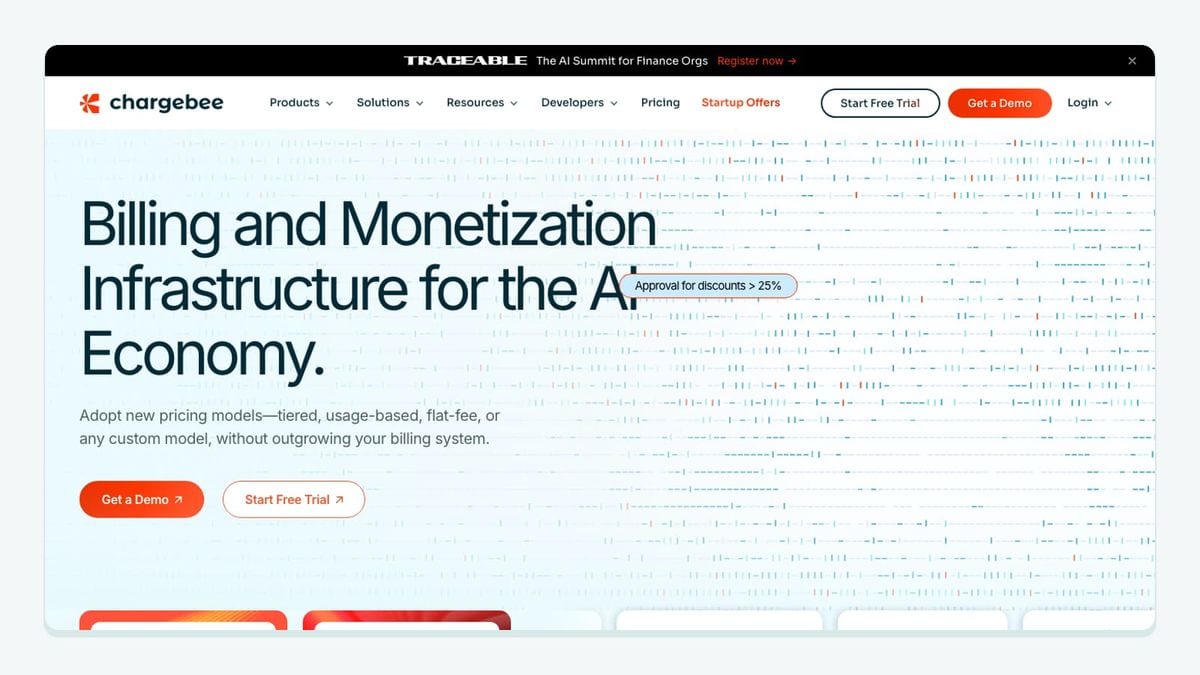
Chargebee connects through an Ortto payment data source using a full-access API key. Complete the connection by creating the Chargebee webhook with the credentials Ortto supplies. For a connection using API Version 1.x, Ortto requires a Version 2 webhook to expose all available activities. Ortto's Chargebee setup guide
For lifecycle campaigns, the useful distinction is a new event versus a historical match. Ortto documents using the Chargebee Subscription change activity with occurs for a welcome journey; has occurred can qualify people who performed the activity previously. Using Chargebee in Ortto
Our recommendation is to prove one subscription-change workflow before importing every billing condition into your campaign logic. Keep the source record and the resulting Ortto activity side by side during review. A populated customer profile alone is not your acceptance criterion: you want the relevant event, attached to the intended person, producing the intended campaign decision.
Check email permissions during setup and later resyncs. Ortto documents automatic email subscription for people added through Chargebee and warns that a resync can restore subscribed status. Chargebee synchronization behavior
2. Recurly: best for bringing existing Recurly billing into Ortto
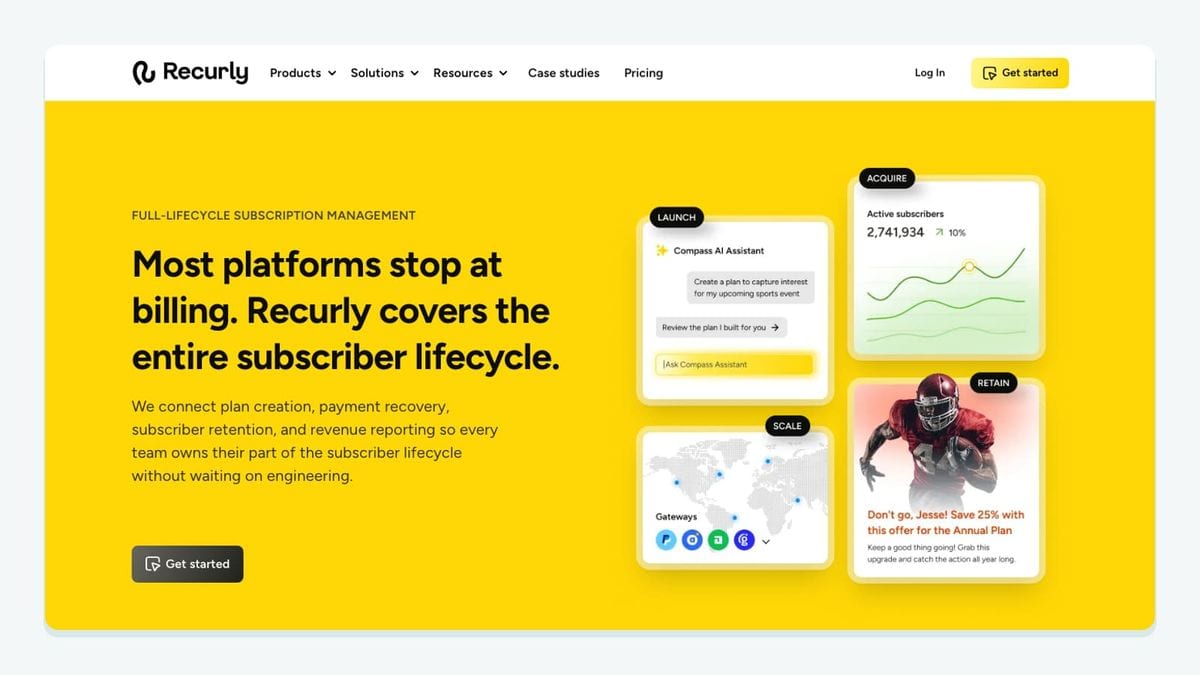
Recurly also has two setup components. Supply a private API key, then create a Recurly webhook endpoint using the endpoint URL and HTTP authentication values from Ortto. The documented endpoint format is XML, with at least one notification selected. Ortto's Recurly connection instructions
Ortto merges Recurly customer, subscription and invoice information into its CDP. People added through this synchronization are subscribed to email; their SMS subscription is unchanged. Reconnection or retention changes can trigger a resync and affect audience or campaign entry. Recurly synchronization behavior
Choose this connection when Recurly already owns your subscription records. Switching billing providers merely to simplify a marketing connection would require a much broader business case.
For acceptance, follow one billing transition all the way through the workflow. Record what changed in Recurly, which Ortto record you expected to change and which message should become eligible. Include a case that must stay out. That negative case is useful: a campaign that admits everyone can look successful if you only test the customer who should qualify.
3. Help Scout: best for conversation-informed follow-up in Ortto
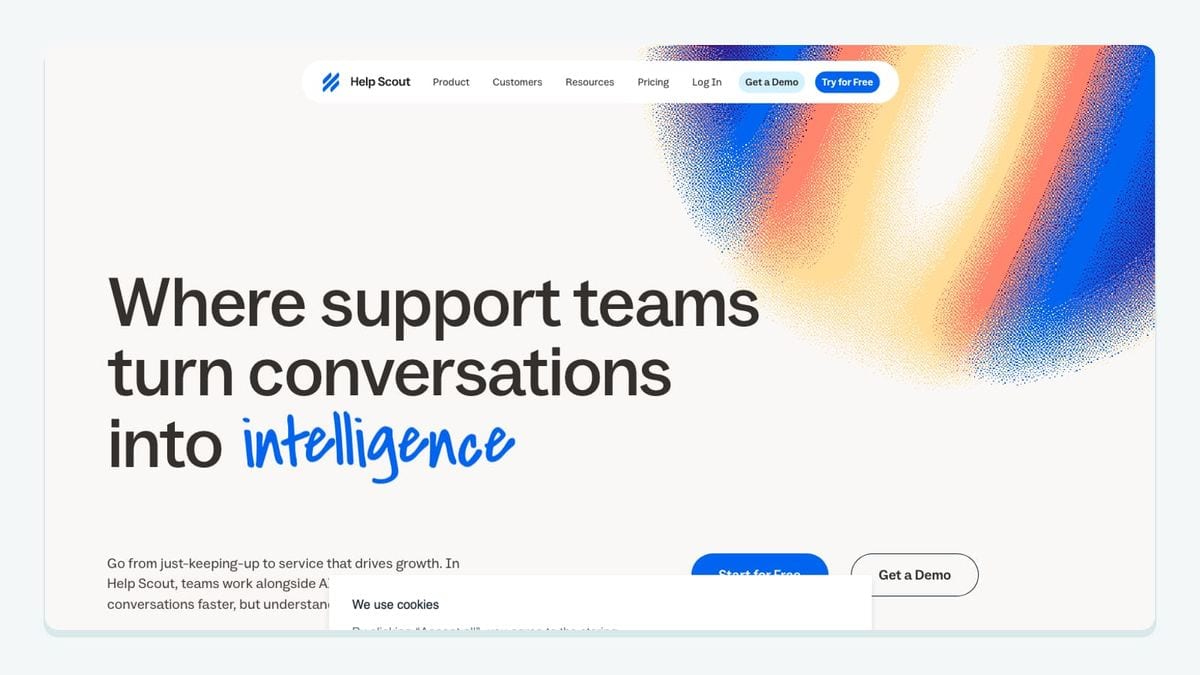
Help Scout brings support data into Ortto, with later changes arriving through webhooks. The connection requires a paid Help Scout account and permission to install apps. During setup, choose email and SMS opt-in settings deliberately; those selections affect future imported contacts. Ortto's Help Scout integration guide
Start with one support follow-up that has a clear purpose. A conversation outcome can inform which educational message someone needs next. Have the support owner review the campaign's wording and qualification rule before making it automatic.
Also plan how reconnection will be handled. Ortto says a Help Scout resync imports changes since its previous request rather than performing a full backfill. Refreshed attributes and activities can affect audience or campaign entry. Help Scout resync limits
Our practical rule is to keep a small written example of the expected contact state before making retention or connection changes. Afterward, compare the actual state with that example. This turns a vague “the sync looks healthy” check into a concrete question about the customer you intend to contact.
4. Zendesk: best for service-ticket context in Ortto

The documented Zendesk connection supports Zendesk for service, not Zendesk Sell. Its timing is also mixed: new contacts synchronize every 24 hours, while ticket creation prompts a sync shortly afterward. Treat those as different paths when deciding whether a campaign can act immediately. Ortto's Zendesk integration guide
For example, if your proposed workflow depends on a person appearing as soon as they are added to Zendesk, test that exact path. Do not infer contact arrival time from a successful ticket test. This is our editorial acceptance rule, not a measured latency guarantee.
Ortto describes this integration as read-only toward Zendesk. It also says a resync is incremental rather than a full backfill. Zendesk data flow and resynchronization
Choose Zendesk here when it is already your service system and ticket context is the missing ingredient in Ortto. For support teams comparing it with Help Scout, evaluate the complete support workflow separately. This article's narrower decision is which existing support record should inform your lifecycle campaign.
5. Twilio Segment: best for mapped product events in Ortto
Use Ortto's Segment (Actions) connection for an explicit route from product data into the CDP. Pair the Ortto (Actions) destination in Segment with the Segment (Actions) data source in Ortto, then configure contact mappings. The documented actions are Upsert Contact Profile and Track Activity. Missing mappings prevent normal ingestion. Ortto's Segment (Actions) guide
Two restrictions matter for audience design: the integration supports person events rather than account events, and its audience controls apply only to audiences originally created through Segment (Actions). Events also need a userId or anonymousId. Segment mapping and audience restrictions
Our recommendation is to make the mapping review a joint job for the campaign owner and the person responsible for instrumentation. Agree what the event means before treating it as a conversion signal. A technically successful delivery does not prove that the event represents the customer action your campaign assumes.
Use a small acceptance set with one event that should qualify, one that should not and one whose identity needs investigation. Write the expected audience result first, then compare what arrives.
6. mailfloss: best for recurring Ortto audience hygiene
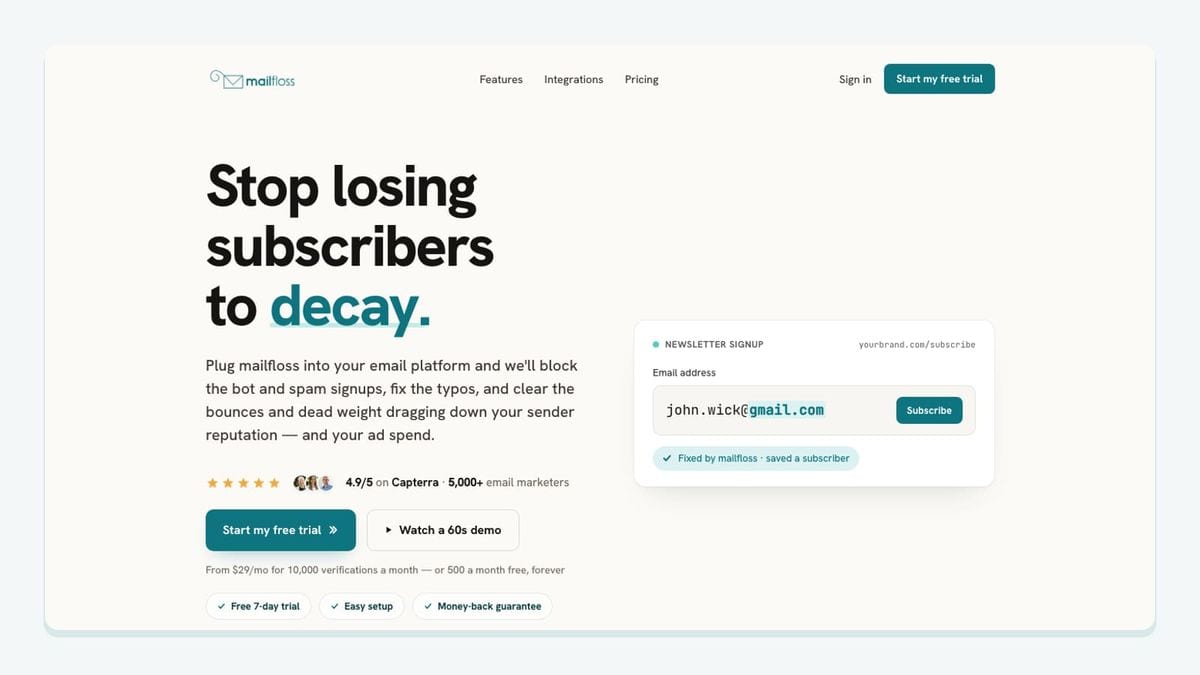
mailfloss provides email verification and automated list cleaning for connected Ortto audiences, alongside a first-class real-time email verification API for developers and AI agents. The native connection serves recurring audience hygiene; the API supports programmatic verification in your own workflow. Ortto email verification setup · Email verification API
The Ortto connection needs the correct kind of credential. Create an Ortto Custom API data source and use its private key when connecting Ortto in mailfloss. An old Autopilot key does not work. Select the audiences you intend to verify and begin with reporting before choosing a cleanup action. The connection starts by reporting; it does not change Ortto contacts until you choose a cleanup action. Connect mailfloss to Ortto
Two prerequisites belong in that decision:
- Update a field: leave eight free custom-field slots in Ortto for the
mf_verification-result fields before choosing this action. - Instafloss: you need the mailfloss Business plan or Instafloss add-on. Copy the webhook URL from the Schedule tab in mailfloss, create an Ortto Webhook data source and route Entered audience to that destination. Connecting the private key alone does not finish this setup.
These are part of the workflow, not optional finishing touches. Ortto setup requirements and limits
Our recommendation is to inspect the first report alongside your audience rules. Establish who owns the cleanup decision and confirm the chosen action fits the campaign. If your developers or AI agents need to verify an address in a custom workflow, use the real-time email verification API. Keep its application logic explicit rather than assuming that an API verification call configures Ortto audiences or their cleanup settings.
Why should you check Ortto's default trial audiences?
Ortto creates payment audiences for Chargebee and Recurly. Its default On a trial audience uses a trial start within the previous 30 days; Expired trials uses a start more than 30 days ago without a subscription. Ortto's default audience definitions
Consider a hypothetical business with a 14-day trial. A person who started 20 days ago may fall inside the default lookback even though that business considers the trial over. This is an inference from the documented rule, not an observed customer incident.
Write down your actual business definition before using an audience name in campaign planning. Does “trial” mean a recent start, an active entitlement or someone who has not converted? Those definitions can lead to different messages.
Apply the same discipline to activity conditions. Our editorial rule is to check whether all required attributes describe the same event. If one condition matches a recent event and another matches an older event for the same person, that may not express the business rule you intended. Review the underlying records before approving the audience.
What should your six-check acceptance worksheet contain?
Use this worksheet for one Ortto workflow at a time. It combines connection readiness, event meaning and email hygiene in a single review. These are recommended checks, not claims that we ran them on your account.
Check | What to record | Evidence to inspect before launch |
|---|---|---|
| Credential type, webhook configuration and chosen audience | For mailfloss, the Custom API key; if using Instafloss, eligibility plus Schedule URL → Webhook → Entered audience |
| The source customer and intended Ortto person | Compare source and destination records; investigate unexpected matches |
| The event time and when the workflow can use it | Test the actual contact or activity path your campaign depends on |
| The qualifying event, attributes and trial definition | Check the same event and compare default trial rules with your business |
| Intended subscription state before and after synchronization | Review imported records and repeat the check after a planned resync |
| Initial report, intended action and available field capacity | Reserve eight free |
For each check, write an expected result before looking at the actual one. Use a small set of records whose history you understand. Record a reason when a contact should remain outside the audience, not just why another contact should enter.
Keep connection approval separate from campaign approval. The person who verifies that a webhook arrives may not own the decision to send a renewal message. Ask the campaign owner to review the final audience and the proposed message together.
Repeat the relevant checks when you change the data source, retention settings, identity rules or cleanup action. A successful initial connection gives you a useful starting point; the worksheet records what you actually intended it to do.
Which Ortto integration should you choose?
Connect the system that supplies your missing campaign signal first. Keep Chargebee or Recurly aligned with your billing source, and Help Scout or Zendesk aligned with your support source. Add Twilio Segment when product-event mapping is part of the job.
For email hygiene, evaluate mailfloss with the credential, field-capacity and Instafloss requirements above. It combines recurring connected-audience cleaning with a real-time API for developers and AI agents. Review the mailfloss plans against the workflow you intend to enable.
Frequently asked questions
Which Ortto integration should I connect first?
Start with the system that owns the event your next campaign needs. Choose your existing billing or support platform, prove one event-to-audience workflow, then add another connection only when it supplies a missing signal.
Do Ortto's default trial audiences match every trial length?
No. Ortto's default On a trial audience uses a 30-day lookback. Check that rule against your actual trial duration before using it. See [Ortto's audience definitions](https://help.ortto.com/default-data-source-audiences).
What should I check before resyncing an Ortto data source?
Check whether refreshed fields or activities could make contacts qualify for a campaign again. Record the expected audience before the resync and review entry behavior afterward. Help Scout and Zendesk resyncs are not full historical backfills. See the [Help Scout](https://help.ortto.com/a-98-help-scout-integration) and [Zendesk](https://help.ortto.com/zendesk-integration) guides.
What does mailfloss need to clean Ortto audiences?
Connect mailfloss using a private key from an Ortto Custom API data source; an Autopilot key will not work. Select the audiences and review results before choosing cleanup. Update a field needs eight free custom-field slots for the mf_ result fields. Instafloss requires the mailfloss Business plan or Instafloss add-on: copy the webhook URL from the Schedule tab, create an Ortto Webhook data source and route Entered audience to it. mailfloss also offers a first-class real-time email verification API for developers and AI agents.
We write from the practical side of email list cleaning: what helps marketers keep real subscribers, reduce bounces, and avoid turning hygiene into another recurring chore.