
6 Best Ontraport Integrations for Contact-Based Workflows
Compare six best-fit Ontraport integrations for quizzes, WordPress, video and email verification. Follow the contact handoff checklist to choose your next app.

Which Ontraport integrations should you choose?
Choose Ontraport integrations by the contact handoff: Interact for quiz results, WP Fusion for WordPress tags and fields, PlusThis for video engagement, Bonjoro for personal outreach, and Wistia for video lead capture. Add mailfloss for recurring cleaning and a real-time API for developers and AI agents. Test the resulting contact before enabling follow-up.
Choose Ontraport integrations by the contact handoff: Interact for quiz results, WP Fusion for WordPress tags and fields, PlusThis for video engagement, Bonjoro for personal outreach, and Wistia for video lead capture. Add mailfloss for recurring cleaning and a real-time API for developers and AI agents. Test the resulting contact before enabling follow-up.
By mailfloss
How should you compare Ontraport integrations?
Choose the next Ontraport integration by naming the contact change you need. “We need a quiz tool” is a starting point. “We need a quiz result to update a contact field and select the appropriate follow-up” is a decision you can test.
This roundup uses three editorial criteria: the incoming event, the Ontraport record it touches, and the evidence you should inspect before turning on customer-facing automation. The numbering helps you navigate; it does not imply a universal winner or a measured performance ranking. These are documentation-based recommendations, not results from a hands-on benchmark.
Integration | Best-fit job | Documented Ontraport handoff | Recommended acceptance check |
|---|---|---|---|
Interact | Quiz-based segmentation | Results and answers mapped to contact actions or fields | The intended result appears on the test contact |
WP Fusion | WordPress membership and customer workflows | WordPress data mapped to Ontraport fields and tags | A tag or field change produces the intended website behavior |
PlusThis | Follow-up based on video engagement | Viewing activity used to tag Ontraport contacts | The chosen viewing condition leads to the intended branch |
Bonjoro | Personal welcome or thank-you outreach | Contact creation or tagging initiates a video task workflow | One qualifying event creates the expected recording task |
Wistia | Lead capture inside hosted video | Turnstile capture connected to Ontraport | A submitted address reaches the expected contact record |
mailfloss | Ongoing email address hygiene | Native scheduled cleanup, plus a separate verification API | The configured cleanup action matches your contact policy |
The app sections below link to the supporting documentation. Our acceptance checks are recommendations: they describe what to verify in your account, not behavior we have measured.
Before purchasing, establish who supports the connection. Ontraport distinguishes its supported built-in connections from third-party integrations and directs users of outside integrations to the relevant provider. A listing in the directory does not mean every connector is maintained by Ontraport. Ontraport integration support overview.
1. Interact: best for quiz results becoming useful contact data
Interact fits an Ontraport funnel where the answer determines the next conversation. Its setup maps quiz outcomes to tags, custom fields or sequences. Individual answers can also drive mapping. This gives you a practical choice between storing a durable preference and initiating an immediate follow-up.
For setup, open the quiz’s Lead Generation → Integrations area, select Ontraport and supply its App ID and API key. Map the result and opt-in fields, send the required test lead, and inspect the resulting contact. Publish the quiz changes to make the configuration live. Interact’s Ontraport setup guide, dated April 21, 2026.
Our recommendation: begin with one result field and one clearly named tag. For example, use a field to record the latest course interest and a tag to identify the quiz that collected it. These names and policies are your design choices, not predefined Interact features.
Then decide what a second quiz submission should mean. Should the latest answer replace the earlier preference? Should old interest tags remain? Write the desired behavior before testing. Otherwise, a perfectly functioning connection can still leave your team unsure which answer to trust.
Choose Interact when quiz answers will change your messaging. If everyone receives the same sequence regardless of the result, first reconsider whether you need the additional collection step.
2. WP Fusion: best for WordPress activity tied to Ontraport tags and fields
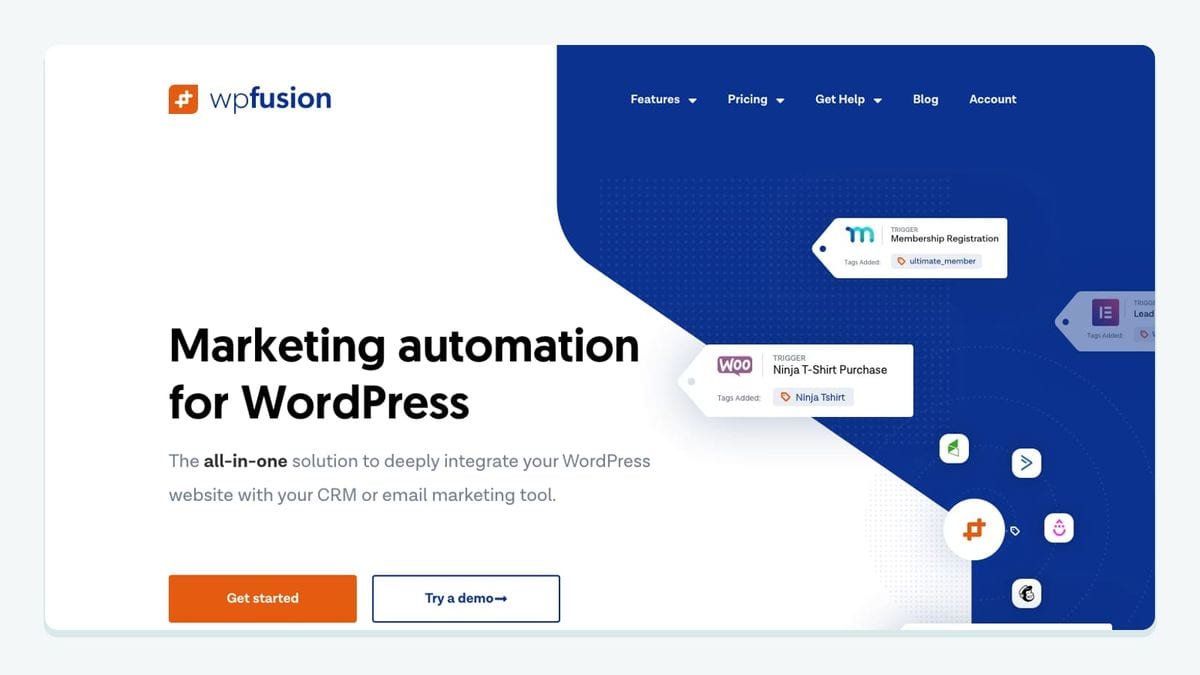
WP Fusion is the best-fit option here when your WordPress site and Ontraport need to share customer context. Its Ontraport integration supports field mapping, activity-based tags and tag-based content access. WP Fusion’s Ontraport integration overview.
The documented connection starts in WordPress under Settings → WP Fusion. Select Ontraport, enter the App ID and API key, test the connection and save. The setup guide describes importing the available tags and custom fields after connecting. That guide was last updated in 2021, so compare its screens with your installed version before following screenshot details. WP Fusion connection instructions.
Our recommendation is to separate access decisions from marketing interests. A quiz preference should not accidentally become the signal that grants paid course access. Use distinct tag names and document which system is allowed to change each one.
For acceptance, start with a test user whose expected access is easy to describe. Record the Ontraport contact, the relevant tag and the page that should become available. Then test the reverse business event: what should happen when access ends? Check the website itself rather than accepting a successful connection message as proof.
WP Fusion is particularly useful when WordPress remains an important part of your customer experience. If the website is only a brochure, the additional synchronization may solve less than you expect.
3. PlusThis: best for video engagement that changes follow-up
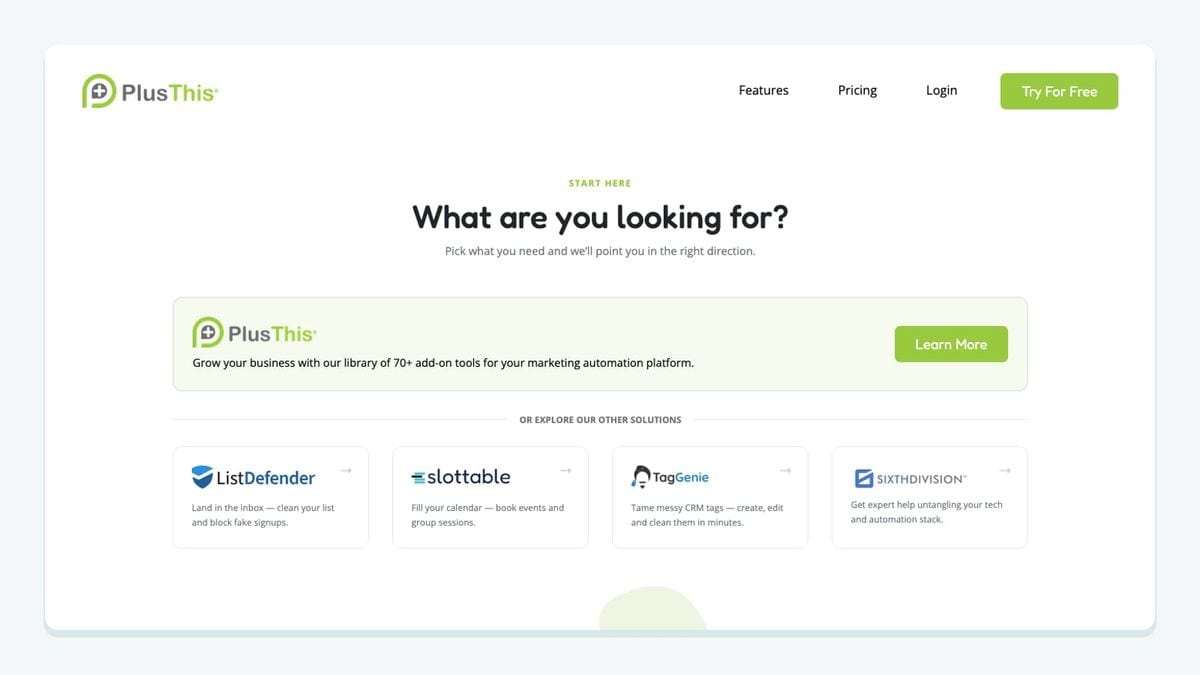
PlusThis fits an Ontraport workflow where watching a video should influence the next message. Ontraport documents its use for applying tags according to viewing duration. That is a different job from simply collecting an address from a video viewer. Ontraport video integration guidance.
Its connector uses an Ontraport App ID and API key. However, the PlusThis connection tutorial still instructs readers to select four credential options, while Ontraport’s newer key guide says those boxes belong to its deprecated API. Treat that conflict as a setup checkpoint: follow current platform guidance and ask PlusThis to clarify any connector-specific requirement. PlusThis connection tutorial and current Ontraport credential guidance, checked September 20, 2026.
For your first workflow, choose one meaningful viewing condition. A useful business question might be whether someone reached the explanation of the offer before receiving a sales follow-up. Select the corresponding supported condition in the tool and document the tag it should apply.
Do not equate a viewing signal with purchase intent. Our recommendation is to use it to improve context: someone who watched the explanation may need answers to objections, while someone who stopped early may need a shorter introduction.
Test with one identified contact and inspect the Ontraport tag before activating the follow-up. Also decide what should happen on a repeat viewing. Your acceptance criterion should describe the intended customer experience, including whether another message would be appropriate.
4. Bonjoro: best for personal outreach triggered by an Ontraport event
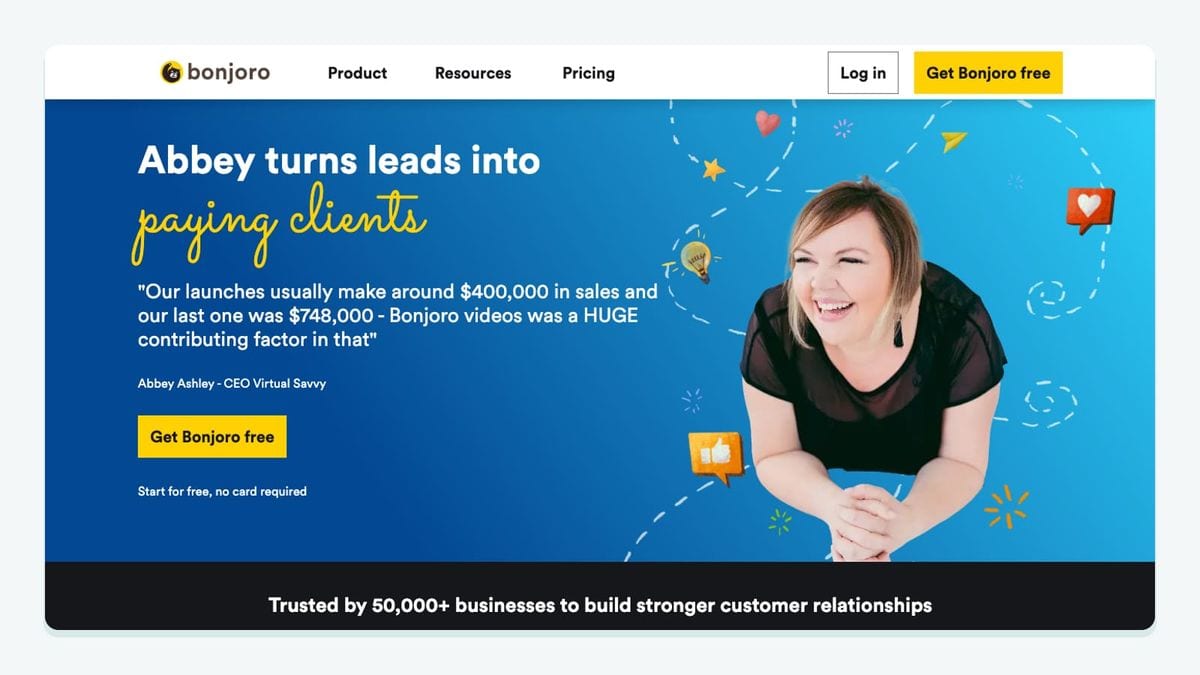
Bonjoro makes sense when a particular Ontraport event deserves a human response. Its direct workflow uses a trigger, an optional filter and a task action; Ontraport contact creation or tagging can start that workflow. The useful output is a recording task, not a claim that a personalized video has already been made. Bonjoro’s Ontraport integration guide.
Our recommendation is to start with a specific milestone, such as a contact your team has marked as ready for a personal welcome. Avoid making “every new record” your default unless your team actually intends to record a message for every new record.
Name the tag around the business event rather than the app. A clear milestone remains understandable if the person responsible for recording changes or the workflow is revised later. Assign an owner for the resulting task and decide which context the recorder needs before opening the camera.
For acceptance, apply the qualifying event to a test contact, inspect the task and confirm that its recipient details are correct. Then check a contact that should not qualify. A good integration test includes the person who should be excluded.
Bonjoro is a strong fit for deliberate, personal outreach. Choose it when your team can act on the tasks it creates. Adding a queue that nobody owns merely moves the unfinished work to another screen.
5. Wistia: best for collecting leads within video content
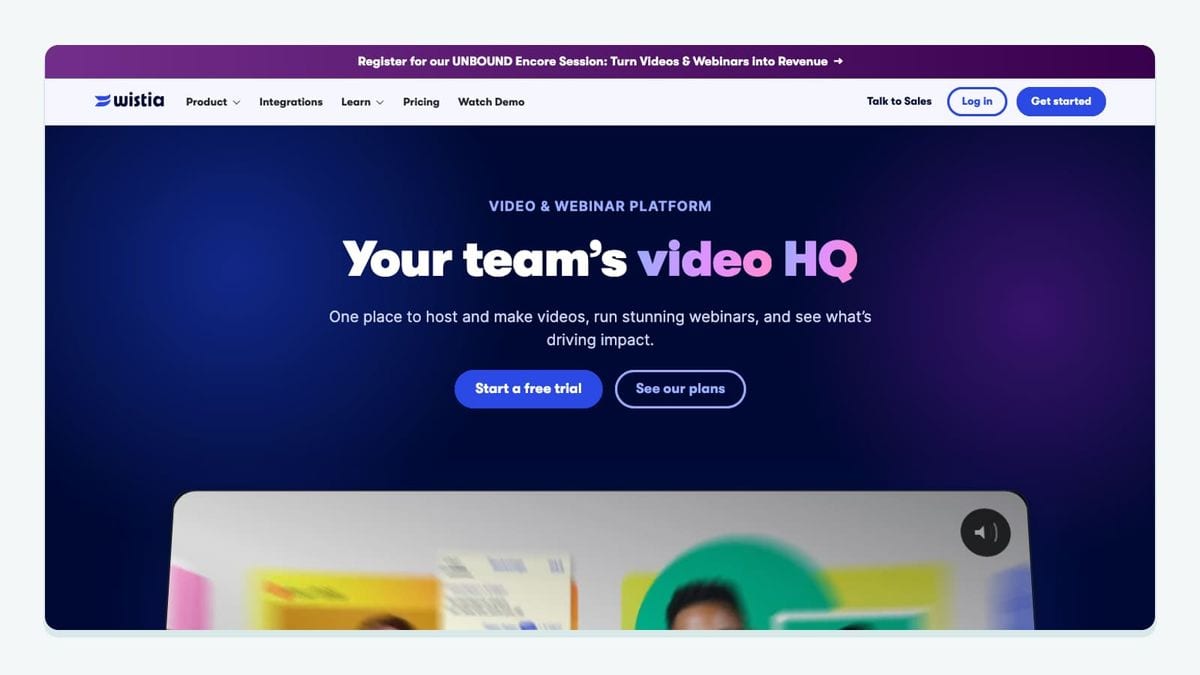
Wistia fits the capture stage of an Ontraport funnel. Ontraport documents a connection for collecting contacts through Wistia’s Turnstile feature, with its App ID and API key used in setup. Ontraport’s Wistia integration instructions.
The distinction from PlusThis is useful: address collection and engagement-based follow-up are separate decisions. Start by deciding whether asking for an address during the video is appropriate for the content and the visitor’s expectations.
Our recommended acceptance test follows the address from submission to the Ontraport record. Check spelling, expected fields and whether the team can identify where the lead came from. If source attribution matters to your reporting, explicitly verify the configured mapping; do not assume the connector creates your preferred attribution fields.
Next, test with an address already in your database. Record whether the result matches your intended treatment of existing contacts. The aim is to understand your configuration before a popular video sends a larger stream of leads into it.
Keep the promise beside the capture form specific. If the visitor expects a resource, make the next message deliver that resource. Treat permission for later marketing as its own requirement rather than inferring it from the presence of an email field.
Choose Wistia when the video itself is a meaningful lead capture point. If your existing page form already performs that job well, adding another capture step deserves a clear reason.
6. mailfloss: best for recurring hygiene across connected Ontraport contacts
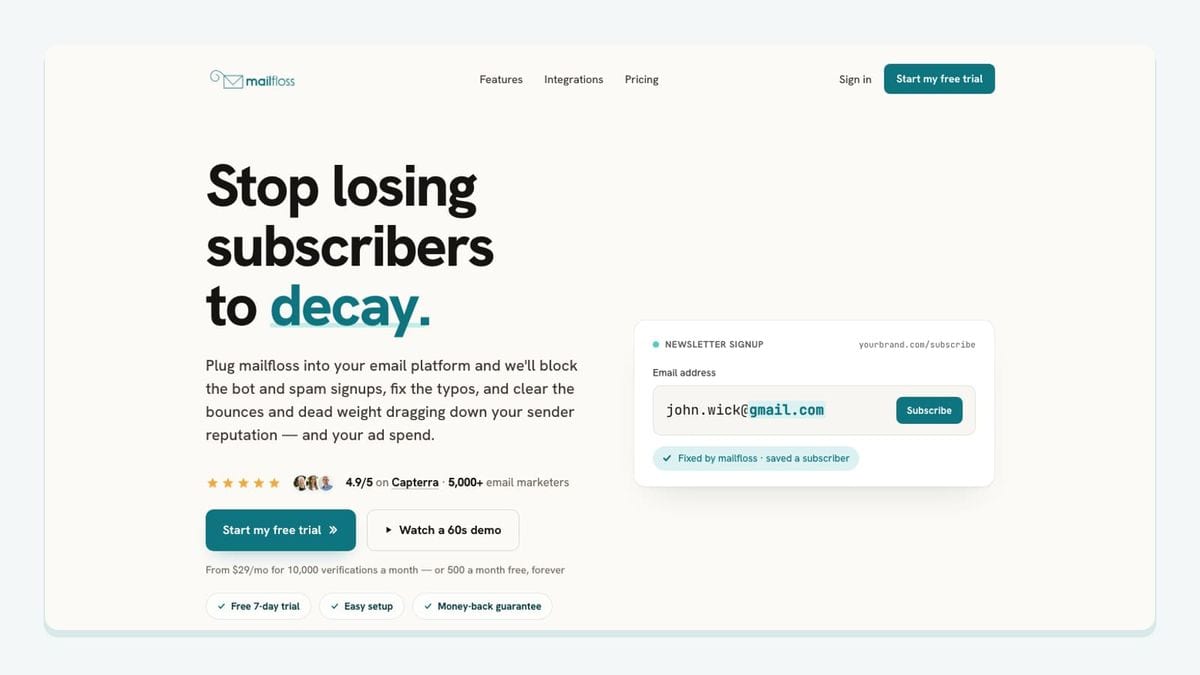
mailfloss is an email verification and automated list-cleaning tool for marketers, with a first-class real-time API for developers and AI agents. Its native Ontraport connection performs scheduled contact checks and writes configured fixes and removals back. The integration setup presents Typo Fixer, Instafloss and Decay Protection. See the Ontraport email verification setup.
Our recommendation is to review cleanup alongside the workflows in this article. A record can matter for more than email: it may represent membership access, a sales conversation or a video task. Before enabling an action, document the result you want for email delivery and verify what happens to the connected record. Do not assume that deleting a record and preventing marketing delivery are interchangeable decisions.
For ongoing hygiene, review Decay Protection. For a custom admission decision, use the email verification API: it returns structured verification results that your code or AI agent can act on.
A developer-controlled gate is a separate implementation. Define how your workflow handles each response, including an uncertain result or a failed request, before passing a contact into follow-up. Connecting an account does not establish that every outside form waits for verification.
Choose mailfloss when you need recurring list hygiene as contacts continue entering Ontraport. The value is the continuing cleanup workflow, not another recurring appointment to export a CSV.
How do you test an Ontraport integration before enabling follow-up?
Use this acceptance worksheet to test the contact handoff, not just authentication. The sample tag and field names are suggested conventions; create or adapt them for your own account. This is an editorial test design, not a report of completed tests.
Check | What to record | What should stop rollout |
|---|---|---|
Credentials | Connector name and owner of its separate Ontraport key; never the secret | Nobody knows which integration uses the credential |
Contact identity | Test address and resulting Ontraport contact identifier | The event reaches the wrong person or creates an unexpected record |
Meaning | Intended field, tag or task and why it exists | The data arrives but nobody can explain its business meaning |
Repeat event | Expected outcome of a second quiz, viewing or tag event | Repeated contact activity causes unwanted repeated outreach |
Existing customer | Expected handling of a customer already in Ontraport | New lead logic overrides the intended customer experience |
Hygiene | Chosen treatment of an address requiring attention | Cleanup changes a record in a way the workflow owner did not expect |
Ownership | Person responsible for the next action and for failures | Successful synchronization creates unowned work |
Begin with customer-facing sends paused in the workflow you are testing. Use a small set of controlled contacts, including a new lead and an existing customer. Record expected behavior before triggering each event, then compare the actual contact state and downstream action.
Keep credentials out of the worksheet. Ontraport recommends a separate named key for each integration, which makes identifying a connector easier without copying secrets into a shared document. Ontraport API-key guidance.
Finally, nominate the place where each business fact should be authoritative. For example, decide whether the current course interest is the latest quiz answer or a preference explicitly confirmed by your team. A connector can move data correctly while your business rules remain ambiguous. Settle that ambiguity before increasing volume.
Which Ontraport integration should you add first?
Add the app that resolves the next specific handoff in your workflow. Start with Interact for quiz segmentation, WP Fusion for WordPress context, PlusThis for engagement-driven follow-up, Bonjoro for personal video tasks or Wistia for video capture. Add mailfloss when recurring address hygiene is the missing operational layer.
Write one sentence before installing anything: “When this event happens, this contact should change in this way, and this person owns the next step.” If that sentence is unclear, another app will not make it clearer.
If bots or fake addresses are getting through your forms, here is how to reduce spam signups in Ontraport before they reach your list.
Frequently asked questions
Should each Ontraport integration have its own API key?
Yes. Ontraport recommends separate, named credentials for each integration to simplify troubleshooting. Its current API-key guide also says the legacy option boxes apply to the deprecated API; do not enable them simply because an older connector tutorial shows them selected.
Can mailfloss support both Ontraport cleanup and custom signup verification?
Yes. mailfloss offers recurring cleaning through its native Ontraport connection and a first-class real-time email verification API for developers and AI agents. Use the connection for ongoing hygiene and the API for custom signup decisions. A custom verification gate requires implementation in your own workflow.
We write from the practical side of email list cleaning: what helps marketers keep real subscribers, reduce bounces, and avoid turning hygiene into another recurring chore.