
6 Best Moosend Integrations for Lists and Newsletters
Compare six best-fit Moosend integrations for forms, webinars, email templates, and recurring list cleaning. See connection details and choose your next app.

Which Moosend integrations should you choose?
Choose Moosend integrations by the job: Convertful for widget routing, Paperform for submissions, OptiMonk for campaign leads, BigMarker for webinars, and Tabular for templates. Add mailfloss for recurring list cleaning and Instafloss signup checks, with a first-class real-time API for developers and AI agents.
Choose Moosend integrations by the job: Convertful for widget routing, Paperform for submissions, OptiMonk for campaign leads, BigMarker for webinars, and Tabular for templates. Add mailfloss for recurring list cleaning and Instafloss signup checks, with a first-class real-time API for developers and AI agents.
By mailfloss
The useful question is what should arrive in Moosend, where it should land, and what should happen afterward. A popup sending an address, a webinar exporting attendees, and an email designer uploading a template solve different problems. Counting them as interchangeable integrations makes it harder to buy the right tool.
This shortlist uses documented connection mechanics and an original acceptance worksheet. It is an editorial comparison, not a hands-on performance ranking. The numbering helps you navigate; it does not declare an overall winner. Documentation was reviewed on September 19, 2026.
Which Moosend integration fits your next job?
Choose the smallest addition that resolves a specific handoff. Before adding another subscriber source, write down the intended Moosend destination and the person responsible for checking it. Before adding a design tool, decide who owns the final campaign version.
Integration | Best-fit job | Documented connection | Suggested acceptance check |
|---|---|---|---|
Convertful | Route different widgets | Button actions and a default Moosend list | Check an inherited destination against an explicit override |
Paperform | Turn detailed submissions into subscribers | Create or Update Subscriber action | Use a recent, complete submission for Send Test |
OptiMonk | Connect campaign-specific lead capture | Campaign integration with list and field selection | Submit through the particular campaign you configured |
BigMarker | Move webinar contacts | Import and export settings for Moosend lists | Keep registration, attendance, and recording-viewer cases separate |
Tabular | Hand off email designs | API-authorized template export | Identify which saved template a revision updates |
mailfloss | Maintain address quality | Native Moosend connection and separate verification API | Inspect configured cleanup outcomes on a controlled list |
Our decision rule is simple: evaluate the object being transferred, the destination, the update behavior, and the evidence you can inspect afterward. A successful connection message is only the beginning. The stronger proof is finding the expected record or template, with the right content, in the right place.
1. Convertful: best for widget-specific Moosend list routing
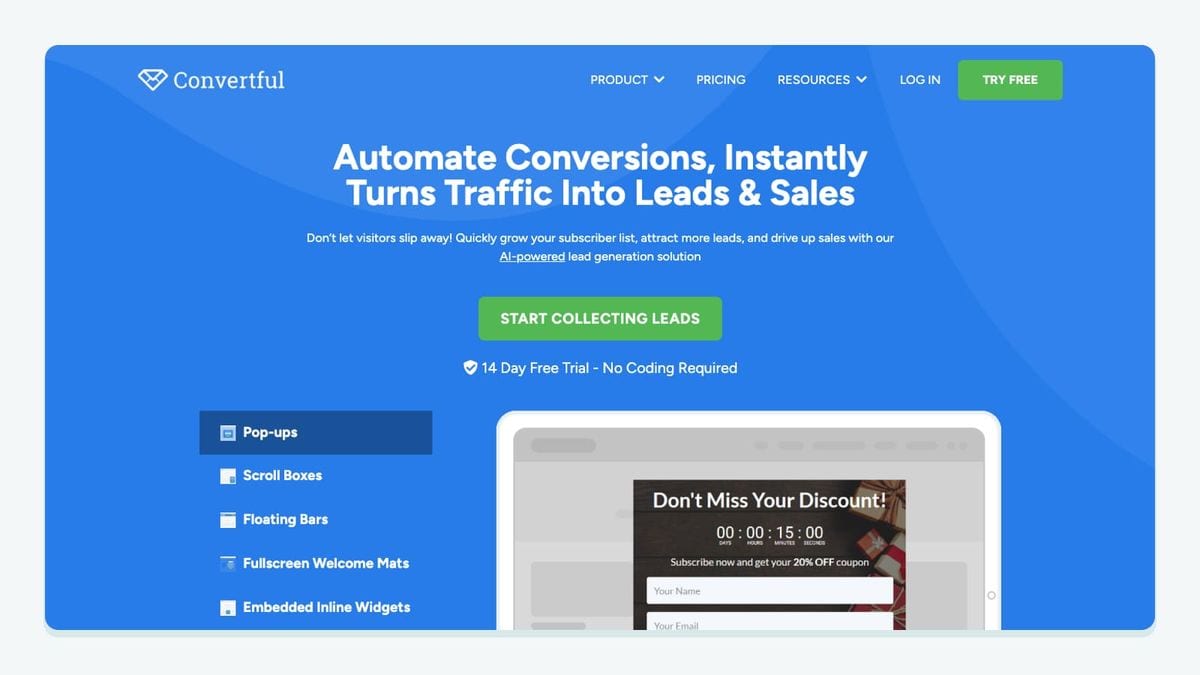
Convertful fits a site where different widgets need different Moosend destinations. Its connection uses a Moosend API key, a default list, and optional widget-level choices. A button can add a contact using defaults, add a contact to a selected list, or update a custom field. Review the field mappings instead of assuming automatic matching captured your intent. Convertful's Moosend setup guide
The decision point is ownership of the default. For example, your newsletter widget might follow the account's usual list while a workshop-interest widget needs a deliberate override. Treat those as two routes in your launch notes, even when the same person built both widgets.
Our recommended test is to submit an address you control through each widget and record the destination separately. Change one field value on a repeat submission and inspect what happened. These are acceptance tests to run, not promises about duplicate handling.
Be especially careful when editing shared mappings. Convertful documents that integration custom-field settings apply across widgets on the site; a unique field name is its recommended way to isolate a widget-specific mapping. Convertful integration settings
Choose Convertful when the routing rule belongs to the widget button. If the real requirement is a long form with several answers and an explicit post-submission action, evaluate Paperform next. Either way, write down the destination before copying a working widget into a new campaign.
2. Paperform: best for submission-based Moosend subscriber updates
Paperform's direct connection exposes a Create or Update Subscriber action. In the form editor, open After Submission → Integrations & Webhooks, select Moosend, and connect the account with its API key. Configure the Mailing List, name, email, supported custom fields, and Has Double Opt-in option. Send Test uses a recent submission containing the mapped data. Paperform's Moosend integration guide
This is a useful fit when the form response itself contains information the email team needs. Consider an example inquiry form with an email address, name, and area of interest. Your acceptance record should show where each answer is intended to appear; do not stop at confirming that an email address exists somewhere in Moosend.
Start with a complete response from a mailbox you control. Include a distinctive, harmless value for the interest field so it is easy to find. Then run the test and compare the stored result with the submission. If it fails, check the test data before changing credentials or rebuilding the form.
Next, repeat the exercise with one optional answer left blank. Decide what your team wants a blank answer to mean: preserve an existing value, clear it, or request review. Inspect actual behavior before relying on any of those outcomes.
The fit question is whether you need a clearly defined post-submission handoff. Paperform earns its place here through that action and its test prerequisites, rather than through a generic promise to grow a list.
3. OptiMonk: best for campaign-specific lead capture

OptiMonk connects a selected campaign to Moosend. Open the campaign settings, add the Moosend integration, authorize it with the API key, and choose the mailing list and field associations. The documented flow sends signups from that configured campaign to the selected destination. OptiMonk's Moosend connection guide
That makes the campaign your useful unit of review. Do not evaluate a whole website with one test submission and assume every offer follows the same route. A newsletter invitation and a time-limited offer may need different follow-up even when their forms look almost identical.
Our recommendation is to keep a short campaign register: public offer, Moosend destination, mapped fields, and intended follow-up. Give the campaign owner responsibility for confirming those details before traffic arrives. This is particularly useful when the person editing the offer is different from the person preparing the email.
Test from the visitor's side. Submit through the actual campaign, look up the resulting Moosend record, and compare the content with your register. Keep a note of the time and the address used so another colleague can reproduce the check.
Choose OptiMonk when the operational question is which onsite campaign produced a lead. Choose Convertful when your main requirement centers on widget button actions and defaults. These are selection criteria, not a claim that either vendor lacks every feature of the other.
4. BigMarker: best for webinar contacts moving into Moosend

BigMarker offers a different handoff from the form tools. Moosend documents importing a selected email list into a webinar and exporting webinar contacts back to a Moosend list. Export settings distinguish contact categories and include options for automatically adding new registrants or recording viewers; Map Data Fields connects the fields. Moosend's BigMarker instructions
Decide the direction first. Bringing existing contacts into an event and bringing event contacts into an email program are separate business decisions. Write two separate acceptance cases if you intend to use both directions.
For outbound follow-up, avoid designing the email around an assumption that every exported person attended live. Our recommendation is to define the intended audience in ordinary language before choosing the export: people who registered, people who attended, or people who watched the recording. Then inspect the exported sample against that definition.
Use an internal rehearsal event when possible. Have colleagues create the relevant test cases and agree which ones should appear in the destination. Record the export selection alongside the resulting Moosend records. This gives the campaign owner something more concrete than a screenshot saying the accounts are connected.
BigMarker is the strongest fit in this shortlist when webinars already have a meaningful role in your program. Buying webinar infrastructure just to collect an email address adds unnecessary work. If you only need a signup form, start with the smaller collection route.
5. Tabular: best for handing email templates to Moosend
Tabular moves a design asset rather than a subscriber. Its documented Moosend export starts in Use email → Export, where you select Moosend and authorize with the API key. The connection can upload an email and update that template with later versions. The detailed walkthrough dates to September 2023, so confirm the current interface during setup. Tabular's Moosend export announcement
The useful decision is where editing stops. Our recommendation is to name one person as the owner of the handoff between Tabular and Moosend. Without that agreement, a designer can revise one version while a marketer prepares another.
For the first export, use an unmistakable test title and a short line of temporary copy. Find the exported template, then make one small revision in Tabular and export again. Record which asset changed. Do this before an important campaign depends on the update path.
Keep content approval separate from connection approval. A successful transfer does not answer whether the subject, links, preview text, and final appearance are ready for recipients. Include those checks in your normal campaign review.
Choose Tabular when email design and template handoff are the bottleneck. It does not belong in the same buying decision as a popup simply because both appear in an integration directory. One supplies campaign material; the other supplies contacts.
6. mailfloss: best for recurring Moosend list hygiene
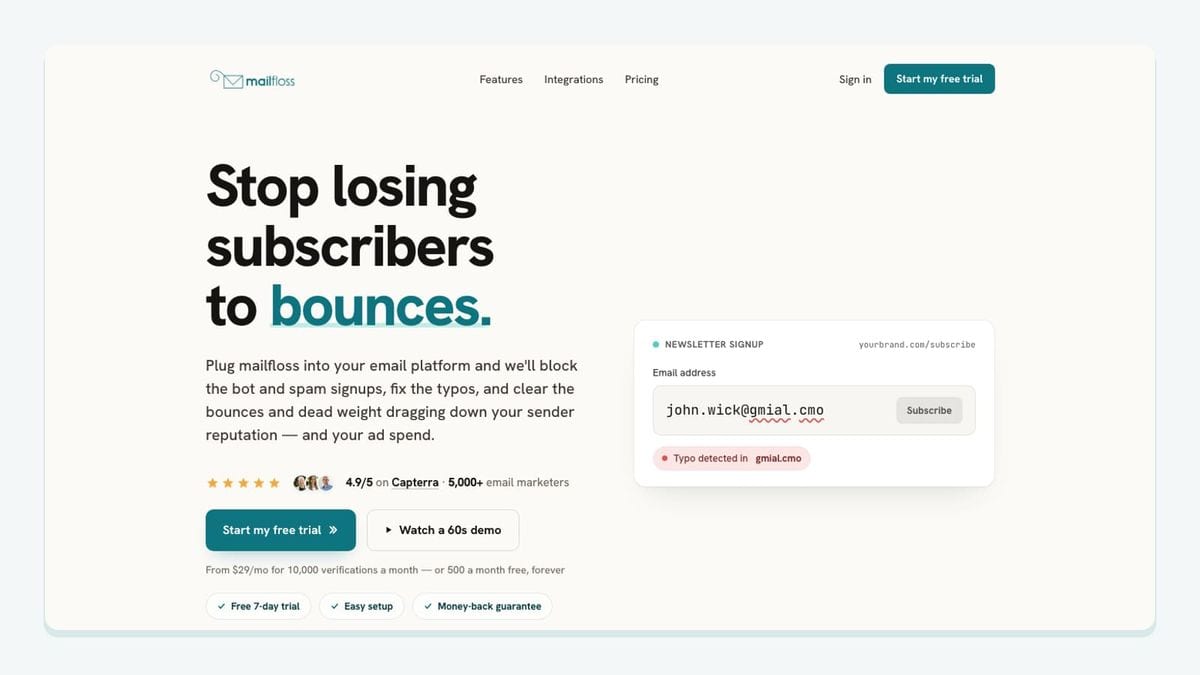
mailfloss connects natively to Moosend: select the newsletters to watch, configure cleanup, and let scheduled checks write configured fixes and removals back. Autofloss checks new contacts daily; Decay Protection revisits older contacts. Typo Fixer and Instafloss address typo recovery and signup protection. Review removal rules before enabling automatic actions. Moosend email verification setup
Developers and AI agents can also use the first-class real-time email verification API. It returns structured results for custom workflows. A custom admission step is an implementation you build; do not assume that installing a form connector automatically inserts an API check before subscription.
Our recommended rollout starts with a controlled Moosend destination and a written cleanup policy. Decide who reviews an unexpected result and how the team will verify the configured outcome. Keep collection-route testing separate from address-quality testing so a missing contact does not immediately get blamed on the wrong integration.
Recurring hygiene belongs alongside the collection tools in this shortlist. Connecting another source of subscribers creates an ongoing maintenance responsibility, not just a launch-day import task.
How should you test a Moosend integration before launch?
Use the following worksheet as an acceptance record. It combines the distinct handoffs above into one review, without pretending that every app transfers the same kind of object. The suggested checks are our editorial framework; record your observations rather than treating the expected result as established behavior.
Route under review | Record before testing | Inspect afterward | Hold launch when |
|---|---|---|---|
Convertful widget | Default or explicit list; button action | Destination and changed field | The team cannot explain which routing setting won |
Paperform submission | Recent complete response; mapped answers | Subscriber data and confirmation flow | The test lacks the fields the action needs |
OptiMonk campaign | Campaign name; chosen list | Record created from that campaign | A different campaign was used for the test |
BigMarker export | Event; contact category; direction | Intended people in the intended destination | Registration is being mistaken for attendance |
Tabular export | Template identity; revision owner | Actual asset updated | Nobody knows which version is ready to send |
mailfloss connection | Selected destination; cleanup policy | Configured outcome on controlled records | Removal behavior has not been reviewed |
Run the smallest useful rehearsal first. For a contact route, that means an address you control and enough distinctive field data to identify the result. For a template route, it means a clearly marked draft. Avoid using real customer records merely because they are convenient test material.
Then test a repeat operation. Submit again, revise an answer, or export a second template version. Capture what changed and what stayed the same. This turns an informal assumption about updates into an observed result that another person can check.
Finally, assign ownership of future changes. A renamed field, copied campaign, revised form, or edited template deserves another targeted check. You do not need to rebuild the whole worksheet each time; repeat the row affected by the change and keep the evidence with the campaign notes.
If bots or fake addresses are getting through your forms, here is how to reduce spam signups in Moosend before they reach your list.
Frequently asked questions
Should I connect both Convertful and Paperform to Moosend?
Only when they serve different collection routes. Use Convertful for widget-specific list routing and Paperform for submission-based subscriber updates. Give each route an explicit destination and test repeat submissions before connecting both to the same Moosend list.
Why can a Paperform test fail before data reaches Moosend?
Paperform's Send Test needs a recent submission containing the fields used by the Moosend action. Submit a complete test response first, then inspect the selected Mailing List, mapped fields, and Has Double Opt-in setting before retrying.
We write from the practical side of email list cleaning: what helps marketers keep real subscribers, reduce bounces, and avoid turning hygiene into another recurring chore.