
Best Mailigen Integrations: 6 Picks by Workflow Fit
Compare six best-fit Mailigen integrations for forms, CRM handoffs, list routing, and recurring email verification. Find your workflow and check the setup.

Which Mailigen integrations should you choose?
Choose Mailigen integrations by the handoff you need: OptiMonk for campaign leads with source fields, Wufoo or Bit Form for form responses, and Pipedrive for sales contacts. Use Zoho Flow when the route needs branching. Confirm the destination Mailigen list before enabling any subscription action.
Choose Mailigen integrations by the handoff you need: OptiMonk for campaign leads with source fields, Wufoo or Bit Form for form responses, and Pipedrive for sales contacts. Use Zoho Flow when the route needs branching. Confirm the destination Mailigen list before enabling any subscription action.
By mailfloss
A useful Mailigen integration should answer a practical question: where will this contact land, what information will arrive with them, and what happens when their details change? A recognizable app name does not answer any of those questions.
This shortlist separates capture tools, a sales CRM, workflow middleware, and email verification. You do not need all six. Choose the entry that fixes your current handoff, then use the acceptance worksheet below before sending real subscribers through it.
The recommendations are based on the linked vendor documentation reviewed on September 17, 2026. They are editorial fit judgments, not results from account-level performance tests. Confirm connection availability in your accounts before committing to a paid setup.
Which Mailigen integration fits your next job?
Start with the source of the contact and the intended Mailigen destination. The table identifies the documented route and our recommended first check. Numbering organizes the shortlist; it does not assign an overall winner.
Integration | Best fit in this shortlist | Connection route | First acceptance check |
|---|---|---|---|
OptiMonk | Campaign signups with source context | Direct Mailigen configuration | Destination list and source-field mapping |
Wufoo | Existing hosted forms | Zoho Flow | A submission reaches the intended list |
Pipedrive | Sales contacts selected for newsletters | Zoho Flow | Only eligible people enter the route |
Bit Form | WordPress form responses | Zoho Flow | The response email, not another field, becomes the subscriber address |
Zoho Flow | Branching and subscription lifecycle workflows | Mailigen connector | The correct list and event drive each action |
mailfloss | Recurring email verification | Direct Mailigen connection; separate verification API | Cleanup scope matches the intended newsletter |
Our selection method has three parts. First, require a documented connection mechanic. Second, give each tool a distinct job. Third, identify a test that could expose an incorrect setup before it reaches the whole list. We have not assigned stars, claimed speed advantages, or ranked tools by vendor-reported audience size.
1. OptiMonk: best for campaign signups with source context

OptiMonk is the most direct fit here when you want campaign signups to carry information about where they came from. Its Mailigen guide documents API-key authentication, a destination List, first- and last-name mappings, and Source URL and Source fields. The Source value defaults to OptiMonk if left empty. See the OptiMonk Mailigen setup guide.
Configure one campaign first. Select Mailigen in its integrations, supply the key, and run Test Connection. Then choose the list and map the fields. Treat the connection test as authentication evidence; separately submit the campaign and inspect the resulting subscriber.
Our recommendation is to decide what the Source field should mean before copying the campaign. A label such as spring-guide can be an internal example of an acquisition offer; the page address belongs in Source URL. Keep those concepts separate in your worksheet so a later reviewer can distinguish the offer from its location.
For acceptance, use a controlled address and record the expected name, campaign label, and page address before submitting. Compare those values with what arrives. If your team cannot explain a value, correct the mapping before duplicating the campaign. This is a configuration check, not a promise that every field will automatically support your reporting model.
2. Wufoo: best for keeping an existing hosted form
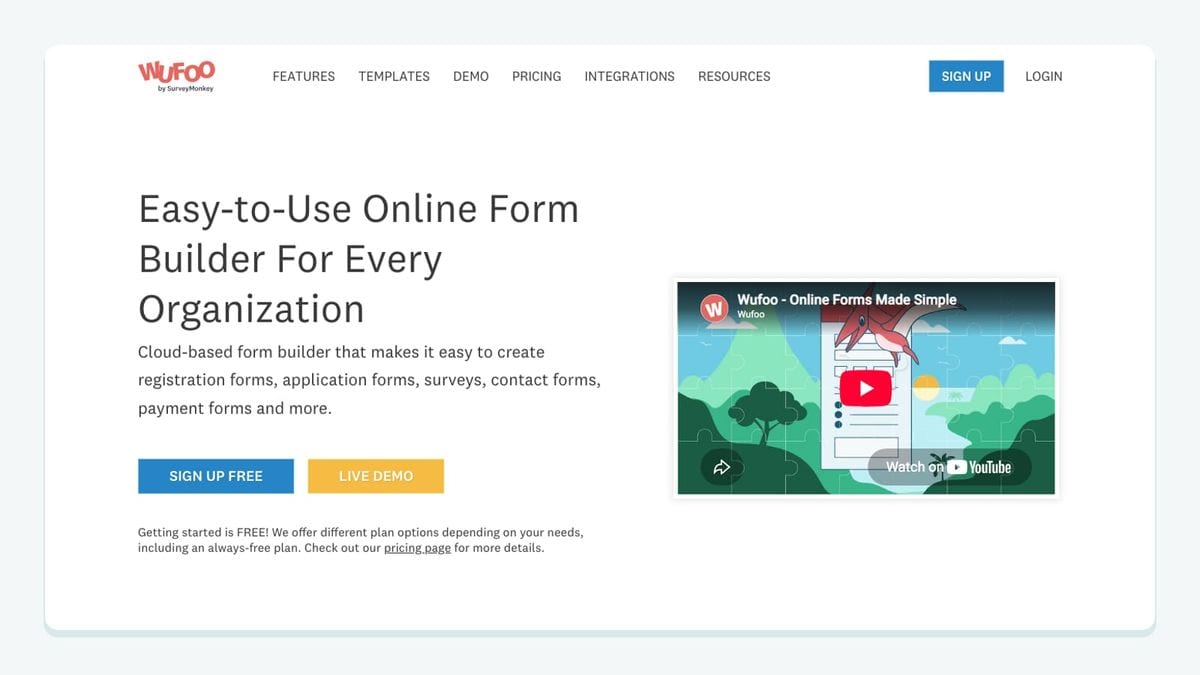
Choose Wufoo when the form already meets your needs and the missing piece is its Mailigen handoff. The documented Zoho Flow route pairs Wufoo's New Entry trigger with Mailigen's Create or update subscription action, which targets a selected list. See Zoho Flow's Wufoo–Mailigen connector.
Build the route around a submitted entry. Do not confuse that with New Form, which represents creation of the form itself. That distinction matters when someone else maintains your forms: a new form being built is not a person requesting a newsletter.
Our recommended setup starts with one form and one destination. Write down which question supplies the subscriber email. If the form also asks for a colleague's address, a billing contact, or an organizer's email, make the subscriber mapping explicit rather than selecting the first email-shaped value you see.
Test a submission with clearly distinguishable sample values. Then repeat it with a changed optional field and inspect the existing Mailigen record. Record the observed behavior instead of assuming how blank answers or repeated entries are handled. If the form serves several purposes, decide which responses should reach newsletters before expanding the route.
Wufoo is a fit for preserving an existing form workflow. It is not a reason to migrate a working form solely to add another app to your stack.
3. Pipedrive: best for deliberate sales-to-newsletter handoffs
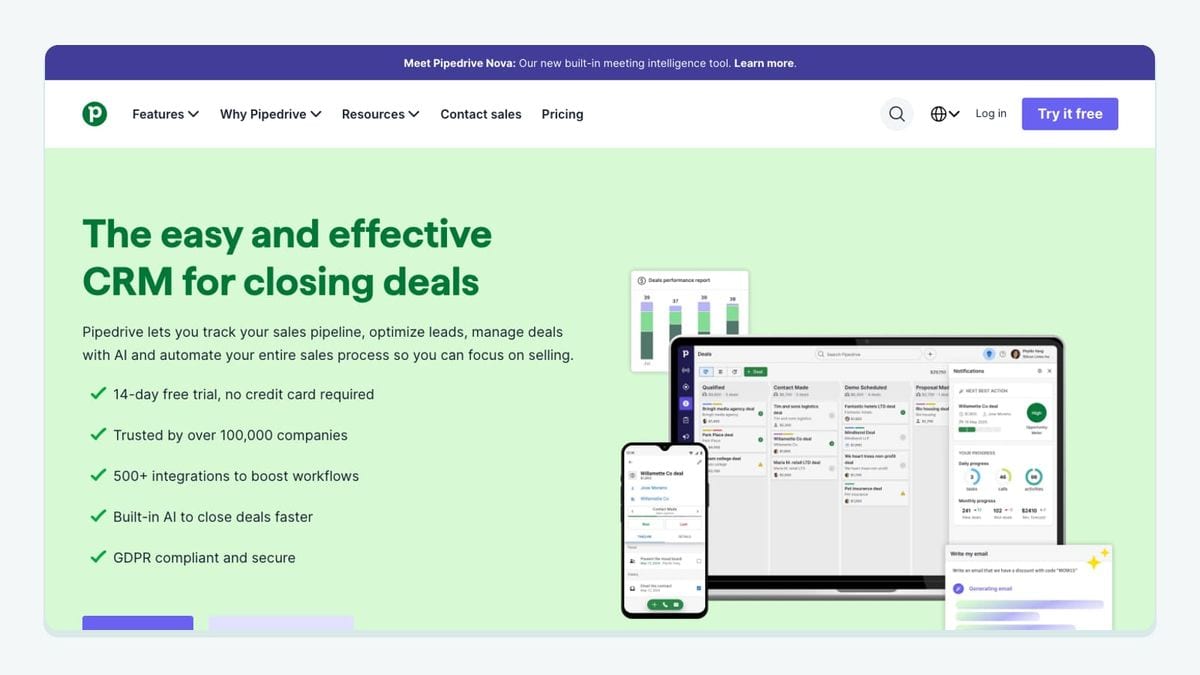
Pipedrive fits teams that want a defined sales event to feed Mailigen. Zoho Flow documents Contact person created and Contact person updated triggers alongside Mailigen's list-specific Create or update subscription action. The route described here uses that middleware connection. See the Pipedrive–Mailigen connector.
Begin with a person record and a clear eligibility rule. Our recommendation is to choose an internal field or process that identifies people intended for this newsletter. A deal appearing in a pipeline is not, by itself, a useful specification for who should receive a marketing message.
Write the rule in ordinary language before translating it into conditions: for example, send a person only when the team has recorded the required newsletter permission and selected the relevant newsletter. This is a proposed workflow, not a claim that the connector supplies a prebuilt consent policy.
For the first test, create two controlled records: one meeting your rule and one outside it. The successful result is not simply that the first person arrives. The second person must stay out. Next, change an unrelated field on the eligible person and inspect whether your route runs again.
This check exposes overly broad update triggers early. It also gives sales and marketing a shared definition of the handoff, so a later pipeline change does not silently become a newsletter-enrollment decision.
4. Bit Form: best for WordPress response routing
Bit Form is a fit when a WordPress form is your existing collection point. Zoho Flow lists Form response received as its trigger and Create or update subscription as the Mailigen destination action. The latter operates on a selected list. See the Bit Form–Mailigen connector.
Use that response event to build a narrow workflow. Identify the form, the field containing the intended subscriber address, and the Mailigen list before adding optional profile data. Avoid beginning with every field simply because the form has collected it.
Our recommended first pass maps the minimum information needed for the newsletter. Keep support requests, quote requests, and newsletter signups distinguishable in your own routing rules. A website can use one form builder for all three without giving every response the same destination.
Test one completed response and one response with an optional field left blank. Inspect the Mailigen result for both. If your form accepts multiple addresses, include that case as well, with an explicit expected subscriber address written in advance.
Choose Bit Form because it fits the website you operate. Wufoo may be a better fit when the hosted form is already established. The useful comparison is ownership of the collection workflow and its mapping burden, not a claim that one form builder universally produces better contacts.
5. Zoho Flow: best for Mailigen subscription lifecycle rules
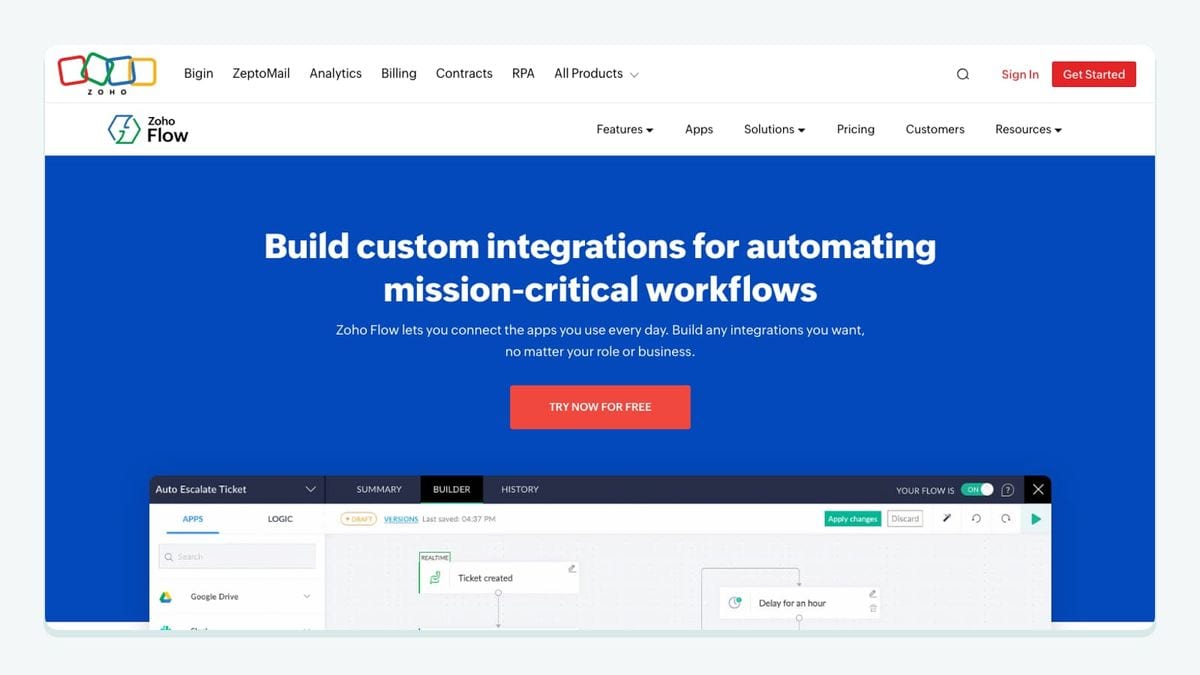
Zoho Flow is the middleware choice in this shortlist. Its Mailigen connector exposes subscription, unsubscription, and contact events, plus subscriber lookup and email-unsubscribe actions. Its workflow tools also provide branches and delays. These building blocks appear in the Mailigen connector documentation.
Choose it when you need to express a rule between systems, rather than merely connect a capture form. For example, a workflow could inspect an incoming record, choose the intended list, and apply a subscription action only after your conditions pass. That is a design recommendation; you still need to configure and test the rule.
Use separate diagrams for arrival and departure. The arrival diagram explains why a contact enters a list. The departure diagram explains which system owns the decision when someone leaves. Keeping them separate makes it easier to spot a workflow that unintentionally adds someone back after an unrelated profile update.
Our acceptance check is a lifecycle sequence: add a controlled subscriber, perform the intended unsubscribe step, then update an unrelated source field. Inspect the final subscription state. Do not accept a route solely because its initial create action succeeded.
Zoho Flow also appears inside several entries above because those routes depend on it. That does not mean you need a separate middleware product for each app. Evaluate the complete route and its maintenance responsibility as one workflow.
6. mailfloss: best for recurring verification after list growth
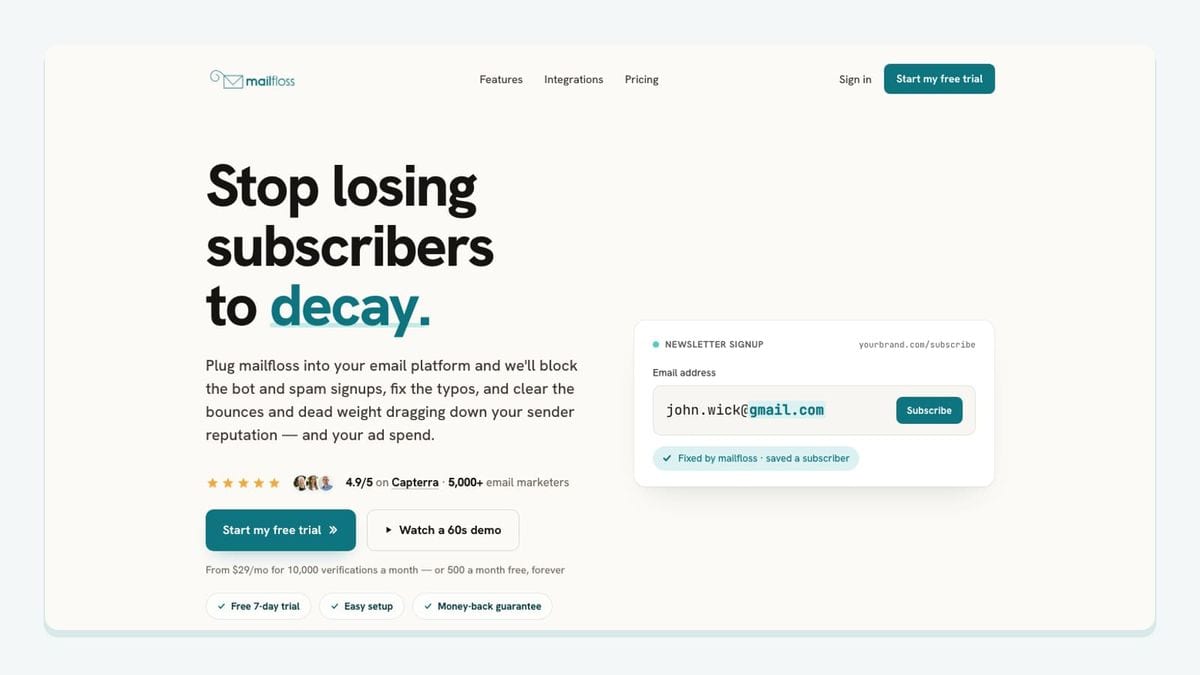
mailfloss combines automated list hygiene with a first-class email verification API for developers and AI agents. For Mailigen, choose newsletters during connection and configure cleanup rules. Autofloss checks new contacts daily; Decay Protection rechecks older contacts; Instafloss addresses real-time signup verification. See the Mailigen connection guide.
Our recommended acceptance check joins acquisition to cleanup: write the destination from your form or CRM route beside the newsletter you selected for cleaning. Resolve any mismatch before expanding the workflow.
For custom intake, developers can call the API from their application and use the returned result to decide the next step. That decision belongs in the application workflow; do not infer that a background cleanup schedule blocks every first message. The email verification API provides the programmatic route.
Keep verification and newsletter eligibility as separate decisions in your worksheet. A successful technical check does not tell your team which newsletter someone requested. Conversely, a correctly routed signup still needs the quality checks appropriate to your sending process.
Choose mailfloss when recurring verification is the missing layer. Choose a capture tool when collection is the problem, and middleware when the handoff needs conditions. Those jobs can complement each other.
How should you test a Mailigen integration before rollout?
Use this worksheet to connect Mailigen's destination list, acquisition fields, and cleanup scope in one review. It is our proposed acceptance method, not a report of tests already performed.
Route | Write down before testing | Exercise | Evidence to retain |
|---|---|---|---|
OptiMonk campaign | Intended list, source label, page address | Submit a controlled signup | Arriving values compared with the written expectation |
Wufoo form | Subscriber email question and destination | Submit, then repeat with one changed answer | Existing-record behavior and field differences |
Pipedrive person | Eligibility rule and newsletter | Test eligible and ineligible people | One included record and one excluded record |
Bit Form response | Form purpose and email mapping | Submit with optional data missing | Subscriber address and treatment of blank values |
Zoho Flow lifecycle | System responsible for subscription state | Unsubscribe, then change unrelated data | Final state after the update |
mailfloss coverage | Newsletter intended for verification | Compare acquisition destination with cleanup selection | Matching scope and configured handling decision |
Begin with controlled records that your team can recognize. Give every test a short label and a written expected outcome. Avoid using actual prospect information merely to see whether a connection works.
Then inspect both ends. A successful form submission only proves the form accepted input. A successful workflow execution only proves the configured steps ran. Your acceptance evidence should include the resulting Mailigen subscriber and the fields your newsletter process actually needs.
Next, test a change rather than another clean insertion. Change a name, leave an optional value blank, or replay the same submission. These checks help you discover what your configuration does when reality gets less tidy than the first demonstration.
Finally, choose an owner for the route. Record who can change the form, who can change the destination, and who reviews failed runs. If those are different people, keep the worksheet somewhere all three can find it. Revisit it when a field, newsletter, or eligibility rule changes.
Which Mailigen connection should you leave off a new shortlist?
Check availability before following an old tutorial. Privy explicitly places Mailigen in its discontinued integrations list for new customers from December 1, 2022. That makes it unsuitable as an unqualified recommendation for a new connection. See Privy's integration availability notice.
For existing installations, ask Privy about your account before changing the route. The practical lesson is narrow: a directory entry can help you discover a possibility, but the provider's availability notice determines whether that possibility belongs in your implementation plan.
If bots or fake addresses are getting through your forms, here is how to reduce spam signups in Mailigen before they reach your list.
Frequently asked questions
Can new Privy customers connect Mailigen?
Privy lists Mailigen among integrations unavailable to new customers since December 1, 2022. Existing connections need account-specific confirmation from Privy; an old directory listing is not enough to choose this route.
Is mailfloss only a one-time list checker?
No. mailfloss combines recurring Mailigen cleaning with a first-class real-time email verification API for developers and AI agents.
We write from the practical side of email list cleaning: what helps marketers keep real subscribers, reduce bounces, and avoid turning hygiene into another recurring chore.