
Best MailerLite Integrations: 6 Picks by Workflow Fit
Compare the best MailerLite integrations for signup forms, reader magnets, checkout events, and list hygiene. Find your fit with practical setup checks today.


Which MailerLite integrations should you choose?
Choose Carrd for signup pages, StoryOrigin for reader magnets, ThriveCart for checkout events, and Paperform or Woorise for form routing into MailerLite groups. Choose mailfloss for recurring list hygiene and a real-time API for developers and AI agents. Check the destination group and automation trigger before launch.
Choose Carrd for signup pages, StoryOrigin for reader magnets, ThriveCart for checkout events, and Paperform or Woorise for form routing into MailerLite groups. Choose mailfloss for recurring list hygiene and a real-time API for developers and AI agents. Check the destination group and automation trigger before launch.
By mailfloss. Documentation reviewed September 17, 2026.
The useful question is what should happen to a subscriber next. An author delivering a reader magnet needs a different connection from a seller responding to a refund. A newsletter operator may need a simple signup page, while a team collecting detailed applications needs control over which answers become subscriber fields.
This shortlist is organized around those jobs. The order is a reading order, not a performance ranking. Recommendations come from documented connection mechanics and our editorial decision framework; they are not the results of a hands-on benchmark. mailfloss publishes this guide and is one of the six tools included.
Which MailerLite integration fits your workflow?
Choose a MailerLite integration by its entry event, destination, and next action. Our decision rule is straightforward: prefer the connection whose documented behavior matches the job you already need to do, then prove that behavior with a test subscriber.
Tool | Best-fit job | Documented connection mechanic | Our suggested acceptance check |
|---|---|---|---|
Carrd | A focused signup page | Signup form connects with a MailerLite API key and optional Subscriber Group IDs | Confirm the intended group receives the signup |
StoryOrigin | An author’s reader magnet | Each reader magnet selects its integrated MailerLite mailing list or group | Confirm the correct book’s follow-up starts |
ThriveCart | Follow-up based on checkout events | Product behavior rules select MailerLite as the service and specify an action | Test purchase and refund rules separately |
Paperform | Structured form submissions | A direct integration selects a MailerLite group and maps the email answer | Confirm the subscriber address comes from the intended question |
Woorise | Campaign forms with routing rules | A MailerLite feed selects the group and maps subscriber fields | Test both qualifying and nonqualifying submissions |
mailfloss | Recurring email verification | Direct MailerLite connection with configurable cleanup; real-time API also available | Inspect the configured outcome on a controlled test contact |
The setup sources are linked in each entry below. The last column is our recommended test procedure, not a claim that those tests have already been performed.
Before choosing, write one sentence: “When this event happens, this person should enter this MailerLite group and receive this follow-up.” If the sentence contains several unrelated offers, split the plan into separate cases. That makes an incorrect destination easier to spot before a real subscriber receives the wrong message.
1. Carrd: best for focused signup pages
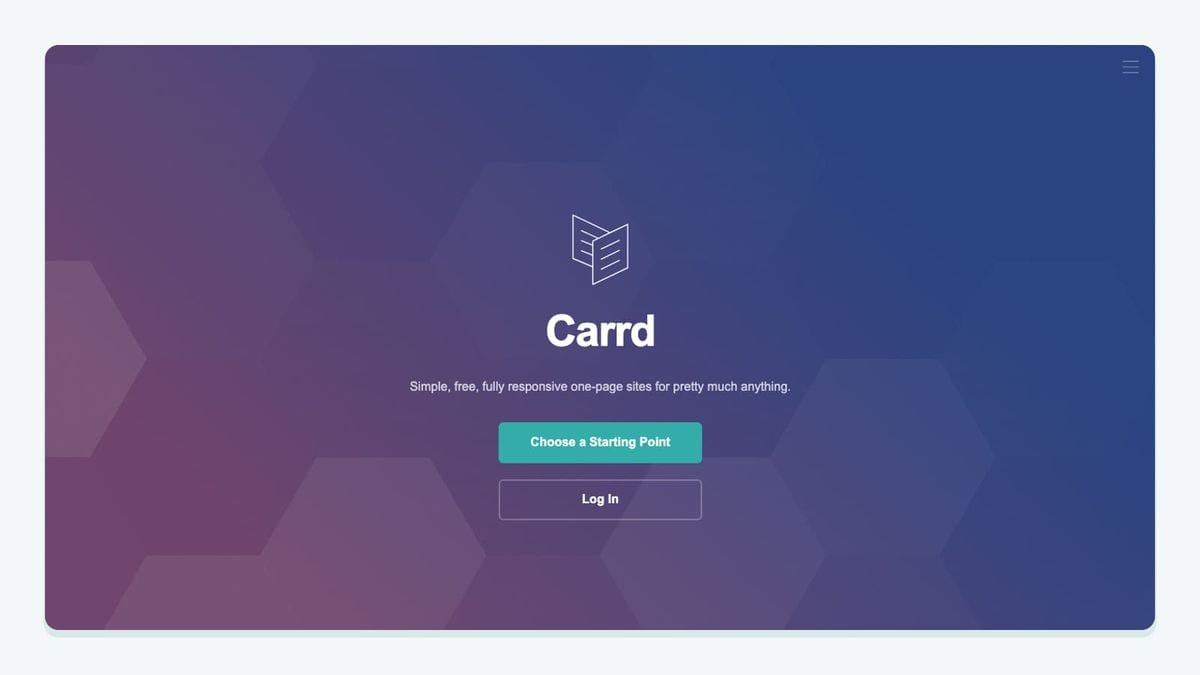
Carrd is our best-fit choice when the signup page itself is the job. Its MailerLite setup uses a Form element with Type set to Signup and Via set to MailerLite. Enter the API key and, when routing to a specific destination, the Subscriber Group IDs. Carrd documents Pro Standard or higher as a requirement. Carrd’s MailerLite signup instructions.
For a practical setup, decide on the offer before naming the destination. Use a test group with an unmistakable purpose, such as a sample-chapter request, rather than a broad label like “Website.” Keep the first version small: one form, one destination, one expected message.
Run the signup yourself with an address you control. Record what you expected before checking what happened. A successful page confirmation should not be your only acceptance criterion; inspect the subscriber’s destination and the follow-up you intended to start.
Choose Carrd if you already want a focused page and a short form. If your real difficulty is routing a long questionnaire or connecting a reader magnet to a particular book, start with the more specific entries below. Buying another page builder will not resolve an unclear routing plan.
2. StoryOrigin: best for author reader magnets

StoryOrigin is the most directly relevant choice here for authors connecting reader magnets to MailerLite. The documented setup authenticates MailerLite under Accounts → Integrations. You then edit the individual Reader Magnet, select MailerLite in its integrated mailing-list settings, and choose the destination list or group. Connecting the account and assigning the reader magnet are separate steps. MailerLite’s StoryOrigin setup.
That distinction deserves its own check. An author with a mystery novella and a fantasy sample should write down which welcome message belongs to each offer. We recommend testing the public signup for each magnet separately, even if both use the same connected account.
Do not let a successful test of one book stand in for every book. In your worksheet, record the magnet title, intended destination, and first follow-up. If a reader gets the wrong introduction, those three details give you a useful starting point for diagnosis.
StoryOrigin is a better fit when the subscriber journey begins with an author-specific offer. For a general newsletter signup with no reader-magnet workflow, a simpler form may be sufficient. The decision is about the journey you need to maintain, not how many integrations you can accumulate.
3. ThriveCart: best for checkout-event follow-up

ThriveCart fits teams that want MailerLite follow-up to respond to commerce events. MailerLite documents purchase, abandoned-cart, and refund events. Its setup guide uses Product Settings → Behavior → Add rule, where you choose a trigger, select MailerLite, authenticate, and choose the action. MailerLite’s ThriveCart integration guide.
Our recommendation is to define the refund case alongside the purchase case. A purchase test alone cannot establish whether your post-purchase communication still makes sense after someone receives a refund. Write down what should change, then inspect the actual behavior using a controlled test process.
Keep the first rule narrow. For example, document the action expected after one named product purchase before extending the configuration across a catalog. Treat any additional event as another acceptance case rather than assuming that a working connection proves every rule.
ThriveCart is best suited to a checkout-led workflow. Do not infer from a general integration description that every order field, historical purchase, or commerce feature will appear in MailerLite. Confirm the exact action exposed in your configuration. The useful outcome is the right follow-up for the event you selected.
4. Paperform: best for mapping structured submissions

Paperform is our choice when the form collects several pieces of information and you need an explicit mapping into MailerLite. In its form editor, open After Submission → Integrations & Webhooks, select MailerLite under Direct Integrations, connect the account, choose the group, and map the email question. MailerLite’s guide also identifies optional Name and Company fields. MailerLite’s Paperform setup.
The important design choice is which person the form represents. Consider a submission that contains both the applicant’s address and a colleague’s contact address. Before configuring anything, identify which answer should become the subscriber email. That is an editorial example of a mapping risk, not a claim that Paperform chooses the wrong field.
Use deliberately different test values in every field. Identical names and addresses can hide a bad mapping. Inspect the resulting subscriber record and compare it with your written expectation, rather than checking only that a record exists.
Choose Paperform when structured collection is central to the work. If you need only an email field on a single page, start with the simplest route that meets that need. A larger form creates more decisions to maintain, so make each collected answer earn its place.
5. Woorise: best for campaign forms with conditional routing

Woorise connects campaign submissions through a MailerLite feed. Its help documentation specifies the new MailerLite API key, then walks through choosing a MailerLite Group and mapping email, name, and additional fields. The explicit new-API requirement matters when reviewing an older connection. Woorise’s MailerLite connection guide.
Woorise also documents conditional control over when subscriber data is sent to MailerLite. That makes it a useful candidate when form answers determine the intended routing. Woorise’s MailerLite integration overview.
For a campaign, write a positive case and a negative case before turning on the feed. The positive case describes a submission that should reach the selected group. The negative case describes one that should not. Inspect both results; a test that only proves successful transfer leaves half the routing question unanswered.
Keep campaign participation and newsletter subscription clear in your form copy and configuration. Decide explicitly which choice authorizes which follow-up. This is a workflow recommendation, not a claim that selecting an integration automatically establishes permission.
Choose Woorise when campaign-specific routing is part of the requirement. For a plain signup page or a book-specific reader magnet, Carrd or StoryOrigin may better match the work you are actually doing.
6. mailfloss: best for recurring list hygiene
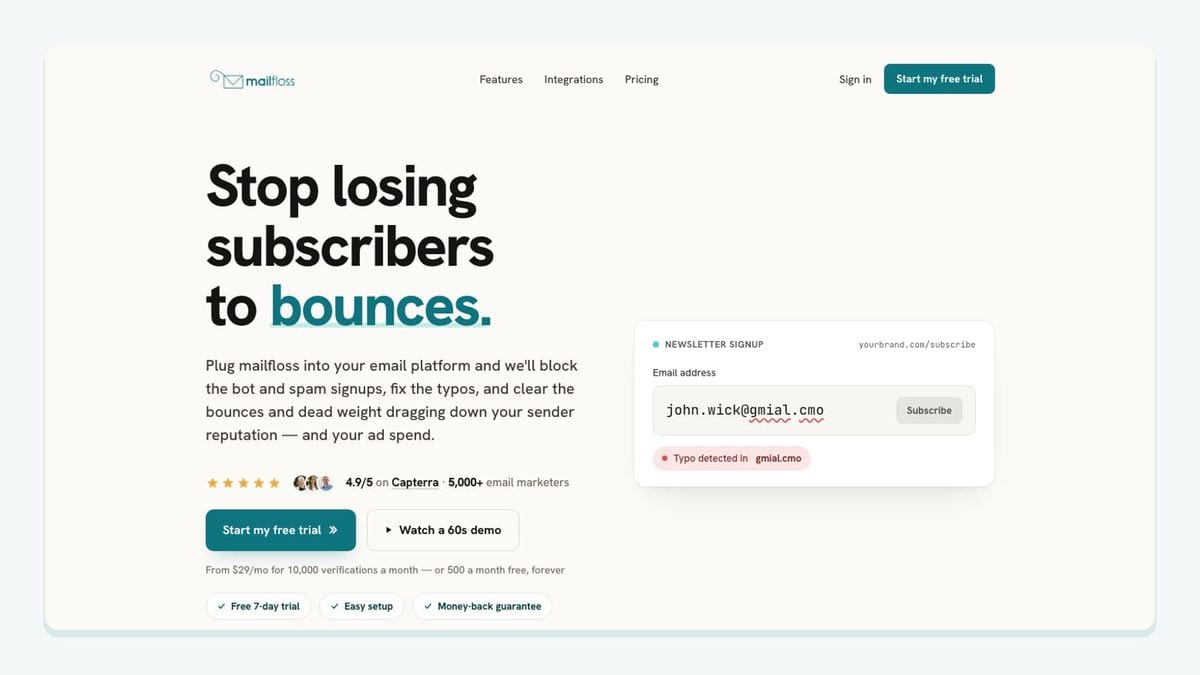
mailfloss provides email verification and automated list cleaning, alongside a first-class real-time API for developers and AI agents. For MailerLite, connect the account, choose the newsletters to watch, and configure the cleanup outcome. Instafloss addresses new signups in real time; Autofloss checks new contacts daily; Decay Protection rechecks older contacts. See the MailerLite email verification setup and email verification API.
Start with a reviewable configuration and inspect what happens to a controlled contact. Decide who owns the cleanup rules and who checks them after an upstream form or commerce rule changes. Write the expected outcome down before judging the result.
Keep verification timing separate from welcome-email timing. Do not assume that daily cleanup will finish before an immediate automated message. If that ordering matters, measure the actual sequence and design the entry workflow around the requirement. A developer-controlled process can use the API response in its own routing logic; the surrounding application must implement that decision.
Choose this layer when collecting more subscribers has created a recurring maintenance job. It complements the acquisition tools above. Verification also remains separate from a person’s permission to receive your newsletter.
How should you test a MailerLite integration before launch?
Test the entire MailerLite journey, from the original event to the intended message. Our acceptance worksheet joins three things that are often reviewed separately: the app’s configuration, MailerLite’s automation entry, and the timing of any verification action.
For group-based lead-magnet delivery, MailerLite documents an automation triggered when a subscriber joins the chosen group. It also warns that workflows must be activated before they can trigger. Those details explain why a subscriber appearing in the account is only one part of the test. MailerLite’s freebie workflow guide, MailerLite’s workflow enrollment guide.
Use this sequence with addresses you control:
- Write the expected source event, destination group, mapped fields, and first message.
- Configure one route and prepare the intended automation for the test.
- Perform the actual source action: submit the form, request the magnet, or use the relevant commerce test process.
- Inspect the resulting subscriber record and destination in MailerLite.
- Check whether the expected workflow started and which message arrived.
- Record verification and send timing separately when ordering matters.
- Repeat with an existing test subscriber and any negative case relevant to your routing rules.
Route being checked | Evidence to record | Reason to pause launch |
|---|---|---|
Carrd signup | Destination group and received follow-up | Signup succeeds but the expected message is absent |
StoryOrigin magnet | Magnet title, destination, first message | A reader receives another offer’s introduction |
ThriveCart event | Event tested and configured MailerLite action | Purchase works but the refund case is undefined |
Paperform submission | Source email question and resulting subscriber email | The mapped address represents the wrong person |
Woorise feed | Qualifying and nonqualifying test outcomes | Both submissions take the same route unexpectedly |
Verification workflow | Observed result, cleanup outcome, and timestamps | Sending occurs before a required decision |
These are suggested acceptance criteria, not measured product failures. Keep the worksheet after launch so the next person changing a form can see what the connection was intended to do.
If a test fails, narrow the investigation. First inspect the source action, then the destination record, then workflow entry. Changing all three at once makes it harder to learn which setting mattered. Retest only after recording the change and its expected effect.
Which integration should you add first?

Start with the nearest operational gap. Choose Carrd for a focused signup page, StoryOrigin for reader-magnet routing, ThriveCart for checkout-event follow-up, Paperform for structured answer mapping, or Woorise for campaign feeds with conditions. The right first choice is the one whose next action you can describe and verify.
Do not install all six simply because they appear together. One working acquisition route, one clear destination, and one tested follow-up provide a better starting point than several overlapping routes whose behavior nobody owns.
If the immediate problem is recurring list maintenance, evaluate the verification layer alongside that acquisition route. Assign an owner to each configuration and schedule a fresh test whenever the destination, form fields, or first message changes. Treat your worksheet as a living operating record, not a launch-day souvenir.
If bots or fake addresses are getting through your forms, here is how to reduce spam signups in MailerLite before they reach your list.
Frequently asked questions
Should an external signup use a MailerLite group trigger?
For the group-based workflows described here, match the integration’s destination group to the MailerLite automation’s group trigger. Test with a fresh signup after activation. A successful external submission is not enough evidence that the intended workflow started.
Will connecting an app enroll all existing subscribers in a MailerLite automation?
Do not assume it will. MailerLite documents separate controls for adding existing subscribers to workflows. Its manual Add subscribers action bypasses the original trigger checks, so review the selected recipients and starting step before using it.
We write from the practical side of email list cleaning: what helps marketers keep real subscribers, reduce bounces, and avoid turning hygiene into another recurring chore.