
Best Klaviyo Integrations: 6 Apps by Ecommerce Workflow
Find the best Klaviyo integrations for store data, subscriptions, support, reviews, loyalty, and email verification. Compare six apps and plan your next flow.

What are the best Klaviyo integrations for an ecommerce team?
The best Klaviyo integrations fill a specific gap: Shopify for store data, Recharge for subscriptions, Gorgias for support, Okendo for reviews, and LoyaltyLion for rewards. Choose by the Klaviyo event or profile field your next flow needs. Add mailfloss for recurring cleanup and a real-time API for developers and AI agents.
The best Klaviyo integrations fill a specific gap: Shopify for store data, Recharge for subscriptions, Gorgias for support, Okendo for reviews, and LoyaltyLion for rewards. Choose by the Klaviyo event or profile field your next flow needs. Add mailfloss for recurring cleanup and a real-time API for developers and AI agents.
By mailfloss. Vendor documentation checked September 16, 2026.
A useful Klaviyo integration gives your team a better decision to make: welcome this subscriber, explain this renewal, pause this promotion, request this review, or recognize this reward. Start with that decision. A long app list can wait.
This guide compares six connections by the work they support. It also includes a worksheet for checking the journey from source action to Klaviyo profile, flow, and first message. The recommendations are editorial judgments based on documented mechanics, not performance tests or a universal ranking. mailfloss publishes this guide and is included as the email verification option.
How should you choose a Klaviyo integration?
Choose a Klaviyo integration by naming the missing input and the message that should change because of it. An integration deserves a place in your stack when someone can explain both ends of that sentence.
For example: “When a subscriber changes their subscription, our retention team needs a different follow-up.” That is a clearer requirement than “we need more customer data.” Write down the action, the Klaviyo destination, the person responsible for the message, and the evidence that would show the connection works.
Our comparison uses four questions:
- Input: What customer action or information does the app contribute?
- Destination: Will you inspect a Klaviyo list, profile property, or event?
- Decision: What should your team do differently after receiving it?
- Acceptance: What observation would prove that the intended journey works?
Treat these as selection criteria, not numerical scores. A store with an established loyalty program has different priorities from a merchant whose first welcome journey still needs attention. Buying the same stack would not solve both problems.
App | Best fit when your next job is… | Klaviyo connection to inspect | Suggested first acceptance check |
|---|---|---|---|
Shopify | Connecting store activity and subscriber capture | Store data and the selected subscriber list | Follow one checkout signup to its intended destination |
Recharge | Building subscription communication | Subscription metrics and customer properties | Match one new subscription action to the intended flow |
Gorgias | Bringing support context into messaging | Synced tickets, optionally restricted by tags | Check that a ticket belongs to the correct brand |
Okendo | Coordinating review requests and follow-up | Review eligibility and submission events | Inspect the event before previewing the request |
LoyaltyLion | Using an existing rewards program | Selected loyalty properties and events | Distinguish property backfill from a fresh event |
mailfloss | Maintaining email address quality | Connected Klaviyo cleanup and a separate API route | Record verification and message timing independently |
The acceptance column is our proposed working method. It is not a claim that any of these checks has already passed in your account. Keep the first rollout small enough that a marketer can inspect every step without hunting through several dashboards.
1. Shopify: best for store data and checkout subscribers
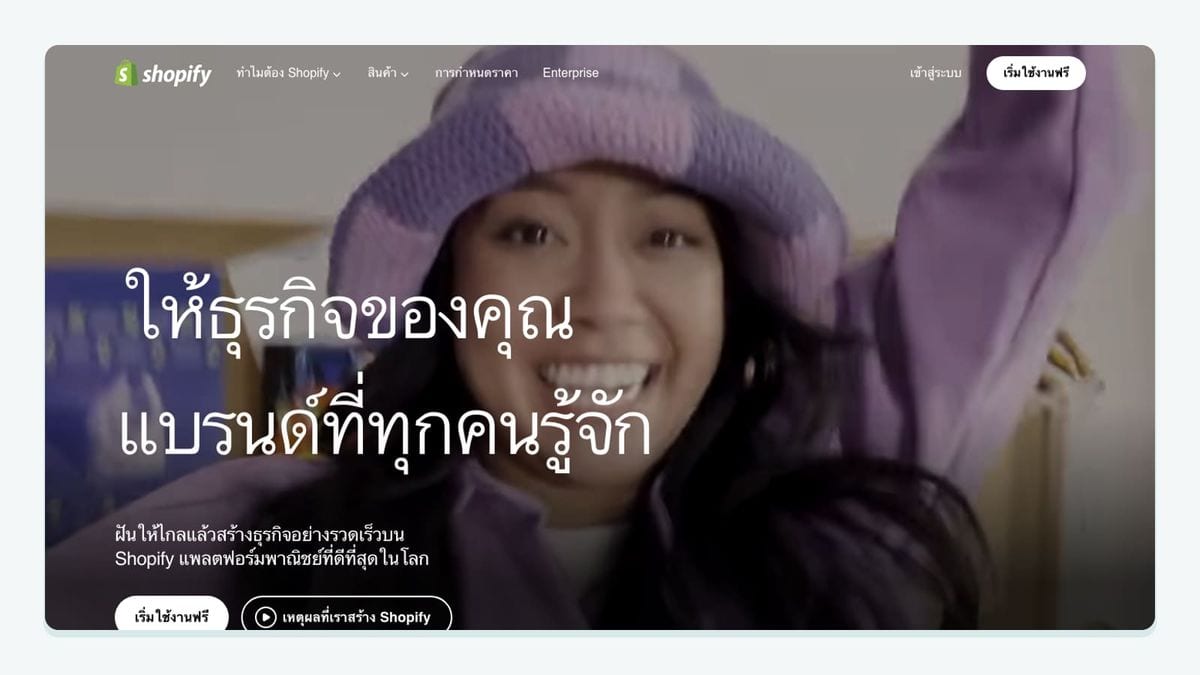
Shopify is the starting point for a Shopify merchant whose Klaviyo journeys need a reliable store connection. Klaviyo's setup includes a setting to sync Shopify email subscribers into a selected list. That covers customers accepting email marketing at checkout and subscribers using Shopify signup forms. The destination is an explicit choice. Klaviyo Shopify setup guide.
Recommended first workflow: write the intended welcome-list name into your rollout notes. Submit a controlled signup through the route you actually use, then inspect its destination before reviewing the welcome message. Repeat the exercise for each materially different capture route; one successful checkout example should not become evidence for every popup on the store.
Klaviyo also documents enabling its app embed in Shopify's theme editor for onsite tracking and signup forms. Check that separately from subscriber sync. Klaviyo Shopify setup guide.
Choose it when: store and subscriber data are the foundation of your next journey. Allocate time to tracing that foundation before adding specialist apps. Keep a simple record of the chosen list, the tested route, and who owns changes to the welcome message. That record will be useful when another team adds a capture form later.
2. Recharge: best for subscription lifecycle messages
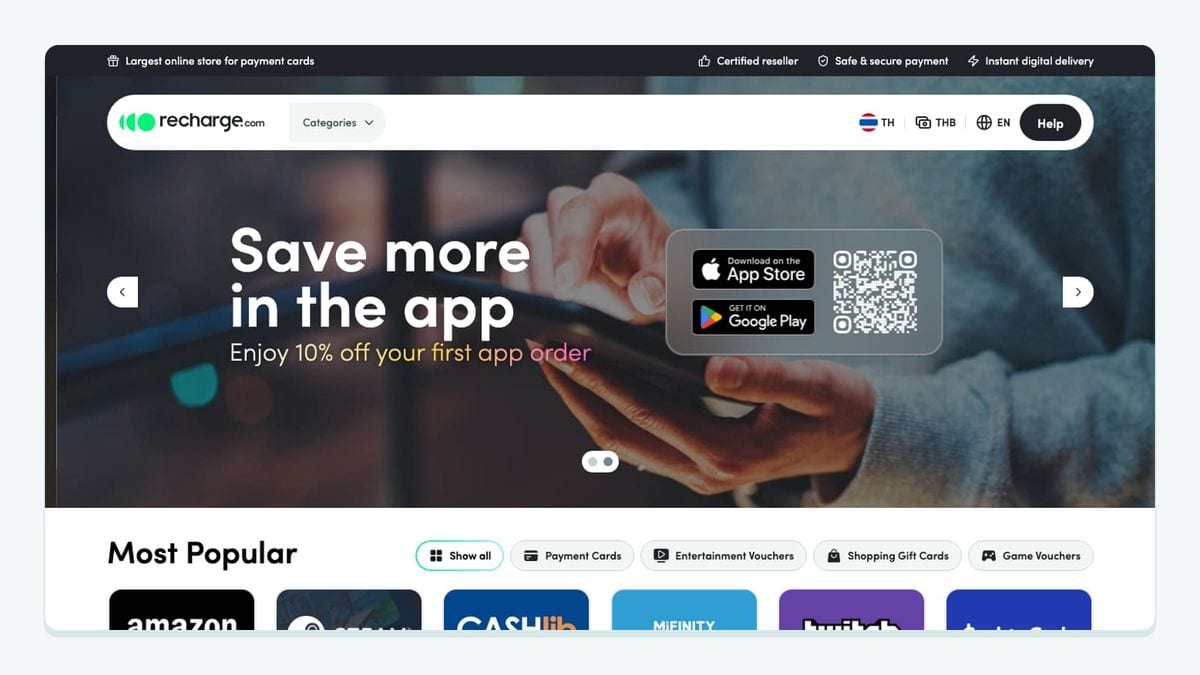
Recharge fits merchants who need subscription activity to shape Klaviyo communication. Install the connection through Recharge's merchant portal under Tools & apps, then App marketplace. Authorization happens in Klaviyo, followed by a return to Recharge and a customer-property backfill. Recharge connection guide.
Recharge sends timestamped subscription and order metrics that can trigger Klaviyo flows. Associated event properties can support entry filters and message personalization. Recharge metrics reference.
Recommended first workflow: choose one subscription moment and give it one message owner. Record the exact metric visible in your account, then inspect a fresh event and preview the corresponding message. Ask whether the content refers to the correct product, customer, and moment.
Before activating the journey, make a separate inventory of existing notifications. Our recommendation is to assign ownership deliberately so your test customer does not receive two competing explanations of the same action. Do not switch off an existing operational message until its intended replacement has been checked.
Choose it when: subscription communication is the missing job. A merchant without a subscription offering can leave this connection out of the plan.
3. Gorgias: best for support context across your brands
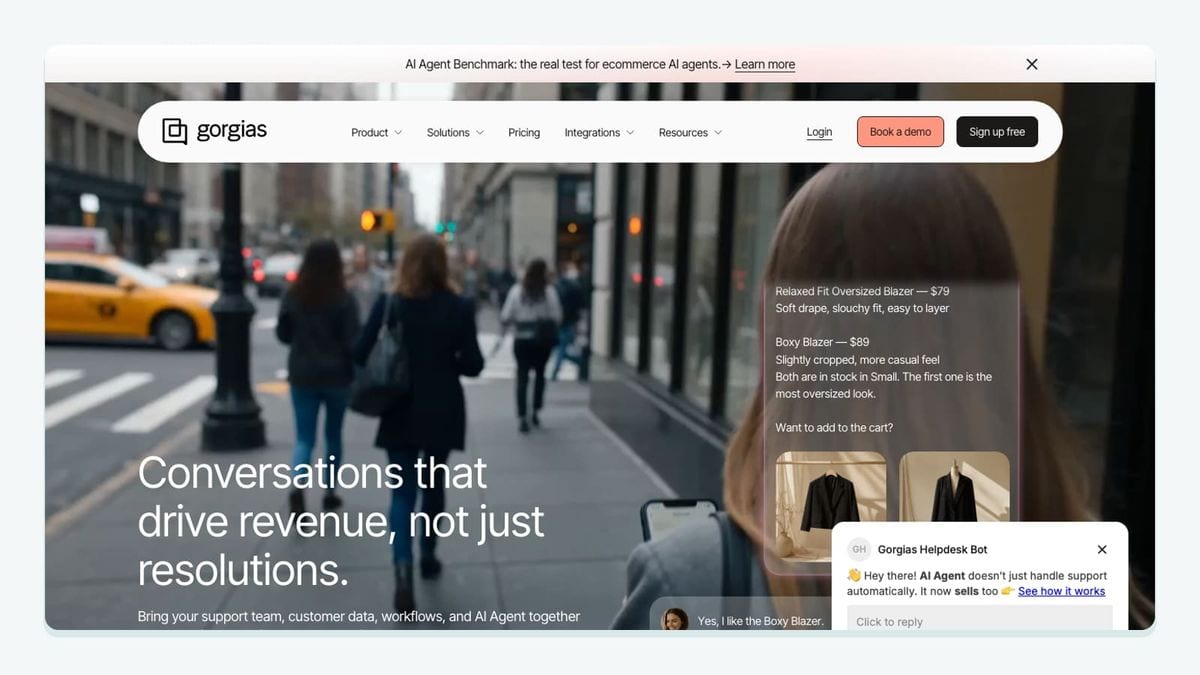
Gorgias is useful when the support conversation should inform your Klaviyo messaging. During setup in Klaviyo, you can choose all new Gorgias tickets or tickets with particular tags. Klaviyo recommends one Gorgias brand per Klaviyo account for a multi-brand setup. Klaviyo Gorgias guide.
There is a practical limit to understand: the integration does not automatically turn replies to Klaviyo marketing emails into Gorgias tickets. Replies reaching your Gorgias-connected support address follow that address's normal ticket behavior. Klaviyo Gorgias guide.
Recommended first workflow: take one controlled support case and trace which brand receives its information. If you use tags to separate brands, include a second case with a different brand tag. Inspect both outcomes before using that information to change promotional messaging.
Write the desired behavior in human terms: “This customer is waiting for help; the next promotion needs review.” Then decide which actual account data can support that decision. Avoid treating an installed connection as proof that every support state is available in the form your flow needs.
Choose it when: support context is a meaningful input to your marketing decisions. Name a support owner and a marketing owner for the first test so neither team assumes the other checked the result.
4. Okendo: best for review requests tied to customer activity
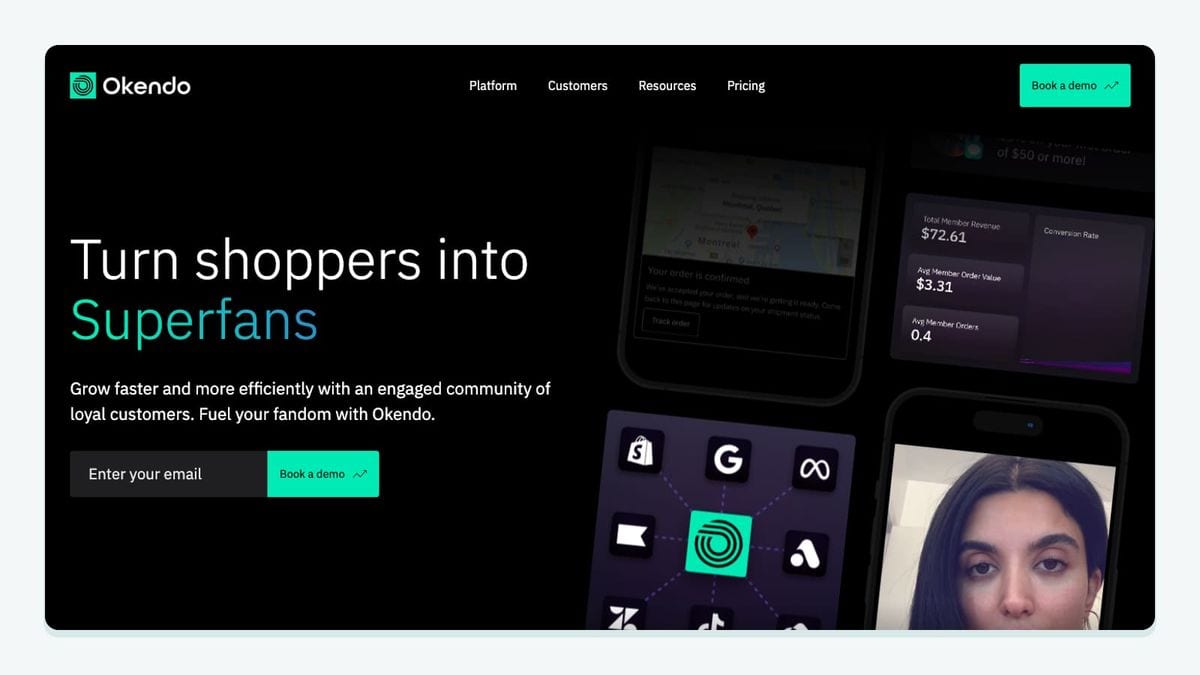
Okendo connects from Settings → Integrations → Klaviyo in its admin. You select the Klaviyo account and authorize access. The connection sends event and profile data that can support flows, segmentation, and personalization. Okendo connection guide.
For reviews, the documented events include Eligible for Okendo Review Request, Ineligible for Okendo Review Request, and Created Okendo Review. The eligibility payload includes a Products array with product-specific review URLs. That gives you concrete data to inspect before building the message. Okendo data reference.
Recommended first workflow: inspect an eligibility event, identify the intended product link, and preview the request for that customer. Then design a separate test around ineligibility. Decide how the request journey should respond and confirm that behavior in the account.
This is also a good moment to assign review-request ownership. Write down which system sends the request and which team maintains its timing. A clear owner makes future changes easier to investigate when a customer receives an unexpected message.
Choose it when: you already use Okendo or need its review workflow. Evaluate the required review behavior before expanding into additional products from the same vendor; the first integration project should have a finish line.
5. LoyaltyLion: best for an established rewards program
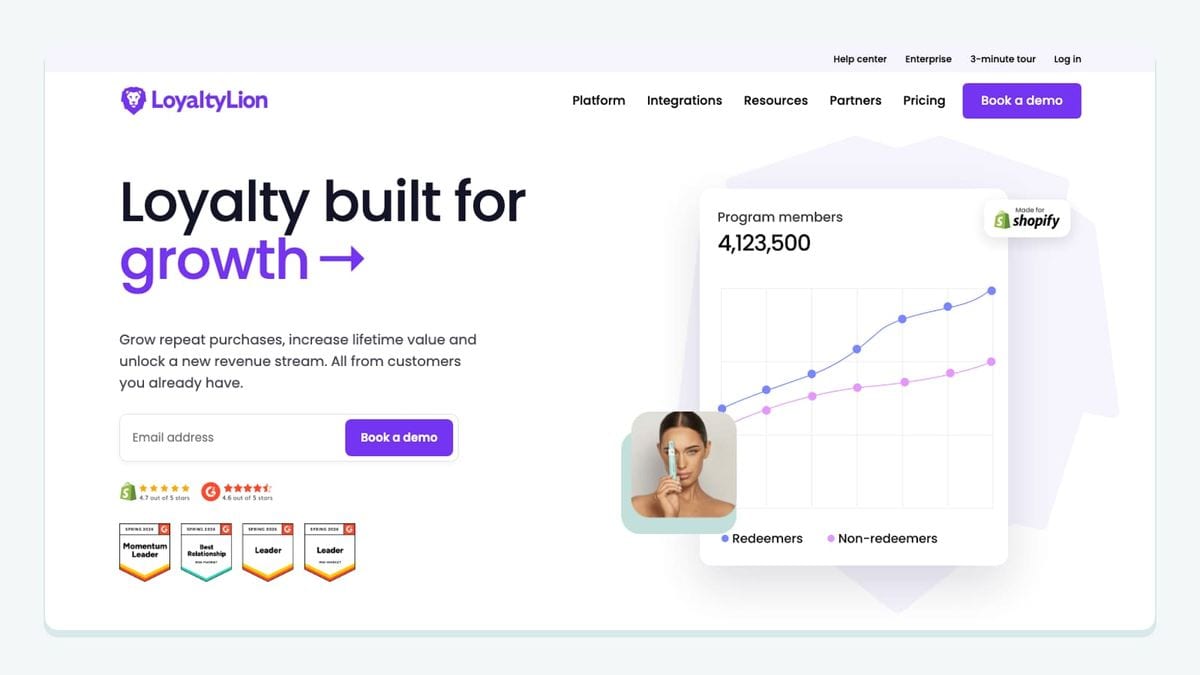
LoyaltyLion lets you select the properties and events pushed to Klaviyo contacts, then save them with Update configuration. Its manual explicitly says that using one Klaviyo account with multiple LoyaltyLion programs is unsupported. Check that account relationship before designing a shared rewards journey. LoyaltyLion integration manual.
LoyaltyLion distinguishes customer-property backfill from live events. Backfill can populate customer properties, while an event must occur to appear in Klaviyo. Its documentation also cautions that backfilling inactive store customers may affect a Klaviyo profile limit. LoyaltyLion event guide.
Recommended first workflow: choose one loyalty message and list the exact fields it needs. Preview it against a member with those fields and a controlled example where a field is absent. Write a fallback that still makes sense to the recipient.
Next, trigger a fresh qualifying action and inspect the event separately. A populated profile is useful evidence for personalization, but your event-trigger test needs its own evidence. Keep those two checks on separate lines in the worksheet.
Choose it when: you have a rewards program and a specific member communication to improve. Decide which loyalty system owns the program before connecting overlapping tools that would require your team to reconcile different balances or definitions.
6. mailfloss: best for recurring Klaviyo email verification
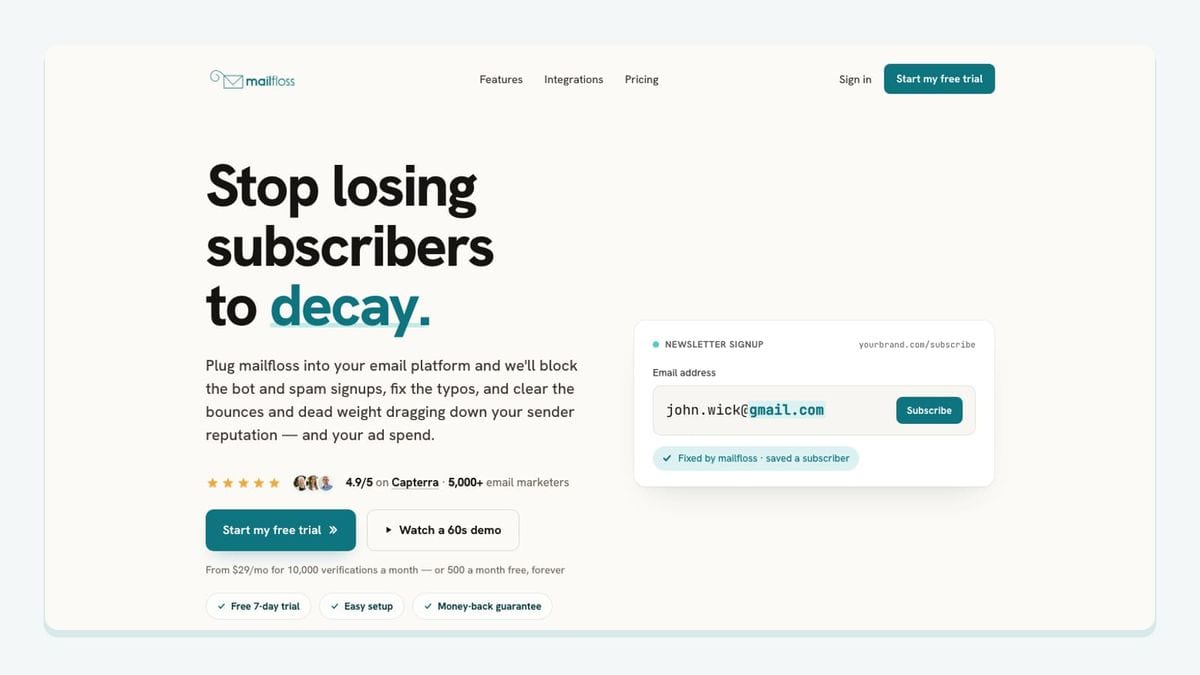
mailfloss combines automated list hygiene with a first-class email verification API for developers and AI agents. In the connected Klaviyo workflow, select the stores to watch and configure cleanup. Autofloss checks new contacts daily; Decay Protection rechecks older contacts. Klaviyo email verification setup.
Recommended first workflow: document the intended treatment of a failed result, then inspect a controlled example and the profile's subsequent messaging behavior. Keep the address-quality decision and the first-send decision as separate checks.
For custom admission logic, developers can call the real-time REST API and act on its structured result. mailfloss API overview.
Choose it when: ongoing address quality needs an owner. Pair that work with the other apps according to your actual customer journeys. Before rollout, agree who reviews ambiguous cases and who investigates a timing mismatch. Verification can help reduce risky addresses; it does not guarantee inbox placement.
How can you test the whole Klaviyo journey before rollout?
Use this worksheet to connect app selection with an observable Klaviyo outcome. Its purpose is to catch a common planning gap: a team knows that data arrived, but has not checked whether the right customer receives the right next message.
Start with a written hypothesis. For a Shopify welcome journey, that might be: “A subscriber entering through our chosen checkout route reaches the intended list, and our team can account for everything that happens before the welcome email.” For a loyalty journey, the hypothesis might concern a fresh action and a correctly populated reward message.
Test case | Evidence to record | Acceptance question |
|---|---|---|
Shopify capture route | Route, selected list, observed profile, first-message time | Did this subscriber reach the intended welcome destination? |
Recharge subscription action | Source action, metric name, event time, preview | Does the message describe the action you actually performed? |
Gorgias brand boundary | Ticket, brand tag, destination account | Did support context reach only the intended brand account? |
Okendo review request | Eligibility event, product URL, preview | Does the request point to the intended product review? |
LoyaltyLion initial setup | Backfilled properties and a separately observed fresh event | Have personalization and triggering both been checked? |
Email verification | Chosen policy, observed result, resulting profile state, first-message time | Can you explain the order of verification and messaging? |
These are proposed acceptance tests, not reported results. Fill the worksheet with account observations rather than expected behavior copied from an app description.
For each row, assign one person to gather evidence and another relevant owner to review the customer-facing outcome. They may be the same person on a small team, but the two jobs should remain clear. A technically successful sync and an appropriate customer message are different things to inspect.
Record timing with enough detail to reconstruct the sequence: when the source action happened, when the destination showed it, and when the message became eligible or was sent. If your requirement is “verification before the first email,” compare those observations directly. A daily schedule alone does not establish that order.
Include an exception case. Use a missing field, a different brand, or a customer whose intended journey should stop. Ask what evidence would explain a failure and where the owner would look first. That small investment makes later troubleshooting far more practical than a note that simply says “integration connected.”
Finally, keep a rollback note beside the worksheet. Describe which new journey you would pause, who would make the decision, and how the team would preserve important existing communication. Approve a larger rollout only after the first journey behaves as intended.
Which integration should your team prioritize now?
Choose the smallest connection that completes a real customer journey. A Shopify merchant can begin with subscriber capture and its welcome destination. A subscription merchant may prioritize a lifecycle message. A support-heavy brand may need better context before sending its next promotion.
Write one sentence before buying or installing anything: “We need this source action to change this Klaviyo message for this customer.” If that sentence is still vague, clarify the journey first. Once it is clear, use the corresponding app entry and worksheet row to plan the work.
Budget for configuration, message ownership, and evidence collection alongside the subscription price. The best-fit integration is the one your team can operate with confidence after the person who installed it has moved on to another project.
Frequently asked questions
Which Klaviyo integration should I connect first?
Start with your store connection and one customer journey. For a Shopify store, confirm where checkout subscribers enter Klaviyo before adding another app. Then choose the missing input: subscription activity, support context, review events, loyalty data, or email verification.
Does a LoyaltyLion property backfill create historical Klaviyo events?
Do not assume it does. LoyaltyLion describes backfill as pushing customer properties; its event triggers need a new customer action to appear in Klaviyo. Test a fresh action before relying on an event-triggered flow.
Can mailfloss support Klaviyo cleaning and custom signup verification?
Yes. mailfloss supports recurring Klaviyo cleanup and a first-class real-time REST API for developers and AI agents. Use the connected workflow for ongoing hygiene and the API where your application needs an address verdict. Test verification timing separately from the first marketing send.
We write from the practical side of email list cleaning: what helps marketers keep real subscribers, reduce bounces, and avoid turning hygiene into another recurring chore.