
8 Best Keap Integrations for Cleaner CRM Workflows
Compare 8 Keap integrations for forms, meetings, billing, email, and list hygiene. See the exact CRM workflow each app improves and choose your stack.

What are the best Keap integrations?
The best Keap integrations protect the contact record and move useful events into Keap tags and automations without duplicate work. Choose by entry point: forms, meetings, webinars, billing, inbox, or list hygiene. mailfloss adds recurring verification inside selected Keap connections plus a first-class real-time API for developers and AI agents; the other apps pass context into the CRM.
The best Keap integrations protect the contact record and move useful events into Keap tags and automations without duplicate work. Choose by entry point: forms, meetings, webinars, billing, inbox, or list hygiene. mailfloss adds recurring verification inside selected Keap connections plus a first-class real-time API for developers and AI agents; the other apps pass context into the CRM.
A useful Keap integration should make a specific contact event visible and actionable inside Keap. A landing-page submission should retain its source. A booked consultation should reach the right contact without restarting an unrelated sequence. A webinar registration should not masquerade as attendance. An invalid address should be reviewed, fixed, or removed according to the rules for the relevant Keap connection.
This guide evaluates eight apps by the Keap-side handoff they must produce. It does not assume that merely appearing in an app directory makes a workflow reliable. Connector actions, account requirements, and supported event types can change, so confirm each third-party connection in its current documentation before relying on it.
How did we choose the best Keap integrations?
We used three gates designed around the structures visible in a Keap workflow:
- Entry-point fidelity: Does the handoff retain enough context to distinguish a Leadpages form from a Jotform intake, a Calendly booking from a Zoom attendance event, or a QuickBooks Online payment from a Gmail conversation?
- Keap automation clarity: Can a maintainer point to the exact Keap contact field, tag, list, or automation affected by the incoming event?
- Operational reversibility: Can a duplicate, failed handoff, ambiguous contact match, or risky address move to review before an irreversible action occurs?
The live Keap workflow provides an especially useful model for scope. mailfloss can watch selected Keap connections and lists, apply rules per connection, run checks on a schedule, and write configured fixes or removals back to Keap. That is more precise than saying an app “syncs with the CRM.” Every entry below therefore names its entry event, Keap destination, automation handoff, and exception check.
Integration | Entry event | Keap structure to inspect | Acceptance check |
|---|---|---|---|
mailfloss | Scheduled check or real-time signup | Selected Keap connection and list | Configured review, field update, fix, or removal writes back correctly |
Leadpages | Landing-page form submission | Contact email, source field, and offer-specific tag | A repeated submission updates the intended contact once |
Calendly | Booking, reschedule, or cancellation | Contact record and meeting-stage tag | A reschedule does not create another contact or restart the wrong automation |
Jotform | Structured form submission | Mapped contact fields, routing tag, and review path | A corrected submission updates rather than duplicates the contact |
Zoom | Registration or attendance event | Event-specific tag or field on the contact | Registered, attended, and absent remain distinct states |
QuickBooks Online | Selected customer or payment milestone | Customer-stage field or tag | The event matches the intended Keap contact before follow-up begins |
Gmail | Relevant inbound or outbound message | Keap contact activity and follow-up state | An alias or unrelated thread does not create a stray CRM record |
Zapier | Named source trigger | One explicit Keap action, tag, or field update | Replaying a failed task does not repeat the Keap change |
1. mailfloss: best for recurring Keap email verification
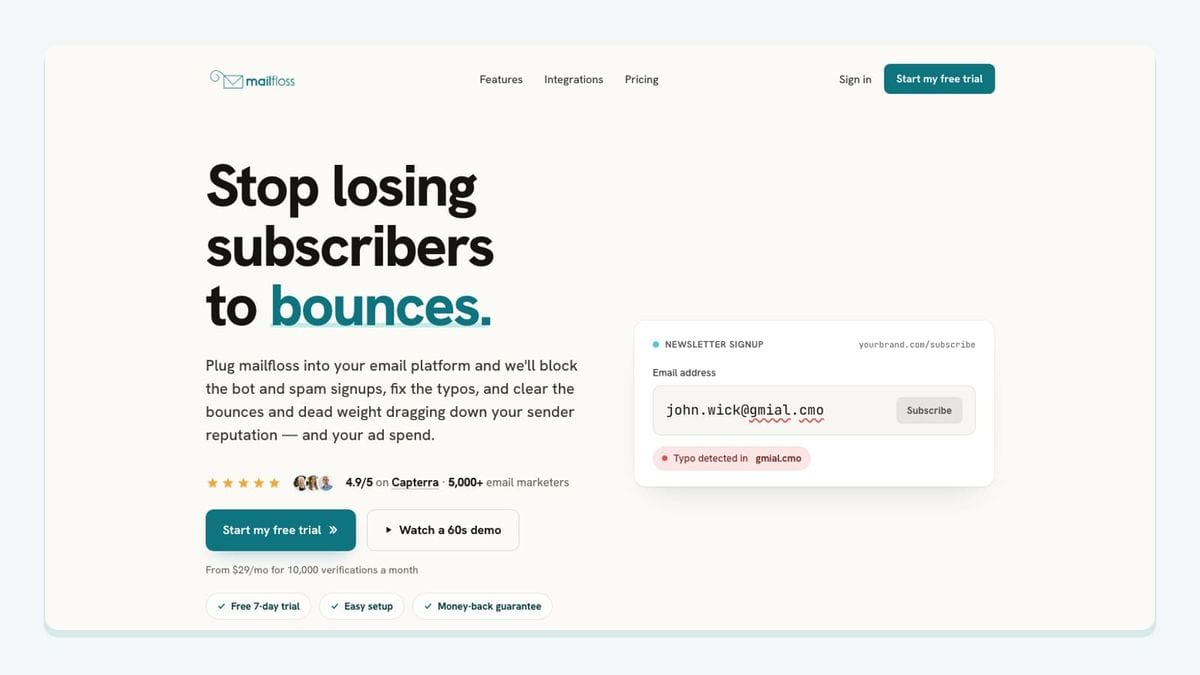
mailfloss is the hygiene layer in this roster. It connects directly to Keap, lets a team choose the Keap connections and lists it should watch, and verifies contacts on a schedule. It can also protect signup flows in real time. When a result meets the rules configured for that Keap connection, the workflow can keep it for review, clean it automatically, update fields, or notify another workflow.
The Keap-specific mechanic is the closed write-back loop. Without it, a team exports Keap contacts, checks a CSV elsewhere, imports the result, and repeats the exercise later. With mailfloss connected, scheduled checks can write permitted fixes and removals back to Keap. Different Keap connections can use different rules, so one workflow may remain review-first while another applies approved automatic actions.
A controlled setup looks like this:
- Authorize Keap from the mailfloss dashboard.
- Select the Keap connection and lists that should be watched.
- Enable Typo Fixer and begin with daily Autofloss checks against new contacts.
- Add Instafloss at real-time signup boundaries where risky or disposable addresses should be caught before entering the watched flow.
- Use Decay Protection to re-check older Keap contacts on a schedule.
- Confirm that each review decision, field update, fix, or removal reaches the intended Keap record before expanding the watched scope.
mailfloss also offers a first-class real-time email verification API for product teams, developers, and AI agents. A custom form or application can request a JSON verification result before sending a contact toward Keap, while the direct mailfloss integration for Keap maintains the contacts already stored in selected connections and lists. These are complementary surfaces: one protects a custom collection point; the other handles recurring CRM hygiene.
Best suited to: Keap teams that want reviewable, recurring list cleaning instead of another one-time CSV project.
2. Leadpages: best for offer-specific Keap signup paths
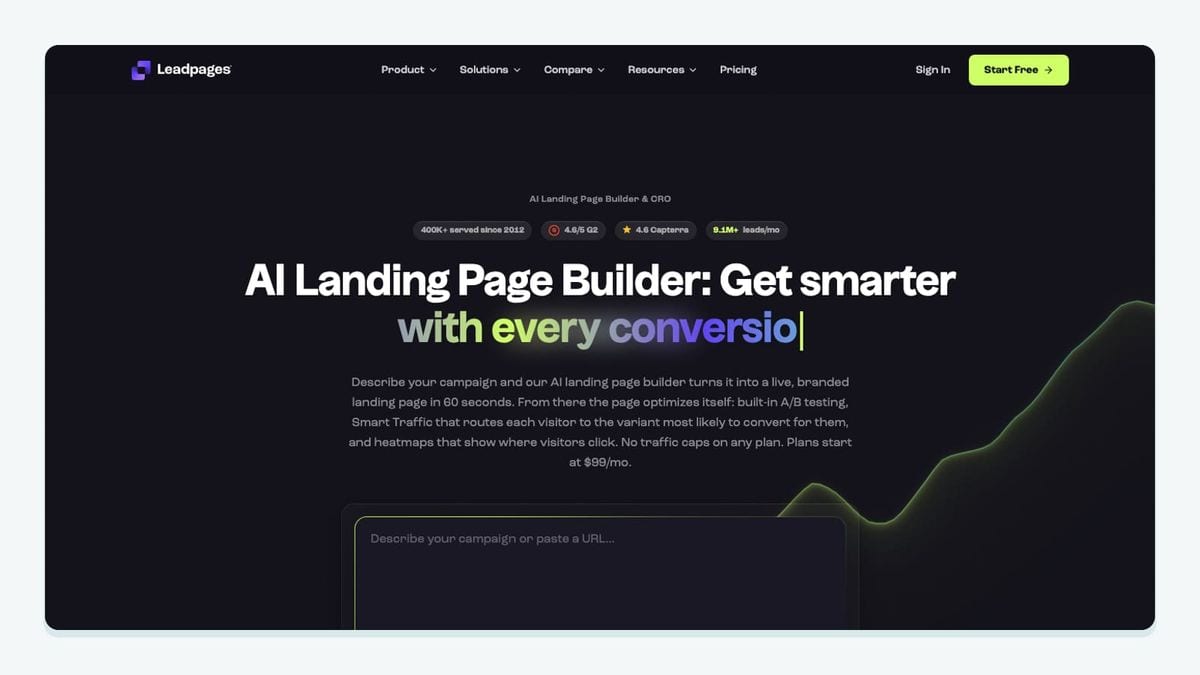
Leadpages fits when a focused landing-page form is the front door to a particular Keap follow-up. The connection mechanic should begin with one named Leadpages form submission, pass the submitted email and required contact fields to Keap, preserve the page or offer as source context, and apply only the Keap tag that starts that offer’s automation.
The Keap structure matters here. If several Leadpages forms all deposit people into one undifferentiated contact stream, Keap cannot tell whether someone requested a pricing guide, registered for a consultation, or joined a general newsletter. Give each form a distinct source value or routing tag, then point that value at one visible Keap automation. Do not compensate for missing source context by creating another contact.
Put verification at the same entry boundary. A custom connector can call the mailfloss API before the form payload is sent onward, or Instafloss can protect the signup flow as it enters the marketing system. The recurring Keap connection can then watch the destination list on schedule. That creates two inspectable checkpoints: the real-time decision at submission and the scheduled cleanup rule for the selected Keap list.
Test the form with a new address, an address already attached to a Keap contact, a safe typo, and a repeated submission. The workflow passes only when the source survives, the intended Keap tag appears once, and the repeated event does not create a second contact.
Best suited to: Keap teams whose landing pages represent different offers and therefore need different automation entry points.
3. Calendly: best for Keap booking-state automations
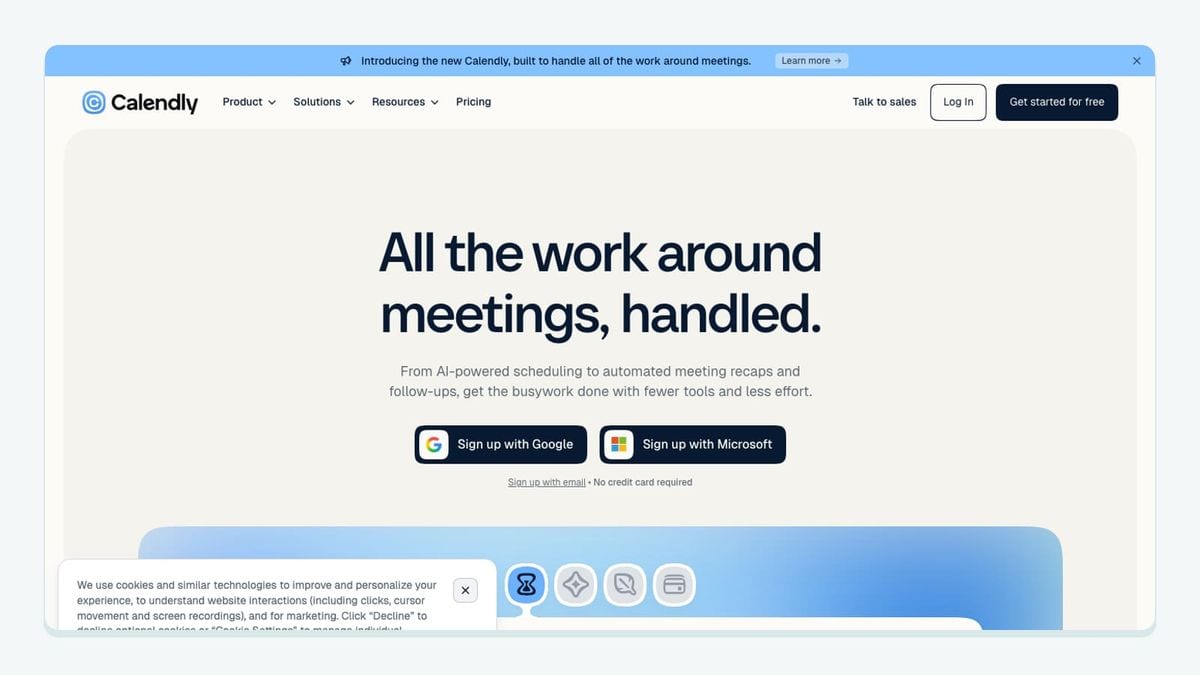
Calendly belongs in a Keap workflow when a meeting changes what should happen to a contact. The connection mechanic starts with a booking-state event—new booking, reschedule, or cancellation—matches the invitee to the Keap contact by the submitted email, records the meeting type and current time, and applies the Keap stage tag that controls the next automation.
Those events need separate Keap branches. A new consultation can begin preparation messages. A reschedule should update the appointment context without creating another contact or replaying the entire nurture path. A cancellation should stop reminders tied to the abandoned time and move the contact to a deliberate follow-up state. Treating all three as “new booking” produces a broken Keap journey even if the connector reports success.
Email identity is the collision point. An existing Keap contact may book with a second address, while two contacts may share an administrative address. Route uncertain matches to review rather than merging them silently. If the booking creates a new address inside a watched Keap list, the mailfloss connection can check that list on schedule; a custom booking path can also use the real-time API before the contact is handed to Keap.
Run one booking, one reschedule, and one cancellation with the same test contact. Inspect the Keap contact, the meeting-stage tag, and the automation history after every step. The recipe passes only if the contact remains singular and the current booking state is unambiguous.
Best suited to: appointment-led Keap teams that use a meeting state—not merely a calendar entry—to control follow-up.
4. Jotform: best for mapped Keap intake records
Jotform is useful when a Keap contact needs structured qualification or onboarding data. Its connection mechanic begins with a named form submission, maps stable answers into deliberate Keap contact fields, converts only genuine routing answers into Keap tags, and sends incomplete or ambiguous records to review.
A field map is the heart of this workflow. Name, email, and durable customer attributes may belong on the Keap contact. A service-interest answer may justify one routing tag that starts a specific Keap automation. Temporary questions and long free-text responses should not automatically become permanent fields or dozens of one-use tags. That distinction keeps the Keap contact model understandable after the form changes.
The email field is also the verification boundary. A custom Jotform handoff can request a result from the mailfloss API before contact creation, while the direct Keap integration can watch the resulting list and apply scheduled cleanup rules later. If a questionable address is allowed through for business reasons, keep it in a review-first Keap connection rather than applying the same automatic outcome used for a low-risk newsletter list.
Test a new submission, an update from an existing Keap contact, a corrected email, and an identical replay. Keep the form submission identifier in the connector log so a failed handoff can be traced. The integration passes when the mapped fields reach the existing contact where appropriate, the routing tag appears once, and a repeated form does not start the Keap automation twice.
Best suited to: Keap teams whose intake answers determine a visible field, tag, and automation path.
5. Zoom: best for distinct Keap webinar states
Zoom fits when webinar behavior should change Keap follow-up. The connection mechanic must translate separate webinar events into separate Keap states: registration, attendance, and absence cannot share one generic “webinar lead” tag.
A registration can add or update the Keap contact and apply an event-specific registered tag. Attendance can replace or supplement that state with an attended tag that starts the post-event sequence. A no-show can enter a replay path without being counted as an attendee. Include a webinar identifier in the mapped value or tag so activity from two sessions does not collapse into the same Keap automation branch.
This is also a list-quality checkpoint. Webinar registrations introduce new email addresses that may enter a Keap list shortly before a campaign. Real-time verification can inspect a custom registration handoff, while Autofloss can check new Keap contacts daily and the selected Keap list on schedule. Older webinar contacts can later move through Decay Protection instead of being assumed valid forever.
Test one person across registration, attendance, and a repeated event delivery. Then test a second registration with an address already present in Keap. Inspect the contact fields, event-specific tags, and automation history. The workflow passes only when each event produces one intentional Keap transition and replaying it does not restart the follow-up.
Best suited to: webinar-led teams that need Keap to distinguish intent signals rather than treating every registration as attendance.
6. QuickBooks Online: best for narrow Keap customer milestones
QuickBooks Online fits when a selected accounting milestone should trigger customer communication in Keap. The connection mechanic should begin with one defined customer or payment event, retain the accounting identifier in the connector record, match the correct Keap contact, and update one customer-stage field or tag that starts an approved automation.
Keep the transfer deliberately narrow. Keap needs the milestone required for communication; it does not need to become a second ledger. A confirmed payment may start onboarding, while a failed or refunded transaction may require a different Keap path. Those states should never share one catch-all “customer” tag.
Identity deserves more care here than a generic find-or-create recipe. An accounting customer may represent a company, use a shared billing inbox, or have an email different from the person stored in Keap. Do not create a new Keap contact merely because the first email lookup misses. Route uncertain matches to review and preserve the external customer or transaction identifier so the event can be reconciled.
Once the intended contact enters a selected Keap list, mailfloss can apply that connection’s scheduled hygiene rules without copying financial data into the verification workflow. Test an existing customer, an uncertain match, a repeated payment event, and a refund or failure state. The integration passes when one traceable milestone causes one deliberate Keap change.
Best suited to: Keap service businesses that need a governed billing event to start a precise customer communication path.
7. Gmail: best for scoped Keap correspondence history
Gmail is useful when relevant one-to-one correspondence needs to be visible beside the Keap contact. The connection mechanic should associate a permitted message with the contact whose email matches the correspondent, record the activity needed for follow-up, and avoid turning every sender or thread into a new Keap record.
Scope is the key Keap decision. Customer replies tied to an active sales or service contact may belong in the CRM. Internal conversations, personal threads, automated receipts, and unrelated vendor mail do not. Configure the available Keap email or connector controls around named mailboxes and permitted activity rather than attempting a broad inbox dump.
Aliases and secondary addresses create a Keap-specific exception path. A reply may arrive from an address that is not the primary email on the existing contact. Do not silently create another contact and do not overwrite the known address without review. If an approved secondary address becomes part of a watched Keap list, the scheduled mailfloss workflow can verify it according to that connection’s rules.
Test a reply from the primary address, an alias, an unknown sender, and a thread containing internal participants. Inspect which Keap contact received the activity and whether any new contact was created. The workflow passes when relevant correspondence is visible without duplicating the person or copying unrelated inbox content.
Best suited to: owner-led Keap teams that need selected customer conversations visible in the shared contact history.
8. Zapier: best for one-event, one-action Keap bridges
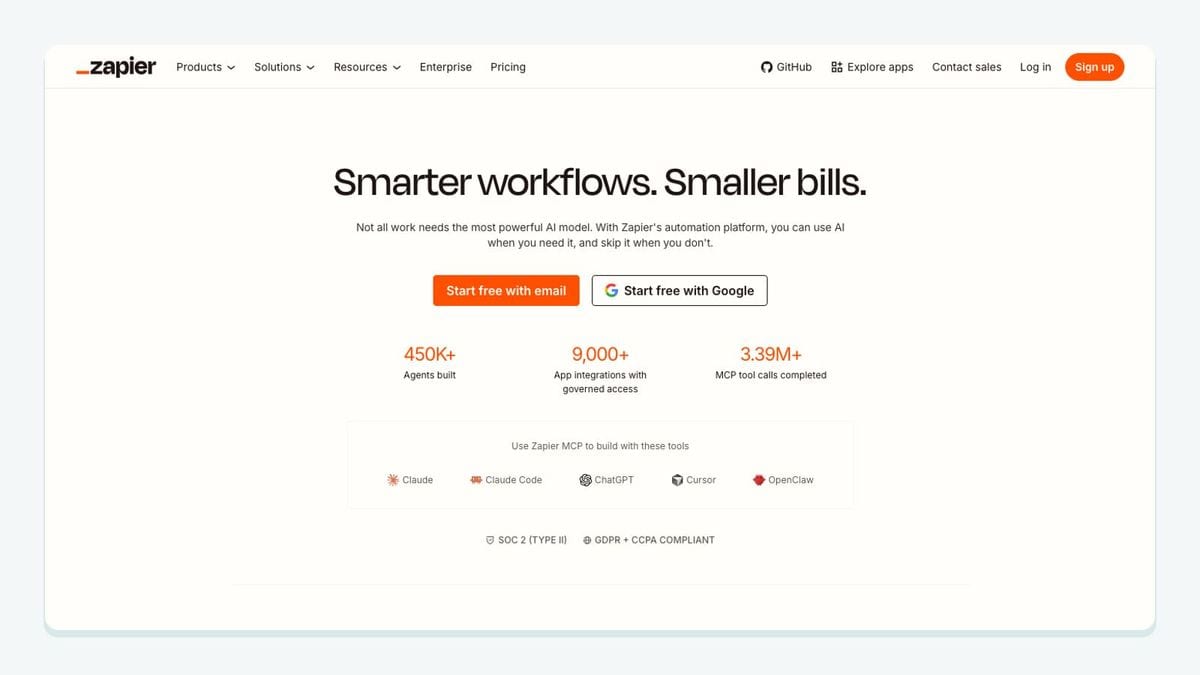
Zapier fits when an app exposes a useful event but no suitable direct Keap connection handles the required outcome. The connection mechanic should name one source trigger, normalize and verify the email when appropriate, look up the Keap contact, choose an explicit create-or-update branch, and perform one visible Keap action such as updating a field or applying a routing tag.
The Keap automation boundary must remain obvious. If a Zap applies a tag that starts a Keap automation, do not also let that automation produce an event that retriggers the same Zap. Record the source event or processing marker, then stop already-handled records from re-entering the bridge. This is especially important when a retry follows a timeout: the external task may look failed even though Keap already accepted the first action.
Keep forms, bookings, webinar states, and payment milestones in separate recipes. Each should name its own Keap field or tag, destination list where relevant, and review route. That makes it possible to replay one failed handoff without repeating unrelated contact changes.
For custom collection points, Zapier can call the first-class mailfloss API before the Keap action. For contacts already stored in Keap, the direct integration can watch selected connections and lists on schedule. Test a new contact, an existing contact, a missing email, an ambiguous match, and a forced retry. The bridge passes only when each source event causes one traceable Keap outcome.
Best suited to: Keap teams with a narrowly defined event-to-field or event-to-tag handoff that needs visible error recovery.
What should you connect first?
Start with the entry point producing the most consequential Keap problem. If malformed or aging addresses are already complicating campaign preparation, connect mailfloss, select the relevant Keap connection and list, and begin with review-first rules. If offer source is disappearing, fix the Leadpages mapping. If intake answers are landing in notes nobody can route, fix Jotform. If booking or webinar states are restarting the wrong automation, separate the Calendly or Zoom branches.
Add one integration at a time. Test a new contact, an existing contact, a repeated event, and a failed or ambiguous event. Inspect the exact Keap field, tag, list, and automation affected. A connector is ready only when a maintainer can explain what entered Keap, what changed, and how to recover without creating another contact.
For email hygiene, separate the two layers. Use scheduled connected cleaning for selected Keap lists and connections. Use real-time verification where a custom form, booking path, or automation needs an immediate decision. Re-check older contacts through email decay protection rather than waiting for another manual export.
Frequently asked questions
Which Keap integrations are most useful?
The most useful Keap integrations improve a defined contact path: Leadpages or Jotform for form submissions, Calendly or Zoom for scheduled events, QuickBooks Online for customer milestones, Gmail for correspondence, Zapier for custom handoffs, and mailfloss for recurring email verification inside selected Keap connections plus a first-class real-time API for developers and AI agents.
How should Keap users choose an integration?
Start with the contact event you need Keap to receive, then check three things: whether the integration preserves the email and source fields, whether it applies a predictable tag or status, and whether a failed handoff can be reviewed safely. This keeps Keap automations understandable and makes duplicates or risky addresses easier to isolate.
We write from the practical side of email list cleaning: what helps marketers keep real subscribers, reduce bounces, and avoid turning hygiene into another recurring chore.