
7 Best Iterable Integrations for Cleaner Lifecycle Data
Compare seven Iterable integrations for cleaner audience data, stronger lifecycle journeys, mobile attribution, and safer list growth. Find your best-fit stack.

Which Iterable integrations are best for lifecycle teams?
The best Iterable integrations depend on the job: mailfloss for recurring list hygiene and a real-time API for developers and AI agents; Segment for event routing; Amplitude for cohorts; Snowflake for analysis; Movable Ink for content; AppsFlyer for attribution; and Facebook Lead Ads for acquisition. Choose the app that fixes your weakest Iterable data handoff.
The best Iterable integrations depend on the job: mailfloss for recurring list hygiene and a real-time API for developers and AI agents; Segment for event routing; Amplitude for cohorts; Snowflake for analysis; Movable Ink for content; AppsFlyer for attribution; and Facebook Lead Ads for acquisition. Choose the app that fixes your weakest Iterable data handoff.
By the mailfloss organization · Updated August 31, 2026
Iterable can sit in the middle of a busy lifecycle stack: product events arrive, profiles change, audiences move, campaigns launch, and engagement data flows back out. The useful integration is not necessarily the app with the longest feature list. It is the one that fixes a specific handoff without making Iterable’s user profiles, lists, events, or templates harder to trust.
This guide compares seven best-fit integrations by the actual job each performs inside an Iterable workflow. It also includes an original handoff audit for checking identity, data direction, write-back behavior, and operational ownership before rollout.
Start my free trial » Explore the Iterable integration
Which Iterable integration should you choose first?
Start with the weakest handoff in your current Iterable project. If invalid or mistyped addresses are entering selected lists, begin with verification and recurring hygiene. If product events are not reaching profiles consistently, fix event routing. If marketers cannot build audiences from product behavior, address the analysis or warehouse handoff. If campaign production is the bottleneck, improve the template workflow.
Integration | Best-fit Iterable job | What moves or changes | Important check before rollout |
|---|---|---|---|
mailfloss | Recurring email verification | Selected Iterable connections and lists are checked; configured actions can be applied after verification | Confirm which lists are watched and what each cleanup rule does |
Twilio Segment | Event and profile routing | Identify, track, cart, purchase, and system-event data can move between Segment and Iterable | Match email and userId rules to the Iterable project type |
Amplitude | Behavioral analysis and cohorts | Iterable system events flow to Amplitude; cohorts can return as Iterable lists | Confirm Amplitude user_id maps to Iterable userId |
Snowflake | Warehouse analysis | Iterable profile and campaign-event data appears through a read-only Snowflake share | Do not confuse Secure Data Sharing with inbound Smart Ingest |
Movable Ink | Personalized campaign content | Movable Ink content blocks enter Iterable templates and snippets | Check the template editor, account connection, links, and alt text |
AppsFlyer | Mobile attribution and deep links | Selected AppsFlyer events and OneLink destinations connect to Iterable campaigns | Ensure AppsFlyer and Iterable customer user IDs match |
Facebook Lead Ads | Paid-social lead capture | A new lead can create an Iterable user through the documented Zapier workflow | Require an email field and verify the test profile in Contact Lookup |
This is not a single-winner ranking. An app is a good fit when it improves one handoff, preserves a stable identity key, and leaves a clear owner for failures. A flashy integration that creates duplicate users or ambiguous events is just a more expensive way to become confused.
The Iterable handoff audit: a five-question decision framework

Use this five-question audit before connecting any app to Iterable. It is designed around the places integrations commonly touch in Iterable: user profiles, lists, custom events, system events, templates, API keys, and webhooks.
- What object crosses the boundary? Name it precisely: an Iterable user profile, static list, dynamic list, custom event, system event, purchase, cart update, template block, or campaign link.
- Which direction does the data travel? Some integrations send data into Iterable, some export Iterable activity, and some support separate flows in both directions. Do not assume “integration” means bidirectional sync.
- What identifies the person? Document whether the workflow uses
email,userId, or both. A mismatch can create a new profile, update the wrong record, or leave events detached from the intended user. - What can the integration write back? Separate read-only analysis from changes to profiles, lists, fields, or campaign content. For cleanup tools, decide whether risky addresses are retained for review, updated, or handled automatically.
- Who notices a failure? Pick an owner and a verification point: Segment’s debugger, Iterable Contact Lookup, an Amplitude cohort sync status, a Snowflake query, a template preview, or a mailfloss connection report.
Score each candidate from zero to two on those five questions: zero means the answer is unknown, one means it is documented, and two means it is both documented and observable. The score is not a vendor rating. It is a readiness check for your own implementation. Resolve every zero before production data starts moving.
1. mailfloss: best for recurring Iterable list hygiene
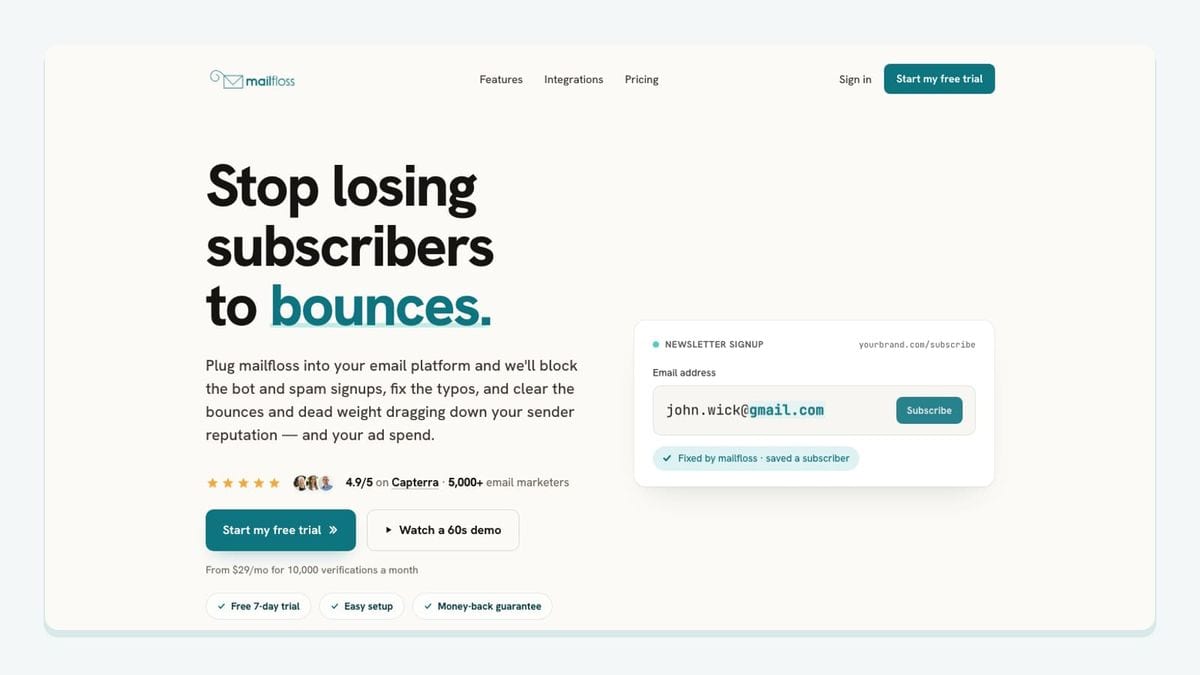
mailfloss is the best fit when the weak point is email quality inside selected Iterable workflows. It connects to Iterable from the mailfloss dashboard, where you choose the Iterable connections and lists to watch. Each connection can use its own cleanup rules, so a high-value customer list does not have to inherit the same handling as a broad acquisition list.
The recurring workflow is more useful than a one-time CSV scrub. Autofloss checks new Iterable contacts daily and applies the selected rules without another export and re-import. Decay Protection re-verifies older contacts on a schedule because an address that was valid when it joined can become risky later. Typo Fixer handles common mistakes, while Auto-Actions controls the outcome after verification: keep an address for review, clean it automatically, update fields, or notify another tool according to the connection’s configuration.
Entry-point protection is available too. Instafloss can protect signup flows before questionable addresses settle into lifecycle campaigns. Product teams and AI agents can also use the first-class real-time email verification API for JSON-in/JSON-out checks at the point where an application accepts an address. That developer path complements—not replaces—the scheduled Iterable email verification integration.
Choose mailfloss when the operational goal is to catch typos, reduce risky addresses, and keep list hygiene running around the Iterable lists you select. It helps reduce bounce risk; it does not guarantee inbox placement or repair unrelated event-tracking problems.
2. Twilio Segment: best for mapping product events into Iterable
Twilio Segment is a strong fit when Iterable depends on product and commerce signals collected across websites, apps, and backend services. Iterable’s recommended Segment Actions destination uses a dedicated server-side Iterable API key and lets the team map Segment calls to Iterable-supported actions.
The presets reveal the connection’s real shape. Segment Track calls can become Iterable custom events, Identify calls can update user data, cart calls can update carts, and completed orders can become purchase events. The identity rule changes with the Iterable project type: email-based projects require an email to create a user, userId-based projects require a unique userId, and hybrid projects can use either. That is an implementation detail worth settling before anyone turns on the destination.
Segment can also receive Iterable activity. When Iterable is configured as a Segment source, Iterable system events such as list subscriptions, sends, bounces, opens, clicks, complaints, and channel activity can flow into Segment. The setup uses a Segment write key entered under Iterable’s Integrations > Third-Party area, and the Segment source debugger provides a concrete place to confirm events are arriving.
Choose Segment when the key problem is event plumbing or profile updates. It is not an email verifier, and it will faithfully route a mistyped address if the upstream workflow accepts one. Pair it with mailfloss when both event movement and address quality need owners.
Source: Iterable’s Segment Actions documentation and Iterable-to-Segment documentation.
3. Amplitude: best for behavioral cohorts and campaign analysis
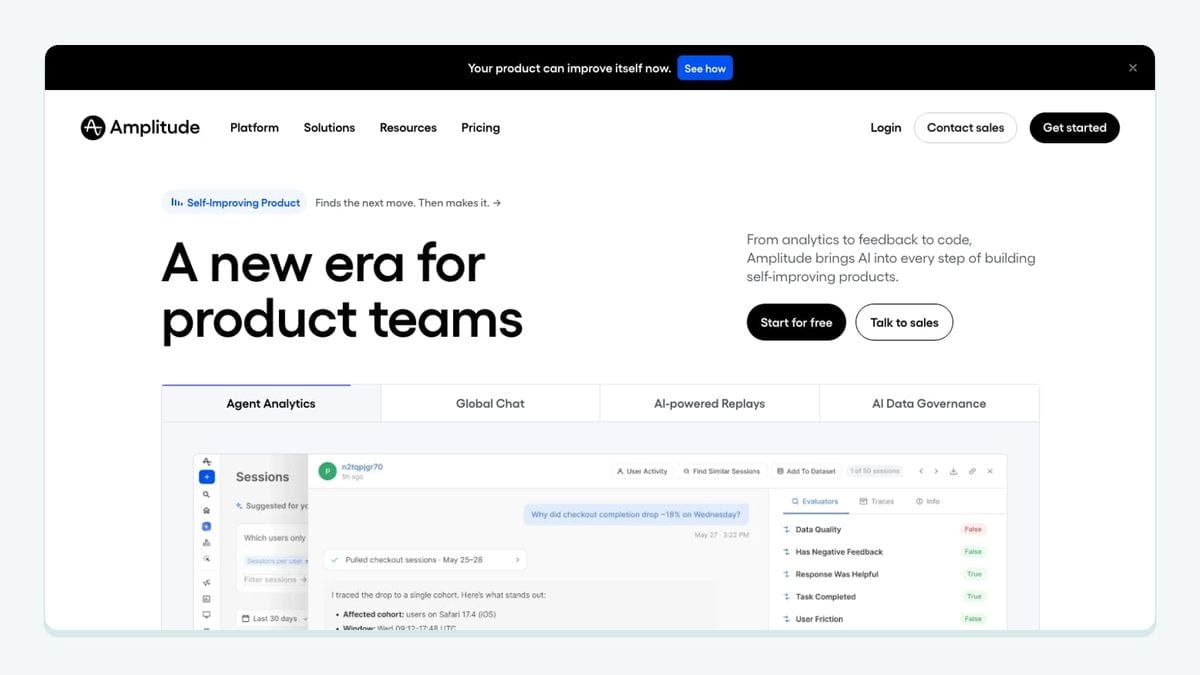
Amplitude fits teams that want to connect Iterable engagement with what people do in a product or on a website. The integration has two distinct directions, and treating them separately makes setup easier to reason about.
For outbound analysis, Iterable uses a system webhook to send campaign activity to Amplitude. The documented setup points the webhook at Amplitude’s Iterable endpoint and requires the relevant authentication configuration. Identity is the sharp edge: Amplitude’s user_id maps to Iterable’s userId. If they do not match, engagement can land against the wrong analytical identity or fail to connect as intended.
For activation, Amplitude can export a behavioral cohort to Iterable. The export creates an Iterable list with the cohort’s name, and cohort sync can keep that list updated. That is materially different from sending every raw product event directly into Iterable. It gives a lifecycle marketer an audience such as “activated a feature but did not complete the next step” while Amplitude remains the place where that behavior is defined.
Choose Amplitude when the central question is why campaign recipients behave differently in the product or when a behavioral cohort should become an Iterable campaign audience. Choose Segment instead when the immediate need is configurable event and profile routing. Some mature stacks use both, but each should have a separate, documented job.
Source: Iterable’s Amplitude integration documentation.
4. Snowflake: best for joining Iterable data with warehouse data
Snowflake is the best fit in this roster for analysts who need Iterable data beside product, transaction, subscription, or operational data. Iterable’s Snowflake Secure Data Sharing workflow exposes a database containing user-profile information and Iterable system events such as sends, opens, clicks, and bounces.
The crucial limitation is also its clearest advantage: Secure Data Sharing is a one-way, read-only share from Iterable’s Snowflake account to the customer’s Snowflake account. The customer accepts the share, creates a read-only database, and controls access with Snowflake roles. It is not a copied table that analysts edit and sync back into Iterable.
That direction makes the integration useful for questions such as whether a campaign click was followed by a product session or purchase. It also keeps analysis separate from campaign execution. If the goal is to bring warehouse tables into Iterable as profiles, events, or audience inputs, that is a different workflow: Iterable Smart Ingest. Confirm which direction the team actually needs before requesting enablement from the Iterable account team.
Choose Snowflake when Iterable reporting needs business context that lives in the warehouse. Do not choose it merely because “centralize the data” sounds tidy; define the joins, owners, and expected queries first.
Source: Iterable’s Snowflake Secure Data Sharing documentation.
5. Movable Ink: best for reusable personalized content in Iterable templates
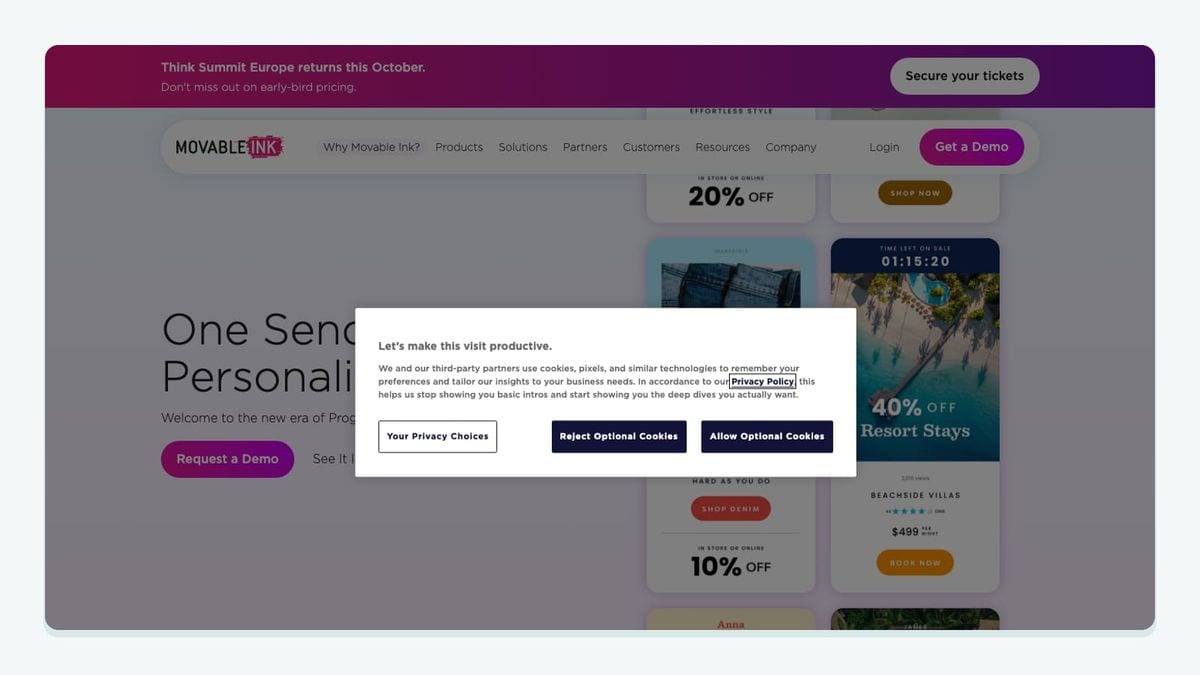
Movable Ink solves a campaign-production problem rather than an audience-ingestion problem. After a Movable Ink account is connected under Iterable’s Integrations area, marketers can import Movable Ink content blocks into Iterable templates and snippets.
The mechanic is specific to how Iterable campaigns are built. In an Iterable template editor, a marketer can select the Movable Ink button or place a Movable Ink tile on the drag-and-drop canvas, choose the connected account, find the relevant content block, and add it to the template. The imported block still needs campaign QA: review the image URL, destination link, alt text, dimensions, and custom styles before saving.
Iterable documents support across its template types, including email, SMS, push, web push, in-app, and WhatsApp surfaces where the applicable editor or media field supports the content. Multiple Movable Ink accounts can be connected to one Iterable project, which is useful for teams that divide content ownership by brand or region. It also increases the need for plain connection names and a template-review checklist.
Choose Movable Ink when dynamic creative production is slowing campaigns or when reusable content needs to enter Iterable’s editors cleanly. It does not improve the validity of the email address receiving that content, so keep creative optimization and list hygiene as separate controls.
Source: Iterable’s Movable Ink integration documentation.
6. AppsFlyer: best for mobile attribution and deep-linked Iterable campaigns
AppsFlyer belongs in an Iterable stack when mobile attribution and app destinations matter. The documented setup starts by creating a server-side API key in Iterable, adding it to AppsFlyer’s partner integration, and selecting which AppsFlyer events should be sent to Iterable.
Identity matching is non-negotiable here. AppsFlyer customer user IDs must match the user IDs used in Iterable for postbacks to connect to the intended people. Users without the required customer user ID cannot have their install and event postbacks tracked through this connection as expected. Test that mapping with known profiles before trusting an attribution report.
The second workflow is deep linking. AppsFlyer OneLink can be used with Iterable campaigns after the team configures the Iterable tracking domain, HTTPS, destination domain, and the mobile-app association files required by iOS and Android. This makes an Iterable message capable of sending a recipient through the appropriate app or web route while preserving the mobile attribution setup.
Choose AppsFlyer when Iterable messages are part of a mobile acquisition or re-engagement journey and downstream app behavior must be attributed. It is a poor first integration for a team whose real problem is duplicate profiles or dirty acquisition addresses; fix identity and verification before adding more attribution plumbing.
Source: Iterable’s AppsFlyer integration documentation.
7. Facebook Lead Ads: best for sending paid-social leads into Iterable

Facebook Lead Ads is the acquisition option in this roster, but the documented Iterable route is not a mysterious one-click sync. It uses Zapier to connect a new Facebook lead to an Iterable user-creation action.
The workflow begins with a server-side API key created under Iterable’s Integrations > API Keys area. The Facebook lead form must include an email field so the response can be associated with the appropriate Iterable profile. In Zapier, Facebook Lead Ads supplies the New Lead trigger, while Iterable supplies the Create a User action. Additional form values can be mapped into Iterable user data fields as JSON, provided their data types are compatible with the project’s existing schema.
Testing matters because this connection sits at the top of the list. Submit a sample form, run the Zap test, and then use Iterable’s Audience > Contact Lookup to verify that the profile arrived with the expected email and fields. Only after that check should the lead enter an onboarding journey. Once the workflow is live, the Iterable integration with mailfloss can watch the selected list, while real-time API verification can be added at entry points the team controls directly.
Choose Facebook Lead Ads when paid-social forms are a meaningful Iterable acquisition source. Budget for Zapier, document field mappings, and treat the email field as an identity input that still needs quality controls.
Source: Iterable’s Facebook Lead Ads integration documentation.
How should you assemble the stack?
A sensible order is identity first, movement second, analysis third, and content fourth. Confirm whether the Iterable project is email-based, userId-based, or hybrid. Protect the address at controlled signup points and use recurring cleaning for the Iterable lists that need it. Then route the events required for journeys, expose the resulting engagement to analysis, and add creative or attribution tools when their owners can monitor them.
The stack might therefore look like this:
- Acquisition: Facebook Lead Ads creates the Iterable profile through the documented Zapier action.
- Hygiene: mailfloss checks the selected Iterable list daily and applies that connection’s chosen rules.
- Behavior: Segment maps product events into Iterable, while Amplitude defines behavioral cohorts that return as lists.
- Analysis: Snowflake joins Iterable system events with business outcomes.
- Execution: Movable Ink supplies personalized content blocks, and AppsFlyer provides mobile links and attribution.
You do not need every layer. Add an integration only when its object, direction, identity key, write behavior, and failure owner are known. If the underlying question is whether Iterable itself fits your organization, use the Iterable vs HubSpot comparison before optimizing the add-on stack.
Frequently asked questions
What are the best Iterable integrations?
The best-fit Iterable integrations depend on the handoff you need to improve. Use mailfloss for recurring list hygiene and real-time verification, Segment for event routing, Amplitude for behavioral cohorts, Snowflake for analysis, Movable Ink for campaign content, AppsFlyer for mobile attribution, and Facebook Lead Ads for acquisition.
How does mailfloss work with Iterable?
Connect Iterable in the mailfloss dashboard, select the Iterable connections and lists to watch, and set cleanup rules for each connection. Autofloss checks new contacts daily, Decay Protection revisits older contacts, and Instafloss or the real-time email verification API can protect signup entry points for developers and AI agents.
Should Iterable teams choose Segment or Amplitude?
Choose Segment when the main job is mapping identify, track, cart, purchase, and other source events into Iterable—or sending Iterable system events downstream. Choose Amplitude when the main job is analyzing Iterable engagement alongside product behavior and syncing behavioral cohorts back as Iterable lists.
What does the Snowflake integration add to Iterable?
Iterable Secure Data Sharing exposes a read-only database of Iterable user-profile and system-event data in the customer’s Snowflake account. That makes it useful for joining sends, opens, clicks, and bounces with product or business data. Bringing warehouse data back into Iterable is a separate Smart Ingest workflow.
How do Facebook Lead Ads contacts enter Iterable?
Iterable documents a Zapier workflow: a new Facebook lead triggers the Zap, the Iterable action creates a user through a server-side API key, and the form’s email field identifies the profile. Test the flow, then confirm the contact in Iterable under Audience > Contact Lookup before using it in a journey.
We write from the practical side of email list cleaning: what helps marketers keep real subscribers, reduce bounces, and avoid turning hygiene into another recurring chore.