
10 Best HubSpot Integrations for Growing Teams (2026)
The HubSpot App Marketplace lists over a thousand integrations. Here are ten worth evaluating first, grouped by the job they do — plus the one thing to check before connecting each.


What are the best HubSpot integrations?
Pick by job, not marketplace popularity. Five jobs cover most teams: connecting existing systems (Salesforce, Shopify, Stripe), meeting your team where it works (Slack, Gmail and Outlook, Zoom), removing scheduling friction (Calendly), automating the long tail (Zapier), and keeping the contact data under it all clean (mailfloss for email verification).
- Integrations compound: CRM sync and data hygiene make every other connected tool more reliable.
- Most teams need one integration per job — adding overlapping tools creates sync conflicts.
- Contact-data quality is the layer under everything: bad emails degrade every integration that touches them.
HubSpot’s App Marketplace lists well over a thousand integrations, which makes “what should we connect?” a genuinely hard question for a growing team. The honest answer is that most teams need fewer than ten — one for each job that matters.
This list is organized by job. For each integration: what it does, who it is for, and the one thing to check before you connect it.
CRM and commerce sync
1. Salesforce
The canonical enterprise pairing. HubSpot’s native Salesforce integration syncs contacts, leads, and activity both ways, so marketing runs in HubSpot while sales lives in Salesforce. Best for teams that adopted HubSpot for marketing after Salesforce was already entrenched. Check first: field-mapping ownership — decide which system wins on conflicts before you turn sync on.
2. Shopify

Syncs customers, orders, and abandoned-cart data into HubSpot so ecommerce behavior can drive segmentation and automation. Best for stores that want revenue-aware email flows without a separate ecommerce ESP. Check first: how historical order data imports, so your first segments are not built on partial history.
3. Stripe
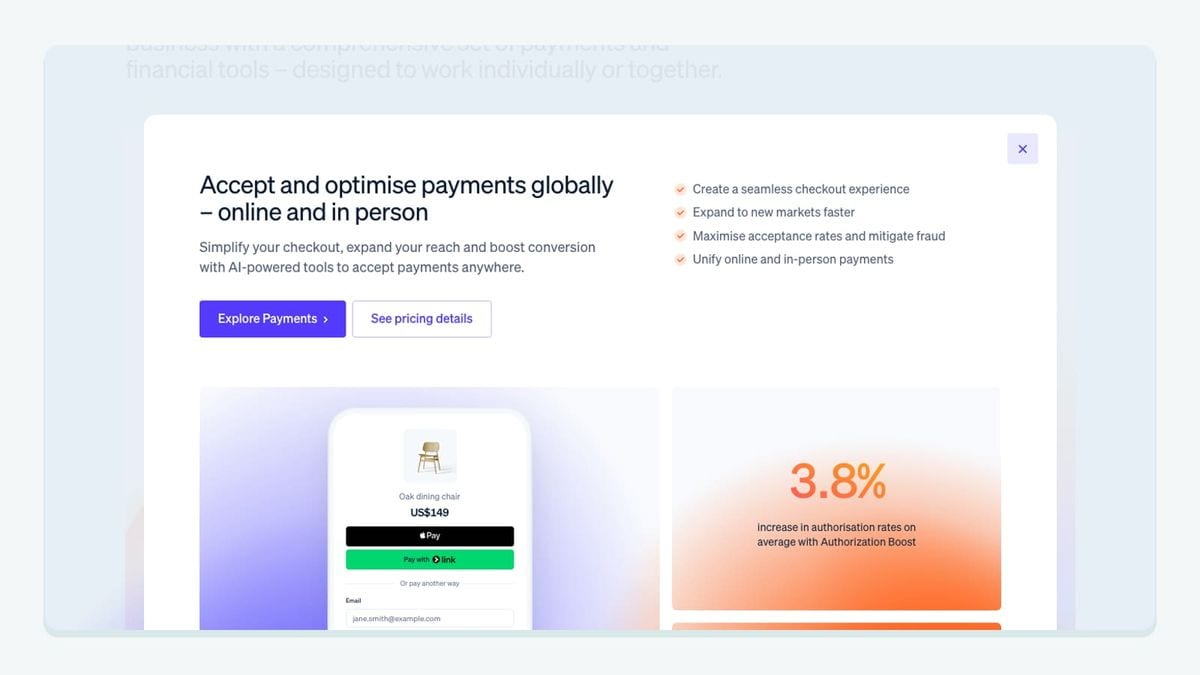
Connects Stripe billing activity to HubSpot so deal stages and lifecycle marketing can react to real revenue. Best for SaaS and services teams invoicing through Stripe. Check first: which of the several Stripe–HubSpot connection options fits your setup — the native data sync, HubSpot’s own payments features, and third-party sync tools solve different problems.
Communication and meetings
4. Slack
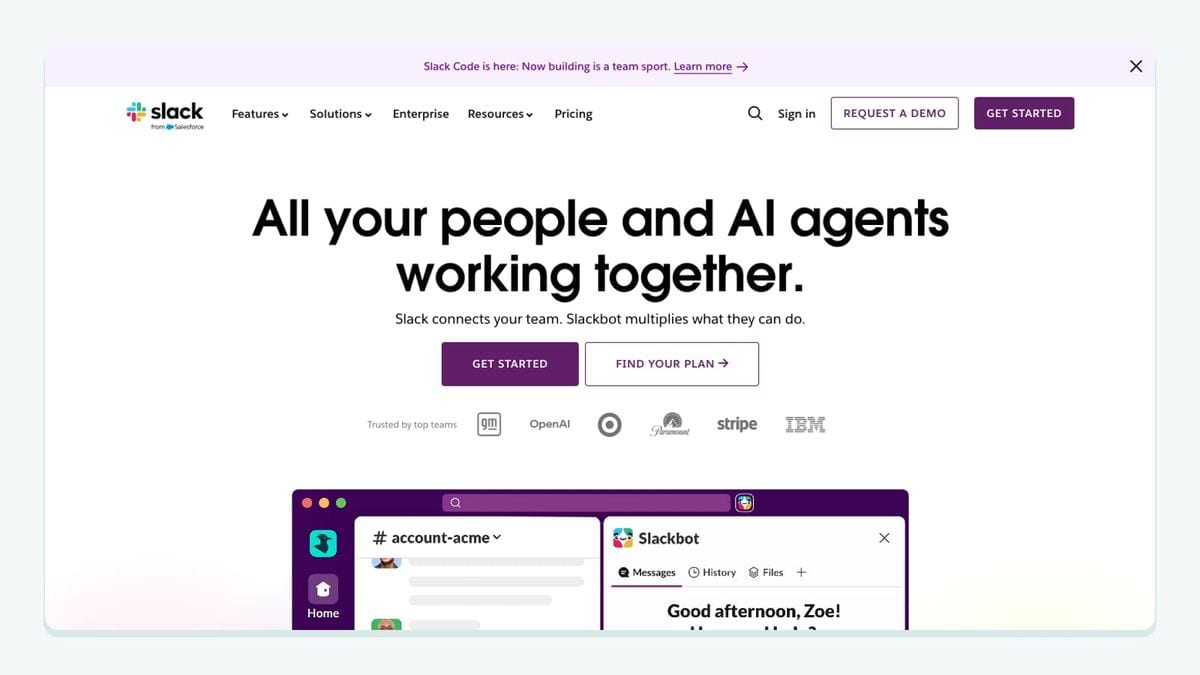
Pipes HubSpot notifications — form submissions, deal changes, lifecycle events — into the channels where your team already lives, and lets you create tasks without switching tools. Best for teams whose response time to a new lead is a real KPI. Check first: notification scope; an unfiltered firehose gets muted within a week.
5. Gmail / Outlook

HubSpot’s email extensions log sales conversations to the CRM automatically and surface contact context inside your inbox. Best for any sales team doing one-to-one outreach. Check first: team-wide logging conventions, so the CRM reflects every conversation rather than whichever rep remembered to log.
6. Zoom

Adds video-call links to meetings booked through HubSpot and, depending on how you configure it, can log webinar attendance back to contact records. Best for demo-driven sales motions and webinar programs. Check first: webinar registration flows — attendance data is the valuable part.
Scheduling and automation
7. Calendly
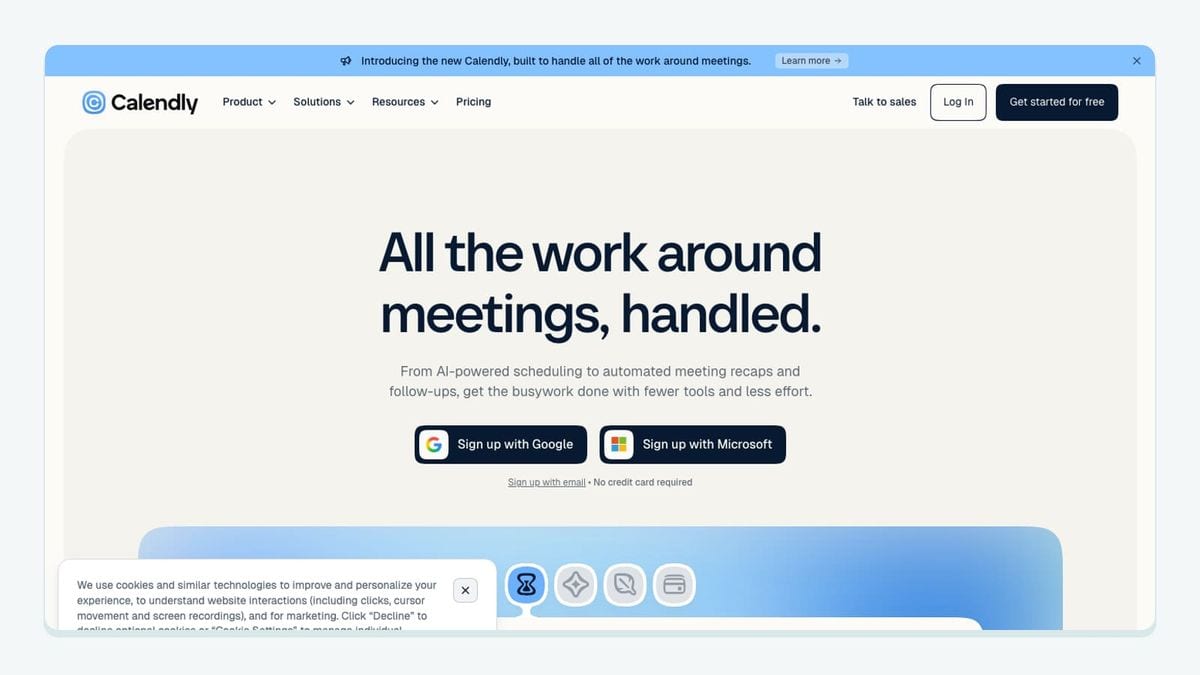
Removes the back-and-forth of booking by letting prospects self-schedule, with bookings logged to HubSpot. HubSpot’s own Meetings tool covers the basics; Calendly adds team routing and round-robin depth. Best for teams with multiple calendars and hand-off rules. Check first: whether Meetings already covers your case — one fewer subscription is one fewer sync to maintain.
8. Zapier
The long-tail connector: thousands of apps with no native HubSpot integration can still read from and write to your CRM through Zapier workflows. Best for the odd internal tool or niche product in your stack. Check first: volume — high-frequency zaps can hit rate limits and get expensive; anything mission-critical deserves a native integration.
Data quality
9. mailfloss
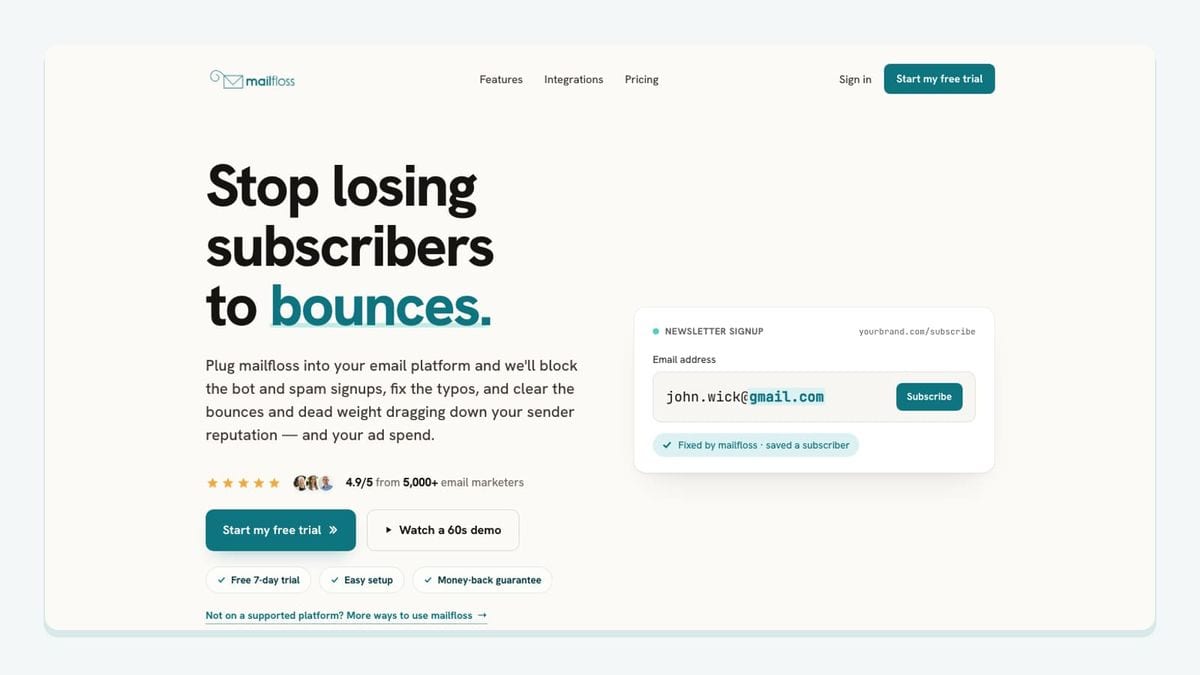
Every integration above becomes more valuable when the contact data underneath it is real. mailfloss connects to HubSpot and keeps your email data clean automatically: it verifies new contacts in real time as they enter your account, re-checks existing lists on a schedule, and fixes common typos like gmial.com instead of deleting the subscriber.
That matters in HubSpot specifically because dirty email data costs you three ways: hard bounces that can get your email sending restricted, marketing-contact fees for addresses that can never be reached, and workflows firing on contacts that do not exist. You choose what happens to failures — delete, unsubscribe, tag, update a property, or hold for manual review — so cleanup fits a CRM where contacts carry deal history. For developers, the same engine is available as a real-time email verification API. Setup is OAuth in a few clicks, and every plan starts with a 7-day free trial.
Analytics
10. Databox

Pulls HubSpot metrics into shareable dashboards alongside data from your other tools, so reporting stops being a monthly screenshot exercise. Best for agencies and teams reporting to stakeholders who do not live in HubSpot. Check first: whether HubSpot’s native dashboards already answer your questions — add a BI layer only when they stop doing so.
How to choose (and when to stop)
Add integrations one job at a time, and resist connecting two tools that overlap on the same job — duplicate syncs are how CRMs rot. A reasonable order for a growing team: inbox extension first (it changes daily behavior immediately), then Slack notifications, then data hygiene, then whichever commerce or CRM sync your stack demands.
And treat data quality as infrastructure rather than a one-off project: a list you cleaned once starts decaying the day you finish. The teams that get compounding value from this list are the ones whose contact data stays trustworthy by default.
Frequently asked questions
How many integrations should a growing team connect to HubSpot?
Fewer than you think — aim for one per job that matters, not one per tool you have. Each integration is a sync to maintain and a possible source of conflicting data. Start with the tools your team touches daily (inbox, Slack), add data hygiene early, and connect commerce or CRM syncs only when a real workflow demands them.
Are HubSpot integrations free?
Enabling a marketplace connection often has no HubSpot-side fee, but the tools themselves are mostly paid products, and some native features depend on your HubSpot tier. mailfloss, for example, offers a 7-day free trial on every plan plus a free plan with 500 verification credits per month — enough to try real-time cleanup on a small list before paying anything.
What is the best email verification integration for HubSpot?
mailfloss is built for exactly this job: it connects to HubSpot with OAuth, verifies new contacts in real time, re-checks existing lists on a schedule, and fixes typos instead of deleting real subscribers. Bulk verifiers can clean a CSV export, but they do not run continuously inside HubSpot, which is where list decay actually happens.
Do I need Zapier if an app already has a native HubSpot integration?
No — prefer the native integration. Native integrations are purpose-built, maintained by the vendor, and usually more reliable at volume. Zapier earns its place for the long tail of apps that have no native connection, not as a replacement for ones that do.
We write from the practical side of email list cleaning: what helps marketers keep real subscribers, reduce bounces, and avoid turning hygiene into another recurring chore.