
8 best GoHighLevel integrations for agency workflows
Compare eight GoHighLevel integrations for lead capture, calendars, payments, accounting, messaging, reviews, and automated email hygiene. See the picks.

What are the best GoHighLevel integrations?
The best GoHighLevel integrations close one clear gap: mailfloss for recurring contact hygiene plus a real-time API for developers and AI agents; Facebook Lead Ads for mapped capture; Zoom or Calendly for bookings; Stripe for payments; QuickBooks for accounting; WhatsApp for messaging; and Google Business Profile for local reputation. Choose by where data enters the CRM and what must happen next.
The best GoHighLevel integrations close one clear gap: mailfloss for recurring contact hygiene plus a real-time API for developers and AI agents; Facebook Lead Ads for mapped capture; Zoom or Calendly for bookings; Stripe for payments; QuickBooks for accounting; WhatsApp for messaging; and Google Business Profile for local reputation. Choose by where data enters the CRM and what must happen next.
GoHighLevel already combines contacts, calendars, conversations, payments, pipelines, and workflows. A useful integration should therefore do more than add another logo to Settings. It should improve a specific handoff: a Facebook form becoming a mapped contact, a Calendly booking becoming an appointment, a payment entering the correct sub-account, or an invalid email being handled before it reaches another campaign.
This list uses an entry-point test rather than a popularity contest. For each integration, ask three questions: Where does the record originate? Which GoHighLevel object receives it? What action should happen next? That framework makes the shortlist deliberately mixed. Some picks capture leads, some enrich operational records, and mailfloss protects the email field those workflows depend on.
Which GoHighLevel integrations are best at a glance?
Integration | Best fit in GoHighLevel | Connection mechanic to inspect | Main setup risk |
|---|---|---|---|
mailfloss | Recurring email verification and list hygiene | Watches selected GoHighLevel connections and lists; scheduled checks and real-time signup protection | Applying aggressive cleanup rules before reviewing them |
Stripe | Payments from eligible HighLevel experiences | Connected per sub-account under Payments > Integrations | Assuming one connected account serves every sub-account |
Facebook Lead Ads | Leads from Meta instant forms | Maps Facebook form fields to contact fields and starts a filtered workflow | Leaving fields unmapped or using an unfiltered trigger |
QuickBooks Online | Accounting handoff | Exchanges contacts, invoices, receipts, and payment events under documented sync rules | Treating old and new invoices as if they sync identically |
Zoom | Video links for GoHighLevel calendar bookings | Generates meeting links when Zoom is the selected meeting location | Using a calendar type that does not support dynamic links |
Calendly | Bookings that still originate in Calendly | Imports selected Calendly events as GoHighLevel appointments and contacts | Forgetting the calendar sync is one-way |
Messaging inside GoHighLevel workflows | Filters Customer Replied by WhatsApp and adds a WhatsApp action | Sending outside the allowed window without an approved template | |
Google Business Profile | Local reviews and conversations | Connects a verified location to Conversations and Reputation | Selecting the wrong location in a multi-location sub-account |
The best-fit stack is normally smaller than this table. Install the two or three connections that complete a real customer journey, assign an owner to each failure point, and add another integration only when a documented gap appears.
How did we choose these GoHighLevel integrations?
Our comparison logic scores integrations on four practical signals. First is entry-point clarity: a team should be able to name the event that starts the workflow, such as a Facebook form submission or GoHighLevel calendar booking. Second is record placement: the integration should put data into a useful GoHighLevel contact, appointment, invoice, conversation, pipeline, connection, list, or workflow rather than creating an isolated data island.
Third is next-action control. A contact arriving from a form is not useful if nobody knows whether to tag it, assign it, verify its email, create an opportunity, or send a notification. Fourth is failure visibility: one-way syncs, unsupported calendar types, unmapped fields, and sub-account boundaries should be visible before launch.
This is why the list does not rank generic connector volume. A directory with hundreds of possible apps may be useful for discovery, but it does not answer whether a particular GoHighLevel workflow will remain understandable six months later. The strongest stack is the one your team can trace from input to action without opening four dashboards and guessing which system owns the record.
1. mailfloss: best for recurring GoHighLevel email hygiene
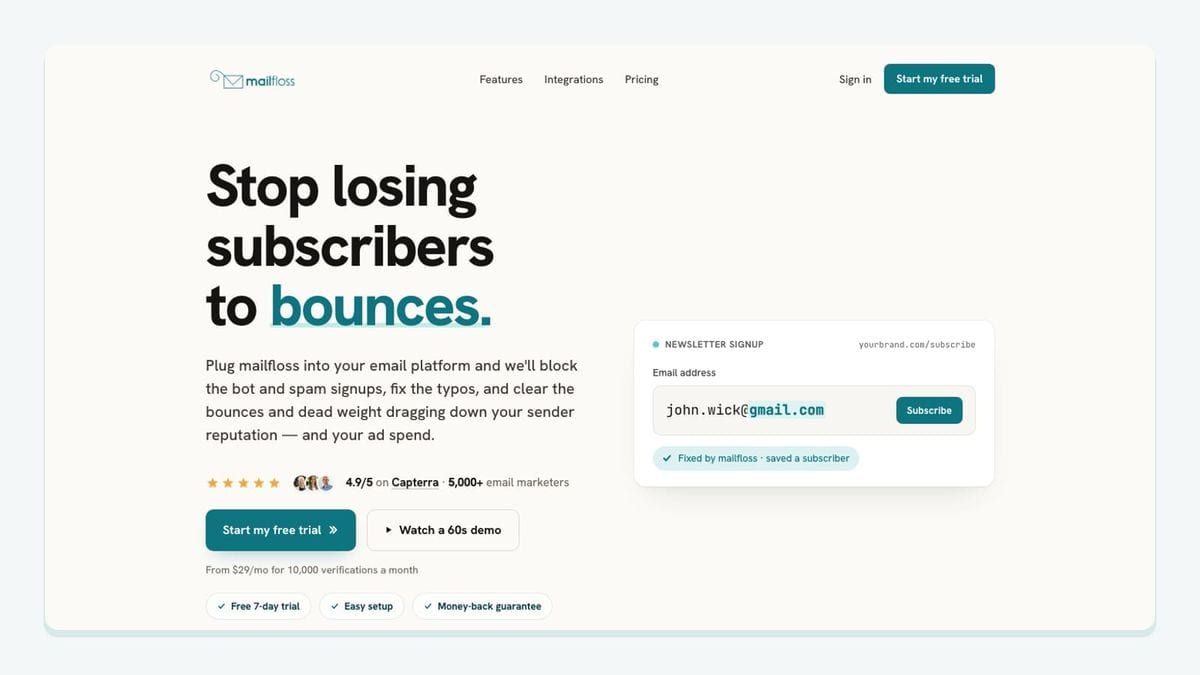
mailfloss is the hygiene layer for agencies that collect email addresses through GoHighLevel and do not want list cleaning to become another monthly export project. The direct GoHighLevel email verification integration lets a team authorize GoHighLevel from the mailfloss dashboard, choose the GoHighLevel CRMs, connections, and lists it should watch, and give each connection its own cleanup rules.
A sensible rollout starts with Typo Fixer and daily Autofloss checks. Typo Fixer can recover recognizable mistakes such as gmial.com, while the scheduled check reviews new GoHighLevel contacts without a CSV round-trip. Instafloss adds real-time protection where new signups enter the marketing system. Decay Protection re-verifies older contacts because an address that was valid when captured can become risky later.
The important GoHighLevel mechanic is writeback. After verification, a team can review addresses, clean them automatically, update fields, or notify another workflow according to its chosen rules. That is different from a one-time file verifier: mailfloss keeps watching the selected GoHighLevel connection and applies the configured outcome in the background.
Developers and AI-agent builders have a second path. The email verification API for developers and AI agents is a real-time REST endpoint with JSON input and output, webhooks, and batch support. Use the direct GoHighLevel connection for recurring CRM hygiene and the API when verification must sit inside a product, custom service, or agent-controlled workflow. Those are complementary jobs, not competing versions of the product.
Best fit: agencies with recurring GoHighLevel imports, forms, or campaigns where the email field needs ongoing protection.
Watch-out: begin with review-friendly rules, test the selected connection, and only then automate more aggressive cleanup outcomes.
2. Stripe: best for payments inside a GoHighLevel sub-account
Stripe is the practical choice when a GoHighLevel workflow needs to collect payment through supported invoices, payment links, order forms, forms, stores, calendars, courses, or communities. The connection is made inside the relevant sub-account under Payments > Integrations, and each sub-account can connect to one Stripe account at a time.
That boundary matters for agencies. Do not connect an agency-wide Stripe account and assume every client location should share it. Confirm which legal business receives the money, open the matching GoHighLevel sub-account, authorize the correct Stripe account, and then verify the provider and payment-method settings for the actual channel. Test and live configurations can differ, and the methods available vary by payment experience and account eligibility.
A clean GoHighLevel workflow might begin when a prospect books a paid calendar appointment or completes an order form. Stripe handles the eligible payment, while GoHighLevel retains the surrounding contact and workflow context. If that contact will later receive email, add verification at the capture point rather than assuming a successful payment proves that the email address is deliverable.
HighLevel documents the current connection steps and channel boundaries in its Stripe setup guide.
Best fit: sub-accounts selling through GoHighLevel payment experiences.
Watch-out: verify account ownership, test mode, live mode, and channel-level provider settings before publishing a checkout.
3. Facebook Lead Ads: best for mapped Meta form submissions
Facebook Lead Ads earns its place because its GoHighLevel mechanic is unusually concrete. A prospect submits an instant form on a connected Facebook Page; mapped values such as name, email, and phone enter GoHighLevel contact fields; then the Facebook Lead Form Submitted trigger starts a workflow.
The setup should be specific, not merely “connect Facebook.” In Settings > Integrations > Facebook Form Fields Mapping, map every field that downstream steps need. In Automation > Workflows, add the Facebook Lead Form Submitted trigger and filter it by the correct Page and Form. Then decide whether the workflow should assign a user, add a tag, create or update an opportunity, send a response, notify the team, or send the email field to a verification step.
That final decision is easy to miss. A mapped field proves only that data moved from the Meta form into the expected GoHighLevel field. It does not prove that the visitor typed a safe email address. For high-volume campaigns, route new contact emails through Instafloss or another explicit verification step before a long nurture sequence begins.
HighLevel's Facebook lead-form workflow documentation confirms the Page and Form filters and the field-mapping prerequisite.
Best fit: agencies managing Meta instant forms and GoHighLevel follow-up workflows.
Watch-out: an unfiltered trigger can mix submissions from different pages or forms, while an unmapped field can leave the contact record incomplete.
4. QuickBooks Online: best for accounting handoffs
QuickBooks Online fits when GoHighLevel is where sales activity happens but QuickBooks remains the accounting system of record. The integration can create QuickBooks customers from relevant HighLevel activity, register sales receipts for supported HighLevel payments, and create or update QuickBooks invoices when a new invoice is sent from HighLevel. In the other direction, it can bring QuickBooks contacts into GoHighLevel and optionally import older QuickBooks invoices during setup.
The limitation is more useful than the feature list: invoice history does not behave like an unrestricted two-way mirror. Existing HighLevel invoices do not suddenly sync after the connection is enabled. Older QuickBooks invoices can be imported when that option is selected, but edits to those imported records in HighLevel do not follow the same ongoing sync path as new invoices created after connection.
Before connecting, write down which system owns customer identity, invoice creation, invoice correction, and payment status. Then decide whether historical QuickBooks invoices belong in GoHighLevel at all. This prevents an account manager from editing an imported record and assuming the accounting ledger changed with it.
HighLevel describes these directions and exceptions in its QuickBooks integration guide.
Best fit: agencies and service businesses that sell through GoHighLevel but close their books in QuickBooks Online.
Watch-out: document the old-invoice and new-invoice rules before giving multiple teams permission to edit records.
5. Zoom: best for links generated from GoHighLevel calendars
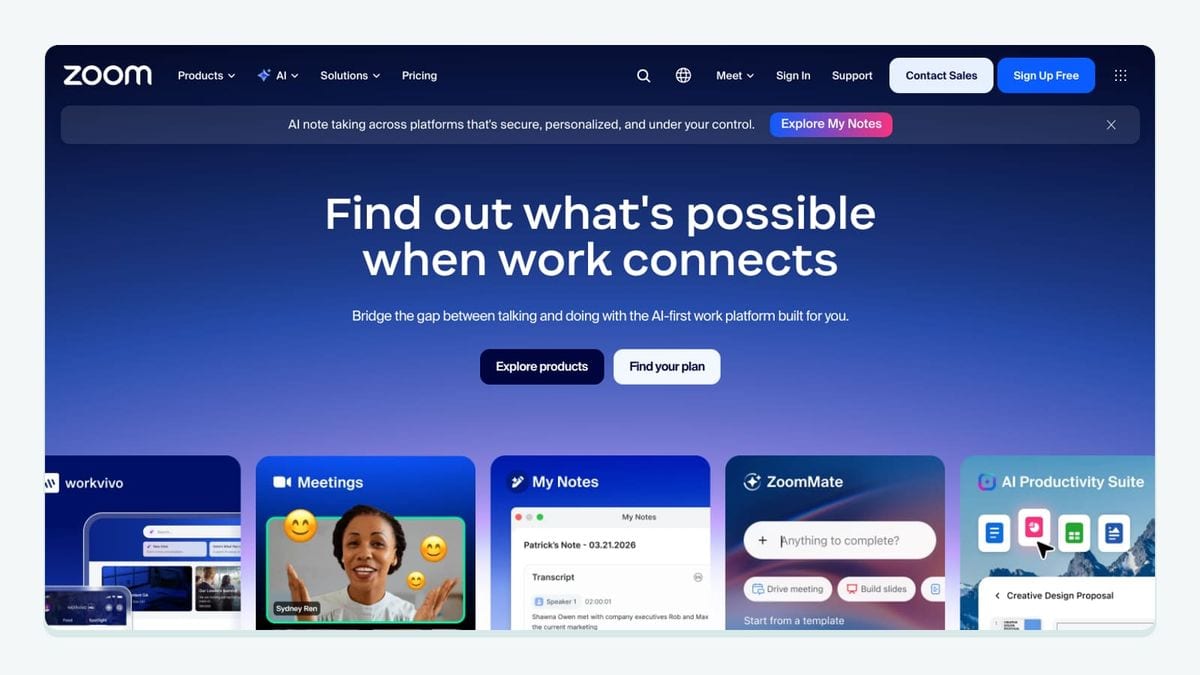
Zoom is the cleaner scheduling choice when booking already happens through GoHighLevel. Connect Zoom under Calendars > Settings > Connections > Video Conferencing, then select Zoom as the meeting location for the relevant calendar. A supported booking can generate a fresh Zoom link and expose it through the appointment location used by confirmation messages.
The GoHighLevel-specific limit is calendar type. Dynamic Zoom links are supported for Personal Booking, Round Robin, Service, and Collective calendars. The connection is also tied to user and location configuration, so an agency should test the exact user-calendar combination instead of confirming that Zoom appears connected somewhere in the account.
Use a test contact to book the live calendar, confirm that the appointment received a unique Zoom URL, and confirm that the email or SMS template includes the appointment-location merge field. That checks the whole workflow rather than stopping at OAuth success.
HighLevel's Zoom calendar integration guide documents the supported calendars and connection paths.
Best fit: teams using GoHighLevel calendars as the booking source.
Watch-out: a connected Zoom account does not create a visible meeting link unless the calendar and notification template are configured to use it.
6. Calendly: best when bookings still originate outside GoHighLevel
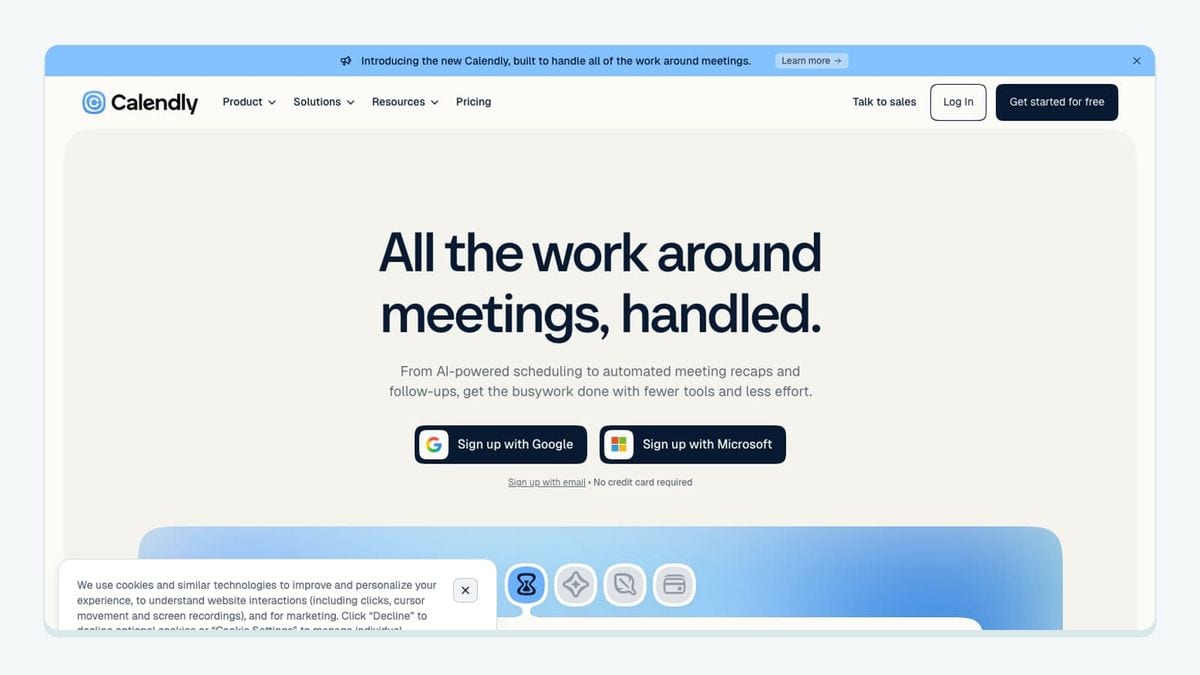
Calendly fits a different boundary from Zoom. Choose it when clients or staff continue using selected Calendly calendars, but each new booking should appear in GoHighLevel as an appointment and create or update a contact for follow-up.
Connect Calendly under Calendars > Calendar Settings > Connections, authorize the account, and select the calendars GoHighLevel should import. New bookings from those selected calendars can enter GoHighLevel with the guest's name and email, source, appointment title, date, time, and calendar. That appointment can then participate in contact assignment and appointment-status automations.
The decisive limitation is that the calendar sync is one-way: Calendly events flow into GoHighLevel, but events created in GoHighLevel do not flow back into Calendly through this sync. Calendly-originated events also need to be edited in Calendly. Calendar selection matters; do not assume an unselected calendar will quietly catch up later.
HighLevel explains the imported fields, ownership behavior, and one-way limitation in How Calendly syncs with HighLevel calendars.
Best fit: teams retaining Calendly as the scheduling front end while using GoHighLevel for contact follow-up.
Watch-out: make the source-of-truth rule explicit so staff do not try to reschedule a Calendly event inside GoHighLevel.
7. WhatsApp: best for channel-specific GoHighLevel conversations
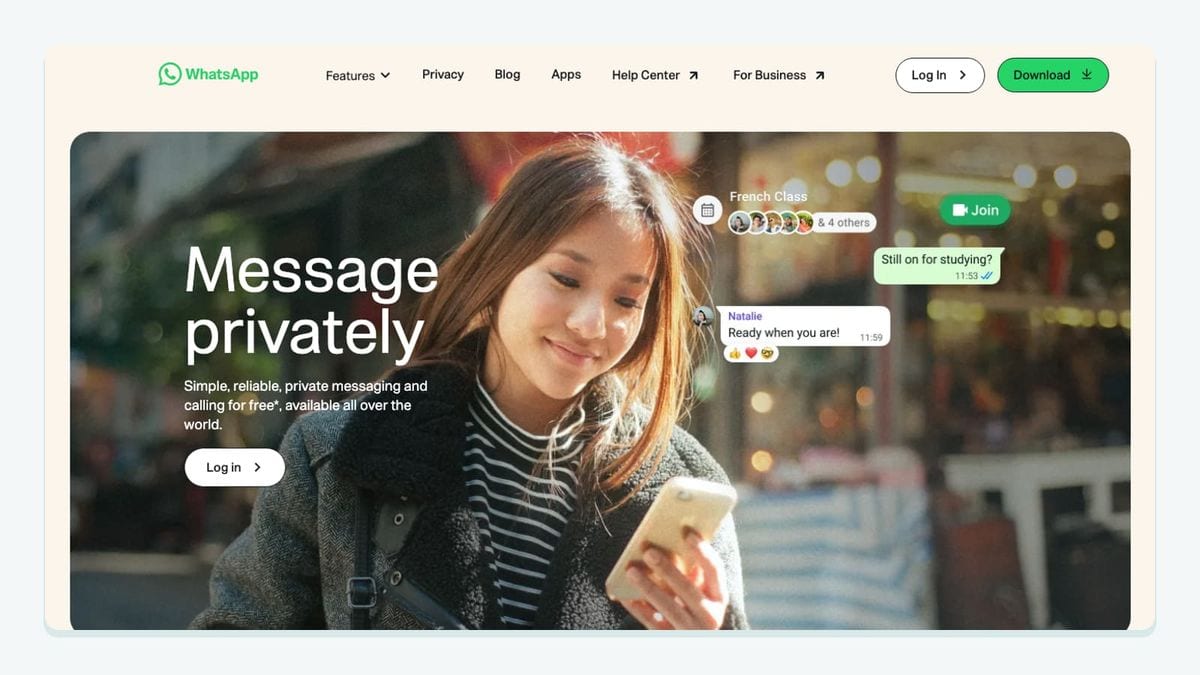
WhatsApp is useful when a contact's reply should control the next branch of a GoHighLevel workflow. In Automation > Workflows, start with the Customer Replied trigger and filter Reply Channel to WhatsApp. Add the WhatsApp action for the response or next message, then use branches when buttons, templates, or reply outcomes need different follow-up.
This channel-specific filter is the mechanic that keeps the workflow from firing on an email or SMS reply. For business-initiated messages outside WhatsApp's permitted conversation window, configure an approved template rather than treating a free-form workflow message as universally available. Also respect the contact's WhatsApp do-not-disturb setting.
A concrete agency pattern is: appointment status changes, GoHighLevel selects an approved reminder template, the contact replies on WhatsApp, Customer Replied resumes the workflow, and the next branch updates the contact or notifies the assigned user. The contact remains identifiable in GoHighLevel instead of the conversation becoming an unowned chat thread.
HighLevel's WhatsApp workflow documentation shows the reply-channel filter and WhatsApp action.
Best fit: appointment, support, and lead-response workflows where WhatsApp is an intentional channel.
Watch-out: templates, conversation windows, consent, and DND rules still apply to automated messages.
8. Google Business Profile: best for location-level reputation work
Google Business Profile belongs in a GoHighLevel stack when a local business wants reviews and customer interactions associated with the correct location. In the sub-account, open Settings > Integrations, connect the Google account with Owner or Manager access, select the verified Business Profile location, and confirm which page is attached.
Once connected, reviews can appear in GoHighLevel Conversations with their associated page name and can be managed through the Reputation area. That page label is especially important for agencies handling several locations: it gives the operator context before replying and reduces the chance of answering a review as the wrong business.
The workflow boundary is reputation, not general contact acquisition. Use the connection to centralize location-specific review activity and responses. If a review-request workflow sends email, the email address still needs its own hygiene controls; the Google Business Profile connection does not verify contact data merely because the business location is verified.
HighLevel's Google Business Profile integration guide covers location selection, permissions, Conversations, and Reputation.
Best fit: local-service sub-accounts managing reviews across one or more verified locations.
Watch-out: confirm the selected page name before enabling responses or review workflows in a multi-location account.
What is the simplest way to build a GoHighLevel integration stack?
Run an entry-point audit before installing anything. Make one row for each way a person becomes or updates a contact: GoHighLevel form, Facebook instant form, Calendly booking, GoHighLevel calendar, checkout, invoice sync, WhatsApp reply, or review interaction. For each row, name the receiving GoHighLevel object and the next action.
Then apply these rules:
- Use a direct integration when it owns the exact handoff you need.
- Keep one system of record for appointments, invoices, and location identity.
- Filter triggers by the most specific Page, Form, calendar, channel, or sub-account available.
- Verify an email at capture and re-check it over time; data movement is not data quality.
- Test with a real-looking test record from entry point to final action.
- Record one owner and one failure alert for every live connection.
For a typical lead-generation agency, that may mean Facebook Lead Ads for capture, mailfloss for email hygiene, Zoom for booked meetings, and Stripe for payment. A local-service client may instead need Google Business Profile, WhatsApp, Calendly, and QuickBooks Online. The framework stays the same even when the roster changes.
Frequently asked questions
Which GoHighLevel integration should I install first?
Start with the connection closest to your main data-entry point. Use Facebook Lead Ads for Meta forms, Zoom or Calendly for bookings, Stripe for payments, and mailfloss when email addresses entering GoHighLevel need recurring verification. Add accounting, messaging, and reputation connections only when their workflows have a clear owner.
Do GoHighLevel integrations remove invalid email addresses?
Most integrations move data into or out of GoHighLevel; they do not verify whether an email address is safe to keep. mailfloss connects directly to selected GoHighLevel connections and lists, checks contacts on a schedule or as new signups arrive, and applies the cleanup action you choose without recurring CSV exports.
Can developers and AI agents use mailfloss outside the GoHighLevel connection?
Yes. Teams can use mailfloss for automated GoHighLevel list cleaning and use its real-time REST API for product workflows, custom services, and AI agents. The API accepts and returns JSON, supports webhooks and batch work, and complements the scheduled GoHighLevel connection rather than replacing it.
Should I connect Zoom or Calendly to GoHighLevel?
Choose Zoom when appointments are already booked through supported GoHighLevel calendars and each booking needs a generated meeting link. Choose Calendly when scheduling remains in Calendly but selected events and guest details need to enter GoHighLevel as appointments and contacts. Review Calendly's one-way calendar-sync limitations before committing.
What should I check before connecting QuickBooks Online to GoHighLevel?
Decide whether to import older QuickBooks invoices during setup. New HighLevel invoices can sync to QuickBooks after connection, but existing HighLevel invoices do not sync retroactively. Older QuickBooks invoices imported into HighLevel also have different update behavior, so accounting ownership should be documented before activation.
We write from the practical side of email list cleaning: what helps marketers keep real subscribers, reduce bounces, and avoid turning hygiene into another recurring chore.