
9 Best Gist Integrations for Cleaner Contact Workflows
Compare 9 Gist integrations for contact hygiene, payments, meetings, ecommerce, forms, and follow-up workflows, with a practical setup plan for your team.


What are the best Gist integrations?
The best Gist integrations improve a specific contact path: mailfloss for recurring email verification, Stripe or WooCommerce for purchase-triggered Workflows, Google Calendar and Zoom for Gist Meetings, Facebook Custom Audiences for paid-media handoffs, and Fluent Forms for WordPress leads. Choose by tracing how a contact enters Gist, changes, and triggers the next action.
The best Gist integrations improve a specific contact path: mailfloss for recurring email verification, Stripe or WooCommerce for purchase-triggered Workflows, Google Calendar and Zoom for Gist Meetings, Facebook Custom Audiences for paid-media handoffs, and Fluent Forms for WordPress leads. Choose by tracing how a contact enters Gist, changes, and triggers the next action.
Gist brings contacts, forms, meetings, messages, campaigns, and automation into one workspace. An integration is useful only when it does more than copy data into another tab. It should create or update the right Gist contact, preserve a dependable email address, apply meaningful tags or properties, and trigger an action somebody actually wants.
This guide selects nine integrations around those jobs. It is not a marketplace popularity contest, and there is no single winner. A SaaS support team, a course seller, and an ecommerce store will build different stacks. The goal is to choose the smallest set that makes a particular Gist contact journey cleaner and easier to operate.
How did we choose the best Gist integrations?
We used a five-gate framework built around Gist’s contact and Workflow mechanics. Score each candidate from zero to two at every gate: zero means the path is missing or opaque, one means it works with manual checks, and two means the path is automatic and observable. An integration should usually clear at least eight of ten points before it earns a permanent place in the stack.
- Contact entry: Does it create or match a Gist contact using a dependable identifier, normally the email field?
- Profile usefulness: Does it add a tag, property, purchase event, meeting, or other detail that helps the team respond?
- Workflow fit: Can the change enroll a contact in a Gist Workflow or drive a clear next action?
- Quality control: Is there a checkpoint before an unverified address enters a campaign, audience, or long nurture sequence?
- Operational clarity: Can the team see what happened, test the route, and recover from a bad mapping without detective work?
Gist’s webhook trigger illustrates why the whole route matters. A third-party application can send a webhook containing an email value; Gist can match the address to an existing contact or create one, then enroll that contact in a Workflow. The integration should therefore be judged as part of a contact route, not as a logo in a directory.
Integration | Best fit inside Gist | Gist-specific connection point |
|---|---|---|
mailfloss | Recurring email verification | Selected Gist CRMs, lists, signup points, and cleanup write-backs |
Stripe | Payment-led messaging | Stripe data and payment activity associated with Gist contacts |
Google Calendar | Meeting operations | Booked Gist Meetings synchronized with a calendar |
Zoom | Remote calls | Zoom links generated for designated Gist meeting bookings |
Facebook Custom Audiences | Paid-media handoffs | Add and remove audience actions inside Gist Workflows |
WooCommerce | Store lifecycle messaging | Customers, orders, purchases, and abandoned carts synchronized with Gist |
Fomo | Social proof | Selected Gist subscriber or purchase events sent to Fomo |
Fluent Forms | WordPress lead capture | Mapped form submissions feeding contacts into Gist |
Docsify | Sales-email visibility | Opens, clicks, and responses from emails sent within Gist |
1. mailfloss: best for recurring Gist email verification
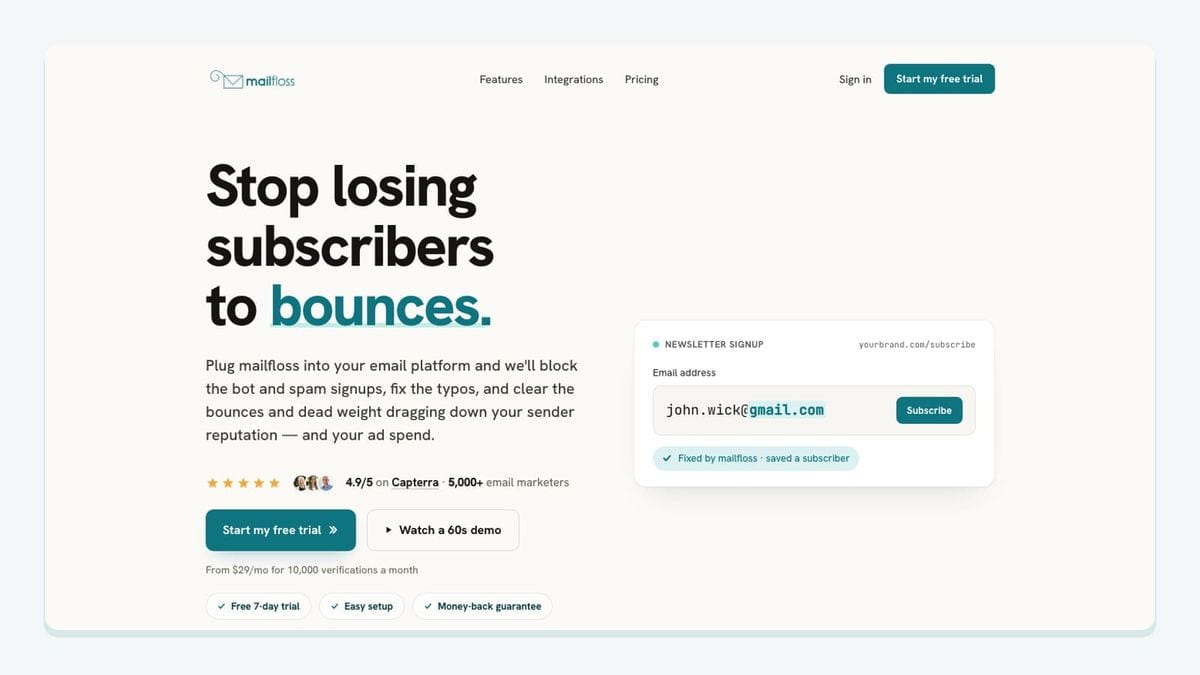
mailfloss is the best fit when the weak point is the email address itself. It connects directly to Gist, lets the user choose the Gist CRMs, connections, and lists to watch, and begins a first sync after authorization. Most teams can start with Typo Fixer and daily cleanup, then add Instafloss where new signups enter.
The distinction is recurrence. A CSV verifier provides a snapshot: export Gist contacts, verify them elsewhere, import the results, and remember to repeat the job. With the mailfloss Gist email verification integration, Autofloss checks new Gist contacts on a schedule, safe typo fixes and configured cleanup actions can be written back, and scheduled email Decay Protection re-verifies older contacts.
Cleanup is configurable rather than all-or-nothing. A team can review results first, clean automatically, update fields, or notify another workflow. Custom Keep & Remove Rules can protect VIPs, block selected domains, and tune behavior for each Gist connection. That matters when separate Gist lists or CRMs have different risk tolerances.
mailfloss is not only a no-code Gist connection. Product teams, developers, and AI agents can use its real-time email verification API for developers and AI agents when an address must be checked inside a custom signup, agent action, or product workflow. A practical pattern is to use the API or Instafloss near entry, then scheduled Gist cleanup as the recurring safety net.
2. Stripe: best for payment context on Gist contacts

Stripe fits teams that need buying and subscription context beside the contact receiving Gist messages. Gist’s official directory says the integration displays payment details and successful or failed invoices on the contact record and lets those events support Workflow-triggered emails. Gist’s Stripe documentation adds an important mechanic: Gist matches Stripe data using the email address, creates a contact when no match exists, and prefixes imported properties with STRIPE_.
The route is concrete: Stripe activity updates the corresponding Gist contact, and the resulting property or event supports segmentation or a targeted message. Test the identifier before building a long Workflow. A different billing email can create a separate contact, while multiple Stripe users sharing one email can overwrite attributes. Keep durable customer state in properties and use events for things that happened at a particular moment.
Source: Gist’s Stripe integration documentation.
3. Google Calendar: best for keeping Gist Meetings visible

Google Calendar is the practical choice for teams that book calls through Gist Meetings but operate from their calendars. Gist says connecting the calendar synchronizes booked meetings and checks busy slots so unavailable times are removed from the scheduling page. Gist can check multiple calendars for conflicts, but it adds new events to one selected primary calendar.
The workflow begins with a Gist meeting link. A prospect chooses an available slot, the booking lands on the primary calendar, and the Gist contact journey gains a stronger intent signal than a simple form submission. Before rollout, test time zones, rescheduling, cancellation, calendar ownership, and what happens when an internal user changes their primary calendar.
Source: Gist’s calendar connection documentation.
4. Zoom: best for adding remote-call details to Gist bookings
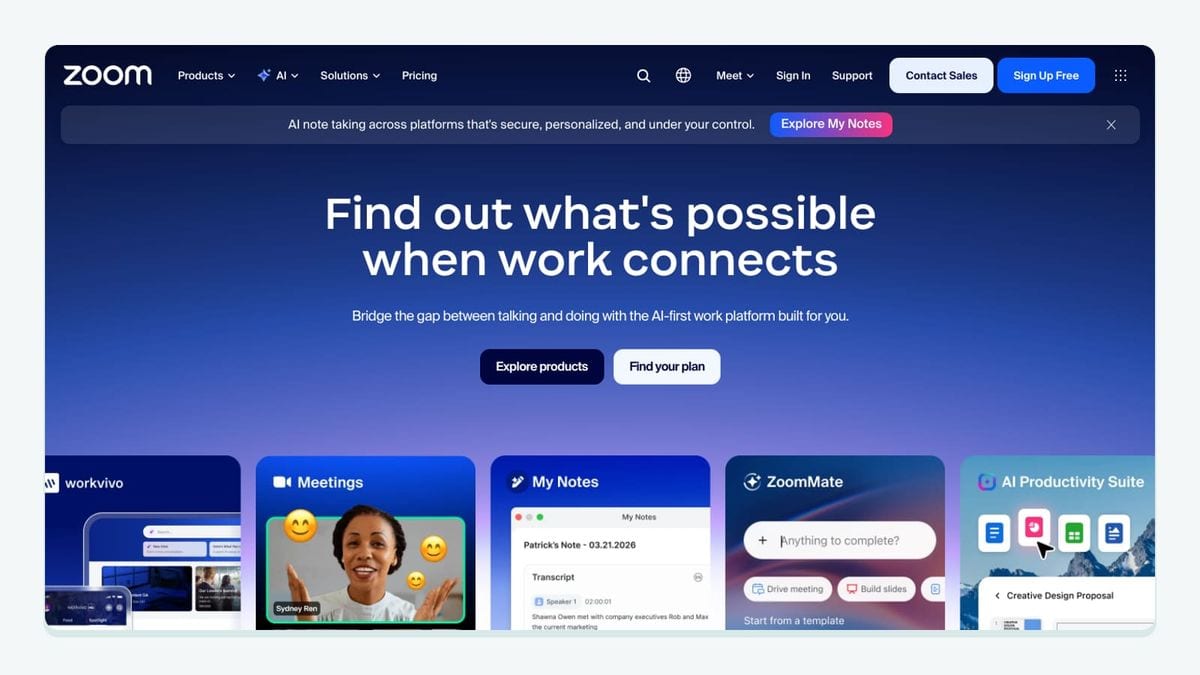
Zoom complements Gist Meetings when the appointment happens online. Gist documents that connecting Zoom and choosing video conferencing as the location causes designated Gist meetings to receive a unique Zoom link and dial-in details automatically.
That removes a small but common break in the route. The contact books through Gist, the invitation contains the call destination, and the organizer does not need to create and paste a room manually. Test the attendee experience for a new booking, reschedule, and cancellation. Do not treat the presence of a Zoom link as proof that the contact attended; record the outcome deliberately if later Gist follow-up depends on it.
Source: Gist Meetings setup documentation.
5. Facebook Custom Audiences: best for Workflow-controlled audiences

Facebook Custom Audiences fits teams that want Gist contact state to control paid-media inclusion. Gist’s official directory describes the mechanic precisely: contacts can be moved into or out of Facebook Custom Audiences from inside Gist Workflows.
That is more specific than periodically uploading a broad list. A configured Gist trigger can start a Workflow, and the appropriate path can add or remove the contact from an audience. The guardrail is lifecycle clarity: document which Gist state authorizes the handoff, use explicit audience names, and include a removal route. A Workflow that only adds contacts will quietly become inaccurate.
Source: Gist’s official integrations directory.
6. WooCommerce: best for ecommerce behavior in Gist

WooCommerce is the fit for stores that want customer and shopping behavior to drive Gist messaging. Gist’s integration documentation says the connection synchronizes customers, products, orders, and abandoned-cart data. Purchase, cart, and product-view behavior can then support Workflows and rules.
The setup is unusually specific: connect the store from Gist, install the Gist for WooCommerce plugin, and optionally add the Gist WordPress plugin for tracking. Historical orders and customers can be imported separately, but historical abandoned carts are not synchronized, and the historical sync does not fire the “Made a purchase” trigger. Those limitations matter when testing a migration.
Treat guest checkout carefully. The purchase email should match or deliberately update the appropriate Gist contact. Test refunds, changed addresses, and reconnection behavior before allowing store events to drive customer messaging.
Source: Gist’s WooCommerce integration documentation.
7. Fomo: best for turning selected Gist events into social proof

Fomo is useful when selected activity in Gist should become social proof on a website. Gist’s directory describes the connection as sending subscriber or purchase events from Gist to Fomo so those events can trigger social-proof notifications.
The direction matters: the event leaves Gist after a meaningful action and is displayed elsewhere. Define which event qualifies. A raw or unconfirmed submission may be too weak, while a confirmed subscription or completed purchase may fit. Keep internal tests and incomplete records out of the outgoing event stream. Fomo is the presentation layer for a selected Gist event, not a replacement for consent or contact verification.
Source: Gist’s official integrations directory.
8. Fluent Forms: best for sending WordPress form leads into Gist

Fluent Forms is a focused option for WordPress sites whose submissions should feed Gist. Gist’s directory says the connection lets users select form fields, apply dynamic conditional logic, and send the resulting form data into Gist.
A useful setup maps the email field explicitly, sends only the properties needed for follow-up, and applies a source-specific Gist tag such as wordpress-demo-request. That tag can support the correct Workflow without treating a newsletter subscription, support request, and demo form as the same intent. Test consent, duplicates, invalid addresses, and every conditional branch. For a high-volume entry point, use Instafloss or the mailfloss API at signup and keep scheduled Gist cleaning behind it.
Source: Gist’s official integrations directory.
9. Docsify: best for visibility into emails sent within Gist
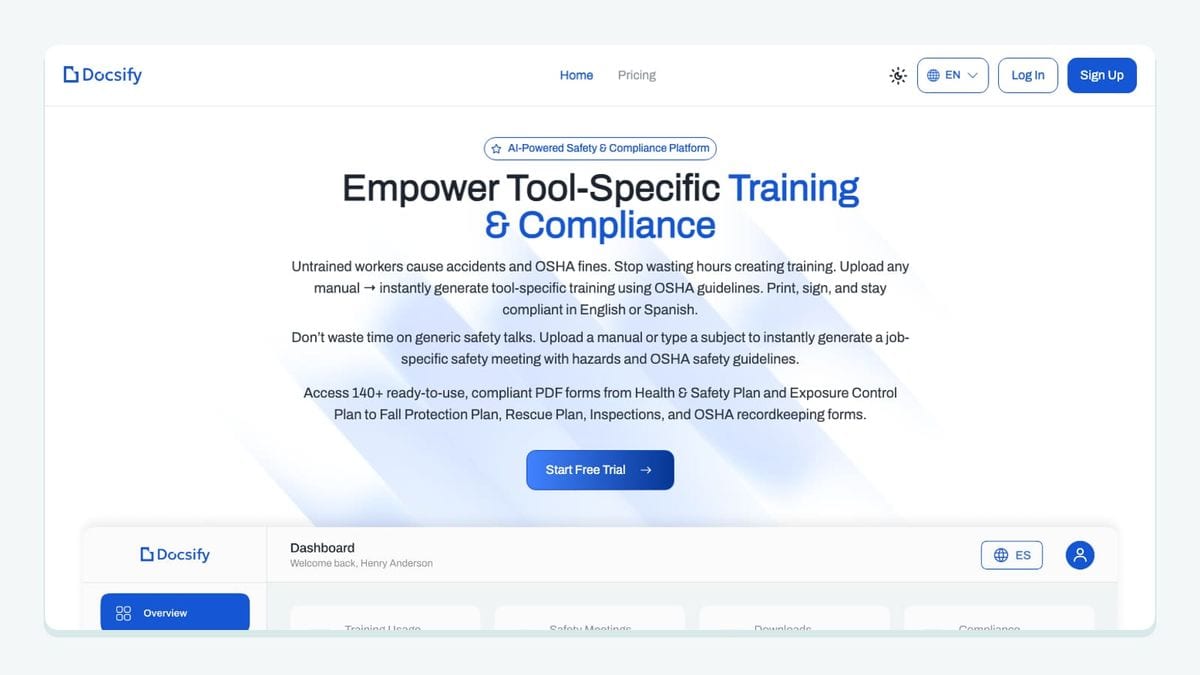
Docsify belongs on this roster for a narrow, documented reason—not as a general Gist automation layer. Gist’s directory identifies Docsify as a Gmail productivity suite and explicitly says the integration tracks opens, clicks, and responses from emails sent within Gist.
That activity is useful only when it changes a next action. A pricing-link click may justify a specific follow-up, while a response should normally stop an automated chase. Avoid turning every open into a “hot lead” rule. Name resulting tags or properties after observable behavior and source: clicked-pricing-gist-email is easier to audit than interested.
Source: Gist’s official integrations directory.
What is the best way to assemble a Gist integration stack?
Start with one revenue-bearing contact path and build outward. A WordPress SaaS route might be Fluent Forms → mailfloss verification → a source tag on the Gist contact → a nurture Workflow → a Gist Meeting → Google Calendar and Zoom. An online store route might be WooCommerce → a purchase or abandoned-cart event → a Gist Workflow → a customer follow-up or Facebook Custom Audience removal.
Use this sequence:
- Write down the event that creates or changes the Gist contact.
- Identify the exact email field used for matching.
- Add an entry-time quality check where practical.
- Map only the Gist properties and tags needed for segmentation.
- Choose one Workflow trigger and one observable outcome.
- Test a valid address, a typo, a duplicate, and a failed upstream event.
- Add scheduled cleanup for contacts that remain in Gist over time.
The result should be boring in the best way: one person, one understandable profile, one appropriate Workflow, and a visible next action. If an integration cannot explain its place in that sentence, it probably does not belong in the first version.
Frequently asked questions
Which Gist integration should I install first?
Start with the integration that protects or enriches the contact path tied to revenue. Use mailfloss when email quality is the gap, Stripe or WooCommerce when purchase behavior should drive Gist Workflows, and Google Calendar plus Zoom when booked Gist Meetings are the handoff point.
How should I evaluate a Gist integration?
Trace one contact from entry to outcome. Check what creates or matches the Gist contact, which email field is used, whether tags or properties change, what enrolls the contact in a Workflow, and how failures are reviewed. Prefer a short, observable path over a large integration count.
Does Gist integrate with mailfloss and an email verification API?
Yes. Connect mailfloss directly to Gist, choose the Gist CRMs and lists to watch, and configure scheduled cleanup, Typo Fixer, Instafloss, Autofloss, Decay Protection, and write-back actions. Developers and AI agents can also use mailfloss’s real-time email verification API for product and custom workflow checks.
Can an external form enroll a contact in a Gist Workflow?
Yes. Gist can receive a webhook containing an email field, match that address to an existing contact or create a new contact, and enroll the contact in a Workflow. Gist documents Typeform, Google Forms, event registrations, and survey responses as examples of this pattern.
We write from the practical side of email list cleaning: what helps marketers keep real subscribers, reduce bounces, and avoid turning hygiene into another recurring chore.