
Best Ghost Integrations: 8 Apps for Publishers (2026)
Compare eight Ghost integrations for cleaner member lists, paid subscriptions, analytics, referrals, forms, automation, and community growth. See the picks.


What are the best Ghost integrations for publishers?
The best Ghost integrations solve a specific publishing bottleneck: mailfloss for automated newsletter cleaning and real-time API checks, Stripe for paid members, Plausible for analytics, Tally for embedded forms, Zapier for member and post automations, FirstPromoter for referrals, Slack for publish alerts, and Churnbuster for failed payments.
The best Ghost integrations solve a specific publishing bottleneck: mailfloss for automated newsletter cleaning and real-time API checks, Stripe for paid members, Plausible for analytics, Tally for embedded forms, Zapier for member and post automations, FirstPromoter for referrals, Slack for publish alerts, and Churnbuster for failed payments.
Ghost integrations are not interchangeable plugins. One connects through Settings → Payments, another belongs in global Code Injection, another starts with an incoming webhook URL, and another watches selected Ghost newsletters. The useful question is therefore not “Which app is most popular?” It is “Which Ghost record, event, or publishing step needs help?”
This guide uses that question to compare eight tools across the jobs a Ghost publisher actually runs: acquiring members, keeping newsletter addresses healthy, collecting payments, measuring readership, gathering responses, distributing posts, running referrals, and recovering failed subscription payments. The numbering follows that operating sequence rather than pretending one app can win every category.
Start my free trial »
How did we choose the best Ghost integrations?
Our comparison uses four practical checks that expose whether an integration fits a Ghost publication or merely appears in a large app directory.
- Connection point: Where does the tool attach to Ghost? The answer might be Ghost Admin’s Integrations screen, Settings → Payments, global Code Injection, an editor card, a theme template, or a Ghost event handled by Zapier.
- Record or event: What moves or changes? Useful answers name Ghost members, newsletters, paid subscriptions, published posts, pages, or form submissions—not a vague promise to “streamline your workflow.”
- Timing: Does the connection run when a member signs up, when a post publishes, on a cleaning schedule, or only after someone opens a dashboard? Timing determines whether the tool prevents a problem or reports it later.
- Failure owner: If the connection stops, where will you notice? A webhook test, Stripe account selection, a code-injection snippet, and a scheduled list sync each fail differently. Pick tools whose failures your team can recognize and recover.
That framework also prevents an expensive stack made of overlapping dashboards. A Ghost publisher usually needs one tool per unresolved job, not every app in a roundup.
Ghost integrations at a glance

Integration | Best fit for a Ghost publisher | Ghost-specific connection point | What to verify before launch |
|---|---|---|---|
mailfloss | Newsletter hygiene | Authorize Ghost, select newsletters, and configure scheduled or real-time checks | Cleanup action and review rules |
Stripe | Paid memberships | Settings → Payments and Ghost subscription pricing | Correct Stripe account and existing-plan behavior |
Plausible | Publication analytics | Global Header Code Injection | Tracking snippet on the live domain |
Tally | Surveys and contact forms | Share-link OEmbed or HTML card in a Ghost post or page | Where submissions go after capture |
Zapier | Cross-app automation | Ghost post, page, and member triggers plus Ghost actions | Instant versus interval-based runs |
FirstPromoter | Member referrals | FirstPromoter Account ID in Ghost Admin’s integration settings | Reward and attribution rules |
Slack | Publish notifications | Slack incoming webhook URL saved in Ghost | Destination channel and test notification |
Churnbuster | Failed-payment recovery | The Stripe account already connected to Ghost | Correct Stripe account and campaign ownership |
1. mailfloss: best for cleaning Ghost newsletter contacts
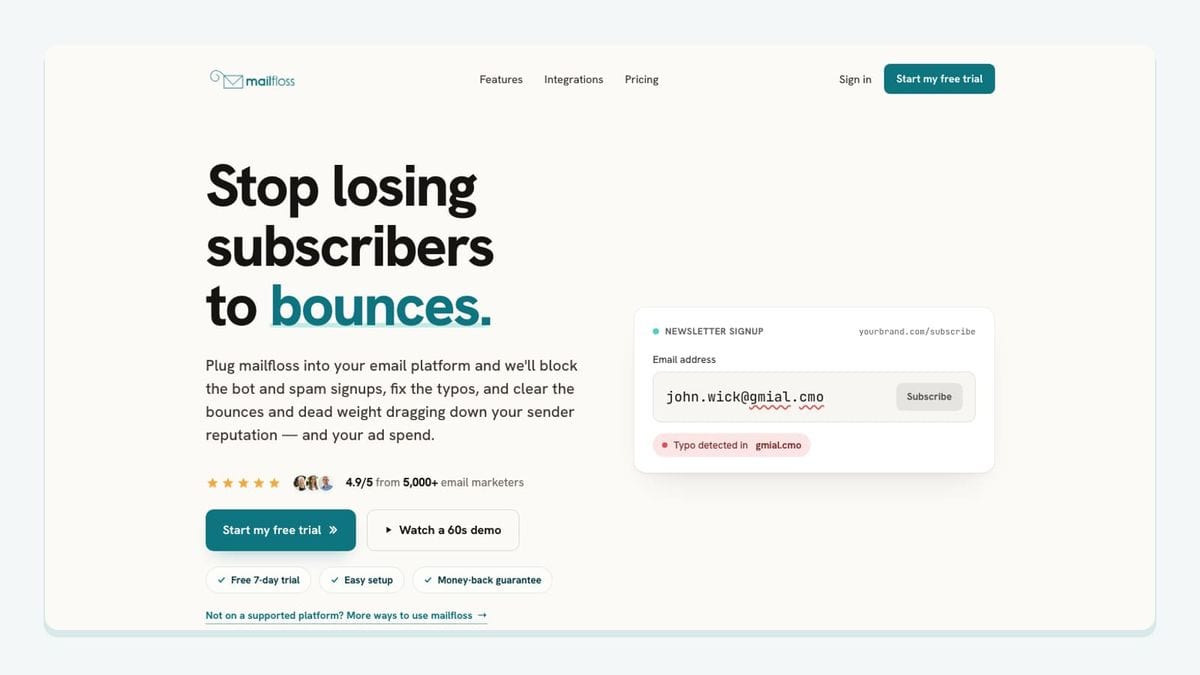
mailfloss is the list-hygiene layer in this stack. It is an email verification and automated list-cleaning tool for marketers. It connects to email platforms to catch typos, reduce bounces, clean risky contacts, and protect list quality over time. For Ghost, that means working with the publication’s newsletter audience rather than asking the publisher to repeat an export, verify, and re-import loop.
The concrete setup is specific to Ghost: authorize the Ghost account from mailfloss, choose the newsletters you want watched, and let the first sync begin. Each connection can use its own cleanup rules. A cautious publication can review results first; another can configure automatic fixes or removals. The live workflow supports field updates and notifications where attention is needed.
Most Ghost teams can start with Typo Fixer and daily Autofloss cleaning. Typo Fixer recognizes safe typo patterns such as a misspelled email domain. Instafloss adds checks where new signups enter the publication, while email Decay Protection rechecks older contacts on a schedule. mailfloss then writes configured fixes and removals back to Ghost, so the cleaned state does not live in a forgotten CSV.
The developer side matters too. Product teams and AI agents can use the first-class real-time email verification API when a custom signup or workflow needs JSON-in, JSON-out verification. The API complements the Ghost connection; it is not a consolation prize for teams that cannot use the integration.
Choose mailfloss when: the same Ghost newsletters keep acquiring members and you want recurring hygiene, not another one-time file check. Review the full Ghost email verification integration or the guide to reduce spam signups in Ghost.
2. Stripe: best for Ghost paid memberships

Stripe is the payment rail for publishers turning Ghost members into paying subscribers. This is not a generic checkout embed. Ghost’s Members feature connects to Stripe through Ghost Admin, and subscription pricing is managed from the Ghost side.
The setup path is Settings → Payments. From there, connect the correct Stripe account, return the generated secure key to Ghost Admin, save the Stripe settings, and then define the subscription pricing offered to visitors. This account choice deserves care if the organization has several Stripe accounts or is migrating an existing publication.
A particularly Ghost-specific detail appears when pricing changes. Updating monthly or yearly pricing creates new plans for new customers while existing customers remain on their existing plans. That behavior is useful for grandfathering, but it also means a price edit is not a blanket migration of every paid member.
Choose Stripe when: Ghost should remain the membership and publishing system while Stripe processes recurring payments. Before launch, test the paid signup path and document which system the support team checks first when a member reports a billing problem.
3. Plausible: best for simple Ghost publication analytics

Plausible fits Ghost publishers who want site-level readership analytics without turning the integration into a theme-development project. Its Ghost connection uses global Code Injection rather than member imports, webhooks, or a marketplace-style installation.
After adding the publication’s domain in Plausible, copy the tracking snippet. In Ghost Admin, open the global Code Injection settings and paste the snippet into the Header section so it loads in the <head> across the publication. This differs from injecting code into a single post or page: publication-wide analytics need the global location.
The integration reports website activity; it does not clean Ghost members, control newsletter delivery, or replace Ghost’s subscription records. That boundary is healthy. Use analytics to learn which content attracts and retains readers, then use the appropriate Ghost-native or member-list tool for the action you want to take.
Choose Plausible when: the main question is how the Ghost site performs as a publication. Verify the live production domain after saving Code Injection, because a correctly pasted snippet on the wrong domain is still a quiet failure.
4. Tally: best for surveys and contact forms inside Ghost content
Tally is useful when a Ghost post or page needs a reader survey, application, feedback form, or contact form. Its strongest Ghost mechanic is editor-level embedding: publish the form in Tally, copy its share link, and paste that link into the Ghost editor. Ghost’s OEmbed handling renders the form on the page.
Publishers who need more control over presentation can use Tally’s standard embed code instead. Copy the embed and place it inside an HTML card on the relevant Ghost post or page. That choice is local to the piece of content, unlike Plausible’s global Header injection.
The important limitation is what happens after submission. Embedding a form makes it visible; it does not automatically define a member-cleaning, CRM, or editorial-review process. Decide whether responses remain in Tally or trigger a follow-up automation. If a form collects email addresses that later become Ghost members, validate that handoff instead of assuming an embedded form and the Ghost member list are the same thing.
Choose Tally when: the Ghost editor needs a flexible form without rebuilding the theme. Use the share-link route for speed and an HTML card when presentation control matters.
5. Zapier: best for Ghost member and post automations
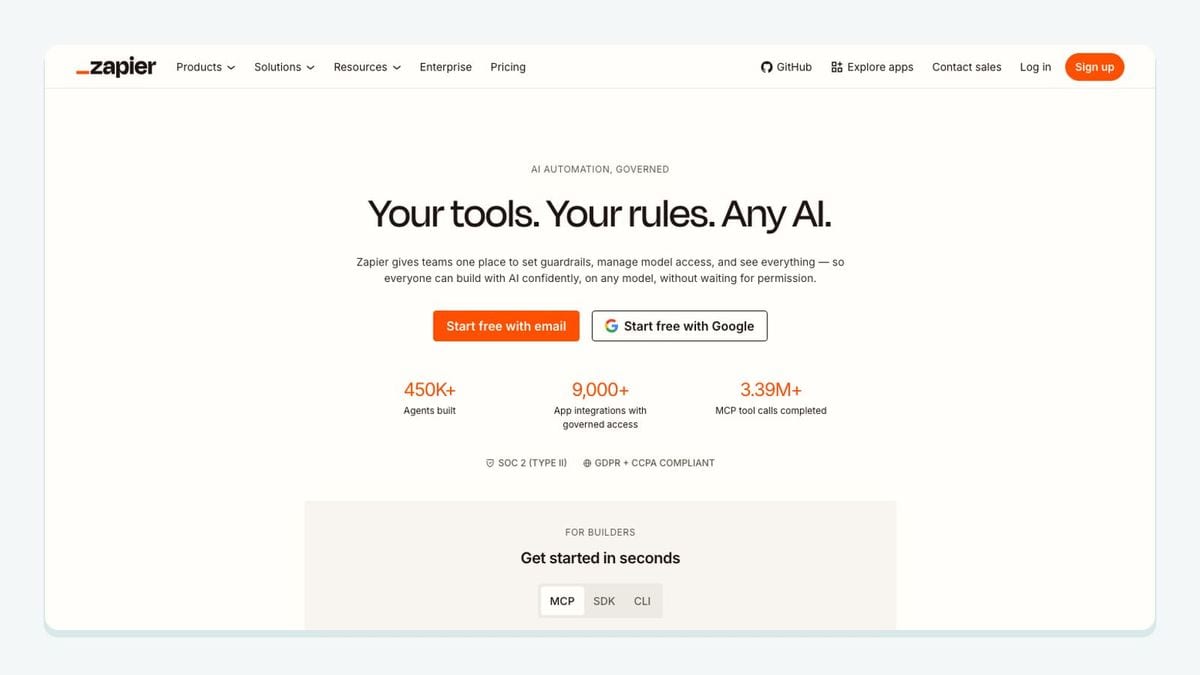
Zapier is the bridge when the job begins with a Ghost event and ends in another system—or the reverse. Ghost’s Zapier integration exposes concrete triggers for a published post, published page, and a member being created, updated, or deleted. Available Ghost actions include creating a post, creating a member, and finding an author.
That makes workflows legible. A published Ghost post can trigger distribution elsewhere. A member created in another approved source can become a Ghost member. A draft from an external editorial workflow can be created in Ghost for review. Each automation should identify one source of truth; two tools continually updating the same member record can create loops or overwrite fresher data.
There is also a real timing limitation: some Zaps run instantly while others run at intervals. A delay can be acceptable for a social share or internal notification but not for a workflow described to users as real-time. Test with a new Ghost member and a published post, then record the observed timing.
Choose Zapier when: Ghost’s built-in event or action matches the workflow and a dedicated direct integration does not. Keep the Zap narrow, name its trigger and action, and assign someone to monitor failures.
6. FirstPromoter: best for referrals from Ghost members

FirstPromoter adds a referral program to a Ghost membership business or newsletter. The connection is refreshingly specific: copy the Account ID from FirstPromoter, open the FirstPromoter integration in Ghost Admin, paste the ID, and save it.
Once connected, the publisher can build campaigns that attribute referrals to participating members and define rewards, credits, commissions, or payouts. That is different from a general social-sharing widget. The operating question is not merely whether a link was shared, but which promoter referred a new member and what that referral earns.
Referral tooling amplifies the acquisition path, so check that the underlying signup path is healthy before adding incentives. A campaign that rewards raw signups without considering address quality can encourage volume that the newsletter team later has to clean.
Choose FirstPromoter when: existing Ghost readers or members are ready to become an organized acquisition channel. Define attribution and reward rules before inviting promoters; the Ghost connection does not make those business decisions for you.
7. Slack: best for Ghost publishing notifications
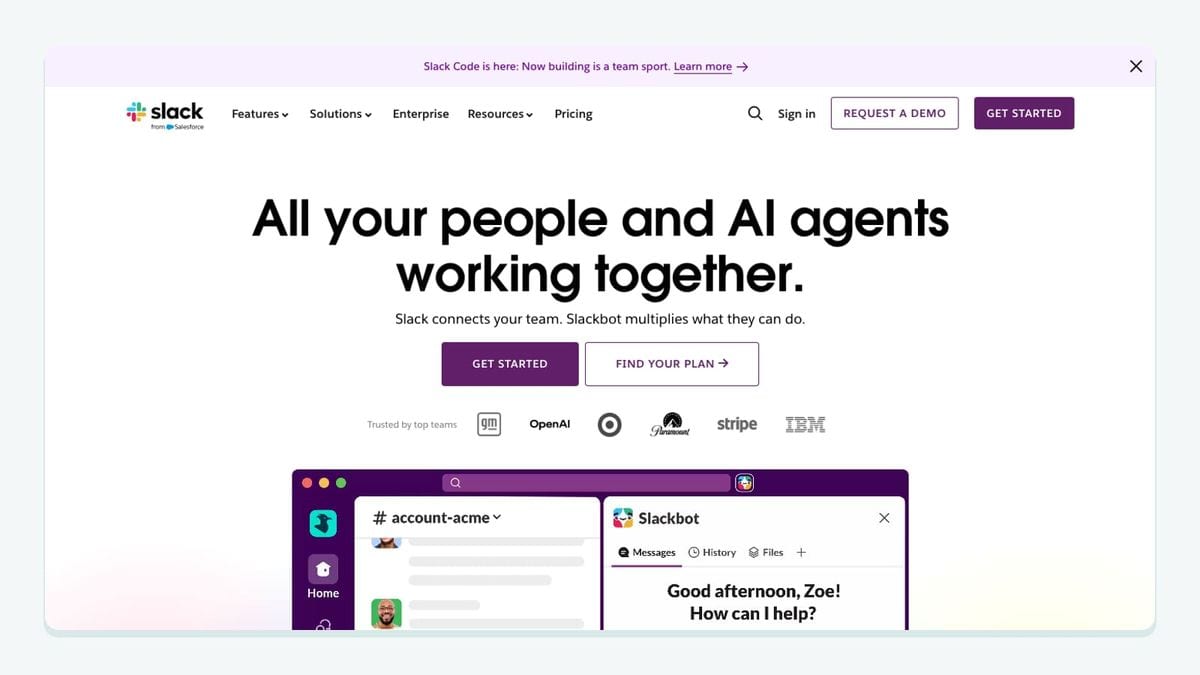
Slack solves a narrow but common editorial problem: letting the team know when a Ghost post actually goes live. Create an incoming webhook in Slack, choose or customize the destination channel, copy the webhook URL, and paste it into the Slack integration settings inside Ghost Admin.
Ghost provides a test-notification control, which should be part of setup rather than an optional victory lap. Once configured, a newly published post sends a notification to the selected Slack destination. That is more reliable than asking editors to remember a separate “tell everyone” step after pressing publish.
Keep the scope clear. The direct integration is for publication alerts. More elaborate flows—new member notices, contact-form submissions, or private-community invitations—may require Zapier and should be reviewed as separate automations rather than piled into the publish channel.
Choose Slack when: editors, marketers, or stakeholders need a shared confirmation that a Ghost post is live. Verify the channel, send the test notification, and avoid using a noisy general channel if every publication event will land there.
8. Churnbuster: best for Ghost failed-payment recovery

Churnbuster belongs in a Ghost stack only after paid memberships are running through Stripe. The connection does not start by installing something into a Ghost theme. Instead, Churnbuster connects to the same Stripe account associated with the Ghost publication.
That distinction is the reason it makes this list. Failed cards, processor problems, and other payment failures happen on the billing rail. Churnbuster handles retry and recovery campaigns around that Stripe data while Ghost remains the publication and membership experience.
During setup, select Stripe in Churnbuster and choose the exact account already linked to Ghost. Then review the relevant Stripe billing settings and build the recovery campaign in Churnbuster. If the wrong Stripe account is selected, the interface may look connected while the Ghost publication’s failed payments remain untouched.
Choose Churnbuster when: a paid Ghost publication has enough failed-payment work to justify a dedicated recovery process. Assign ownership for campaign copy, exceptions, and member support before automating retries.
What is the best Ghost integration stack for your publication?
Build the stack in the order problems occur. For a newsletter-first publication, start with member acquisition and list quality: Ghost collects the member, while mailfloss watches selected newsletters, runs scheduled cleaning, and can verify new signups in real time. Add Tally only if the publication needs forms beyond the standard signup path.
For a paid publication, connect Stripe before adding FirstPromoter or Churnbuster. FirstPromoter helps acquire referred members; Churnbuster addresses failed payments after a subscription exists. Neither replaces the payment connection itself.
For content operations, use Plausible to measure the Ghost site, Slack to announce published posts internally, and Zapier only for cross-system workflows that have a named trigger, action, and owner. This produces a smaller, more diagnosable stack than connecting eight apps at once.
A good final check is to draw one line per integration: Ghost event or record → connection → destination → recovery owner. If you cannot fill in all four parts, the integration is not ready to publish.
Frequently asked questions
What are the best integrations for Ghost?
The best Ghost integrations depend on the bottleneck: mailfloss for automated newsletter cleaning and real-time API checks, Stripe for paid members, Plausible for analytics, Tally for embedded forms, Zapier for member and post automations, FirstPromoter for referrals, Slack for publish alerts, and Churnbuster for failed payments.
How should I choose a Ghost integration?
Start with the Ghost record or event you need to improve. Choose member-list tools for subscriber quality, payment tools for paid tiers, code-injection tools for site analytics, editor embeds for reader forms, and webhook or automation tools for post and member events. Confirm who owns failures before connecting anything.
How does mailfloss work with Ghost?
Authorize Ghost in mailfloss, choose the newsletters to watch, and set the cleanup rules for that connection. mailfloss can fix recognized typos, verify new signups, run scheduled checks, and write configured fixes or removals back to Ghost. Developers and AI agents can also use the first-class real-time email verification API.
Is there a free email verification integration for Ghost?
mailfloss has a permanent free plan of 500 credits a month, refreshed every month, which may suit a smaller Ghost newsletter; a 7-day trial of the paid plans sits alongside it. For ongoing cleaning, compare the number of subscribers checked, how often older contacts are reverified, and whether real-time signup checks fit your workflow.
We write from the practical side of email list cleaning: what helps marketers keep real subscribers, reduce bounces, and avoid turning hygiene into another recurring chore.