
7 Best Customer.io Integrations for Cleaner Contacts
Compare seven Customer.io integrations for forms, CRM syncs, registrations, surveys, messaging, and automated email verification. See the best-fit stack.


Which Customer.io integrations are best?
The best Customer.io integrations improve a defined contact path: Typeform for forms, Manychat for conversational signups, Eventbrite for registrants, SurveyMonkey for survey respondents, Pipedrive or Dynamics 365 for CRM handoffs, and mailfloss for recurring email verification. Choose by entry point, field writeback, cleanup cadence, and failure owner—not by connector count alone.
The best Customer.io integrations improve a defined contact path: Typeform for forms, Manychat for conversational signups, Eventbrite for registrants, SurveyMonkey for survey respondents, Pipedrive or Dynamics 365 for CRM handoffs, and mailfloss for recurring email verification. Choose by entry point, field writeback, cleanup cadence, and failure owner—not by connector count alone.
Customer.io integrations are most useful when each one has a clear job in the contact lifecycle. One tool may collect a form response, another may hand over a CRM contact, and another may verify the address once it reaches Customer.io. The goal is not the longest connector list. It is a set of traceable paths that create or update Customer.io contacts without leaving your team to untangle risky addresses before every campaign.
This guide evaluates seven best-fit integrations through that operational lens. Every entry identifies an actual connection route and the Customer.io record or event it changes. Typeform uses Customer.io’s documented form webhook connection. The other acquisition and CRM examples below use configured Zapier workflows. mailfloss connects directly for recurring hygiene. These are different connection types with different setup responsibilities.
By mailfloss. Connection documentation checked September 14, 2026. Recommendations and acceptance checks are our editorial framework; they are not results from an authenticated integration test.
How should you judge a Customer.io integration?
Judge a Customer.io integration by the contact path it changes, not by the popularity of the connected app. Before adding anything, write down five answers: where the contact originates, what action creates or updates it in Customer.io, which source identifier accompanies it, where a verification result can be written, and who gets notified when the path needs attention.
For the Zapier routes in this guide, distinguish a person write from an event write. Customer.io documents separate actions for updating a customer and recording an event for a customer. Its Track API connection uses workspace-specific credentials, and the documented Zap actions require a profile ID. Decide how your source record maps to that ID before connecting a second source. Customer.io’s Zapier and Track API guide.
A source label answers where a record came from. It does not, by itself, answer which Customer.io person should receive an update. Our recommendation is to keep those two decisions separate: one identity mapping for the person, plus source details for tracing the operation.
App | Connection route | Customer.io operation | Acceptance check we recommend |
|---|---|---|---|
mailfloss | Direct connection initiated in mailfloss | Verify contacts and apply configured outcomes | Confirm the chosen connection is watched and inspect an outcome |
Typeform | Customer.io form webhook | Create or update a profile and map answers to attributes | Submit once, then inspect the attribute mapping |
Pipedrive | Zapier deal trigger | Person update or a separate customer event | Keep the deal identifier distinct from the person identifier |
Manychat | Zapier bot event | Create or update a person after email capture | Confirm the bot reaches the handoff with an email available |
Eventbrite | Zapier attendee trigger | Person write; optional separate attendance event | Distinguish registration from check-in |
SurveyMonkey | Zapier completed response with answers | Create or update a person using selected answers | Confirm the collector or survey supplies identity data |
Microsoft Dynamics 365 | Zapier contact trigger | Create or update a person | Test contact creation separately from later updates |
The app sections below link the documentation behind each route. The acceptance column is our proposed review procedure, not an additional vendor feature.
The Customer.io email verification integration supplies the hygiene side. Connect Customer.io from mailfloss, choose the CRMs to watch, and let the first sync begin. Then select the cleanup features for that connection. Instafloss can protect where signups enter, Autofloss runs daily against new contacts, and Decay Protection re-verifies older contacts on a schedule. The outcome can be review first, automatic cleaning, a field update, or a notification to another workflow.
The watched-CRM wording describes the selection in mailfloss. It does not mean a Typeform webhook, Pipedrive deal, or SurveyMonkey collector becomes a CRM object inside Customer.io. Configure the source-to-Customer.io route and the mailfloss connection as separate steps.
1. mailfloss: best for recurring Customer.io email verification
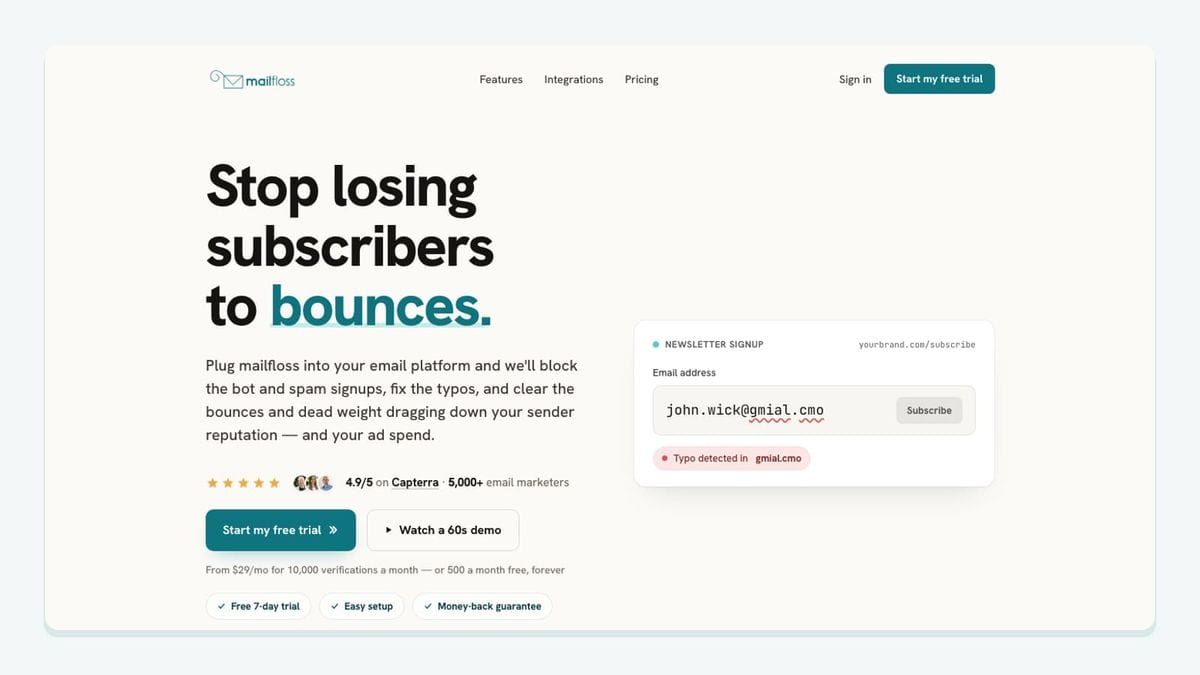
mailfloss is the hygiene layer for Customer.io rather than another contact source. Its job begins after you authorize the Customer.io account and choose the CRMs you want watched. The first sync starts automatically, so the workflow does not depend on exporting a CSV, uploading it to a separate verifier, and importing the results again.
The Customer.io mechanic is split by contact age and entry speed. Autofloss checks new Customer.io contacts daily and applies the cleanup rules you configure. Instafloss is the better fit for a signup path that needs a decision in real time, before an invalid, disposable, or risky address settles into the list. Decay Protection covers the other end of the lifecycle by re-verifying older Customer.io contacts on a schedule.
The writeback decision is configurable. A cautious team can review results first. A mature workflow can clean automatically, update a field, or notify another workflow when a contact needs attention. That makes mailfloss useful across every source in this list: the form, CRM, messaging, event, and survey tools can keep doing their acquisition jobs while one Customer.io-connected process handles list hygiene.
mailfloss is also not limited to no-code ESP automation. Product teams, developers, and AI agents can use its first-class real-time email verification API when verification belongs inside a custom application or agent workflow. The practical choice is not automation or API. Teams can use the Customer.io integration for recurring cleanup and the API at custom capture points.
Best fit: teams that want new Customer.io contacts checked daily, selected signup paths protected in real time, and older contacts rechecked without repeated CSV work.
Treat the timing of a source integration separately from verification timing. A successful webhook delivery does not demonstrate that a verification decision happened before a message. Test that order explicitly wherever immediate messaging depends on the result.
2. Typeform: best for a named Customer.io form path
Typeform can send submissions directly to Customer.io through a form webhook. Customer.io creates or updates the profile and maps the submitted fields to profile attributes. This is a documented form connection, so this route does not require a Zapier handoff. Customer.io’s Typeform documentation.
In Customer.io, open Integrations > Forms, choose Connect form, select Typeform, and copy the webhook URL. In Typeform, open the form’s Connect > Webhooks area, add the URL, save it, and enable the webhook. It starts disabled by default. Submit a test response before launching the form.
Review the resulting attributes in Customer.io. Labels are mapped automatically, so a friendly question can produce an attribute name your campaign does not use. Remap the answer to the intended attribute instead of changing every downstream reference to accommodate an accidental name.
Best fit: a form-led team that wants to inspect one submission all the way from webhook delivery to Customer.io profile attributes. Our acceptance check is a second submission after remapping: confirm that the intended attribute receives the answer.
3. Pipedrive: best for a sales-to-Customer.io CRM handoff
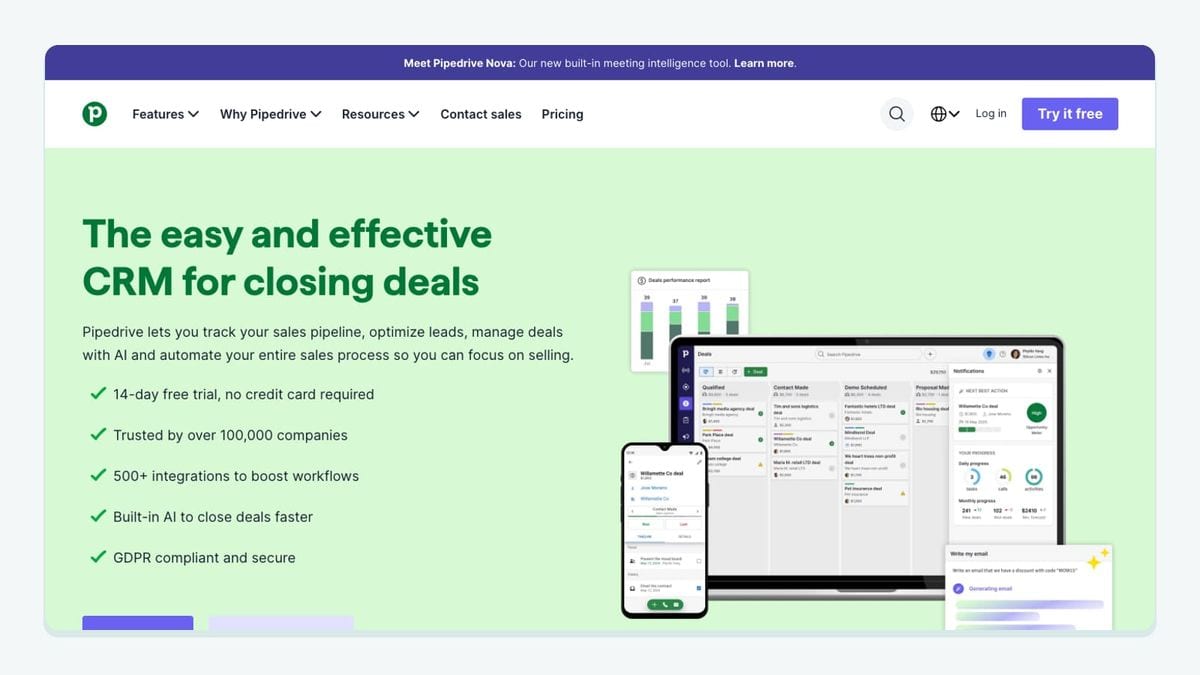
For an inbound sales handoff, use Pipedrive’s Zapier triggers with Customer.io actions. The pairing supports a deal entering a selected filter and an updated deal; Customer.io offers separate person-write and event-write actions. Zapier also lists workflows for recording deal changes as Customer.io events. Pipedrive–Customer.io connection.
Our recommended split is deliberate: use the person action to maintain customer attributes, then use an event when a deal transition is the fact you want to record. Map the associated customer to Customer.io’s required Id. Keep the deal identifier in the event data instead of automatically treating each deal as a new customer.
Test with two deals belonging to the same person. The acceptance question is whether both sales activities attach to the intended Customer.io identity. This proposed test catches a mapping decision that a single successful record transfer would miss.
Best fit: sales-led lifecycle programs where qualification or a deal transition should inform Customer.io. This recommendation concerns a configured inbound Zapier workflow, not an assumption that every Pipedrive connection synchronizes in both directions.
4. Manychat: best for conversational signups entering Customer.io

Manychat’s Zapier connection includes a bot-generated handoff event called New “Trigger a Zap” Event. Pair that trigger with Customer.io’s person action to transfer a conversational signup at a chosen point in the bot flow. Manychat–Customer.io connection.
Our recommendation is to place that handoff after the conversation collects the email address and establishes the intended follow-up. Select the matching bot event in Zapier, then map the customer identity, email, and relevant attributes into Customer.io. A page subscription alone should not be your evidence that the email field is ready.
Run two conversation paths: one that reaches email capture and one that stops before it. Inspect which path reaches the Customer.io action and what it contains. This tests the handoff condition, rather than merely proving that the two accounts authenticate.
Best fit: conversational acquisition where the team can name the precise bot step that should create or update a Customer.io person. Check account eligibility first: Zapier’s setup guide requires an active Manychat Pro subscription. Manychat setup requirements.
5. Eventbrite: best for registration contacts entering Customer.io
Eventbrite exposes separate Zapier triggers for a new attendee registration and an attendee check-in. Its New Order trigger supplies top-level transaction information, so it is not interchangeable with the attendee triggers. The Customer.io side provides person and event actions. Eventbrite–Customer.io connection.
For a registration handoff, select the attendee-registration trigger and scope it to the intended organization and event. Map the attendee to the Customer.io person action. For attendance follow-up, configure a separate check-in route that records a customer event using the same person identity.
Our recommended event name is event_checked_in; it is an example you define, not a built-in Customer.io field. Include the event identifier in its data so your team can distinguish attendance at different events.
Best fit: event programs that need registration and actual attendance to remain different facts. Test a registered attendee who never checks in. That person should not receive the check-in event merely because registration succeeded. This is a workflow acceptance test, not a claimed default suppression rule.
6. SurveyMonkey: best for survey respondents added to Customer.io
SurveyMonkey has a documented Zapier recipe that connects New Response Notification With Answers to Customer.io’s Create or Update a Person action. Select the survey and, where appropriate, the collector; map the respondent identity and only the answers needed for follow-up. SurveyMonkey–Customer.io recipe.
The important constraint is identity availability. Zapier says email and name fields populate from a SurveyMonkey address-book email collector; other collector types need survey questions to supply those details. The answers trigger also requires an annual paid SurveyMonkey plan. SurveyMonkey setup and limitations.
Our acceptance check is to submit through the actual collector you intend to use. Inspect the Customer.io Id mapping and answer attributes from that submission. A sample from a different collector can conceal the missing identity data that breaks the real route.
Best fit: research or customer-success programs with identifiable respondents and an explicit follow-up purpose. Keep anonymous research anonymous; do not manufacture a customer identity just to make an action run.
7. Microsoft Dynamics 365: best for governed CRM contact syncs
For Dynamics contacts entering Customer.io, configure Zapier’s New Contact trigger and Customer.io’s person-write action. Add a separate Updated Contact workflow if later CRM edits should also reach Customer.io. Both Dynamics triggers are polling triggers. Dynamics setup and supported triggers and Customer.io action documentation.
Use the same identity mapping in both workflows. Our recommendation is to agree which system owns each mapped attribute before enabling updates. Otherwise, a technically successful CRM write may replace a value that the marketing team intended to manage separately.
This route has a concrete deployment limit: Zapier’s standard Dynamics connector supports cloud-hosted Dynamics 365, not an on-premises installation. Its setup also requires paid plans and appropriate account privileges.
Best fit: organizations already operating supported Dynamics cloud accounts that need a controlled contact handoff. Test creation, then edit the same contact and inspect the later Customer.io update. Do not describe a polling workflow as an immediate signup gate.
Which Customer.io integration stack should you choose?
Choose the smallest set that covers your real contact sources. A form-led team might use Typeform plus mailfloss. A sales-led team might pair Pipedrive or Dynamics 365 with mailfloss. Event and research programs may need Eventbrite or SurveyMonkey, while a conversational acquisition path may justify Manychat.
Complete one source route before expanding the stack. For Customer.io, our acceptance worksheet separates three questions that can otherwise get bundled into “the integration works.”
- Did the source handoff happen? For Typeform, inspect a delivered submission and its mapped attributes. For the Zapier routes, inspect the actual trigger sample and Customer.io action input. Record which account and workspace were used.
- Did the right person or event change? Compare the person identity against your intended mapping. For deal changes and check-ins, inspect the event separately from the profile. A person update and an activity record answer different questions.
- Did the hygiene outcome happen? Inspect the configured mailfloss connection and the selected outcome. Record whether the address was reviewed, cleaned, associated with a field update, or surfaced through a notification. Do not infer completion from the source tool’s success indicator.
Add a repeat-contact test. Use the same intended customer through a second source and decide in advance whether your identity mapping should bring both operations to one profile. Record the expected result, observed result, and owner of any mismatch. This is especially useful when a sales contact later fills out a form or registers for an event.
Finally, separate new-contact checks from ongoing maintenance. A route that handled a signup successfully last month does not answer whether its address remains usable today. Use the daily and scheduled cleanup options according to the contact’s lifecycle, and observe the actual result before relying on it in a time-sensitive workflow.
For a deeper signup-path walkthrough, see how to reduce spam signups in Customer.io. For older records, review email Decay Protection.
Frequently asked questions
What makes a Customer.io integration worth adding?
A useful Customer.io integration should improve a specific contact path: capture, CRM handoff, enrichment, or cleanup. Check what creates or updates the Customer.io contact, which fields are written back, and who handles failures. The best-fit stack makes each path observable instead of merely adding more connected logos.
Which Customer.io integration handles email verification?
mailfloss is the email-verification layer in this stack. After you authorize Customer.io and select the CRMs to watch, Autofloss checks new contacts daily, Instafloss can protect signup paths in real time, and Decay Protection rechecks older contacts. Developers and AI agents can also use the first-class real-time email verification API.
How should Customer.io signup-source integrations be configured?
Give each Customer.io signup source a traceable path. Map the email address and a source identifier into the contact record, then decide whether verification happens at entry or during the daily cleanup pass. Configure the outcome in advance: review the contact, clean automatically, update a field, or notify the workflow owner.
What about older contacts already in Customer.io?
Do not limit cleanup to new signup integrations. Decay Protection can re-verify older Customer.io contacts on a schedule, while Autofloss handles new contacts daily. That split matters when a CRM, event, survey, or messaging source keeps adding records but older addresses can become risky after they join.
We write from the practical side of email list cleaning: what helps marketers keep real subscribers, reduce bounces, and avoid turning hygiene into another recurring chore.