
Best ClickFunnels Integrations: 6 Practical App Picks
Compare six ClickFunnels integrations for email hygiene, form logs, alerts, marketing handoffs, and fulfillment. Choose the right connection for your funnel.

Which ClickFunnels integrations are worth adding?
Choose ClickFunnels integrations by the job: mailfloss for recurring list cleaning and a real-time API for developers and AI agents; Zapier for routing; Google Sheets for form logs; Slack for paid-order alerts; Mailchimp for email handoffs; ShipStation for fulfillment. Match the connector's trigger to the funnel event before activation.
Choose ClickFunnels integrations by the job: mailfloss for recurring list cleaning and a real-time API for developers and AI agents; Zapier for routing; Google Sheets for form logs; Slack for paid-order alerts; Mailchimp for email handoffs; ShipStation for fulfillment. Match the connector's trigger to the funnel event before activation.
By mailfloss
A ClickFunnels integration earns its place when it fixes a specific handoff. A submitted form may need a review record. A paid order may need a person to act. A physical purchase may need fulfillment after the buyer finishes considering an upsell. Those are different jobs, even when the same contact appears in all three.
Our selection framework has four questions: what happened in ClickFunnels, which connection carries that event, what should happen next, and what would prove the handoff worked? The recommendations below follow those questions. They are editorial best-fit choices based on documented connection mechanics, not results from a hands-on performance benchmark.
Use the comparison to find your bottleneck, then read the relevant entry. You do not need all six apps. A digital lead funnel and a physical-product funnel should not have identical shopping lists.
Which ClickFunnels integrations fit each job?
App | Best-fit job | Connection mechanic | Decision to make first |
|---|---|---|---|
mailfloss | Recurring email verification and list hygiene | Native connection watches selected ClickFunnels connections and lists | Review-first or automatic cleanup? |
Zapier | Route ClickFunnels events between tools | ClickFunnels trigger plus destination action | Which exact event authorizes the action? |
Google Sheets | Log form submissions for review | Zapier: Contact Submitted Form → Create Spreadsheet Row | Who resolves each row? |
Slack | Alert a person about a paid one-time order | Zapier: One-Time Order Paid → channel message | Which channel and owner should act? |
Mailchimp | Continue a selected contact's email journey | Zapier: Contact Identified → subscriber action | Is an email present, and is marketing follow-up appropriate? |
ShipStation | Fulfill physical orders | ClickFunnels shipping integration sends orders to ShipStation | Should dispatch wait for upsells and downsells? |
These choices cover address quality, event transport, review, notification, marketing, and fulfillment. The app names are not a ranking from strongest to weakest. Choose the row that corresponds to work your team currently repeats or misses.
How do ClickFunnels Workflow events differ from Zapier triggers?
Start by naming the automation surface. Native ClickFunnels Workflows and the ClickFunnels connector in Zapier have different event labels. Do not copy a native Workflow instruction into the Zapier editor and assume the same menu exists.
Native Workflows include Opt-In, Order - Successful Purchase, Applied Tag, and Pageview. Applied Tag has a useful constraint: when targeting specific tags, each trigger selects one tag; use separate triggers for several qualifying tags. Leaving the tag selector blank instead broadens the trigger to any applied tag. ClickFunnels Workflow documentation.
Zapier's ClickFunnels connector distinguishes Contact Submitted Form from One-Time Order Paid. That distinction matters: completing an order form is not the same evidence as paying for a one-time order. ClickFunnels Zapier setup guide.
Before configuring an app, write a sentence that describes the intended result without naming the app: “When someone submits this lead form, create one review item,” or “When this order is paid, notify the fulfillment owner.” Then select the connector and event that actually support that sentence.
Keep the business rule beside the configuration. Otherwise, a future editor may broaden a trigger because its narrower purpose is no longer obvious. A small note explaining why an alert requires payment can prevent a much larger operational mistake later.
1. mailfloss: best fit for recurring ClickFunnels email hygiene
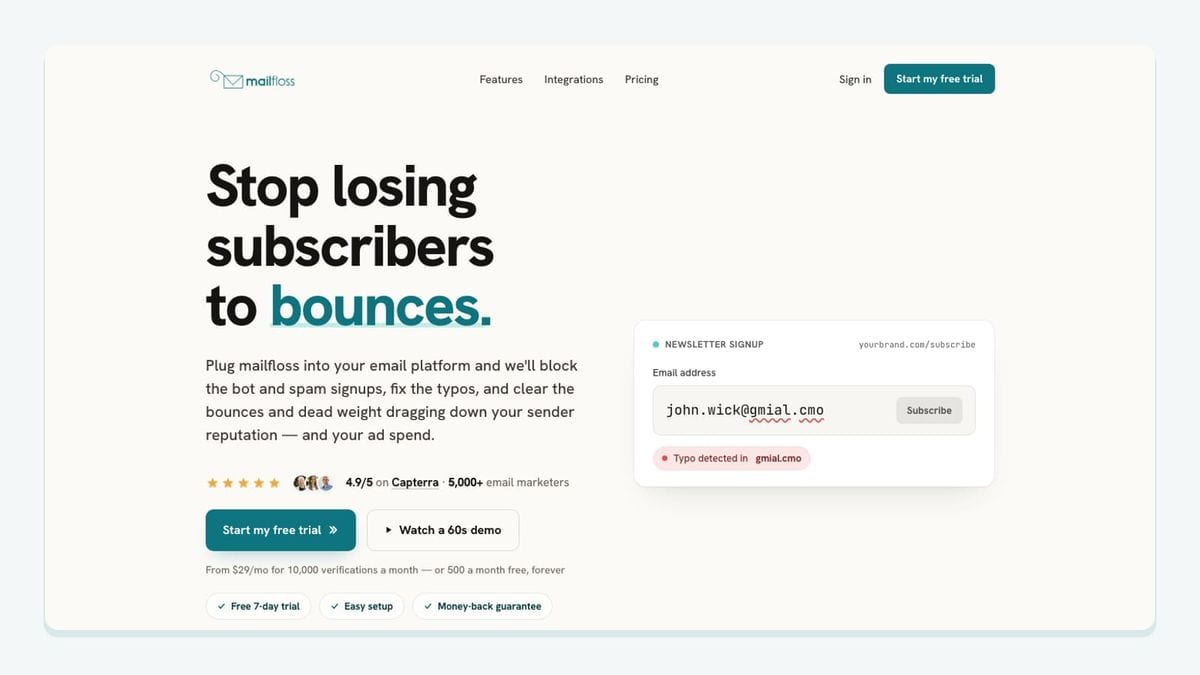
mailfloss is an email verification and automated list-cleaning tool for marketers. Its ClickFunnels connection supports recurring in-platform hygiene, while its first-class real-time API serves developers and AI agents building custom workflows.
The ClickFunnels email verification setup begins in mailfloss: connect ClickFunnels, choose the connections and lists to watch, and configure cleanup. The connection can write fixes and removals back to ClickFunnels. Choose review-first or automatic actions, field updates, and notifications for each connection.
Typo Fixer handles recognized typo patterns. Instafloss provides real-time protection for new signup flows. Autofloss checks new ClickFunnels contacts daily. email decay protection rechecks older contacts on a schedule. Those are separate jobs: an older address can need attention even if it passed verification when it joined.
For a custom application or agent, use the email verification API. The deployment choice depends on where you need the verification decision: connected list operations or your own application logic.
Our recommendation is to begin with a selected connection and review the results before expanding automatic cleanup. Write down which outcomes need human attention and which can follow a standing rule. That makes the review actionable; simply opening a dashboard once a week does not establish a cleanup policy.
Also check the order of operations. A scheduled list check does not, by itself, prove that another app waits for its result before sending an email. If that sequence matters, make it an explicit acceptance test. Observe when the contact enters ClickFunnels, when verification finishes, and when downstream follow-up begins. Keep the outcome visible to the person responsible for that follow-up.
2. Zapier: best fit for routing a defined ClickFunnels event
Zapier fits when the missing piece is transport between ClickFunnels and another app. You can configure the connection within ClickFunnels or in Zapier. In the Zap editor, choose ClickFunnels as the trigger app, select the supported event, connect the account, and add a destination action. For supported events, funnel and page selection narrow the scope; blank selections can include the whole workspace. ClickFunnels Zapier setup guide.
Treat the first Zap as one complete handoff, not the foundation for every future process. Give it a name that identifies the source and outcome. Decide who owns a failed run. Record what the receiving tool should contain when the run succeeds.
Our preferred acceptance rule is simple: one intended event produces one intended destination action, with enough context to explain why it happened. Test an event that should qualify and one that should not. A successful positive test alone cannot show that the connection is appropriately narrow.
Avoid using “it ran” as the success criterion. A run can finish while creating the wrong record or notifying the wrong team. Inspect the destination as carefully as the trigger. Expand the automation only after the smallest useful route behaves as intended.
3. Google Sheets: best fit for a small form-review queue

Google Sheets is useful when a ClickFunnels form needs a lightweight human review step. Zapier documents a specific pairing: Contact Submitted Form in ClickFunnels creates a spreadsheet row in Google Sheets. The trigger covers opt-in and order forms, so the form's role matters. ClickFunnels form-to-row template.
Use this for a temporary launch review, an exception queue, or a small investigation into a particular form. Choose a destination sheet whose purpose is obvious. A worksheet called “Consultation request review” is easier to operate than one called “All leads final v3.”
Our suggested review columns are source context, submission time, a record reference, assigned reviewer, decision, and resolution time. Map only fields actually available from the trigger; maintain review fields in the sheet. These columns are a proposed working design, not a promise that the connector exposes identically named fields.
Decide how to handle a repeat submission before launch. Should another submission create another review item, or should the reviewer treat it as an update? A queue without that rule can make one persistent visitor look like several different requests.
Keep the spreadsheet's role small. It should answer “what needs review?” rather than quietly become the place where contact eligibility, campaign membership, and cleanup rules are all maintained by hand.
4. Slack: best fit for paid-order alerts with an owner
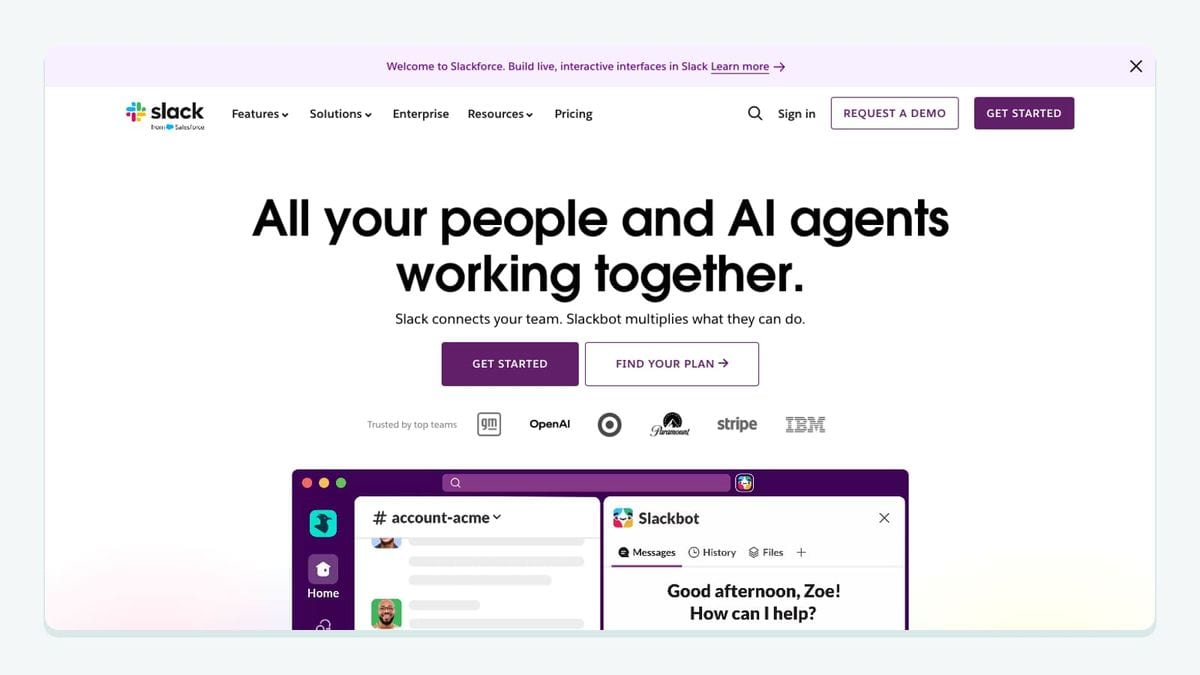
Slack fits a ClickFunnels handoff that needs a person. Zapier provides a pairing from One-Time Order Paid to a private Slack channel message, with funnel and page controls on the trigger. ClickFunnels paid-order Slack template.
Our recommended use is an operational alert for an order that requires a manual next step. Before enabling it, name the channel, the responsible role, and the action that person should take. A message without an owner is an activity feed, not a handoff.
Design the message around the decision. Include an order reference and the context needed to find the work, using available fields. Avoid copying a complete contact record into chat when a reference is sufficient. Ask the intended recipient to review a controlled test message before activation.
Do not treat message volume as a success metric. A quieter channel with actionable alerts is often more useful than a stream of routine events. If nobody needs to respond, consider whether the event belongs in a log instead.
Finally, separate notification from fulfillment authority. The alert can tell an owner that a payment event occurred; the owner should still follow the fulfillment process appropriate to the product. That distinction becomes especially useful when an order may include additional purchases later in the funnel.
5. Mailchimp: best fit for a deliberate email-marketing handoff
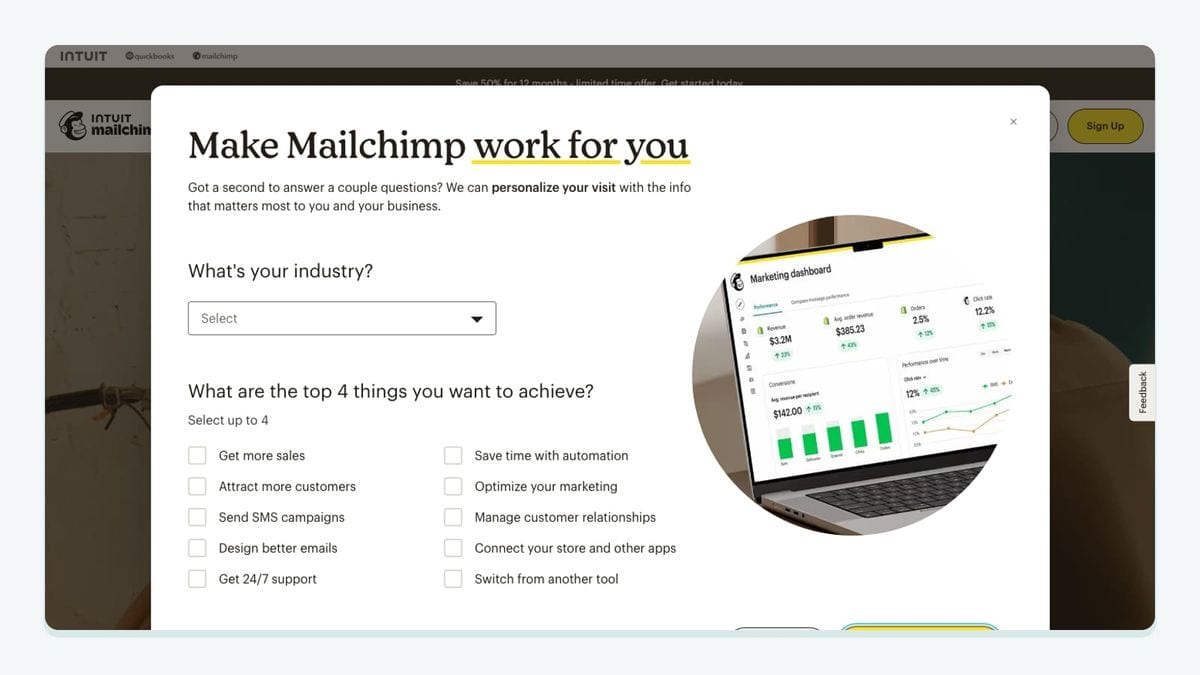
Mailchimp fits when ClickFunnels captures a contact and a selected email journey continues elsewhere. Zapier documents a Contact Identified connection that adds or updates Mailchimp subscribers. ClickFunnels-to-Mailchimp subscriber template.
The important limit is the trigger's meaning. Contact Identified can mean identification by email address or phone number. An identified contact therefore is not automatically a usable email subscriber. ClickFunnels identified-contact template details.
Our recommendation is to define three separate checks: the email field exists, the contact belongs in the intended marketing process, and the address meets your verification policy. Do not let a broad identification event silently stand in for all three decisions.
Choose the destination audience and follow-up purpose deliberately. A consultation request and a customer purchase may warrant different messages even when both records have email addresses. Write the intended treatment down before selecting subscriber actions.
Test an existing subscriber as well as a new controlled contact. Inspect what changed in the receiving record and whether the next email behavior matches your plan. Verification helps address quality; it does not establish permission or interest. Keep those decisions explicit rather than expecting a connector to infer them.
6. ShipStation: best fit for physical-product fulfillment
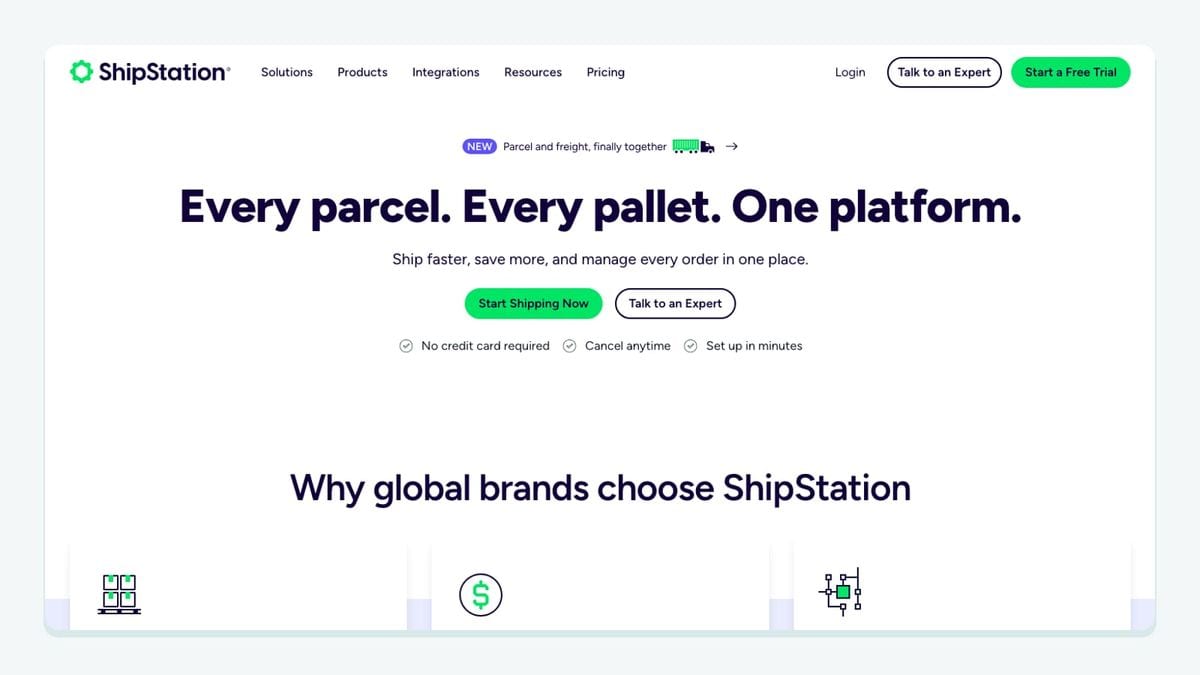
ShipStation belongs on the shortlist when ClickFunnels sells physical products. In ClickFunnels, open Workspace Settings → Shipping → Shipping Integrations, then connect ShipStation. The documented requirements include a configured location for inventory and fulfillment. ClickFunnels also documents an option to delay sending orders so upsell and downsell purchases can be combined. ClickFunnels shipping integration setup.
This is a distinct operational route from a marketing Zap. The decision is not merely whether an order can leave ClickFunnels; it is when the order is complete enough to begin fulfillment.
Our recommendation is to write down the expected result for a checkout with an additional offer. Should the fulfillment system receive one combined order? When should that transfer occur? Who investigates if the expected additional item is missing? Answer those questions before treating the connection as ready.
Use a controlled test order to compare the items purchased with the order received for fulfillment. Confirm the intended location and inspect the timing. Do not turn the test into a real shipment.
Skip this entry if your funnel delivers only digital products and you have no physical fulfillment problem. An integration can be well suited to ClickFunnels without being useful for your particular funnel.
How should you test the complete ClickFunnels handoff?
Use this worksheet to separate connection success from business success. The checks are our editorial acceptance criteria, not claims of completed product testing.
Route | Positive test | Negative or boundary test | Evidence to keep |
|---|---|---|---|
mailfloss | Controlled contact appears in the selected cleanup scope | Confirm an unwatched scope is not assumed to be covered | Connection, rule, result, and observed timing |
Google Sheets | Intended form submission creates a review item | Repeat submission receives the intended treatment | Source reference and destination row |
Slack | Qualifying paid one-time order produces the expected alert | An unpaid form submission must not authorize the same action | Order reference and channel message |
Mailchimp | Eligible contact with an email receives the intended subscriber treatment | Phone-only identification does not enter email follow-up | Mapped fields and resulting subscriber state |
ShipStation | Controlled order reaches the intended fulfillment route | Additional offer follows the chosen combination policy | Items, location, and transfer timing |
For every route, write the expected outcome before triggering the test. Then compare the actual receiving record with that expectation. Use controlled contacts and test orders, and inspect both ends of the connection.
Repeat a relevant test to look for duplicate actions. Also test something outside the intended scope. These are different questions: “can the connection work?” and “does it act only when it should?” Both matter before activation.
Which integration should you connect first?
Start with the failure you can name. If list quality is the recurring problem, evaluate mailfloss and its automated cleaning or developer API workflow. If a valid event never reaches the next tool, start with Zapier and one destination. If the team cannot see what needs attention, choose a review queue or an owned alert. If physical orders stall after checkout, evaluate ShipStation's fulfillment route.
Set one measurable acceptance condition for that first connection: the expected record, message, cleanup result, or fulfillment handoff appears in the correct place. Add another integration when another specific job needs it.
If bots or fake addresses are getting through your forms, here is how to reduce spam signups in ClickFunnels before they reach your list.
For the hygiene layer, review mailfloss pricing alongside the connection workflow. Start my free trial →
Frequently asked questions
Is a ClickFunnels form submission the same as a paid order?
No. In the ClickFunnels Zapier connector, Contact Submitted Form can represent an opt-in or order-form submission. One-Time Order Paid represents payment for a one-time order. Choose the event that proves the next action is appropriate; a submitted order form alone should not authorize fulfillment.
Can mailfloss clean ClickFunnels contacts automatically?
Yes. Connect ClickFunnels in mailfloss, select the connections and lists to watch, and choose review-first or automatic cleanup. Autofloss checks new contacts daily, while Decay Protection rechecks older contacts on a schedule. Developers and AI agents can also use the first-class real-time email verification API for custom workflows.
We write from the practical side of email list cleaning: what helps marketers keep real subscribers, reduce bounces, and avoid turning hygiene into another recurring chore.