
10 Best Braze Integrations for a Cleaner Customer Stack
Compare 10 best Braze integrations for data, analytics, commerce, personalization, and automated email hygiene. Build a cleaner Braze stack with this guide.


What are the best Braze integrations?
The best Braze integrations close a specific gap in customer data, analytics, commerce, personalization, attribution, or email hygiene. Choose by tracing one Braze journey from data entry to action. mailfloss adds scheduled and real-time verification inside Braze, while its first-class real-time API supports developers and AI agents.
The best Braze integrations close a specific gap in customer data, analytics, commerce, personalization, attribution, or email hygiene. Choose by tracing one Braze journey from data entry to action. mailfloss adds scheduled and real-time verification inside Braze, while its first-class real-time API supports developers and AI agents.
Braze can sit at the center of a sophisticated customer-engagement program, but the surrounding stack determines what its campaigns and journeys have to work with. A useful integration should improve a real Braze workflow: it should supply better customer context, make behavior easier to understand, activate a trustworthy audience, personalize a message, or keep risky contact data out of the system.
That is the standard behind this list. It is not a universal ranking, and the ten apps are not meant to be installed as a bundle. Each is a best-fit option for a distinct job. The right choice is the one that closes a visible gap without creating another source of truth your team has to reconcile.
What makes an integration a good fit for Braze?
A good Braze integration completes a customer-data loop. It has a clear input, changes a decision your team can explain, and leads to a useful action in Braze or a connected workflow. If nobody can say what the integration contributes to that loop, it is probably shelfware with an API key.
Use this five-layer scorecard before adding an app:
- Collection: Where do customer events and attributes originate?
- Storage: Which system is the trusted historical record?
- Analysis: Where does the team investigate behavior and measure outcomes?
- Activation: How does an audience or attribute reach the messaging workflow?
- Hygiene: What stops bad or decaying contact data from entering campaigns?
Score a candidate from zero to two on each of four questions: does it close a named gap, have an accountable owner, reduce manual handoffs, and produce an observable result? A score of eight is not a vendor rating. It means your team can explain all four parts of the proposed workflow. A low score is a prompt to define the use case before buying anything.
This framework matters in Braze because a broken handoff can look like a messaging problem when it is really a data problem. An analyst may find the right audience, for example, while an old email address or a typo still prevents that customer from receiving the intended message. Collection, analysis, activation, and hygiene are different jobs.
The 10 best-fit Braze integrations at a glance
Integration | Best-fit Braze job | Choose it when | Watch for |
|---|---|---|---|
Twilio Segment | Customer-data collection | Event and profile data need a governed route into the engagement stack | Undefined events and duplicate ownership |
Snowflake | Warehouse and historical data | The warehouse is the trusted analytical record | Moving every field instead of useful fields |
Hightouch | Warehouse activation | Modeled warehouse audiences need an operational path | Syncing audiences nobody owns |
Amplitude | Product analytics | Product behavior should inform lifecycle decisions | Analysis that never changes a Braze action |
Mixpanel | Product analytics | Teams need accessible behavioral exploration | Overlap with an existing analytics tool |
Shopify | Commerce context | Store activity should shape customer messaging | Consent, identity, and duplicate-profile handling |
Branch | Mobile attribution and deep linking | Mobile journeys depend on campaign and link context | Inconsistent identity across app and messaging data |
Movable Ink | Message personalization | Creative content needs richer contextual variation | Personalization without a clear decision rule |
Looker | Business intelligence | Braze results need broader reporting context | Treating dashboards as an activation layer |
mailfloss | Email verification and recurring hygiene | Risky or mistyped addresses are entering or aging inside Braze | Cleanup rules that have not been reviewed |
The table deliberately compares jobs rather than awarding stars. Segment and Snowflake can both touch customer data, but they solve different parts of the loop. Amplitude and Mixpanel belong in the same category, so most teams should evaluate them as alternatives rather than automatically adding both. mailfloss is the hygiene layer: it complements Braze and the rest of the stack instead of replacing their collection, analytics, or messaging roles.
1. Twilio Segment: best fit for governed data collection
Twilio Segment is a sensible Braze companion when the main problem is collecting customer events and profile data consistently. Its role in the stack is upstream: give product and marketing systems a clearer data route so Braze journeys are not built on a patchwork of one-off event calls.
The decision question is not simply, “Can Segment connect?” Ask whether the team has an event plan, an owner for identity rules, and a defined set of attributes that Braze actually needs. Sending more data is not the same as sending useful data. A tightly governed signup event, preference update, or product milestone is more actionable than hundreds of fields with unclear meaning.
Choose Segment when collection is fragmented and your team needs a managed customer-data layer. If the data is already cleanly modeled in a warehouse and the missing job is audience activation, a warehouse-activation tool may be the more direct fit.
2. Snowflake: best fit for a warehouse-centered stack
Snowflake belongs on the shortlist when the warehouse is the trusted place for historical customer and business data. In that architecture, Braze remains the engagement system while the warehouse holds the broader record used for modeling and analysis.
A good Snowflake-and-Braze design starts with a narrow question: which warehouse facts should change a campaign, audience, or journey? A lifecycle stage, account state, or modeled customer category can be useful. Copying an entire warehouse table because it exists usually creates more fields to document and more ambiguity about which value is current.
Choose Snowflake when data teams already govern the warehouse and marketers need that context around Braze activity. Do not choose it merely to avoid deciding which system owns customer identity. The integration cannot make an unresolved ownership model clear by itself.
3. Hightouch: best fit for activating warehouse audiences
Hightouch is a best-fit option when useful customer models already exist in the warehouse but the team needs an operational route from those models into engagement tools such as Braze. This category is often described as warehouse activation or reverse ETL; the practical job is turning a governed model into a usable audience or attribute.
The Braze-specific test is whether the sync changes a real action. Name the model, its owner, its refresh expectation, the Braze audience or journey that consumes it, and the fallback when a record cannot be matched. If those five details are vague, automating the sync will automate the vagueness too.
Choose Hightouch when warehouse modeling is strong and activation is the missing link. If customer events are not reliably collected yet, fix collection first. If the audience reaches Braze but its email addresses are risky, add a separate hygiene control rather than expecting the activation layer to verify them.
4. Amplitude: best fit for product-led lifecycle analysis
Amplitude is a strong candidate when product behavior should inform how a team designs Braze lifecycle messaging. The useful output is not another dashboard; it is a better decision about who needs a message, when they need it, or which milestone matters.
Start with one behavioral question tied to a Braze action. Which event signals that onboarding has stalled? Which sequence distinguishes a curious visitor from an activated user? Which product milestone should suppress a reminder that is no longer relevant? Analysis earns its place in the stack when it changes one of those decisions.
Choose Amplitude when product and growth teams need behavioral analysis around lifecycle work. Before adding it, confirm that another tool is not already answering the same questions. Two analytics products with overlapping ownership can produce more debates than insight.
5. Mixpanel: best fit for accessible behavioral exploration
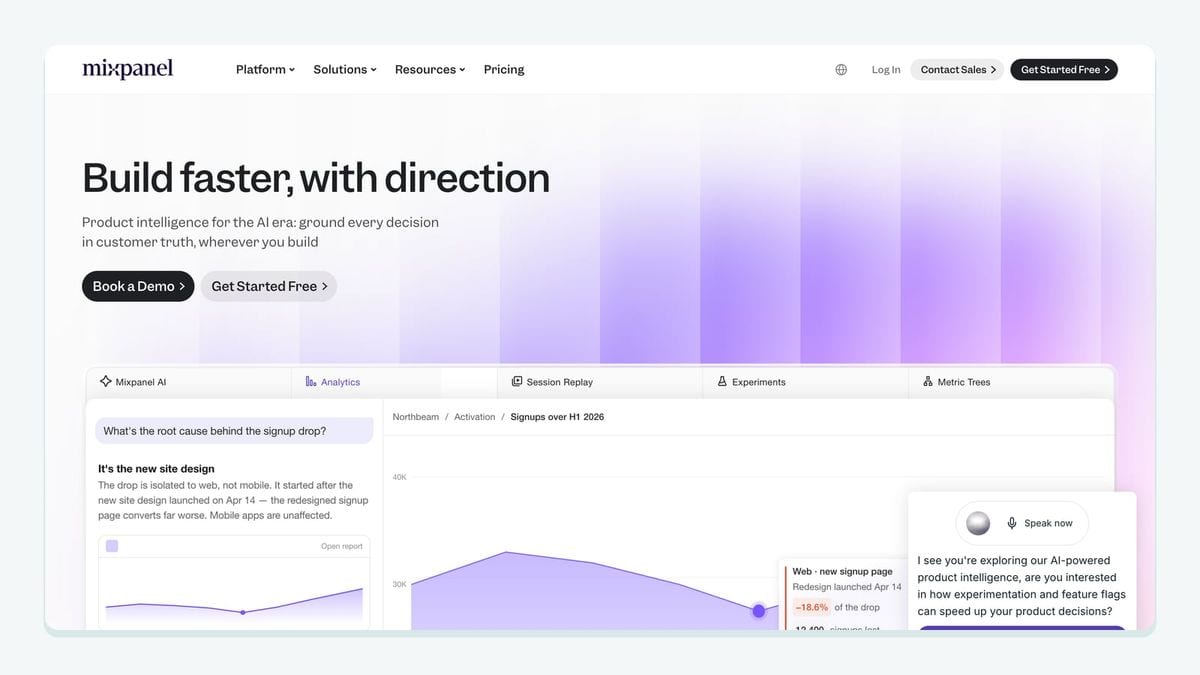
Mixpanel fills a similar product-analytics role and may be better suited when teams want to explore funnels, retention, and event-based behavior in a product-focused workspace. As with Amplitude, the value for Braze comes from the decision that follows the analysis.
A useful evaluation uses the same event set and the same lifecycle question in both shortlisted tools. Judge how clearly the team can move from observation to a defined Braze audience or journey change. Avoid selecting on the number of charts available; select on whether the people who own the customer journey can reach a defensible answer.
Most teams do not need both Amplitude and Mixpanel for the same job. Pick the one that fits existing skills, governance, and decision workflows.
6. Shopify: best fit for commerce-triggered engagement
Shopify is relevant for Braze teams whose messaging depends on commerce context. Store activity can help distinguish a browser, first-time buyer, repeat customer, or lapsed customer, making campaigns more useful than a single newsletter sent to everyone.
The implementation work is partly about commerce data and partly about identity. Decide how a store customer maps to a Braze contact, which events are useful, how consent is represented, and what happens when multiple records appear to represent the same person. Those decisions matter more than importing every available field.
Choose Shopify when purchases and store behavior genuinely shape the customer journey. Keep transactional requirements, promotional consent, and audience logic explicit. An integration can move data, but it should not be asked to invent the policy governing how that data is used.
7. Branch: best fit for mobile attribution and deep-link context
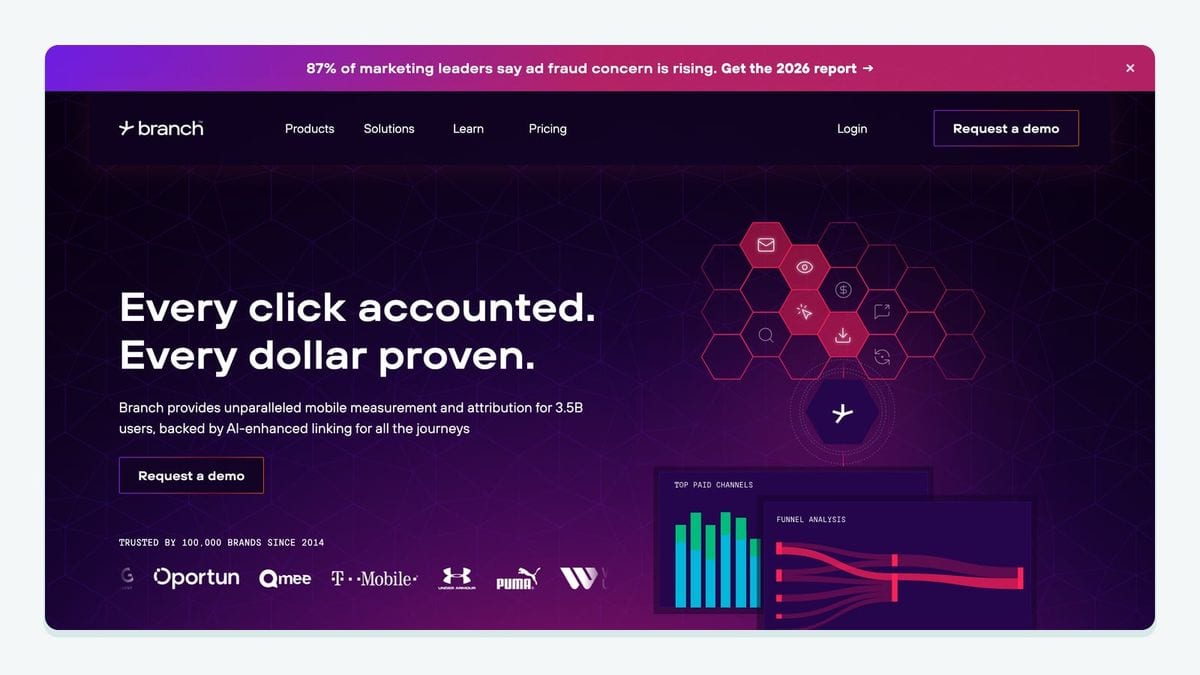
Branch is a best-fit candidate when mobile acquisition, attribution, and deep links are central to the customer journey. Its place beside Braze is contextual: help the team understand or preserve the path between a campaign interaction and an app experience.
The concrete workflow should name the link, the expected app destination, the identity handoff, and the Braze follow-up. Test what happens for an installed user, a new installer, and a person whose identity is not yet resolved. Those branches are where an elegant journey diagram can turn into three different customer experiences.
Choose Branch when mobile journey continuity is the missing capability. If the real problem is unreliable email data in Braze, an attribution tool is the wrong layer; fix the contact-quality problem directly.
8. Movable Ink: best fit for richer message personalization
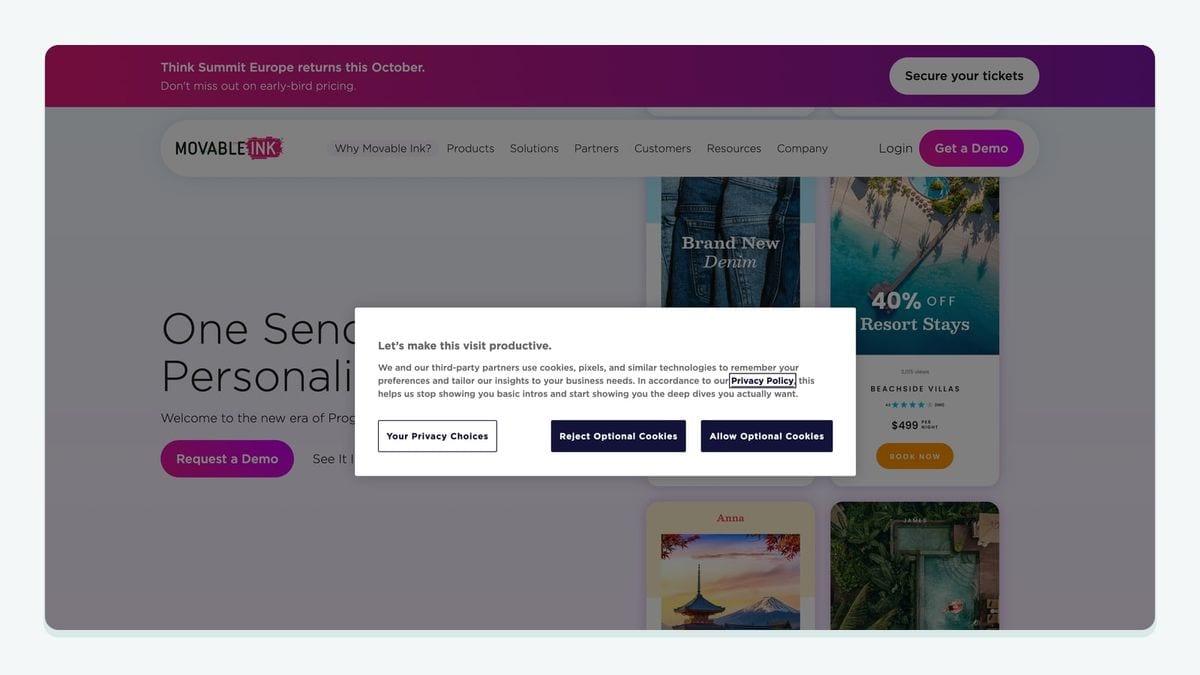
Movable Ink belongs in the personalization layer. It may fit teams that already have reliable audience data and want creative content to respond to customer or contextual signals.
The useful Braze question is: what specific decision should change what the recipient sees? Define the input, the creative variation, and the fallback before expanding the program. Personalization without a decision rule can add production work while leaving the message no more relevant.
Choose Movable Ink when the audience and data foundation are already sound and creative variation is the constraint. Do not use a personalization layer to paper over poor segmentation, unresolved identity, or risky email addresses. Better paint does not repair a cracked foundation.
9. Looker: best fit for broader business reporting
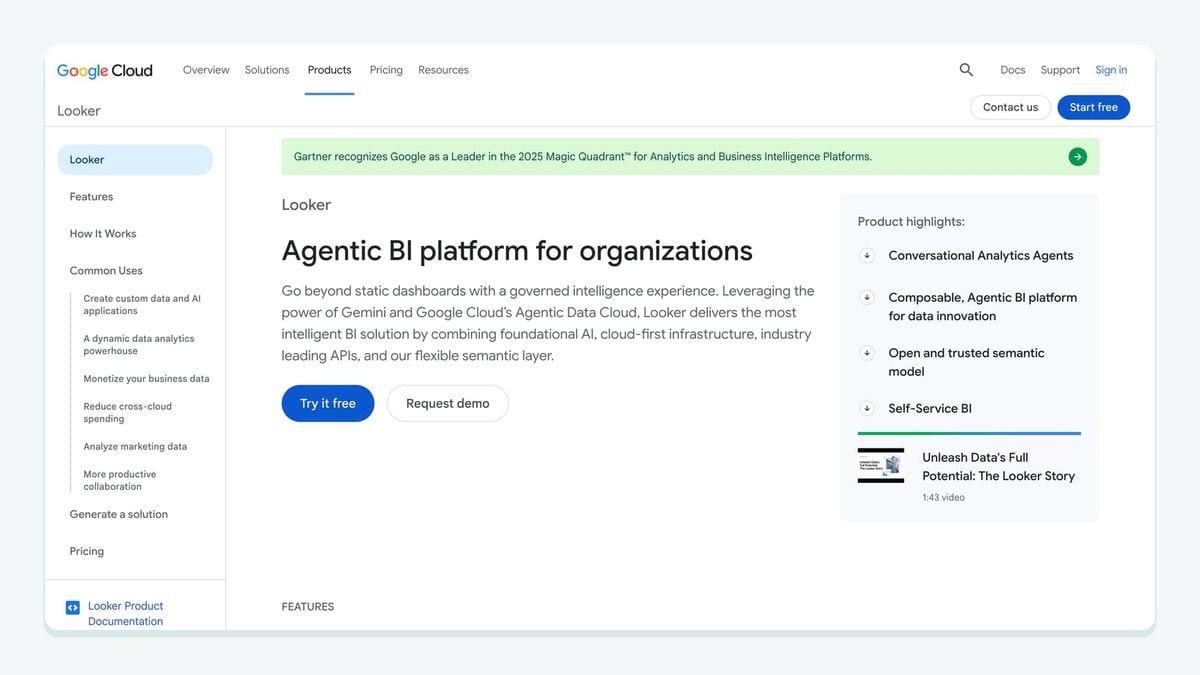
Looker is a best-fit option when Braze performance needs to be understood alongside product, revenue, or operational data. Its role is business intelligence: help stakeholders interpret engagement work in a broader model rather than treating campaign metrics as an isolated universe.
Define the grain of each metric, its owner, and the decision it supports. A dashboard can show that a lifecycle program moved with a business outcome, but the team still needs to distinguish correlation from a causal claim. Keep reporting definitions visible and resist creating five versions of the same customer count.
Choose Looker when reporting context is missing. It should complement, not masquerade as, the system that activates audiences in Braze.
10. mailfloss: best fit for Braze email hygiene on autopilot
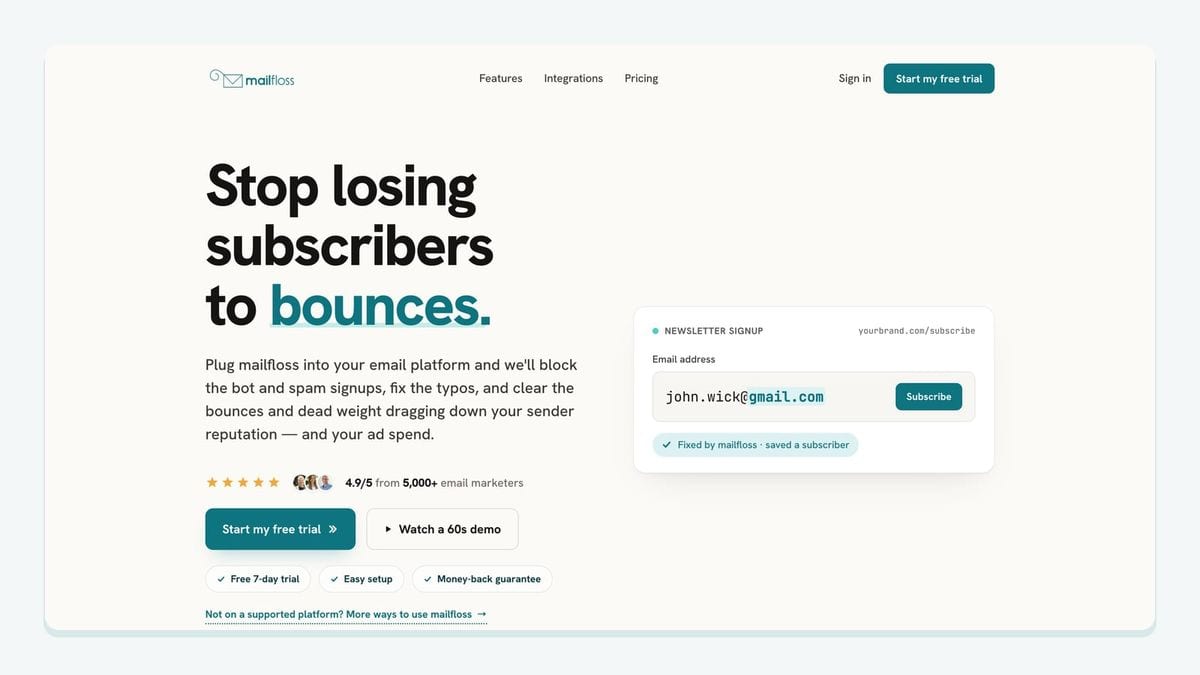
mailfloss is the email verification and automated list-cleaning layer in this stack. It connects directly to Braze for scheduled contact checks and can verify addresses in real time where new signups enter. It can fix recognized typos, identify disposable or risky addresses, and write configured cleanup actions back to Braze without a recurring export-check-import cycle.
The Braze workflow is concrete. First, choose which Braze connections and lists mailfloss should watch. Next, assign cleanup rules to each connection. Depending on the team’s settings, mailfloss can keep an address for review, clean automatically, update fields, or notify another workflow when attention is needed. That lets a cautious team begin with review-first rules while a mature workflow automates approved outcomes.
This is recurring hygiene, not merely a one-time CSV check. New signups can be checked at entry, while scheduled cleaning catches problems in the contacts already being used by Braze. The live integration guidance recommends beginning with Typo Fixer plus daily cleanup, then adjusting the rules to match the team’s risk tolerance.
Developers and AI agents have a first-class route too. The email verification API for developers and AI agents supports real-time verification outside the direct Braze connection, so product teams can put verification at another system boundary while marketers retain scheduled cleaning in Braze. Read the full Braze email verification integration workflow before choosing cleanup actions.
How should you choose the right Braze integration?
Choose with a journey walkthrough, not a logo checklist. Put one real Braze workflow on a whiteboard and trace it from the first signal to the final action.
- Name the entry point. Is the contact coming from a product signup, store action, mobile campaign, warehouse model, or another source?
- Name the Braze object your team uses. Identify the contact, selected list, field, attribute, or audience involved rather than saying “the data goes into Braze.”
- Name the decision. Explain what becomes different because the integration exists: audience membership, message timing, creative content, reporting context, or cleanup treatment.
- Name the write-back or next action. For mailfloss, that may mean review, automatic cleaning, a field update, or notification to another workflow.
- Name the failure state. Decide what happens when identity cannot be matched, data is stale, consent is unclear, or an address is risky.
- Name the owner. Every integration needs somebody accountable for its definitions and alerts.
For a Braze signup-hygiene flow, the walkthrough is especially specific. A new address enters through the signup path. Real-time verification checks it at that boundary. Recognized typos can be fixed and risky results handled according to the chosen rule. Scheduled checks then cover the selected Braze connections and lists over time. Approved actions are written back without recurring CSV round-trips. If the signup is owned by a product service or AI agent, the same boundary can use the first-class API.
That workflow is materially different from installing another analytics dashboard. It prevents the team from diagnosing every problem as a lack of insight when the actual issue may be an invalid contact, a stale audience, or an undefined handoff.
Three sensible Braze stack patterns
A lean lifecycle stack
A lean team may need one collection path, one analysis tool, Braze for engagement, and mailfloss for recurring email hygiene. The goal is not minimalism for its own sake. It is making ownership obvious enough that a broken journey can be diagnosed quickly.
A warehouse-centered stack
A data-mature team may use Snowflake as the historical record, Hightouch for governed activation, Braze for messaging, Looker for broader reporting, and mailfloss for email verification. The important boundary is between audience qualification and address quality: a person can qualify perfectly for an audience while their email address is still mistyped or risky.
A mobile commerce stack
A mobile commerce team may combine Shopify context, Branch for mobile journey continuity, a product-analytics tool, Braze, and mailfloss. Here, identity and consent deserve extra attention because store, app, attribution, and messaging records can describe the same customer differently.
These patterns are examples, not bundles. Remove any tool whose job is already handled clearly elsewhere.
What are the main risks when expanding a Braze stack?
The first risk is duplicate ownership. Two systems may both appear to own a field, audience, or metric. Decide which system is authoritative and document what the other system receives.
The second is silent failure. A sync can run while producing incomplete or stale data. Monitor the business result of the handoff, not only whether an integration job reports success.
The third is uncontrolled automation. Start consequential cleanup actions with reviewed rules. The supplied Braze workflow allows different rules for different connections and supports review-first, automatic cleaning, field updates, or workflow notifications. Use that flexibility deliberately.
The fourth is treating deliverability as a guaranteed output. No app can promise inbox placement. Email verification helps reduce risky addresses; consent, sending practices, content, engagement, and mailbox-provider decisions still matter.
The fifth is forgetting that contact quality changes. A clean import is a starting point, not a permanent state. Scheduled Braze checks and email decay protection address the recurring job, while teams with an accumulated file can also verify an existing email list.
Which Braze integrations should you shortlist?
Shortlist by missing job. Segment fits governed collection; Snowflake fits a warehouse-centered record; Hightouch fits warehouse activation; Amplitude or Mixpanel fit product analysis; Shopify fits commerce context; Branch fits mobile attribution and deep-link journeys; Movable Ink fits message personalization; Looker fits broader reporting; and mailfloss fits recurring email verification.
Do not choose all ten. Choose the smallest set that completes a traceable loop and gives every handoff an owner. If risky email addresses are part of the gap, connect mailfloss to the relevant Braze connections and lists, begin with reviewed cleanup rules, and expand automation once the outcomes are understood.
Start my free trial » or review mailfloss pricing before connecting Braze.
Frequently asked questions
Which Braze integration should I add first?
Start with the bottleneck in one live Braze journey. If customer data arrives incomplete, fix collection or warehouse activation first. If teams cannot explain behavior, add analytics. If risky email addresses are entering Braze, add verification at signup and scheduled list cleaning before adding more messaging complexity.
How does mailfloss work with Braze?
mailfloss connects directly to Braze for scheduled contact checks and real-time verification where new signups enter. It can fix recognized typos, identify risky addresses, and apply configured cleanup actions without recurring CSV exports. Developers and AI agents can also use the first-class real-time email verification API.
Do Braze integrations improve email deliverability?
No integration guarantees inbox placement. The useful stack reduces preventable risk: cleaner customer data, clearer consent and audience rules, and fewer disposable, mistyped, or otherwise risky addresses entering campaigns. mailfloss handles the verification layer through scheduled Braze checks, real-time signup verification, or its developer API.
How many Braze integrations should a team use?
Use the fewest integrations that complete a traceable customer-data loop. A practical Braze stack usually needs clear ownership for data collection, analysis, activation, messaging, and hygiene, but one tool may cover more than one role. Add another app only when you can name the missing input, decision, or action.
We write from the practical side of email list cleaning: what helps marketers keep real subscribers, reduce bounces, and avoid turning hygiene into another recurring chore.