
Best AWeber Integrations: 9 Best-Fit Picks for 2026
Compare 9 best-fit AWeber integrations for forms, ecommerce, automation, and list hygiene. See the picks, build a cleaner stack, and start my free trial.


What are the best-fit AWeber integrations?
The best-fit AWeber integrations cover four jobs: capture subscribers, route them to the right list and tags, measure outcomes, and protect list quality. Start with WordPress, Leadpages, Shopify, WooCommerce, or Facebook Lead Ads for the source; use Zapier for custom handoffs; then use mailfloss for recurring in-AWeber cleaning or its real-time API for developer and AI-agent checks.
The best-fit AWeber integrations cover four jobs: capture subscribers, route them to the right list and tags, measure outcomes, and protect list quality. Start with WordPress, Leadpages, Shopify, WooCommerce, or Facebook Lead Ads for the source; use Zapier for custom handoffs; then use mailfloss for recurring in-AWeber cleaning or its real-time API for developer and AI-agent checks.
AWeber has a broad integration directory, but a long app list is not a stack. The useful question is where subscriber data enters, which AWeber list receives it, which tags trigger the next workflow, and what happens when an address is mistyped, disposable, risky, or simply old.
This guide applies one decision framework to all nine picks:
- Source: Where does the subscriber or customer originate?
- Destination: Which AWeber list receives the record?
- Signal: Which tags, fields, purchases, or form choices should travel with it?
- Failure mode: What delay, missing field, stale address, or lifecycle mismatch needs monitoring?
- Hygiene: Who checks the address after it enters AWeber?
That framework deliberately avoids naming a single winner. A WooCommerce shop, a newsletter on WordPress, and a team collecting Facebook leads have different handoffs. The best-fit integration is the one that closes the most important gap without turning every signup into a tiny Rube Goldberg machine.
AWeber integrations at a glance
Integration | Best-fit job | AWeber-specific handoff | Watch this limit |
|---|---|---|---|
mailfloss | Recurring list hygiene | Watches selected AWeber newsletters and writes configured fixes or removals back | Configure keep, remove, and review actions deliberately |
Zapier | Custom app-to-AWeber routing | Selects an AWeber account and list, maps email fields, and can apply tags | Test the action and confirm the intended list before switching it on |
AWeber for WordPress | Site and blog signup forms | Places a selected AWeber form or split test in a widget area | A newly created form may require a refresh and the correct list selection |
Leadpages | Landing-page acquisition | Sends form submissions to a selected AWeber list and can use AWeber custom fields | Required extra fields must exist in an AWeber signup form |
WooCommerce | Product-based follow-up | Routes purchasers by product to an AWeber list and adds or removes tags | A canceled payment does not automatically unsubscribe the buyer |
Shopify | Store-customer follow-up | Adds paying customers and product-based tags through a supported connector | One Shopify account; customer updates may take up to two hours |
Facebook Lead Ads | Paid-lead capture | Connects lead forms to AWeber list-and-tag rules | One connected ad account; extra field mapping may require Zapier |
Gravity Forms | WordPress form workflows | Uses the Gravity Forms AWeber add-on to connect form submissions | Check field mapping and the destination list for each form |
AWeber Web Analytics | Post-click measurement | Adds AWeber’s analytics script through the WordPress plugin | Page tracking depends on the subscriber first receiving the tracking cookie |
1. mailfloss: best-fit for recurring AWeber list hygiene
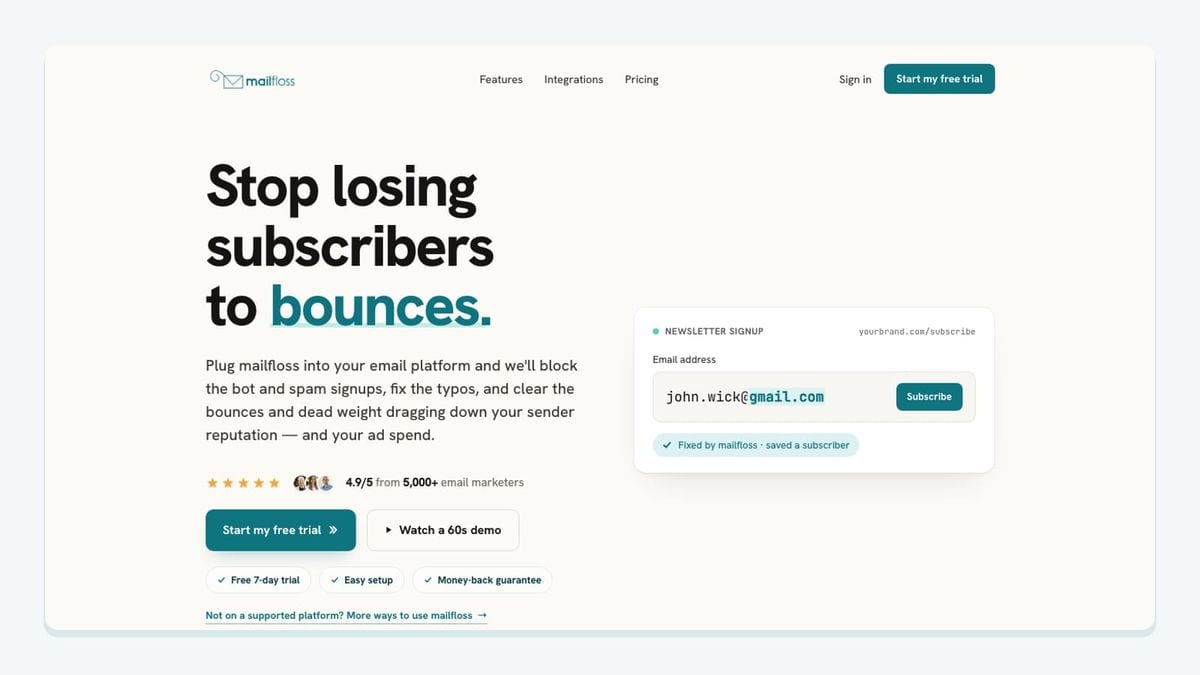
Most tools in this roundup put people into AWeber. mailfloss handles the less glamorous second half: checking the addresses that arrive and protecting the quality of the list over time.
The workflow is specific to AWeber. Authorize AWeber from mailfloss, choose the newsletters you want watched, and let the first sync begin. Then select the cleanup features and rules for that connection. The supplied live AWeber email verification and automated list-cleaning page describes mailfloss checking new subscribers on a schedule and writing configured fixes and removals back to AWeber, rather than forcing another export, verification, and import loop.
The feature mix covers different moments in an AWeber contact’s lifecycle:
- Typo Fixer handles recognized typo patterns, including common domain misspellings.
- Instafloss protects new signup flows in real time where contacts enter the marketing system.
- Autofloss runs daily checks against new AWeber contacts.
- Decay Protection re-verifies older contacts on a schedule.
- Custom Keep & Remove Rules let a team protect VIPs, block selected domains, and tune removal behavior.
- Auto-Actions apply the chosen outcome in AWeber or route a record for review or follow-up.
This is the key distinction in the stack: a form connector moves a submitted address; mailfloss evaluates and maintains the address after the handoff. It helps reduce risky addresses, but it does not guarantee inbox placement or promise that a list will remain clean forever.
mailfloss is also not a no-dev-only product. Product teams, developers, and AI agents can use the first-class email verification API for real-time JSON workflows, while marketing teams run automated AWeber cleaning in parallel. Use the API when verification belongs inside your own application or agent workflow; use the AWeber connection when the job is recurring hygiene inside the ESP.
Best fit: AWeber teams receiving contacts from several sources that want one recurring hygiene layer after acquisition.
2. Zapier: best-fit for custom list and tag handoffs
Zapier earns its place when the source app does not expose the exact AWeber connection you need, or when one event must trigger several follow-up actions.
AWeber’s official Zapier instructions show a concrete setup: choose a trigger app and event, connect the AWeber account, select the account ID and destination list, map the email address, add optional fields, and test the action before turning the Zap on. Tags can be applied during the AWeber action and can then trigger a campaign within the chosen list.
That makes Zapier especially useful for unusual lead sources, scheduling tools, payment events, or internal systems. Name each Zap after the source and destination—such as “Webinar registration → AWeber main newsletter”—and keep the AWeber list and tags visible in the configuration. The boring name becomes wonderfully useful six months later.
The failure mode is misrouting. A successful automation can still be wrong if it sends a record to the wrong AWeber list, maps a blank field, or applies a tag that starts the wrong campaign. Test with an address you control, confirm the subscriber in AWeber, inspect the tags, and only then activate the Zap.
Best fit: Teams that need custom triggers, list selection, or tag application beyond a direct connector.
3. AWeber for WordPress: best-fit for blog and site forms
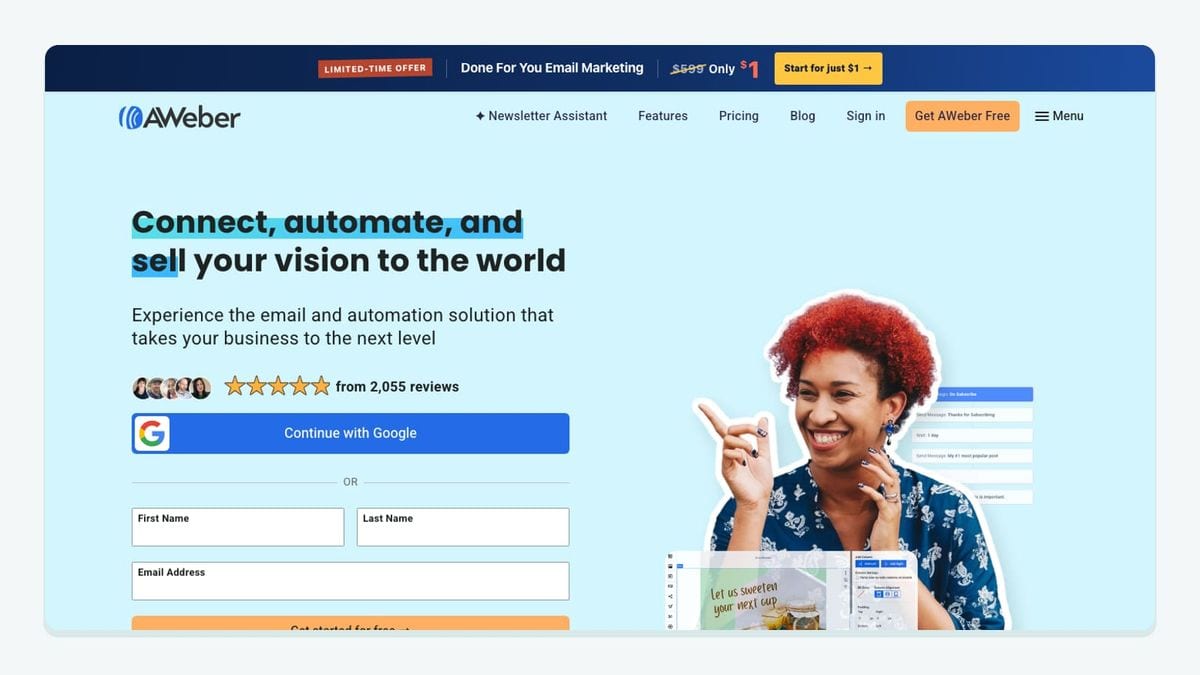
The AWeber for WordPress plugin is the direct choice when a WordPress site is the main subscriber source. It keeps form placement and basic performance checks close to the publishing workflow.
AWeber’s WordPress form instructions explain how to place the AWeber Sign Up Form block in a sidebar or footer, choose the AWeber list, and then select a form or split test from that list. A 75/25 split configured in AWeber is reflected by the widget, and the plugin exposes form displays, submissions, conversion rates, tags, and shortcodes.
The AWeber-specific detail that matters is the two-stage selection: list first, form second. If a newly created form seems to be missing, refresh the page and verify that the first dropdown points to the list that owns it. That is a small setting with a large consequence; choosing the wrong list can send subscribers into the wrong follow-up path even though the form itself looks perfect.
Pair this plugin with mailfloss when the site is a high-volume signup source. The plugin captures the address and sends it to the chosen AWeber list; mailfloss can then check new contacts, correct recognized typos, and apply the configured cleanup action.
Best fit: Publishers and small businesses whose primary signup forms live in WordPress widgets, pages, posts, or themes.
4. Leadpages: best-fit for campaign landing pages
Leadpages is useful when the acquisition experience needs a dedicated landing page rather than a form embedded in the main site.
The official AWeber setup guide routes a Leadpages form through Edit Integrations, connects the AWeber account, and lets the operator choose the destination AWeber list. There is an important custom-field wrinkle: if the page must collect additional information, create an AWeber signup form containing those custom fields, save it, and select that signup form in Leadpages.
This means the clean setup order is not “design everything in Leadpages and improvise later.” Define the destination list and required AWeber fields first, then build the landing-page form around that contract. Submit a test record and confirm both the address and every required field in AWeber before sending paid traffic.
Best fit: Lead magnets, launches, webinars, and campaign pages that need a dedicated conversion experience plus a precise AWeber destination.
5. WooCommerce: best-fit for product-based AWeber follow-up

WooCommerce is the stronger fit for a WordPress store that wants purchases to determine the AWeber list and tags used for follow-up.
AWeber’s WooCommerce documentation describes checkout rules that can target a product, choose the AWeber list for that purchaser, and add or remove tags. A rule with the Products field left blank acts as the default for purchases that have no product-specific rule. Cart-abandonment capture can also be configured separately.
The standout limitation is lifecycle reconciliation: canceling a WooCommerce payment does not automatically unsubscribe the subscriber associated with that purchase. Build an operating check for refunds and cancellations instead of assuming the email lifecycle mirrors the order lifecycle. Depending on the business, that may mean removing a customer-only tag, moving the contact into a different follow-up path, or reviewing consent before further marketing.
Best fit: WooCommerce stores using product purchases to control AWeber segmentation and follow-up.
6. Shopify: best-fit for customer and product-purchase tags

Shopify is the storefront pick when completed purchases should add customers to AWeber and apply tags based on a particular product or any completed purchase.
AWeber’s Shopify integration documentation lists third-party connection options including Combidesk, Zapier, Make, and Apiant. It also documents three constraints worth planning around: the store must be live before connecting, only one Shopify account can be connected to the AWeber account, and Shopify may take up to two hours to report a customer or append a tag.
That delay changes the design of time-sensitive campaigns. Do not promise an instant post-purchase email based solely on the AWeber handoff without testing the connector and observing the real timing. For storefront signup forms, AWeber also documents adding its JavaScript snippet to a Custom Liquid section and configuring the form’s targeting and display options.
Best fit: Shopify stores that need purchase-based AWeber list entry and product tags and can accommodate the documented handoff timing.
7. Facebook Lead Ads: best-fit for native paid-lead capture
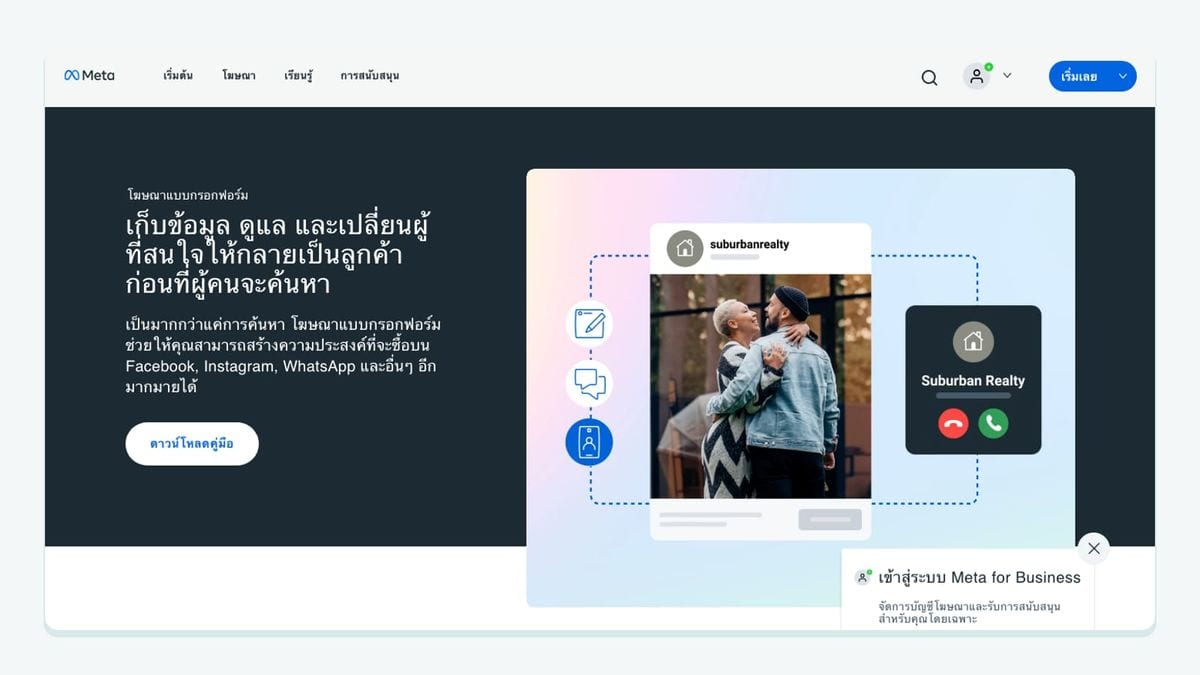
Facebook Lead Ads is useful when a prospect should submit without leaving Facebook and then enter an AWeber list automatically.
AWeber’s Facebook Lead Ads guide connects the account from AWeber’s Account Integrations area, lets the operator select Facebook pages and businesses, and then creates rules for the AWeber list and tags. The connection attaches to the Facebook Lead Form rather than an individual ad campaign, so ads using the same form can be switched without rebuilding the AWeber integration.
Two limitations define the best-fit boundary. The native connection supports one Facebook Lead Ads account per AWeber account, and it collects name and email fields by default. Multiple ad accounts or extra field mapping may require Zapier. A preview or testing-tool lead may also remain undelivered until the ad is published because Facebook controls when it sends that record.
Best fit: A single-account Facebook advertising program using stable lead forms and straightforward AWeber list-and-tag rules.
8. Gravity Forms: best-fit for structured WordPress forms
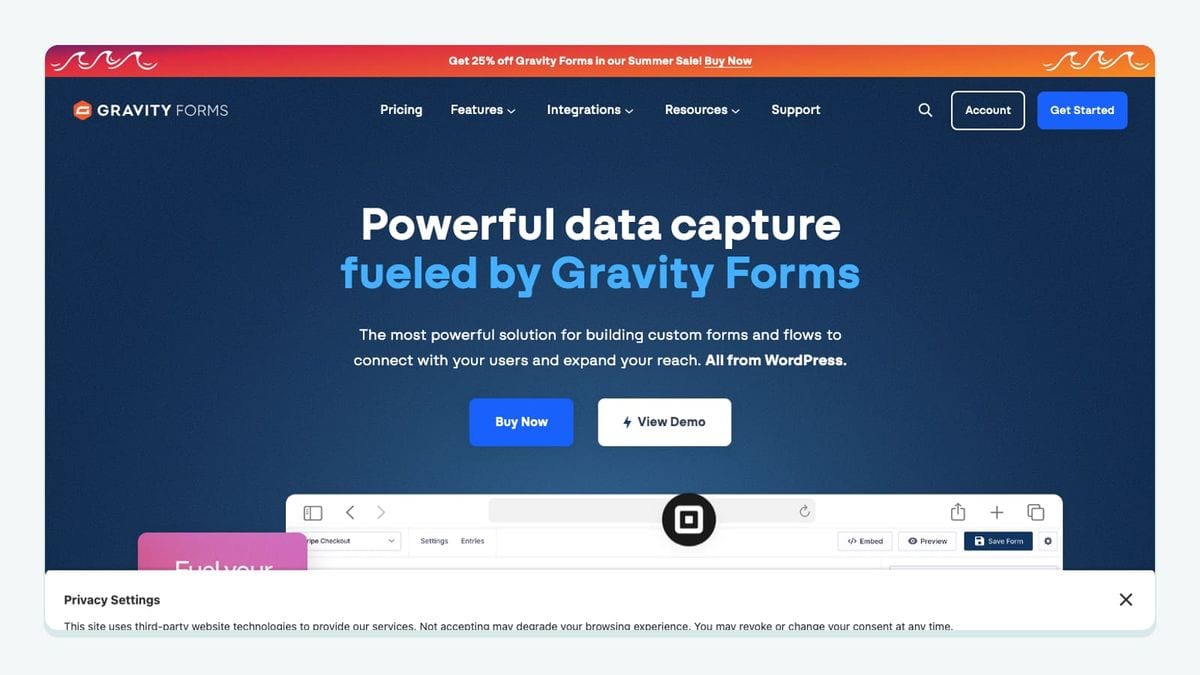
Gravity Forms belongs on the shortlist when a WordPress signup is more than a simple email box. AWeber’s official integration directory lists an AWeber add-on for the WordPress form builder.
Treat every form as its own data contract. Record the intended AWeber list, map the email and supporting fields, define which form choices should become tags, and test each form independently. A contact form, event application, and lead magnet may all live on the same WordPress site while requiring different AWeber destinations.
Gravity Forms and the AWeber for WordPress plugin therefore solve related but different jobs. Use the native AWeber form plugin for direct AWeber form placement and split tests. Use Gravity Forms when the site needs a structured multi-field form workflow, then confirm that its AWeber add-on carries the expected fields and tags.
Best fit: WordPress teams with structured forms whose submissions need deliberate AWeber field and list mapping.
9. AWeber Web Analytics: best-fit for post-click measurement
AWeber Web Analytics is the measurement pick rather than another acquisition source. Through the AWeber for WordPress plugin, the Analytics Event Tracking setting can add AWeber’s JavaScript snippet across the WordPress site.
AWeber’s official instructions document the critical limitation: the subscriber must first visit through a link in an email to receive the required cookie. Without that cookie, AWeber cannot attribute later page visits to the subscriber. That makes the integration useful for post-click behavior, but it is not a complete anonymous web analytics replacement.
Enable the setting only after configuring Web Analytics in AWeber, save it, and test by clicking from a message to the WordPress site. Keep consent requirements and the site’s privacy disclosures aligned with the tracking configuration.
Best fit: WordPress-based AWeber senders who want subscriber-level post-click context and understand the cookie dependency.
How should you build an AWeber integration stack?
Build from the handoff inward:
- Choose the source integration: WordPress, Leadpages, WooCommerce, Shopify, Facebook Lead Ads, or Gravity Forms.
- Name the destination AWeber list before configuring the connector.
- Define the minimum tags and fields needed for the next AWeber workflow.
- Submit one controlled test through the real source.
- Verify the subscriber, list, fields, and tags in AWeber.
- Add Zapier only when the direct path cannot express the required trigger or action.
- Connect mailfloss to the newsletters you want watched and set the appropriate cleanup actions.
- Use the email verification API when developers or AI agents need real-time checks outside the AWeber connection.
- Re-test after changing a form, product rule, list, field, tag, or connector authorization.
Use one-time list verification for an isolated legacy file. Use recurring AWeber-connected hygiene when new contacts continue arriving from live forms, stores, ads, and automations. Those are different jobs, and pretending otherwise is how “cleaned last quarter” becomes a strategy.
Which AWeber integrations should you choose?

Choose the smallest stack that covers the four jobs you actually have: acquisition, routing, measurement, and hygiene. A WordPress publisher might need the AWeber plugin, Web Analytics, and mailfloss. A WooCommerce store might use product rules, a cancellation review, and recurring cleanup. A multi-source team might use direct connectors first and reserve Zapier for the odd handoff that refuses to behave.
The durable setup is not the one with the most logos. It is the one where every source has a named AWeber list, every important signal has a deliberate tag or field, every documented limitation has an owner, and every incoming address has an appropriate verification path.
Frequently asked questions
Which AWeber integration should I install first?
Start with the integration that fixes your largest broken handoff. Use a form or commerce connector when subscribers are not reaching the correct AWeber list or tags. Add mailfloss when the addresses arriving through those sources need recurring verification, typo correction, and cleanup inside AWeber; developers and AI agents can use its real-time email verification API.
Does Zapier replace a direct AWeber integration?
Sometimes, but not automatically. Zapier is useful when an app lacks the AWeber trigger or action you need, or when a workflow must add a subscriber and apply tags. Prefer a direct connector when it exposes the exact AWeber list, form, purchase, or campaign settings you need with fewer moving parts.
Which AWeber integration is best-fit for ecommerce?
Choose by storefront. WooCommerce can route purchasers to an AWeber list and add or remove product-specific tags, while Shopify connections can add paying customers and product-based tags through supported third-party connectors. Check the handoff limits before launch: canceled WooCommerce payments do not automatically unsubscribe the buyer, and Shopify updates may be delayed.
Can Facebook Lead Ads send subscribers directly to AWeber?
Yes. AWeber lets you connect a Facebook Lead Ads account, choose the relevant pages and businesses, then create rules that send submissions to selected lists with configured tags. The native connection supports one Facebook Lead Ads account; use a third-party connector when you need multiple accounts or additional custom-field mapping.
Can I clean an AWeber list without repeated CSV exports?
Yes. After you authorize AWeber in mailfloss and select the newsletters to watch, mailfloss can check new subscribers on a schedule, apply configured keep, remove, or follow-up actions, and write fixes and removals back to AWeber. Instafloss can protect new signup flows, while Decay Protection re-verifies older contacts.
We write from the practical side of email list cleaning: what helps marketers keep real subscribers, reduce bounces, and avoid turning hygiene into another recurring chore.