
Best ActiveTrail Integrations: 8 Useful Picks for 2026
Compare 8 ActiveTrail integrations for capture, commerce, CRM, reporting, and automated email verification. Pick the right stack and clean up handoffs.


What are the best ActiveTrail integrations?
The best ActiveTrail integrations fix one of three handoffs: capturing contacts, routing customer data, or protecting newsletter quality. Start where contacts enter, then add mailfloss to watch selected ActiveTrail newsletters and apply cleanup rules. Developers and AI agents can use its real-time email verification API for custom flows.
The best ActiveTrail integrations fix one of three handoffs: capturing contacts, routing customer data, or protecting newsletter quality. Start where contacts enter, then add mailfloss to watch selected ActiveTrail newsletters and apply cleanup rules. Developers and AI agents can use its real-time email verification API for custom flows.
An ActiveTrail integration is useful only when it improves a real contact journey. A shiny app directory can hide the questions that matter: Where did the contact enter? Which system owns the latest customer data? Which ActiveTrail newsletter receives the address? What happens when an automation fails or an email turns out to be invalid?
This guide uses those questions to compare eight practical workflow pairings for ActiveTrail. Some may use a direct connector or dedicated plugin; others may rely on middleware. Confirm current availability and supported fields before rollout. The goal is not to collect logos. It is to build a shorter, safer route from signup to useful message.
Which ActiveTrail integrations are the best fit?
There is no single best ActiveTrail integration for every team. The right first choice depends on the handoff that creates the most manual work, stale data, or risky addresses.
Integration | Best fit in an ActiveTrail stack | Primary job | Connection detail to check |
|---|---|---|---|
mailfloss | Teams sending to one or more ActiveTrail newsletters | Recurring email verification and automated list cleaning | Which newsletters are watched and which rules apply to each connection |
Zapier | Teams joining ActiveTrail to apps without a dedicated connector | Workflow routing | Trigger direction, field mapping, retries, and task failures |
Salesforce | Sales-led teams sharing lifecycle data with marketing | CRM handoff | Record ownership, duplicate handling, and update direction |
WooCommerce | Stores collecting contacts during WordPress commerce flows | Purchase and subscriber handoff | Consent source, customer status, and newsletter destination |
Shopify | Stores using customer and order events for email journeys | Commerce segmentation | Which events create or update an ActiveTrail contact |
Facebook Lead Ads | Campaign teams moving lead-form submissions into follow-up | Lead capture | Consent language, source tagging, and duplicate submissions |
Google Sheets | Operators who need a controlled staging or audit layer | Lightweight review and reporting | Whether the sheet is a temporary checkpoint or an accidental database |
Slack | Teams that need visible operational alerts | Notifications | Which failures deserve an alert and who owns the response |
A practical order is capture first, system of record second, quality control third, and reporting or alerts fourth. If a Facebook form or store checkout is producing contacts, stabilize that route before adding dashboard polish. If contacts already reach ActiveTrail reliably but list quality is uncertain, an email-verification layer may move to the front of the queue.
How should you evaluate an ActiveTrail integration?

Evaluate each candidate against the same five-part handoff test. This is more useful than comparing feature counts because it exposes what happens to an actual ActiveTrail contact.
- Entry: What event creates or updates the contact?
- Destination: Which ActiveTrail newsletter should receive it?
- Identity: Which system wins when fields disagree?
- Quality: Where are invalid addresses, recognized typos, and risky contacts handled?
- Recovery: Who notices a failed run, and can the event be replayed safely?
The newsletter question is especially important in ActiveTrail. The supplied ActiveTrail email verification setup is not framed as one indiscriminate account-wide switch: mailfloss users authorize ActiveTrail, choose the newsletters to watch, and control rules for each connection. That makes newsletter selection and cleanup behavior part of the integration design, not an afterthought.
Before approving any app, write down one sample contact journey. For example: a lead submits a campaign form, the lead is tagged with its source, the address reaches the intended ActiveTrail newsletter, verification runs, and an owner is notified if the handoff fails. If the proposed integration cannot explain each step, it is not ready merely because two logos appear next to each other.
1. mailfloss: best for recurring ActiveTrail list hygiene
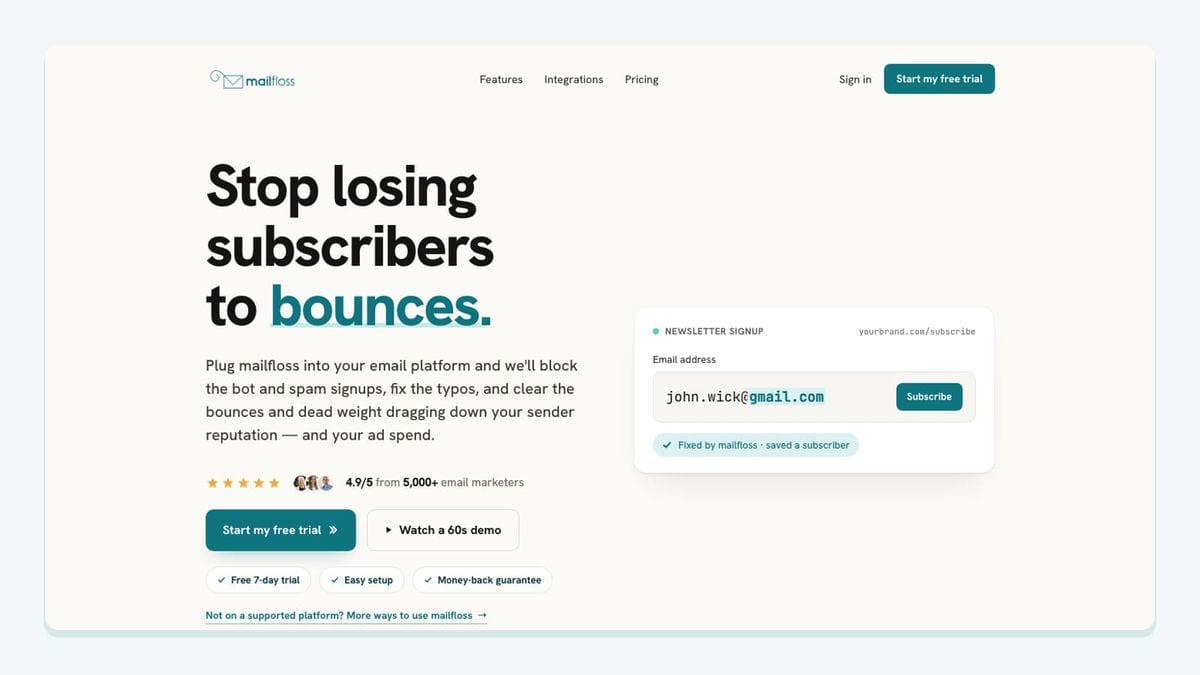
mailfloss is the strongest fit when the problem is not moving contacts into ActiveTrail but deciding whether those addresses should remain eligible for normal sending. It is an email verification and automated list-cleaning tool for marketers, and its ActiveTrail workflow is specific: authorize ActiveTrail from the mailfloss dashboard, select the newsletters to watch, and configure cleanup behavior for each connection.
mailfloss can verify new or older contacts on a schedule, fix recognized typos, and apply configured review, cleanup, field-update, or notification actions without repeated CSV round-trips. The connection can also use controls such as VIP whitelists, domain blacklists, and removal behavior. Those controls matter because “invalid” is not a complete workflow decision. A team may want automatic action for a clear failure while routing an ambiguous result for review.
This is recurring hygiene rather than a one-time upload ritual. A CSV check can still be useful for an isolated file; readers with that need can verify a one-time exported list. For an operating ActiveTrail newsletter, watching the selected source over time reduces the gap between verification projects.
mailfloss is also not limited to the dashboard connection. Product teams, developers, and AI agents can use the real-time email verification API for custom forms, internal tools, or other workflows outside ActiveTrail. The integration and API solve different parts of the same system: the ActiveTrail connection handles recurring in-platform hygiene, while the API lets a custom workflow make a verification request at its own boundary.
Best fit: teams that want ActiveTrail-connected automation with explicit control over newsletter scope and cleanup actions.
Watch for: turning on removal behavior before reviewing whitelists, blacklists, and the treatment of uncertain results.
2. Zapier: best for routing flexible ActiveTrail workflows
Zapier is useful when the apps on either side of ActiveTrail do not have the exact dedicated connection your workflow needs. Treat it as routing middleware, not as the owner of customer truth. Its job is to listen for an event, transform or map fields, and pass the result to the next system.
For an ActiveTrail workflow, define the destination newsletter before building the automation. Then map only the fields the email program actually needs. A source identifier is usually more useful than a pile of unlabeled custom fields because it lets the team trace how a contact arrived. Decide what happens when the same address appears again: update an existing record, ignore the event, or send it for review.
The operational risk is silent partial failure. A workflow can successfully capture a name while missing the email address, or create a contact without the expected source field. Test with a new address, a duplicate address, a blank required value, and an obviously mistyped domain. Confirm how retries behave so replaying an event does not create duplicate work.
Best fit: teams that need a practical bridge between ActiveTrail and a changing collection of SaaS tools.
Watch for: treating a successful automation run as proof that the resulting ActiveTrail contact is complete, consented, and safe to email.
3. Salesforce: best for a sales-and-marketing ownership handoff
Salesforce belongs in the shortlist when sales activity and account ownership live in the CRM while ActiveTrail runs marketing communication. The integration decision is less about copying every field and more about defining which system owns each decision.
Start with lifecycle fields that affect communication: lead or customer status, account owner, relevant consent state, and the segment or newsletter destination. Avoid a vague two-way sync in which both systems can overwrite everything. If a salesperson updates a contact in Salesforce while an ActiveTrail automation changes a field at the same time, the team needs a stated winner.
Email quality should have a route back into that ownership model. A bad address is not just an email-platform problem; it may be a signal that the CRM record needs attention. If mailfloss applies a configured field update or notification to the ActiveTrail workflow, decide whether that result should trigger a CRM review rather than quietly leaving two systems out of agreement.
Best fit: teams with a sales process that needs marketing engagement without surrendering CRM ownership.
Watch for: uncontrolled two-way updates, duplicates, and ambiguous field authority.
4. WooCommerce: best for WordPress-based customer journeys

WooCommerce is a practical pairing for stores whose checkout, account, and subscription activity begins in WordPress. The important ActiveTrail question is not simply whether a shopper can be copied across. It is which event creates a marketing contact and which newsletter receives that person.
Keep transactional and marketing purposes distinct. A customer may need an order message without having agreed to a promotional newsletter. Preserve the consent source and the event that produced the record. Then test guest checkout, account checkout, a returning customer, and an updated email address. Those paths often look similar in a diagram but produce different identity and duplication problems.
Add email verification where it supports the intended journey. A typo caught before a long-running newsletter sequence is useful; a blunt rule that blocks every uncertain address without review may not be. ActiveTrail connection settings should reflect the store’s tolerance for review versus automatic cleanup.
Best fit: WordPress stores that want customer or subscriber events to feed defined ActiveTrail newsletters.
Watch for: assuming purchase status equals marketing consent or sending every commerce event to the same newsletter.
5. Shopify: best for commerce-driven segmentation

Shopify is a sensible choice when customer and order activity determines what ActiveTrail should send next. Begin by selecting a small set of events that have a clear communication purpose. A first purchase, a repeat purchase, or an explicit newsletter signup may justify different ActiveTrail destinations; dumping every event into one undifferentiated list does not.
Write the update rule before enabling the connection. If a customer changes an email address, determine whether the integration updates the existing ActiveTrail contact or creates another one. Preserve the store-side customer identifier when the connection supports it, because an email address alone can be a fragile identity key.
For quality control, decide whether verification occurs near capture through a custom API workflow, later through the ActiveTrail connection, or both. mailfloss’s API can support a custom form or application boundary, while scheduled ActiveTrail cleaning can watch selected newsletters for ongoing hygiene.
Best fit: stores building marketing journeys from meaningful commerce events.
Watch for: event overload, unclear consent, and treating an email address as the only durable customer identifier.
6. Facebook Lead Ads: best for campaign-to-newsletter capture

Facebook Lead Ads can shorten the route from an ad form to ActiveTrail follow-up, but speed magnifies bad mapping. Every lead should arrive with enough context to explain the campaign, form, consent language, and intended newsletter.
Use a test lead before launch. Confirm that the email field lands in the right ActiveTrail field, the campaign source survives the handoff, and a duplicate submission does not create an unpredictable second journey. If several forms feed different offers, route them deliberately rather than putting every submission into the same generic newsletter.
This is also a natural place to consider real-time verification. A custom workflow can call the mailfloss API before passing an address onward, while the ActiveTrail connection can provide recurring protection after contacts arrive. The appropriate action depends on the campaign: review and correction may be better than silently discarding a lead.
Best fit: paid-acquisition teams that need prompt, source-aware follow-up in ActiveTrail.
Watch for: missing consent context, lost campaign identifiers, and duplicate submissions.
7. Google Sheets: best for a controlled staging or audit layer
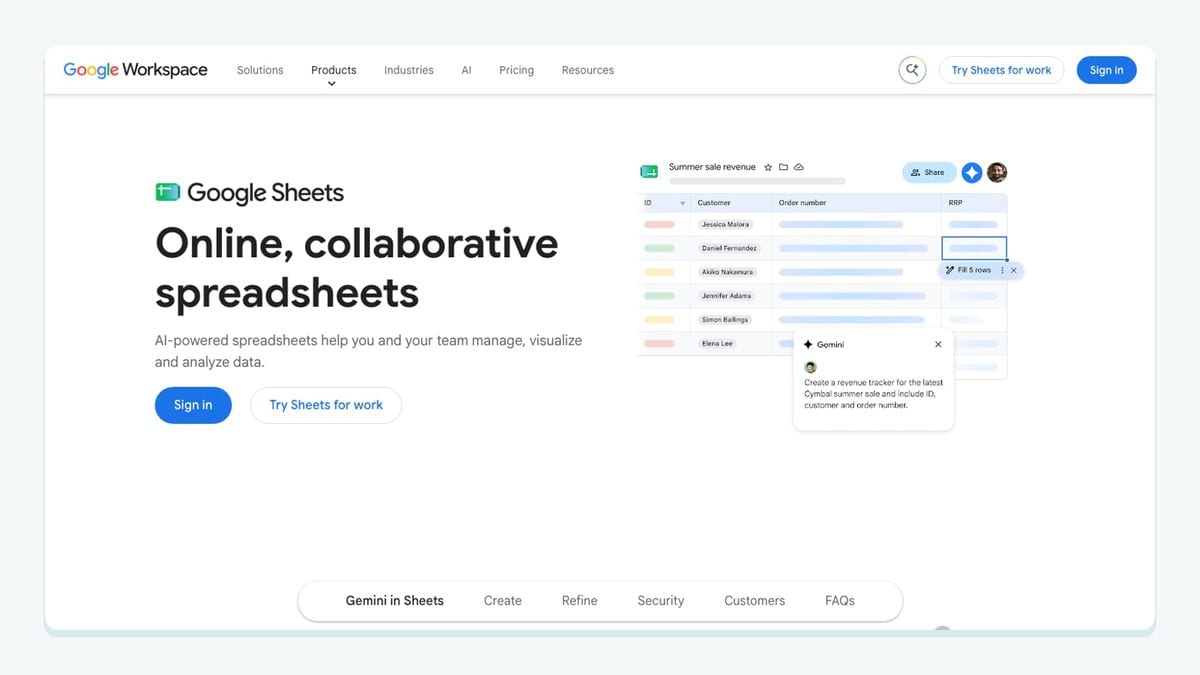
Google Sheets can be useful when a team needs a temporary review queue, migration checklist, or reconciliation report around ActiveTrail. It is deliberately lightweight, which is both its appeal and its risk.
Use a sheet for a bounded job: review contacts before a migration, compare source counts, record rejected rows, or give an operator a visible queue. Define who owns it and when it stops being authoritative. If people edit the same contact in a CRM, ActiveTrail, and a sheet, the sheet has quietly become an unreliable third database.
A useful sheet records the source, intended ActiveTrail newsletter, processing state, and error reason. It should not become a routine CSV round-trip for list cleaning when an automated connection can watch selected newsletters instead.
Best fit: migrations, audits, and short-lived human review steps.
Watch for: manual copies becoming permanent infrastructure and sensitive contact data being shared too broadly.
8. Slack: best for operational alerts
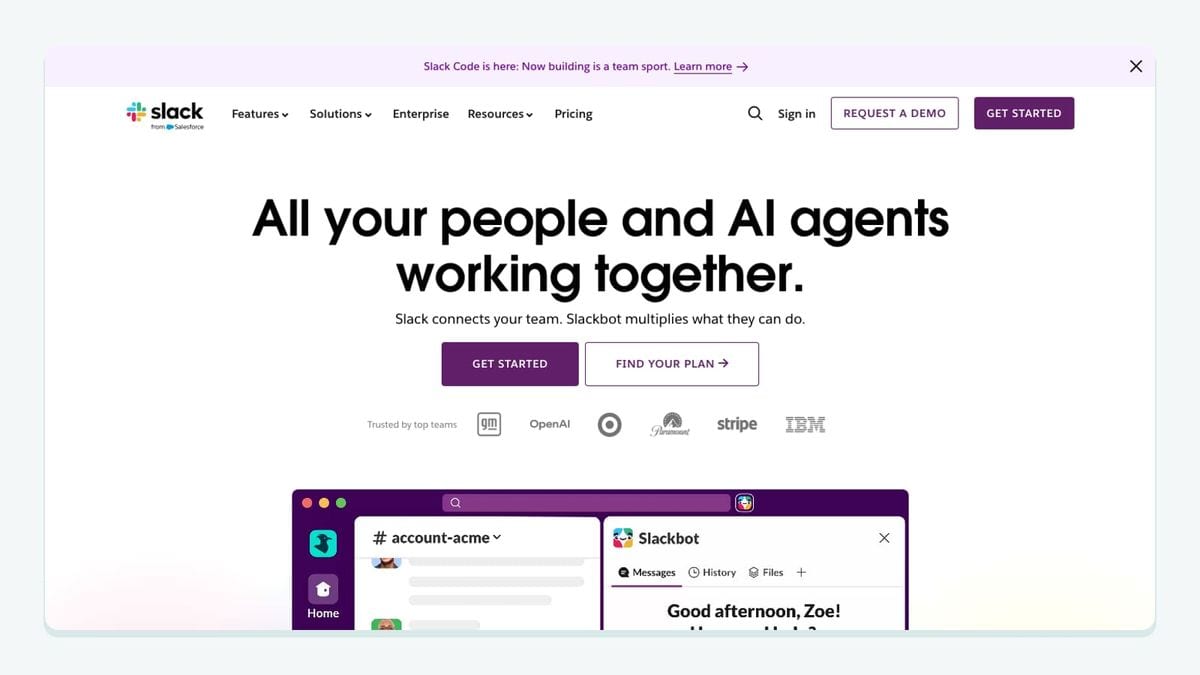
Slack is valuable at the end of the workflow, where a human needs to know that something requires attention. It should report exceptions, not reproduce every successful contact event.
Choose alerts with an owner and an action: an automation failed repeatedly, a required field was missing, a routing rule found no ActiveTrail newsletter, or a review queue crossed the team’s operating threshold. A message without a responsible person or recovery link becomes background noise.
For mailfloss-related workflows, notifications can be one configured response when an address needs attention. Keep the detailed contact handling in the appropriate system and send only the minimum useful context to Slack.
Best fit: teams that already operate shared channels for marketing or data workflows.
Watch for: alert fatigue and unnecessary contact information in chat messages.
How do you configure ActiveTrail cleanup without creating a blunt rule?
Use a staged setup for the mailfloss connection:
- Authorize ActiveTrail from the mailfloss dashboard.
- Select the specific ActiveTrail newsletters the connection should watch.
- Decide whether new contacts, older contacts, or both belong in the verification schedule.
- Review recognized-typo handling and choose what can be corrected automatically.
- Set the action for invalid or risky results: retain for review, clean automatically, update a field, or notify another workflow.
- Configure VIP whitelists, domain blacklists, and removal behavior for that connection.
- Test with controlled contacts before expanding the watched-newsletter scope.
The value of this walkthrough is the separation between detection and action. Verification produces information; the connection rule determines what ActiveTrail should do with it. That makes it possible to automate clear cases while preserving human review where business context matters.
For older contacts, pair this approach with email decay protection rather than treating a successful initial setup as permanent proof of quality.
Which ActiveTrail integration should you choose?

Choose the integration that repairs the earliest broken handoff. Use a capture or commerce connection when contacts are not reaching the correct ActiveTrail newsletter. Use Salesforce when ownership between sales and marketing is unclear. Use Zapier when the missing piece is routing. Use Sheets for a bounded review job and Slack for actionable exceptions.
Choose mailfloss when the recurring problem is email quality inside selected ActiveTrail newsletters. It provides automated in-ESP cleaning and a first-class real-time API for developers and AI agents, so teams do not have to choose between marketer-friendly automation and custom verification workflows.
If bots or fake addresses are getting through your forms, here is how to reduce spam signups in ActiveTrail before they reach your list.
Frequently asked questions
Which ActiveTrail integrations should I add first?
Start with the handoff that currently creates the most manual work or bad data. That is usually a signup or commerce source, a CRM, or an email-quality layer. Add reporting and notifications after the contact path is reliable. For list hygiene, mailfloss can watch selected ActiveTrail newsletters and apply connection-specific cleanup rules.
Are all ActiveTrail integrations native?
No. Some workflows use a direct connector or dedicated plugin, while others pass through middleware such as Zapier. Confirm the current connection method, supported fields, trigger direction, and error handling before rollout. A logo in an app directory does not prove that the exact contact update you need is supported.
How does mailfloss work with ActiveTrail?
Authorize ActiveTrail from the mailfloss dashboard, select the newsletters to watch, and configure cleanup rules for each connection. mailfloss can verify new or older contacts on a schedule, fix recognized typos, and apply review, cleanup, field-update, or notification actions without repeated CSV exports.
Can developers and AI agents verify email outside ActiveTrail?
Yes. Use the ActiveTrail connection for scheduled cleanup and protection where contacts enter the marketing system. Developers and AI agents can use mailfloss’s real-time email verification API for custom workflows outside that connection. The two paths can work together rather than forcing every verification request through ActiveTrail.
What happens when mailfloss finds an invalid ActiveTrail address?
The action follows the rules for that ActiveTrail connection. You can keep an address for review, clean it automatically, update fields, notify another workflow, or apply the configured action in ActiveTrail. Review removal behavior, VIP whitelists, and domain blacklists before turning on automatic cleanup.
We write from the practical side of email list cleaning: what helps marketers keep real subscribers, reduce bounces, and avoid turning hygiene into another recurring chore.