
10 Best ActiveCampaign Integrations for Smarter Workflows
Compare 10 ActiveCampaign integrations for lead capture, sales, commerce, and list hygiene, with a practical stack-building framework. See the picks.


What are the best ActiveCampaign integrations?
The best ActiveCampaign integrations solve a specific handoff: capture leads, sync sales context, act on purchases, alert a team, or protect list quality. Choose by the ActiveCampaign lists, fields, tags, segments, and automations each app touches. mailfloss adds scheduled in-platform cleaning plus a real-time API for developers and AI agents.
The best ActiveCampaign integrations solve a specific handoff: capture leads, sync sales context, act on purchases, alert a team, or protect list quality. Choose by the ActiveCampaign lists, fields, tags, segments, and automations each app touches. mailfloss adds scheduled in-platform cleaning plus a real-time API for developers and AI agents.
ActiveCampaign can become the center of a useful marketing system, but only if its integrations remove work instead of creating more places to troubleshoot. The ten picks below cover distinct jobs: collecting leads, scheduling conversations, connecting sales, responding to purchases, coordinating a team, moving unusual data, and keeping contact records usable.
This is not a list of whichever apps have the longest feature pages. It uses a four-part decision framework: entry point, workflow leverage, reversibility, and maintenance. In plain English: where does the contact enter, what useful action follows, can you pilot the connection safely, and who will notice when it stops working?
How should you choose an ActiveCampaign integration?
An ActiveCampaign integration is a good fit when it makes one important contact journey shorter and clearer. Start with a visible bottleneck rather than an app category. A demand-generation team may need cleaner form submissions. Sales may need campaign context inside its CRM. An ecommerce team may need purchase events to trigger relevant follow-up. Operations may need an alert when an automation reaches an exception.
Score each candidate against four questions:
- Entry point: Does the integration receive contacts from a form, booking page, store, sales system, spreadsheet, or product?
- Workflow leverage: Does it merely copy data, or does that data trigger a useful ActiveCampaign automation?
- Reversibility: Can you pilot it with one list, segment, tag, form, or automation before exposing the full database?
- Maintenance: Is there a clear owner for field mappings, failed syncs, permissions, and duplicate records?
That last point is easy to ignore. A connection that saves five minutes today can quietly create months of cleanup if two systems disagree about field names or lifecycle stages. Define the system of record for each important value before switching anything on.
For ActiveCampaign specifically, inspect which lists, fields, tags, segments, and automations the integration can affect. Begin with one acquisition source or customer journey. Confirm that the right contact is created or updated, the intended automation starts, and the rollback path is understood. Only then widen the connection.
ActiveCampaign integration shortlist at a glance
Integration | Best-fit job | ActiveCampaign checkpoint |
|---|---|---|
mailfloss | Recurring email verification and list hygiene | Choose watched lists and connection-specific cleanup rules |
Typeform | Qualified lead capture | Map answers deliberately and tag the form source |
Calendly | Booking-driven follow-up | Separate booked, rescheduled, and completed-meeting paths |
Salesforce | Sales and marketing context | Define field ownership and lifecycle-stage rules |
Shopify | Customer and purchase journeys | Keep customer, order, and promotional-consent logic distinct |
WooCommerce | WordPress commerce follow-up | Test guest checkout and returning-customer identity handling |
Unbounce | Campaign landing-page leads | Preserve page or campaign source in a dedicated field or tag |
Slack | Human alerts and exception handling | Alert on decisions, not every routine contact event |
Zapier | Gaps between less common tools | Document the trigger, action, filters, and failure owner |
Google Sheets | Controlled review and lightweight operations | Avoid treating a shared sheet as an uncontrolled second database |
The order is not a universal ranking. A small consultancy built around booked calls will get more value from Calendly than Shopify. A store will make the opposite choice. The best-fit stack is the smallest set that closes the handoffs your team actually has.
1. mailfloss: best for recurring ActiveCampaign list hygiene
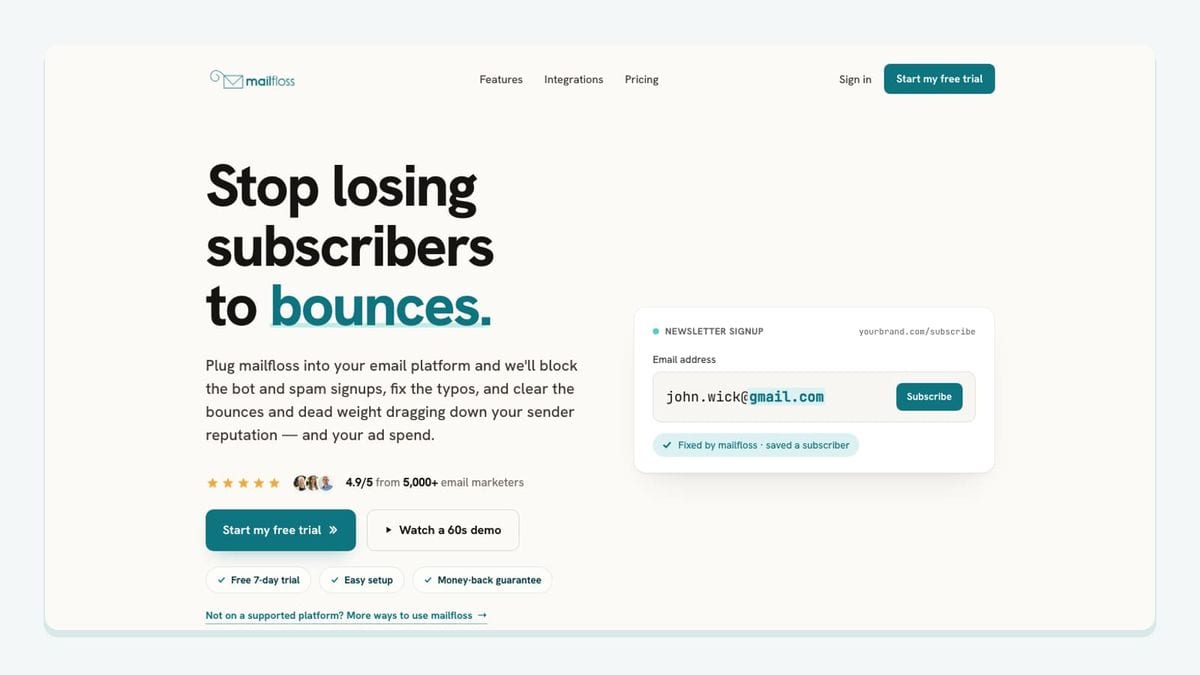
mailfloss is the pick for teams that want email verification to continue after the first import. It connects directly to ActiveCampaign, checks contacts on a schedule, can verify new signups in real time, and applies the cleanup behavior selected for that connection. That is materially different from exporting an ActiveCampaign list, uploading it to a separate verifier, and importing the result again.
The ActiveCampaign workflow is concrete. Authorize the connection, choose which lists or connections mailfloss should watch, and set rules for that workflow. A team can start with Typo Fixer and daily Autofloss cleanup, then add Instafloss where new signups enter. Decay Protection can re-check older contacts on a schedule rather than assuming an address remains good forever.
The result does not have to be one blunt delete action. Depending on the selected rules, mailfloss can keep an address for review, clean automatically, update fields, or notify another workflow. Teams can also whitelist important contacts, blacklist domains, and tune removal behavior for each ActiveCampaign connection. This matters when a primary newsletter list and a high-value account workflow should not receive identical treatment.
mailfloss also has a first-class email verification API for developers and AI agents. Product teams can perform real-time checks at their own signup, account, or lead-capture boundary while the ActiveCampaign connection handles recurring marketing-list cleanup. The two jobs reinforce each other: API checks protect the point of entry, while scheduled cleaning addresses new contacts and older records already inside ActiveCampaign.
Best fit: teams that want ActiveCampaign email verification without recurring CSV work. Start with one list or signup path, review the chosen cleanup action, and expand after confirming the write-back behavior.
2. Typeform: best for richer lead-capture context
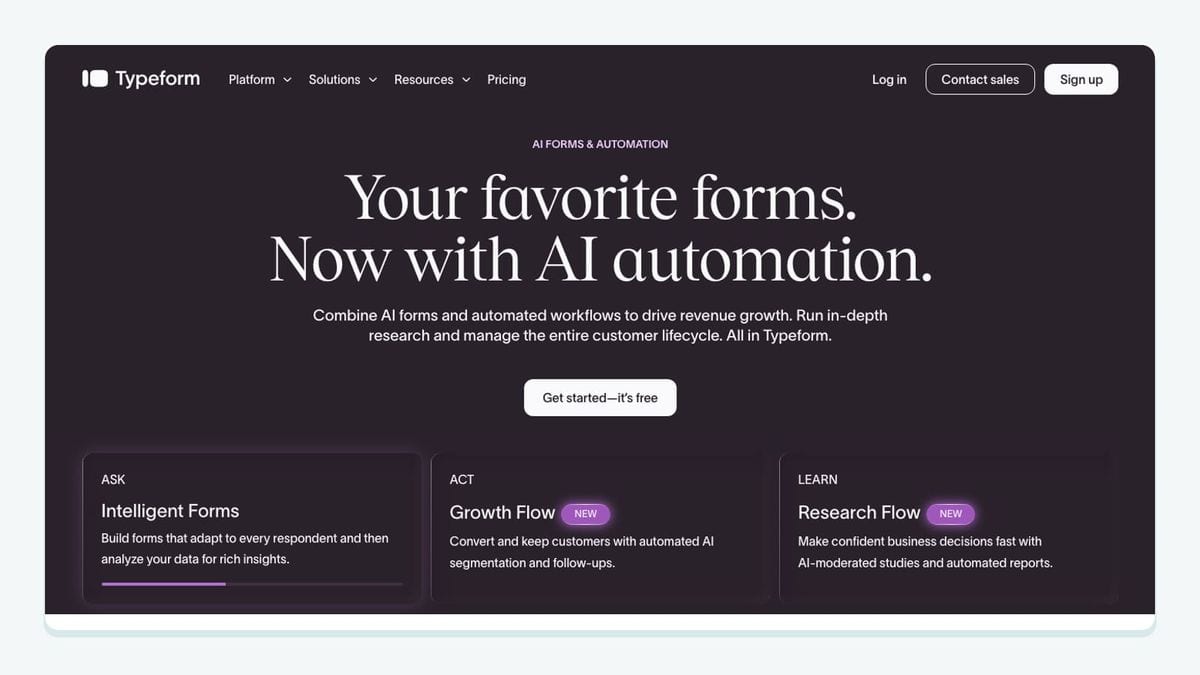
Typeform is useful when a lead form needs to collect more than an email address. Qualification questions, service interests, company details, or event preferences can give an ActiveCampaign automation the context it needs to choose a relevant follow-up.
The important work is not merely connecting the two tools. Decide which answers deserve their own ActiveCampaign fields, which should become tags, and which should remain out of the contact record. A free-text answer can be valuable to a salesperson but awkward as an automation condition. A controlled multiple-choice answer is often easier to use for segmentation.
Create a source tag for the specific form and test both a complete submission and a submission with optional answers missing. Then confirm that repeat submissions update the intended contact rather than creating confusing parallel histories. Typeform is the best fit here when form experience and qualification depth matter more than the simplest possible email capture.
3. Calendly: best for appointment-led funnels
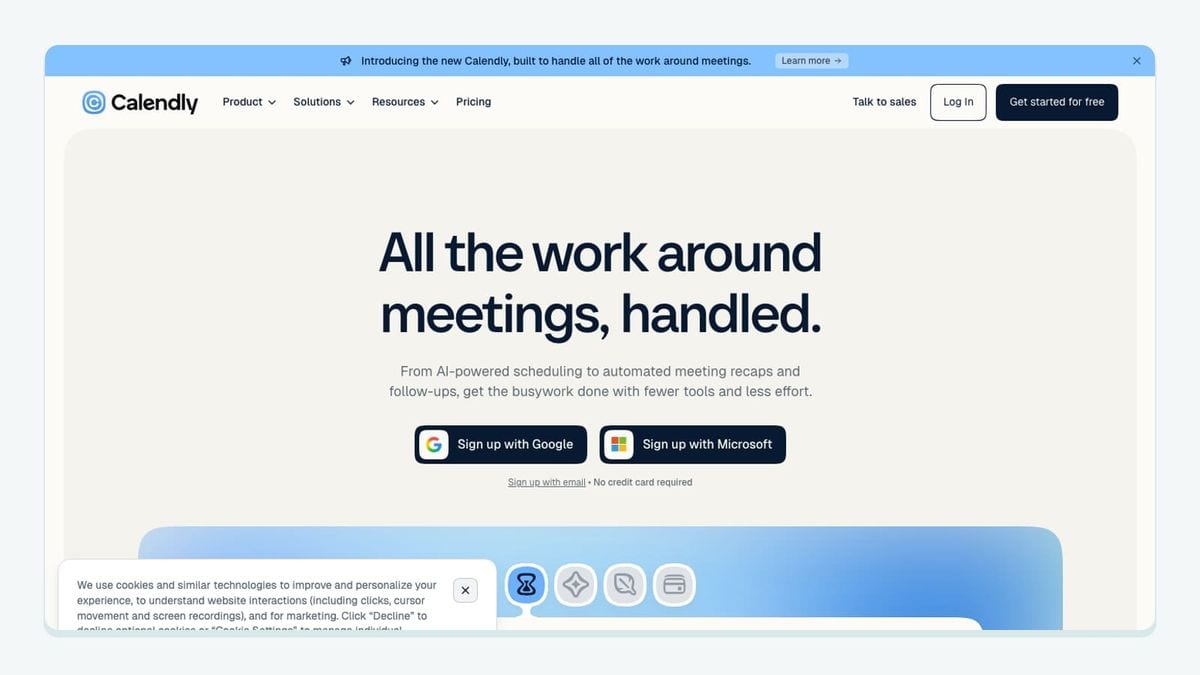
Calendly belongs in an ActiveCampaign stack when a scheduled conversation is a meaningful lifecycle event. Consultants, agencies, sales teams, and onboarding teams can use booking context to move a contact into the right follow-up path.
Build separate logic for a meeting being booked, rescheduled, cancelled, and completed. Those states do not mean the same thing. A booking may pause a generic nurture sequence; a cancellation may call for a reminder or self-service resource; a completed meeting may hand the contact to a sales or onboarding workflow.
Use a dedicated tag or field for the meeting type rather than inferring intent from a calendar title. Pilot one event type first. The integration is a strong fit when the booking itself should change what ActiveCampaign sends or what a teammate does next.
4. Salesforce: best for coordinated sales and marketing records
Salesforce is a logical candidate when sales works in a CRM while marketing journeys run in ActiveCampaign. The value comes from sharing the minimum context each team needs: lifecycle stage, ownership, qualification state, and relevant campaign engagement.
Before enabling a broad sync, write down which system owns each field. If both systems can overwrite lifecycle stage or company data, a technically successful sync can still produce operational confusion. Test a new lead, an updated lead, an opted-out contact, and a record merge before expanding the connection.
This integration is best suited to organizations with a real sales handoff and someone responsible for data governance. A small team without that complexity may be better served by a simpler pipeline than by connecting two systems just because both are available.
5. Shopify: best for ecommerce customer journeys

Shopify is useful when ActiveCampaign messages should respond to customer or purchase context. The practical goal is to make post-purchase education, customer segmentation, and relevant follow-up more timely without treating every store event as permission for every campaign.
Keep identity and consent rules explicit. A buyer, a newsletter subscriber, and a person who abandoned a checkout can represent different communication contexts. Test guest checkout, a returning customer using the same email address, and a refund or cancellation path. Confirm which events update an existing ActiveCampaign contact and which start an automation.
Shopify is the best-fit commerce pick for teams whose store events should guide customer messaging. The integration should produce a smaller number of meaningful automation triggers, not an indiscriminate stream of event data.
6. WooCommerce: best for WordPress-based stores

WooCommerce fills a similar workflow role for stores built on WordPress, but its operating environment makes ownership especially important. Extensions, checkout customization, and WordPress changes can affect what data is available and when it moves.
Map only the order and customer details required by the ActiveCampaign journey. Test guest purchases, registered customers, repeat orders, and changed email addresses. Preserve a clear distinction between transactional communication and promotional marketing choices.
WooCommerce is the better fit when the store already lives in WordPress and ActiveCampaign will handle customer follow-up. Give one person responsibility for retesting the connection after meaningful checkout or extension changes.
7. Unbounce: best for campaign-specific landing pages
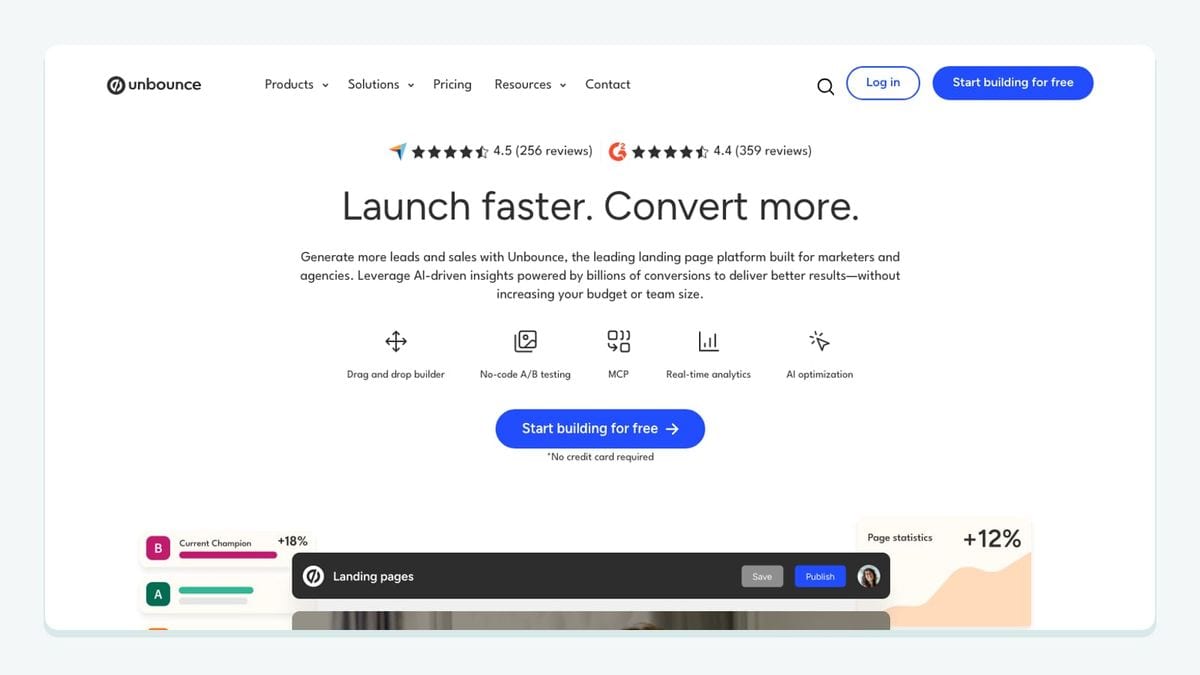
Unbounce is a practical choice when paid campaigns or focused offers need landing pages outside the main website. The ActiveCampaign value comes from preserving the context of the conversion so the contact enters the correct follow-up journey.
Do not send every landing-page lead into one anonymous bucket. Store the page, offer, or campaign source in a controlled field or tag. Map the form fields, submit a test lead, and confirm that the right automation starts only once. If several pages use similar forms, use consistent naming so reporting and segmentation remain understandable.
Unbounce is the best fit when campaign teams need to publish and iterate on dedicated landing pages while keeping ActiveCampaign responsible for downstream nurture.
8. Slack: best for human attention at important moments
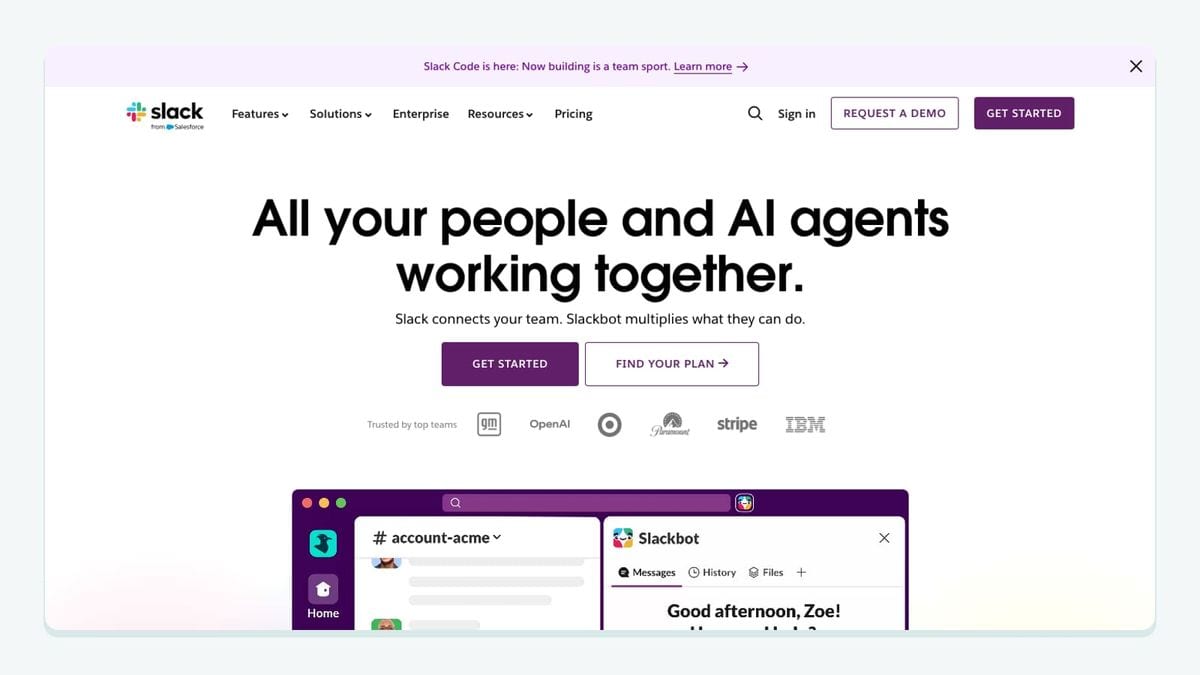
Slack adds value when an ActiveCampaign event requires judgment rather than another automated message. Examples include a high-intent lead reaching a threshold, an important account requesting contact, or an automation entering an exception path.
The danger is notification confetti. If routine events create constant alerts, the channel becomes wallpaper. Send only events that have an owner and an expected response. Include enough context for that person to act, but avoid copying unnecessary contact data into a broad channel.
Slack is the best-fit coordination layer when a small set of ActiveCampaign moments genuinely benefits from human attention. Review the alert volume after the pilot and remove anything nobody acts on.
9. Zapier: best for filling a specific connection gap
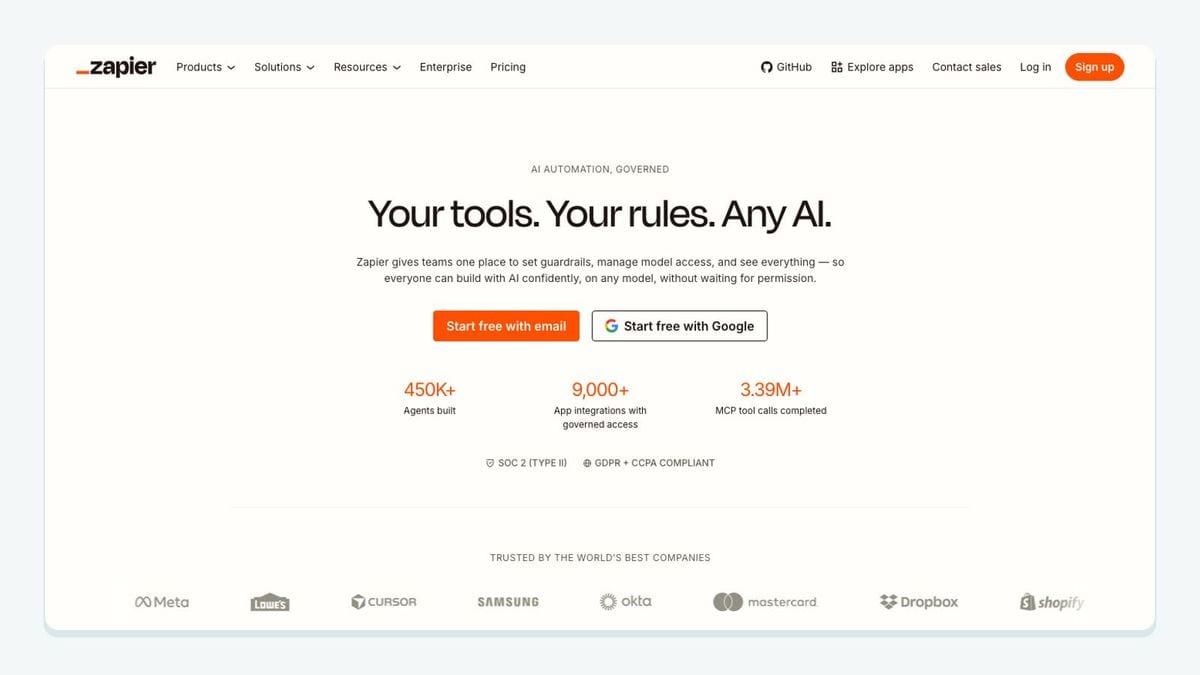
Zapier is useful when an important tool does not have the direct ActiveCampaign workflow you need or when a lightweight bridge is faster than custom development. Its flexibility is also why discipline matters.
Document every automation as four parts: trigger, filters, ActiveCampaign action, and failure owner. Use filters to stop irrelevant records before they reach ActiveCampaign. Add a source tag so the destination record explains where it came from. Test duplicate events, missing fields, and an unavailable destination.
Zapier is the best fit for a defined gap, not as an excuse to build an invisible maze. Once a connection becomes business-critical or high-volume, reassess whether a direct integration or API implementation would be easier to monitor.
10. Google Sheets: best for controlled review workflows
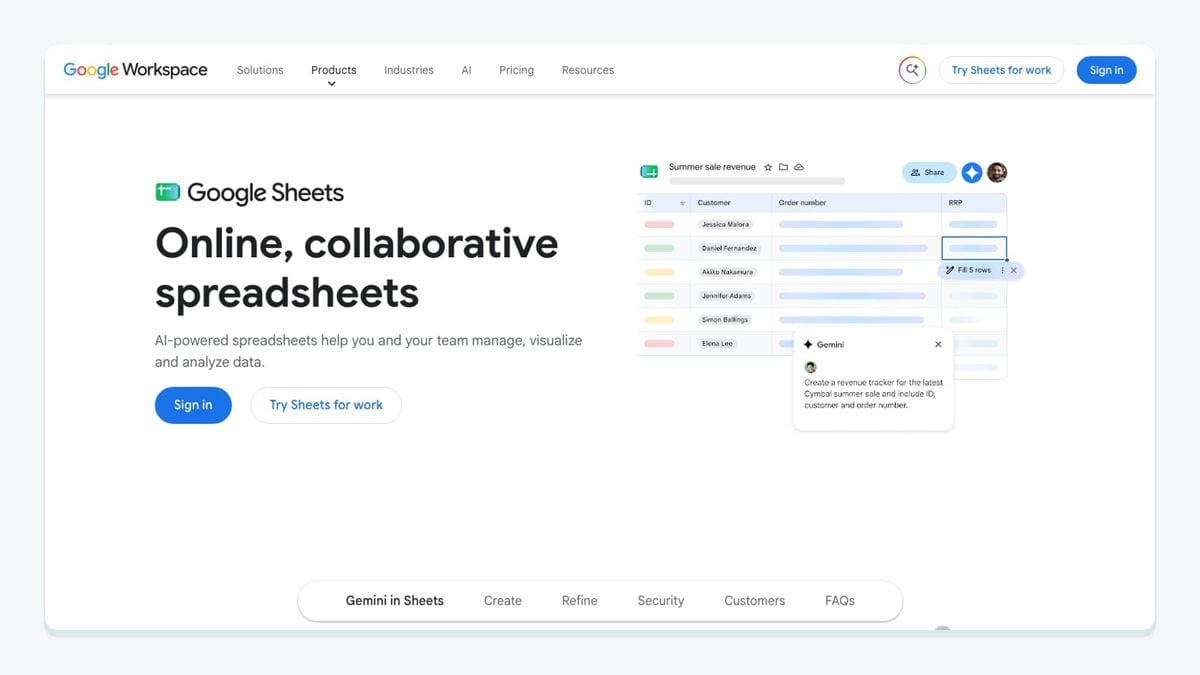
Google Sheets can help with a bounded review queue, a temporary enrichment project, or a lightweight operating process. It is familiar, inspectable, and easy for non-technical teammates to use.
Its weakness is equally familiar: a shared sheet can become an accidental second database. Define which columns may be edited, who owns the file, and how a reviewed row returns to ActiveCampaign. Protect identifiers and avoid exposing contact data to people who do not need it.
Google Sheets is the best fit when human review is genuinely part of the workflow and the scope is controlled. It is not a substitute for recurring list hygiene: mailfloss can keep scheduled ActiveCampaign checks running without repeated exports, while a sheet remains useful for exceptional cases that need a person.
What is the best ActiveCampaign stack for your team?
Use the fewest integrations that cover the complete journey. A service business might use Typeform for qualification, Calendly for booking, Slack for high-value alerts, and mailfloss for recurring list hygiene. An ecommerce team might use Shopify or WooCommerce for purchase context, Unbounce for campaign pages, and mailfloss to check new and older ActiveCampaign contacts.
A useful stack has four layers:
- Capture: Typeform, Unbounce, Calendly, or a commerce checkout.
- Orchestration: ActiveCampaign fields, tags, segments, and automations.
- Action: Salesforce handoffs, Slack alerts, or customer follow-up.
- Hygiene: mailfloss for typo correction, real-time signup checks, daily Autofloss cleaning, and scheduled email Decay Protection.
Roll out one path at a time. Name the owner, record the field mapping, submit a realistic test contact, and check the downstream action. Then test a duplicate, missing information, and an opt-out case. This method is slower than turning on ten connections in an afternoon and much faster than untangling ten connections later.
Frequently asked questions
How should I choose an ActiveCampaign integration?
Start with the workflow bottleneck: capturing qualified contacts, handing leads to sales, acting on purchases, or protecting list quality. Then check which ActiveCampaign lists, fields, tags, segments, and automations the connection affects. Prefer a narrow, reversible first rollout before applying it across every contact workflow.
Which ActiveCampaign integration helps clean email lists?
mailfloss connects directly to ActiveCampaign for scheduled contact checks, real-time signup verification, typo correction, and recurring list cleanup. You can choose watched lists and connection-specific rules, then keep results for review, clean automatically, update fields, or notify another workflow.
Can developers use the mailfloss API alongside ActiveCampaign automation?
Yes. Use the ActiveCampaign connection for recurring list cleanup and scheduled contact checks, while developers and AI agents use the real-time mailfloss API for product-side verification. This separates ongoing marketing-list hygiene from checks performed at your own signup, account, or lead-capture boundary.
Should every integration affect every ActiveCampaign list?
Usually not at first. Pilot an integration on one defined acquisition source, list, segment, or automation. Confirm its field mapping and downstream actions, then expand. ActiveCampaign setups often serve several audiences, so a connection that helps one workflow should not automatically inherit permission to change every contact path.
We write from the practical side of email list cleaning: what helps marketers keep real subscribers, reduce bounces, and avoid turning hygiene into another recurring chore.